
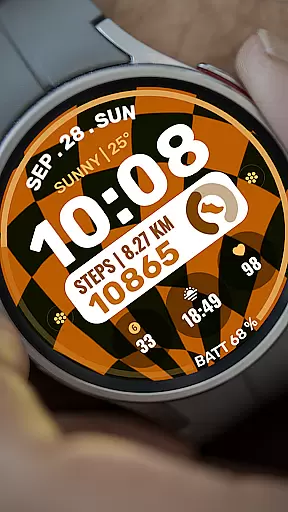
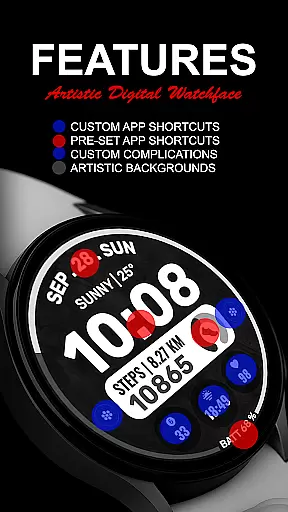
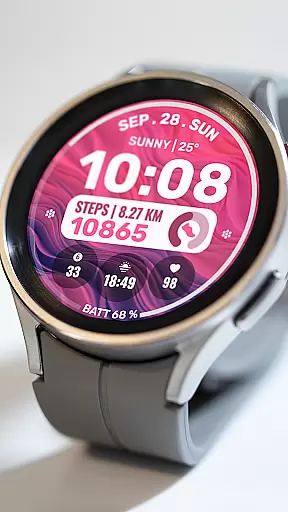
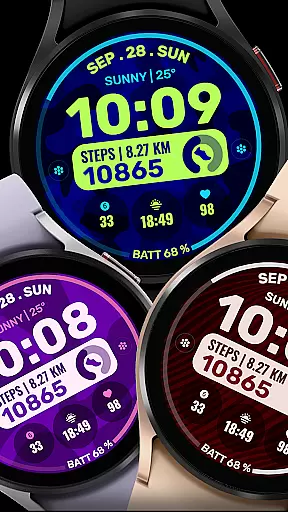
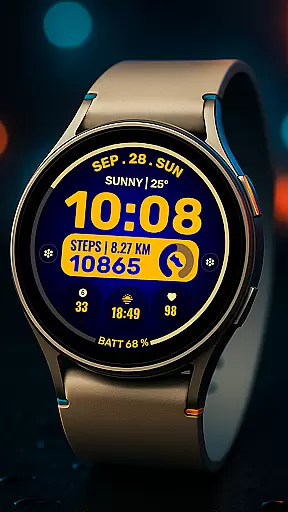
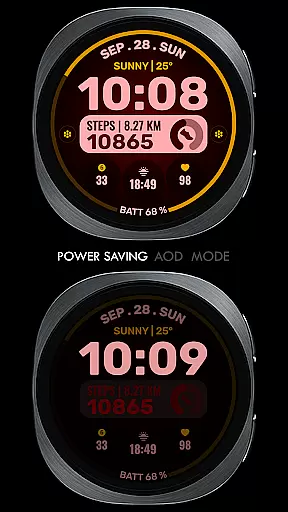
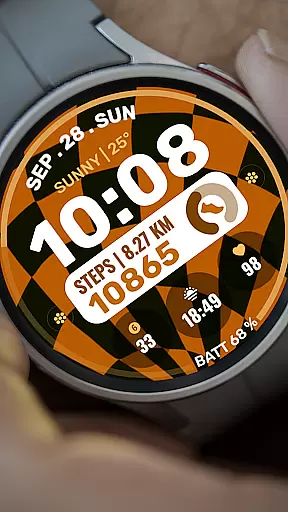
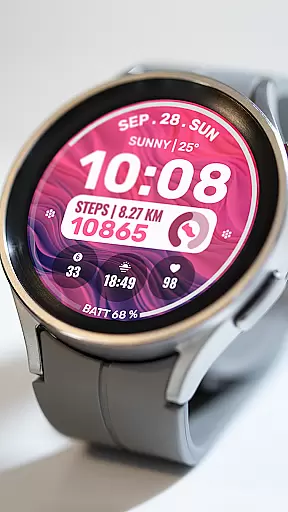
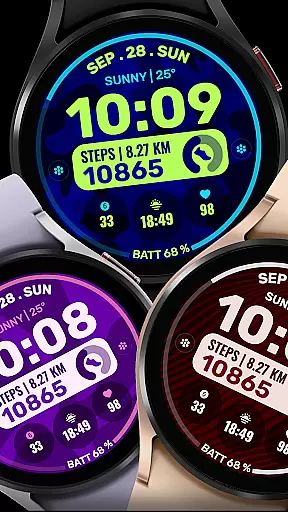
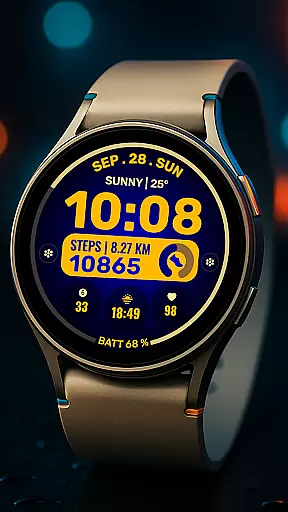
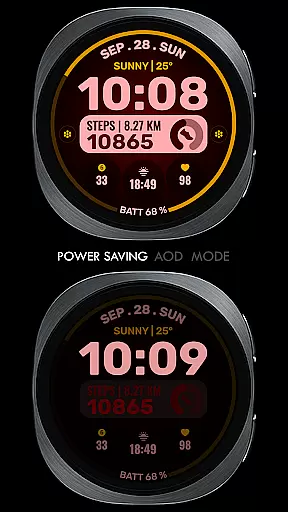
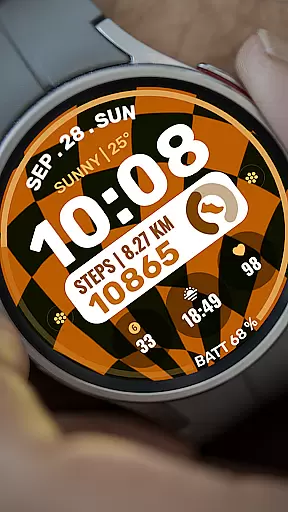
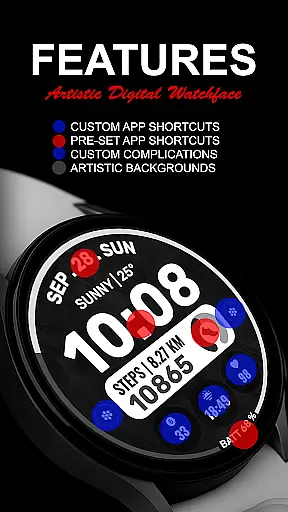
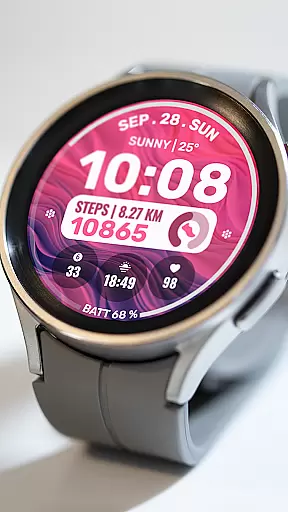
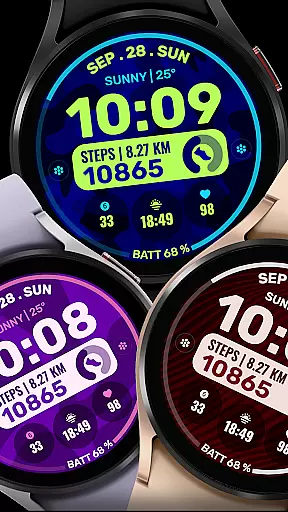
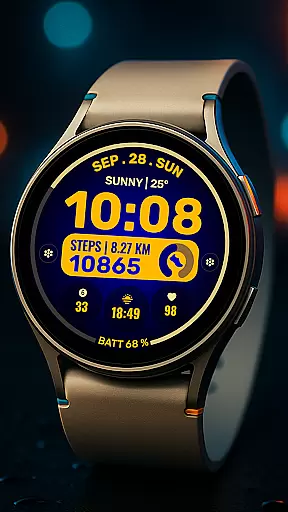
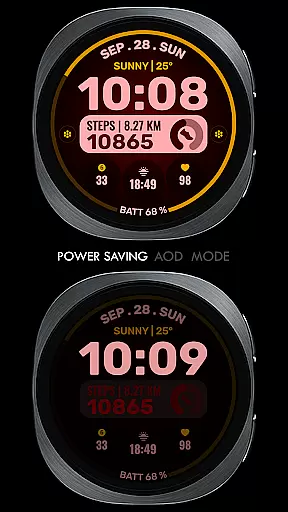
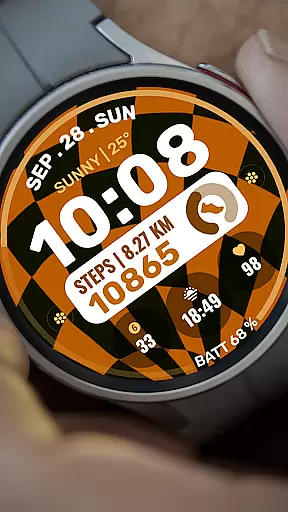
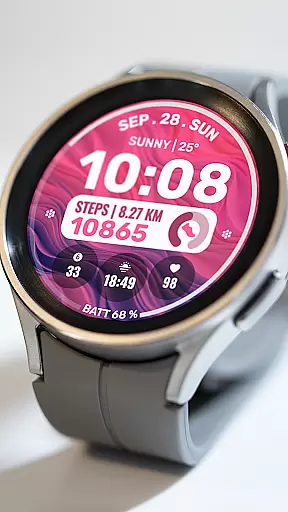
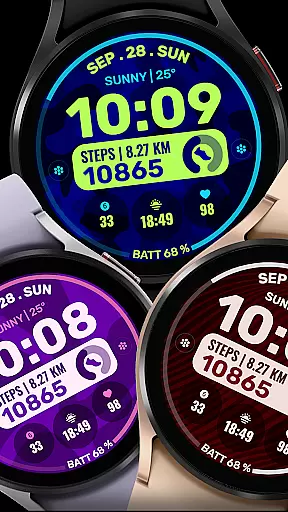
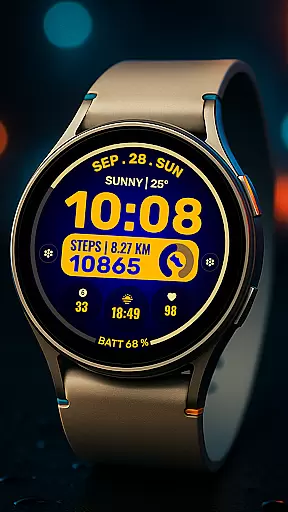
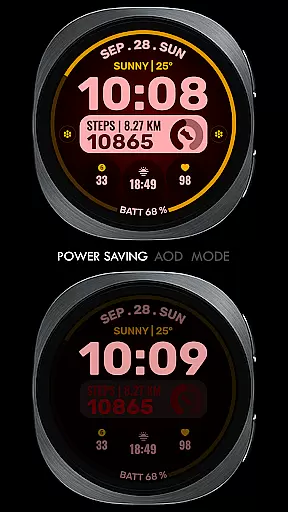
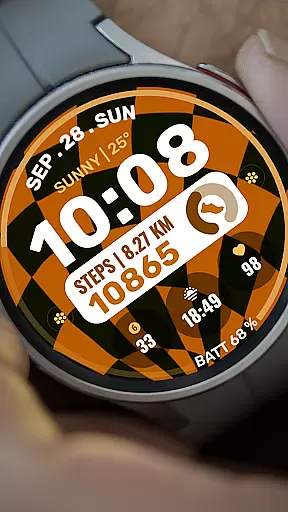
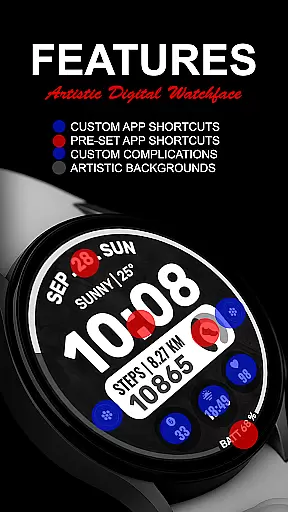
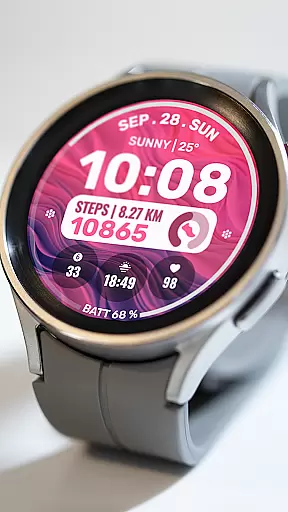
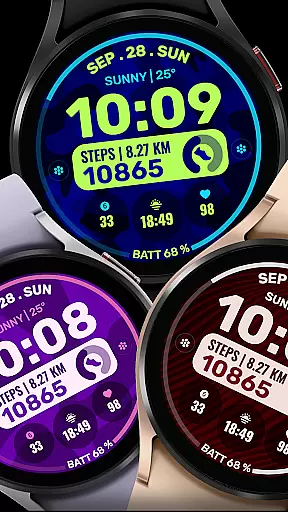
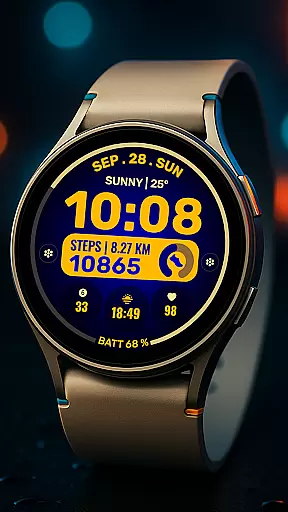
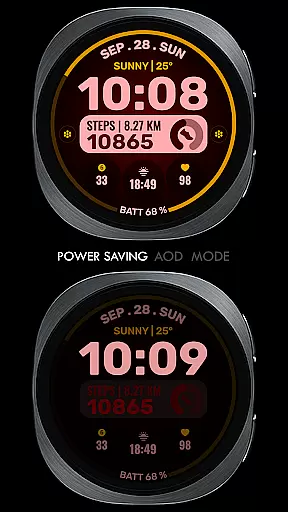
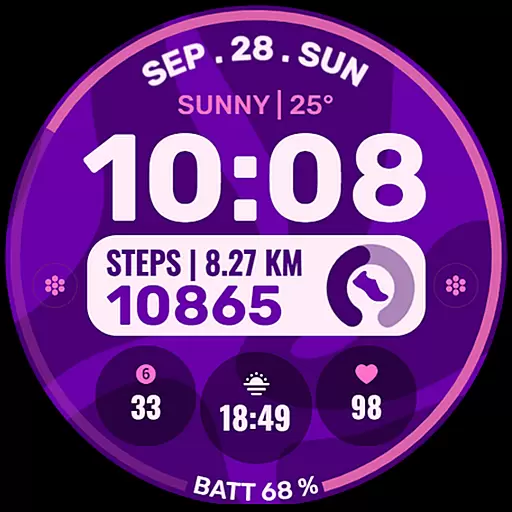
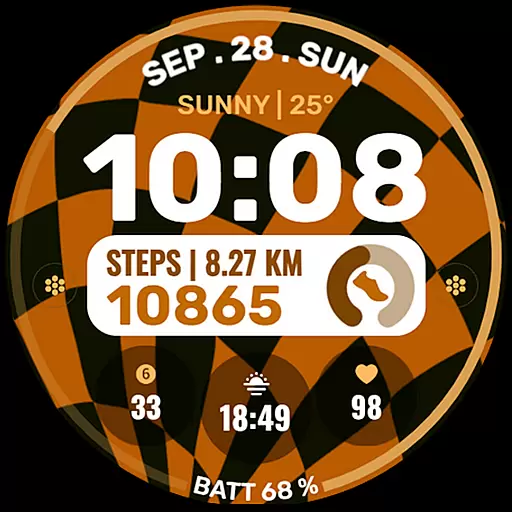
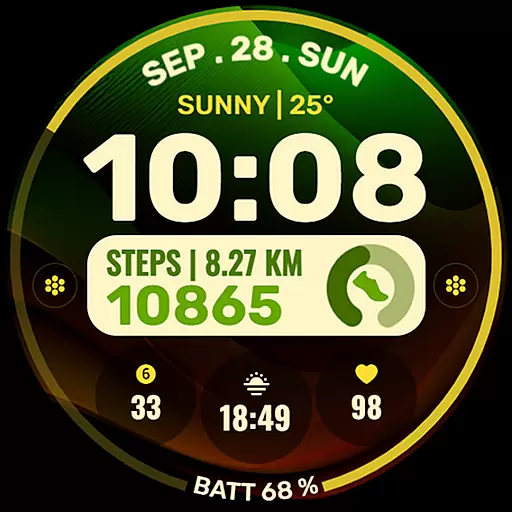
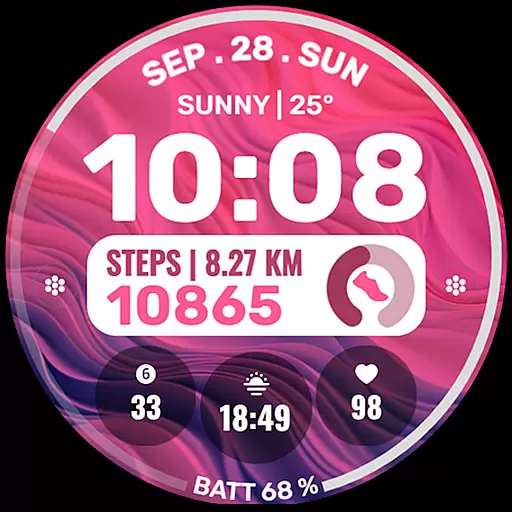
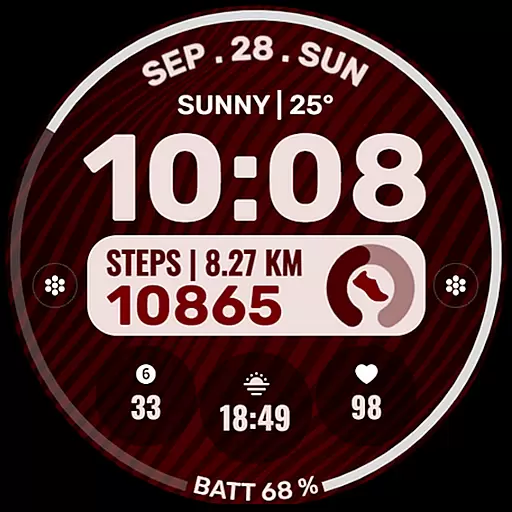
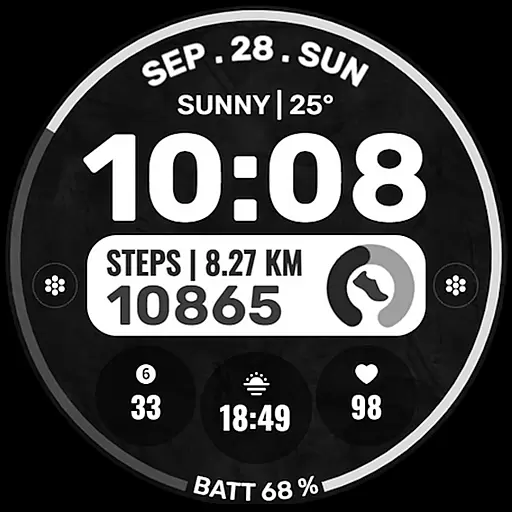
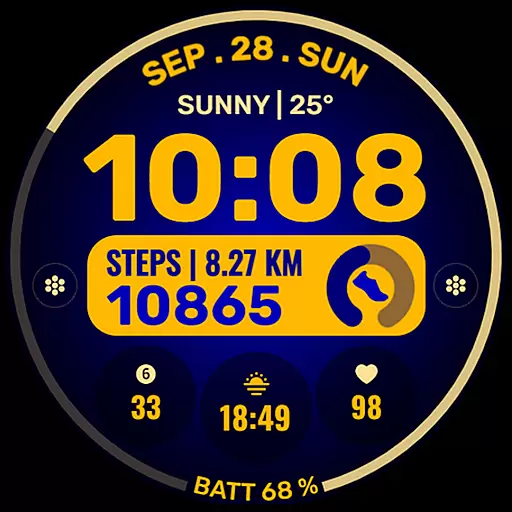
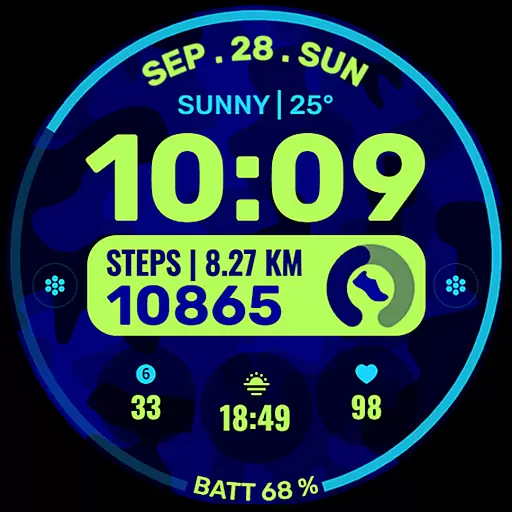
Data Dash is a feature-rich watch face designed for Wear OS devices, offering users an artistic digital clock display along with customizable shortcuts and complications. The app supports all Wear OS devices running API Level 34+ or later versions, ensuring compatibility with the latest technology.
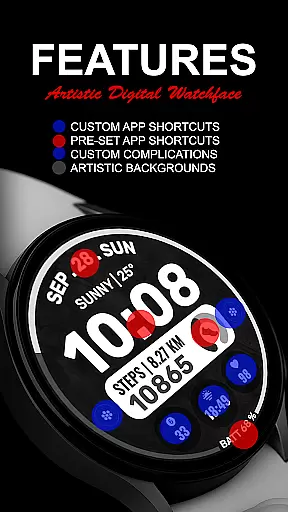
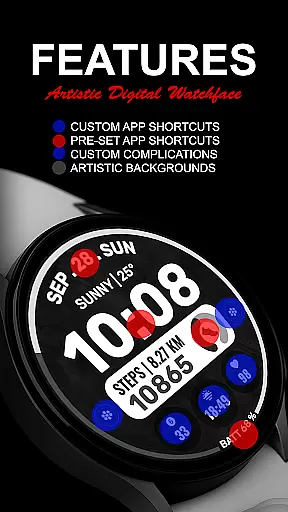
Users can enjoy pre-set app shortcuts for common functions like Alarm, Calendar, Battery, and Steps, while also having the option to customize two additional app shortcuts. With three custom complication slots, users can tailor their watch face to show data such as date, weather, steps, world clock, and more, enhancing personal productivity and convenience.
The key features of Data Dash include an artistic digital clock that serves as the centerpiece of the watch face. Users have access to pre-set app shortcuts for essential functions and can further personalize their experience with two custom app shortcuts. The inclusion of three custom complication slots allows for extensive customization options.
Customization extends to background and color themes, enabling users to match their watch face with personal style preferences. The app ensures seamless installation on Wear OS watches when synced with the same email address on the paired phone. After downloading, users should allow a few minutes for the transfer process to complete, indicated by a notification on the watch.
Companion app integration is essential for a seamless experience between wearable devices and smartphones. Data Dash ensures that users can easily sync their watch faces with their mobile devices through the Samsung Wearable app.
Despite occasional syncing issues with complex watch faces, Data Dash recommends customizing directly on the device for optimal performance. This approach minimizes potential disruptions and enhances user satisfaction by providing a reliable customization process.
The application supports all Wear OS devices with API Level 34+ and later versions, ensuring broad compatibility. Users benefit from features like Artistic Digital Clock, Pre-Set App Shortcuts, and Custom Complications, which are effortlessly managed via the companion app.
By maintaining synchronization using the same email address on both phone and watch, users enjoy a hassle-free installation process. This streamlined integration allows users to focus on personalizing their watch faces without technical hindrances.
Device compatibility is crucial for ensuring that applications run smoothly across various devices. Data Dash is designed to support all Wear OS devices with API Level 34+ and later versions, making it versatile and widely accessible.
Some advanced features may not be available on every device, but core functionalities such as Artistic Digital Clock, Pre-Set App Shortcuts, and Custom Complications remain consistent. These features allow users to tailor their watch faces according to their preferences, regardless of the specific Wear OS device they own.
Data Dash provides clear installation notes, guiding users through the setup process. Ensuring that the watch is synced with the phone using the same email address facilitates smooth transfers and installations, enhancing overall usability.
For those encountering issues, the app offers troubleshooting steps, including searching for the watch face directly on the Play Store from the watch. This comprehensive support system underscores Data Dash's commitment to delivering a compatible and user-friendly experience across different Wear OS devices.
Highly customizable
Artistic design
Wide compatibility
User-friendly interface
Comprehensive support
Complex setup required
Limited initial shortcuts
Potential sync issues
Third-party complications needed
Refund policy restrictions

Rose gold watch face with festive lights & customizable features.
 4.60
4.60
Deck out your Wear OS Watch face with a beautifully decorated pine wreath!
4.50
Stunning modern digital watch face with 7 complications and strong contrast
4.3
Stylish digital watch face for Wear OS devices with customizable features
4.3
sleep, alarm, snoring, stress, healing, focus, sound therapy, circadian rhythm
4.10
Monitor health with the stress test and pulse checker in the heart rate app.
4.60
Real-time results, stats, schedules and player profiles for all leagues
4.60
Professional weather radar and more
3.90
Control your Samsung Smart TVs, appliances, and SmartThings-compatible devices
4.60
Beautiful, colorful and practical watch face. For Wear OS devices.
5.00
Walking app for weight loss: walk & step tracker, pedometer, indoor treadmill
4.60
Highly customizable hybrid watch face for Wear OS, perfect for everyday use.
4.60
Digital watch face. For Wear OS devices.
4.40
Christmas watch face. For Wear OS devices.
4.30
Watch face for Wear OS.
4.20
Hyper-Realistic Airplane Dashboard Watch Face With 10 Skins and Custom AOD
4.00
Stay in touch with your friends and family using LINE!
3.40
A Wintery Snow Globe on Your Wrist; now celebrating Christmas!
4.1
Simple Analog-Digital Watchface For Wear OS 3.0 and Up Smartwatches
4.2


User Reviews