
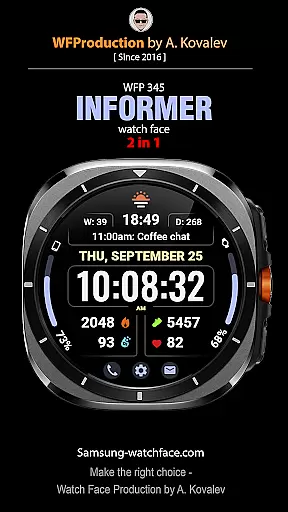
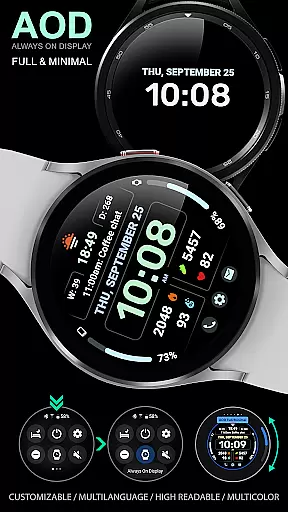
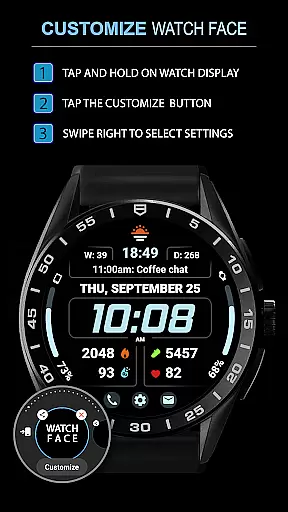
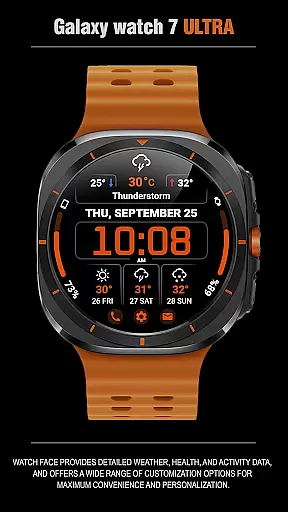
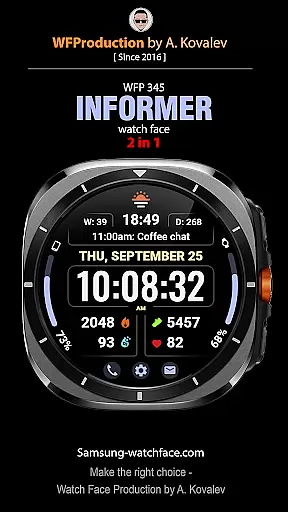
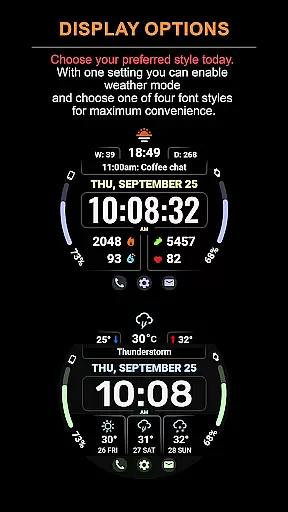
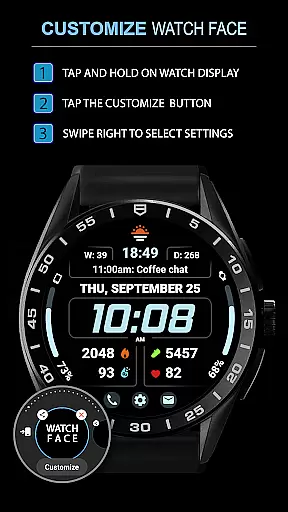
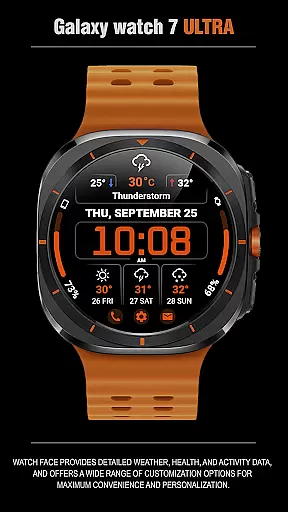
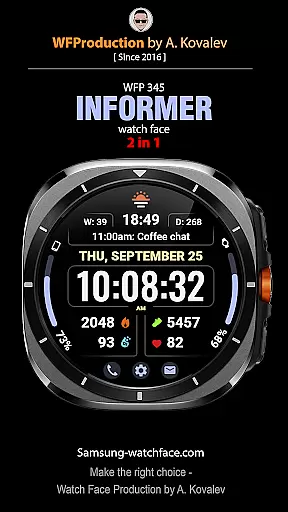
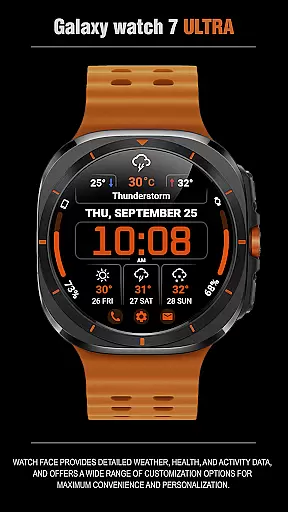
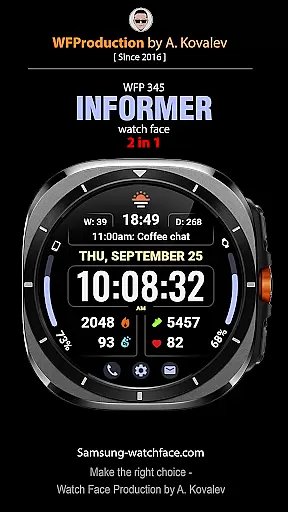
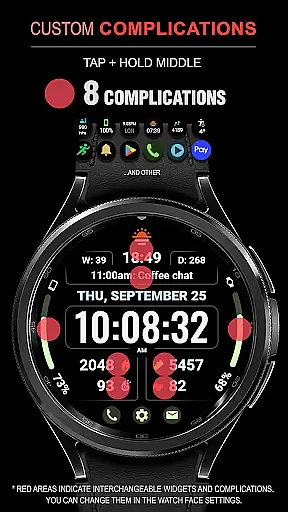
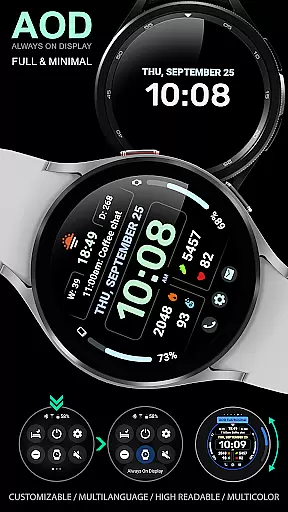
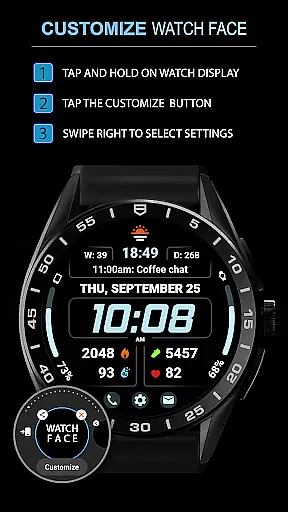
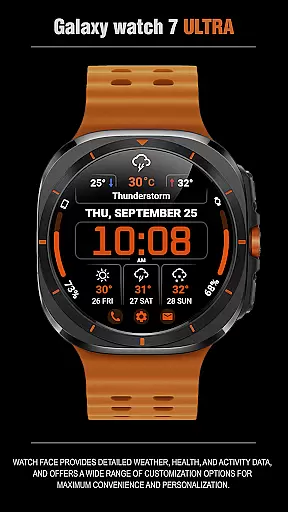
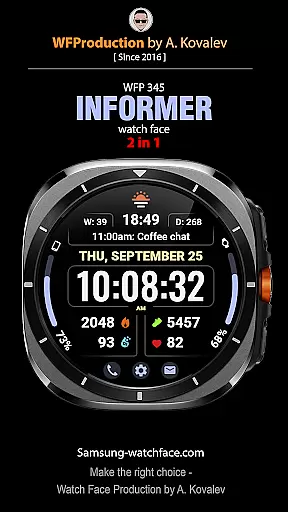
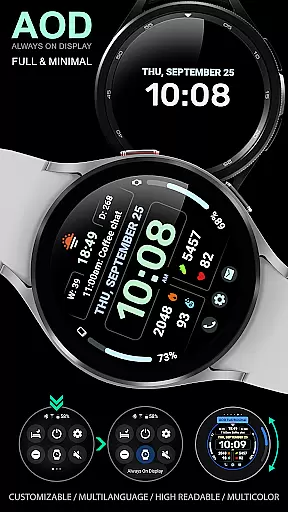
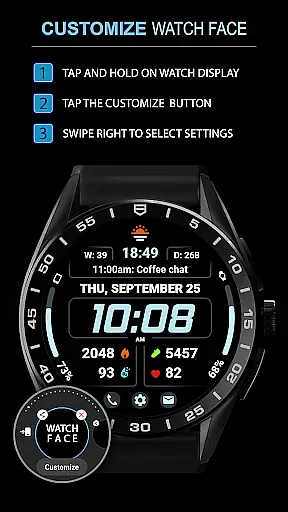
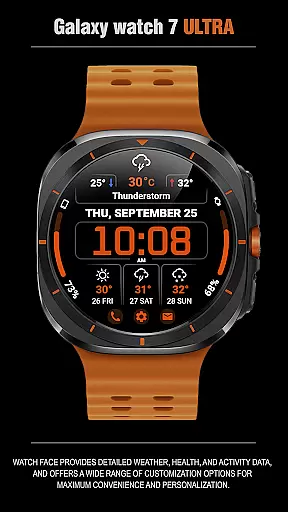
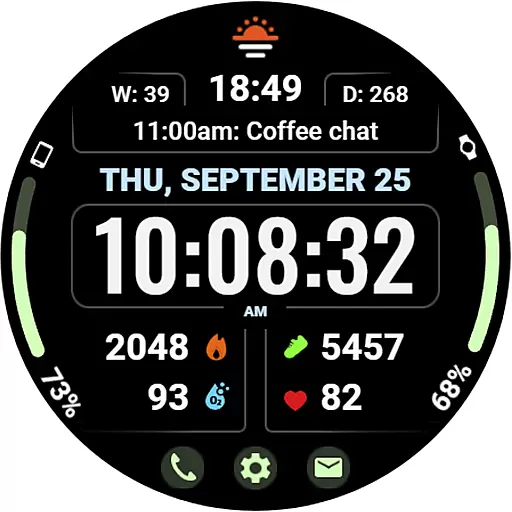
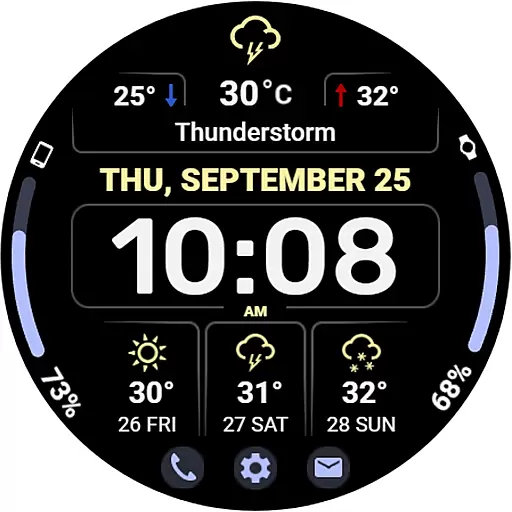
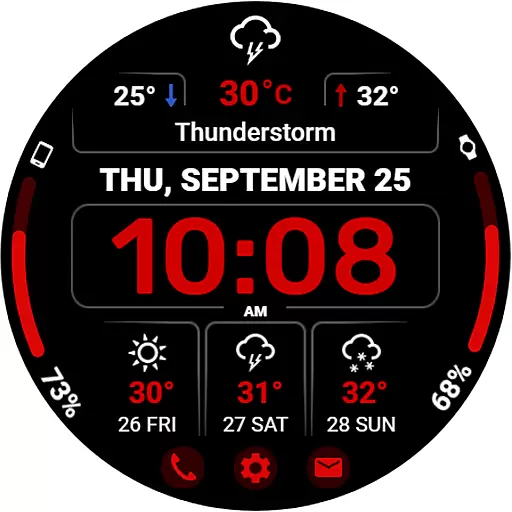
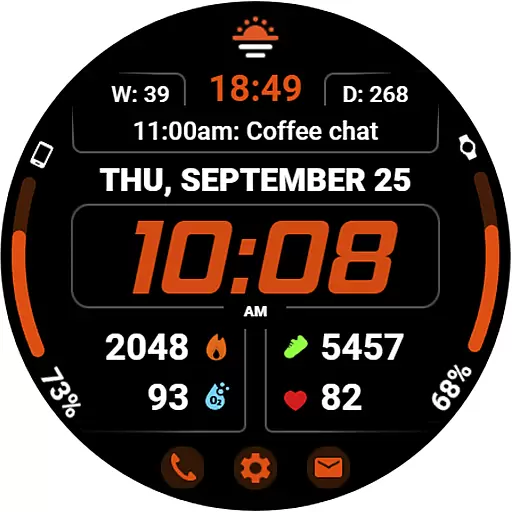
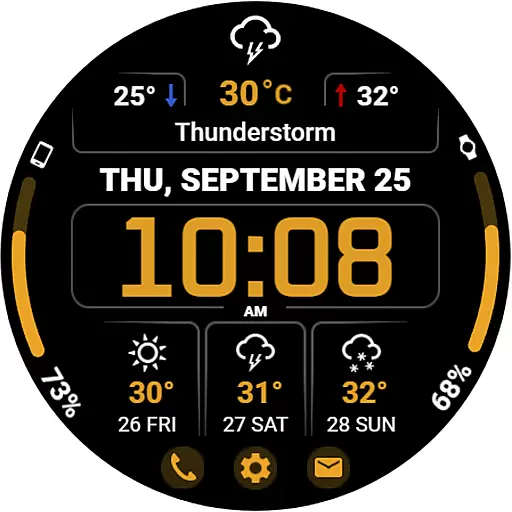
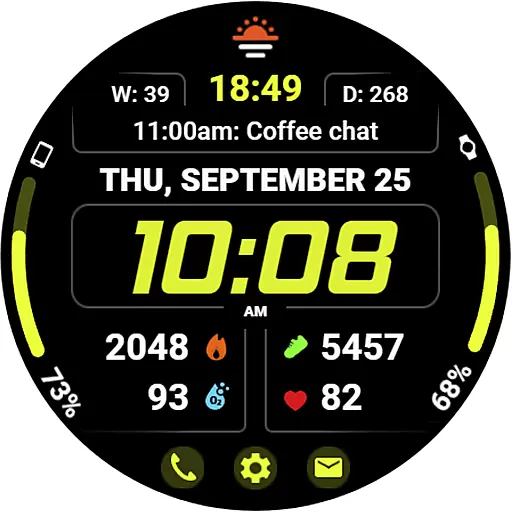
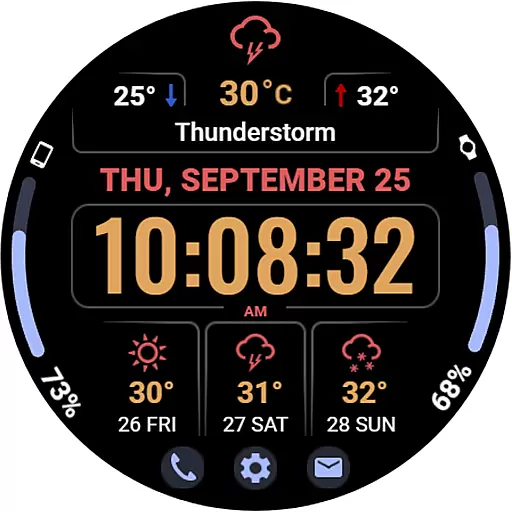
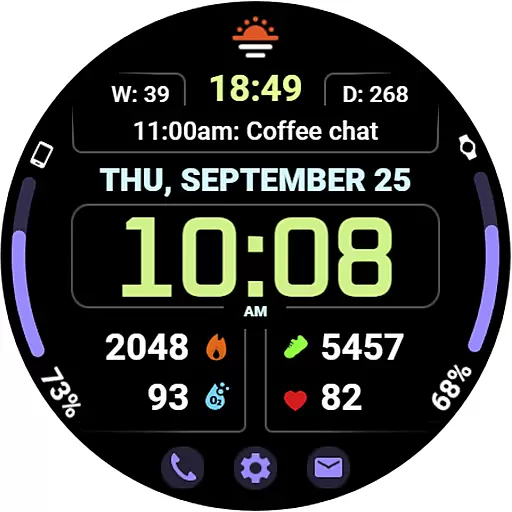
WFP 345 Informer watch face is a feature-rich Android Wear application that combines style and functionality. It offers users detailed weather forecasts, health tracking, and activity monitoring while providing extensive customization options for a personalized experience. With support for multiple widgets and quick-access buttons, this app ensures both convenience and versatility on your smartwatch.
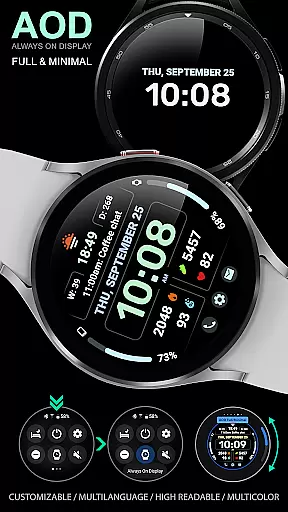
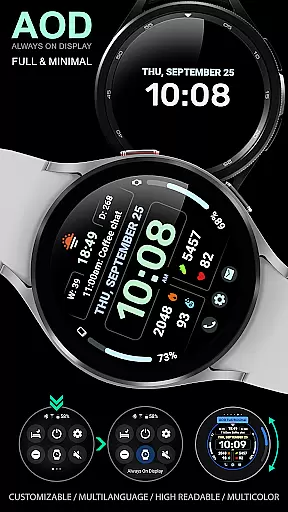
The watch face stands out with its high-resolution display, multilingual support, and optimized battery consumption. Whether you need to check the weather, track your fitness goals, or customize your watch's appearance, WFP 345 caters to various user needs. Its unique features like Minimal Always-On Display (AOD) mode and dual modes for complications or weather make it adaptable to different preferences and contexts.
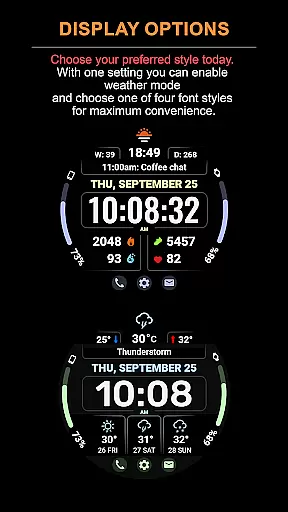
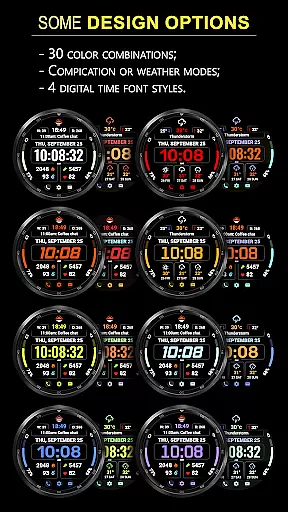
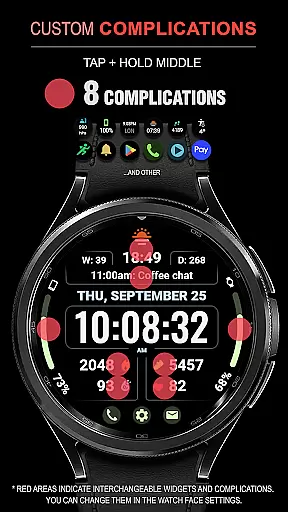
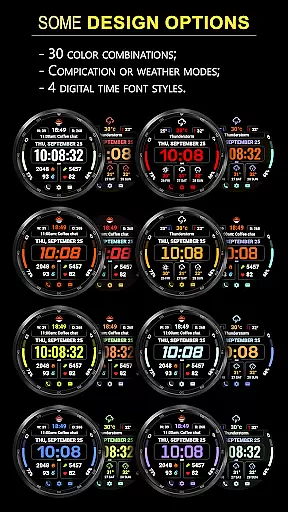
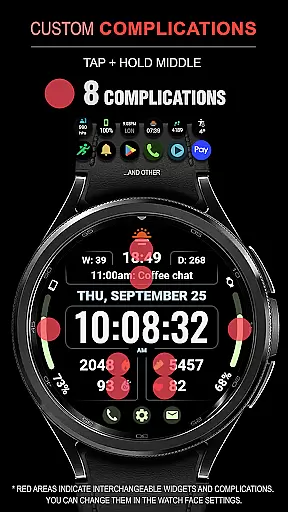
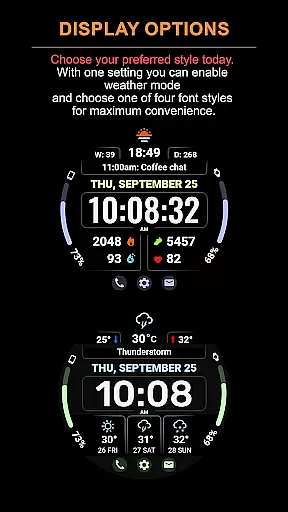
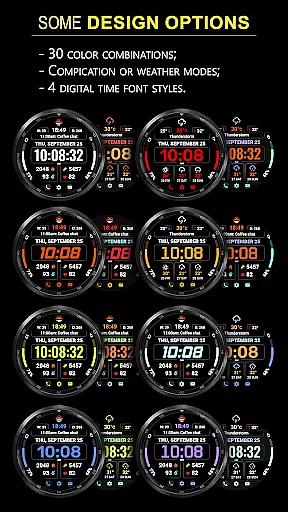
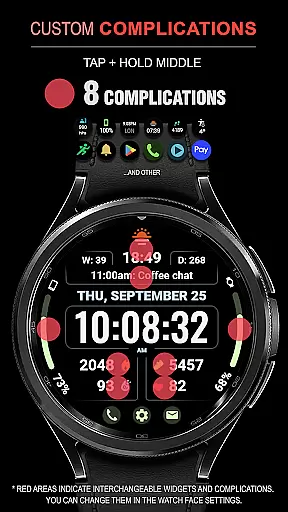
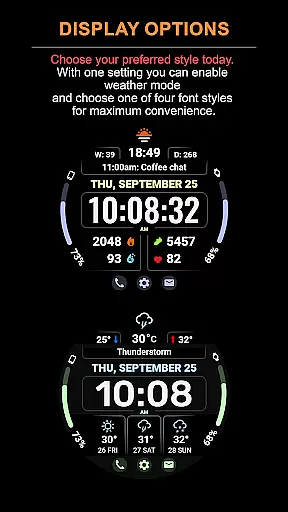
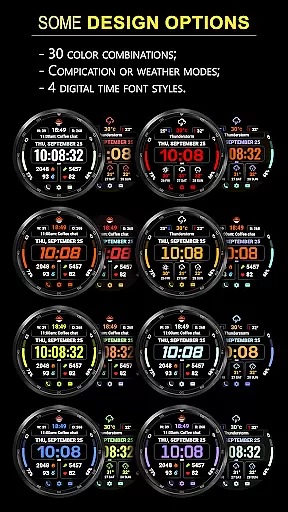
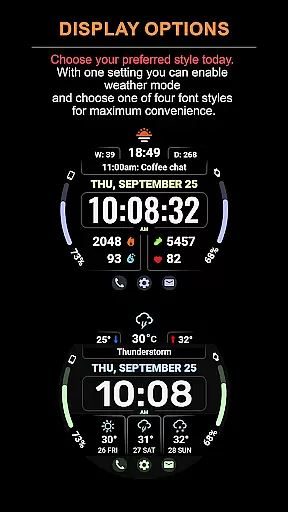
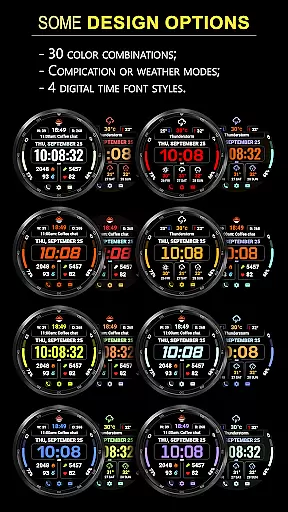
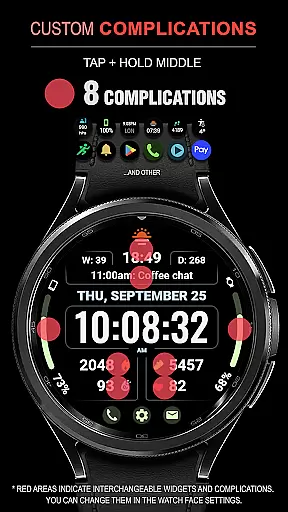
WFP 345 Informer watch face boasts an impressive array of features designed to enhance usability and personalization. The app includes eight customizable complications, 30 color options, and two distinct modes—one focused on complications and the other on a three-day weather forecast. Users can choose between Fahrenheit and Celsius temperature displays and select from four time font styles for a tailored look.
Additional functionalities include three quick-access buttons, minimal AOD mode, and highly optimized performance that minimizes battery drain. The app also supports multilingual interfaces, ensuring accessibility for global users. With its stylish design and practical features such as weather forecasts, health metrics, and activity data, WFP 345 provides a comprehensive solution for smartwatch enthusiasts seeking both aesthetics and utility.
Companion app integration is essential for a seamless wearable experience. WFP 345 Informer watch face excels in this area by offering users the ability to sync and manage their data effortlessly between their smartwatch and smartphone.
The watch face provides detailed weather, health, and activity data, which can be accessed and customized through its companion app. This ensures that all information displayed on the watch face remains accurate and up-to-date, enhancing the overall user experience.
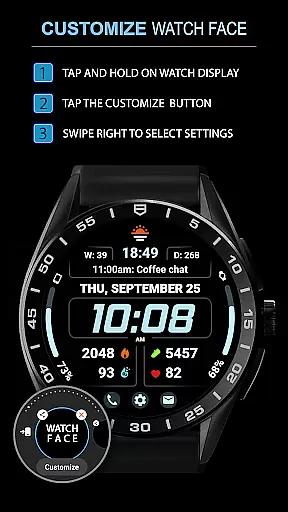
Users benefit from easy access to phone charge widgets, calorie tracking, floor counts, and more, thanks to the well-documented setup instructions available at samsung-watchface.com/settings. These features ensure that users have all necessary information at their fingertips, whether they are at home or on the go.
By integrating with the companion app, WFP 345 Informer not only enhances functionality but also offers a cohesive ecosystem where users can personalize their watch faces according to their preferences, making daily interactions both efficient and enjoyable.
Ensuring compatibility across various Wear OS devices is crucial for any watch face application. WFP 345 Informer watch face stands out by providing extensive support for a wide range of devices, ensuring that users can enjoy its stylish and functional design regardless of their device model.
The application supports high-resolution displays and is optimized for low battery consumption, making it suitable for different types of smartwatches. Its multilingual support further broadens its accessibility, catering to a global audience without compromising performance or visual appeal.
With features like customizable Always-On Display (AOD) modes and multiple color options, users can tailor the watch face to match their personal style while maintaining optimal device performance. Detailed installation instructions are provided at samsung-watchface.com/instructions, ensuring a smooth setup process.
Overall, WFP 345 Informer's commitment to compatibility and optimization makes it a reliable choice for users seeking a versatile and personalized wearable experience.
Highly customizable
Accurate weather forecasts
Optimized battery usage
Stylish and functional design
Multilingual support
Complications hidden in Weather Mode
Limited visibility of tap zones
Requires careful setup
Premium features may cost extra
Complex for beginners

Wear Os Watch Face - Animated Snow Effect & Christmas Lights
 4.1
4.1
Embrace the holiday spirit with this magical animated watch face!
4.40
Current temperature, weather hourly, weather radar by the weather forecast app
4.40
Elegant animated Christmas tree with multiple customization options
4.20
Be an elegant and classy secret agent, with this carefully detailed watch face
4.70
Sleek, highly customizable watch face inspired by Galaxy Watch Circle Dashboard.
4.4
Stylish digital watch face for Wear OS devices with customizable features
4.2
Fitness interactive virtual pet super fighter boy watch face
4.0
The ultimate destination for kids ages 3-8 to explore the Marvel Universe!
4.30
Monitor health with the stress test and pulse checker in the heart rate app.
4.60
Gym & home workout plans with strength training, exercise tracking, HIIT & more.
4.60
Deck out your Wear OS Watch face with a beautifully decorated pine wreath!
4.50
Snowflake Rose Gold Watch Face - Digital, modern, & sleek with GYRO effect.
4.10
Get helpful reminders, take progress photos and find answers to your questions.
3.90
Professional weather radar and more
3.90
Precision analog watch face with 7 complications and style options
4.3
Christmas is near, let's count together the days left until Santa comes
4.5
A watch face that fuses motorsport precision with contemporary smartwatch design
4.0
Artistic Digital Watchface
4.1


User Reviews