
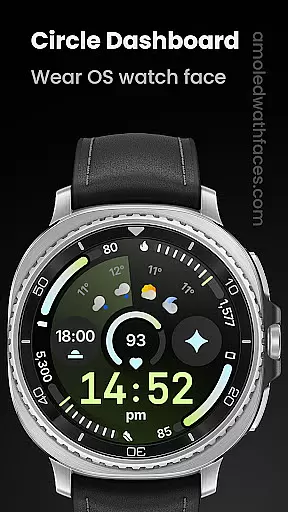
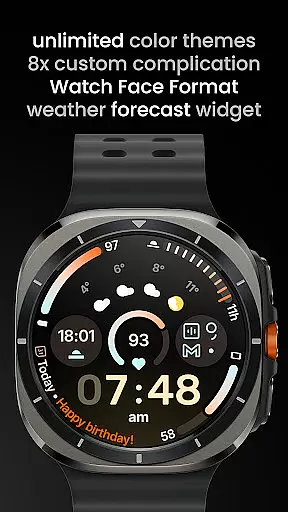
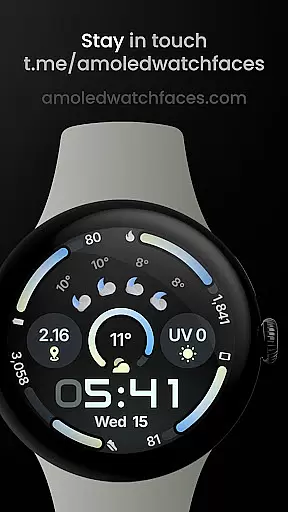
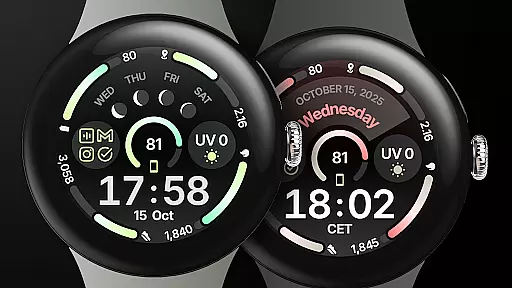
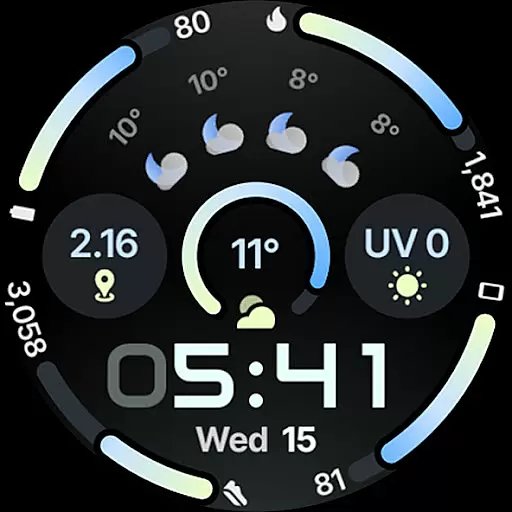
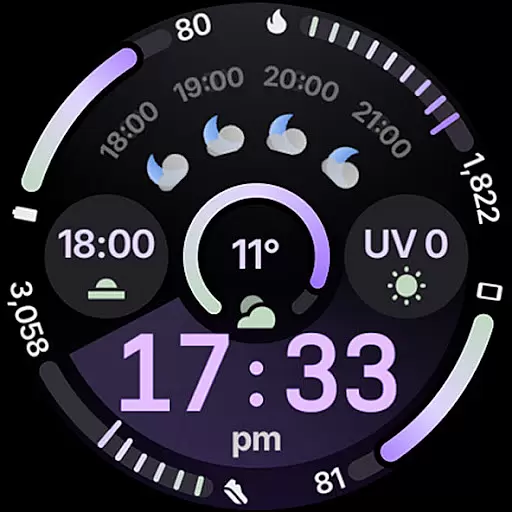
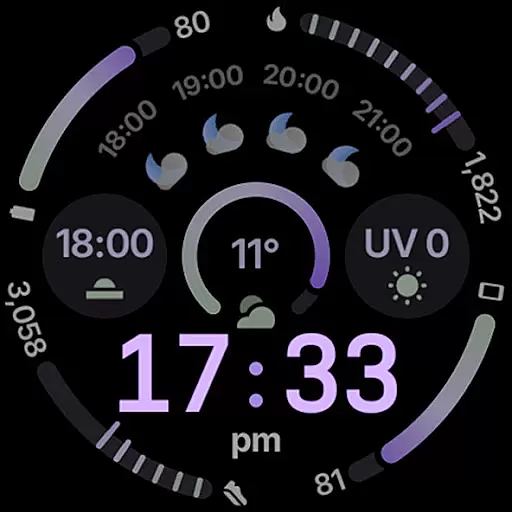
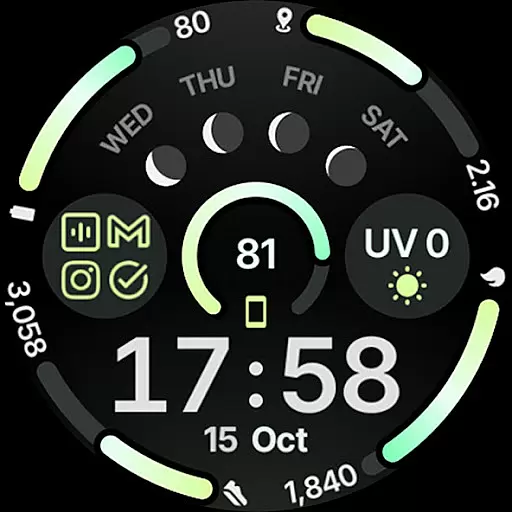
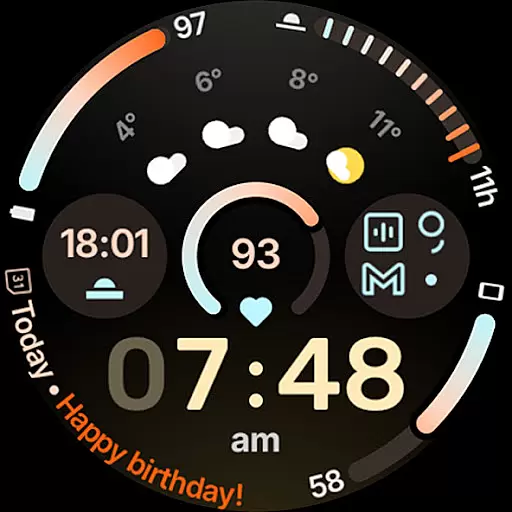
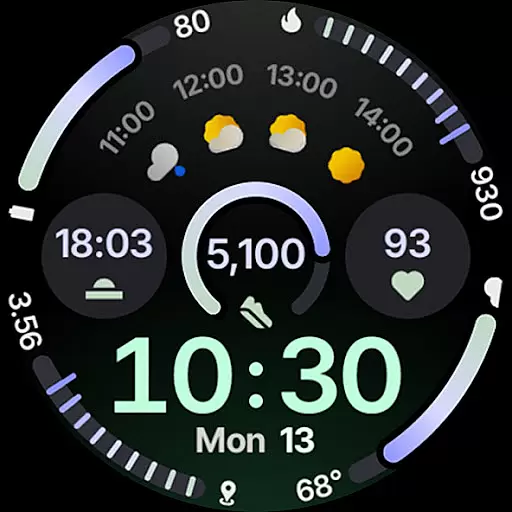
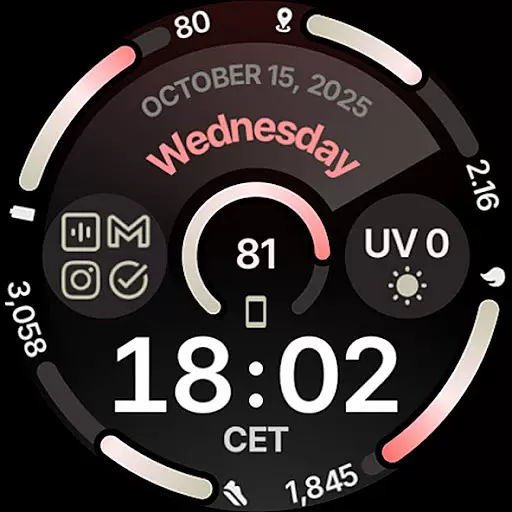
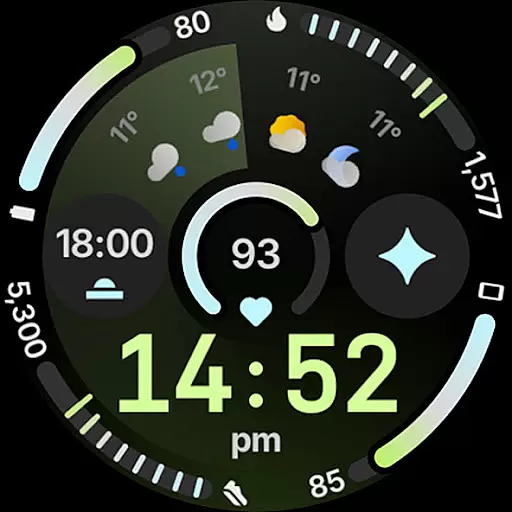
Circle Dashboard Watch Face is a feature-rich watch face designed exclusively for Wear OS 4+ devices. Inspired by the Galaxy Watch 8 series, it offers advanced customization options and supports multiple complications. The watch face provides users with an intuitive interface that combines aesthetics with functionality, making it ideal for those who want both style and utility on their smartwatch.
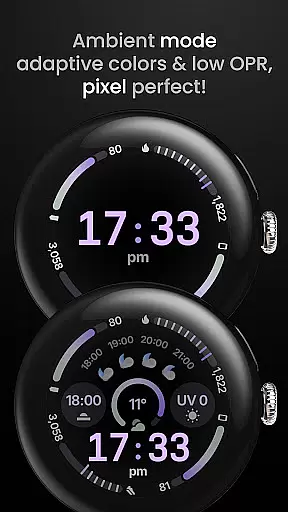
Key features include support for 8 custom complication slots, adaptive complication text size, and three always-on display styles. With true black background and unlimited color theme combinations, users can personalize their watch face to suit their preferences. The inclusion of material 3 expressive progress bars and optional seconds indicator enhances usability while maintaining a sleek design.
Circle Dashboard stands out with its comprehensive feature set tailored for power users. The watch face supports various complication types including SHORT_TEXT, LONG_TEXT, and RANGED_VALUE, allowing for rich information display. Unique capabilities like animated AOD entering on Wear OS 6+ and digital clock blinking colon effect provide a dynamic user experience.
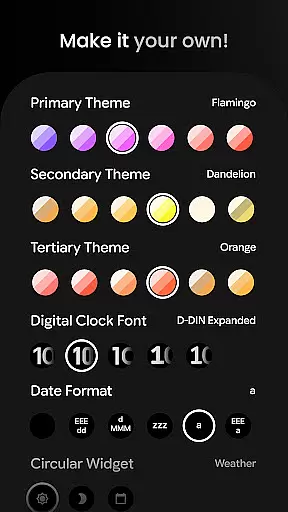
User configurations are extensive, offering over 60 theme options for primary, secondary, and tertiary themes. Customization extends to digital clock fonts, date formats, and widget choices. Notably, the weather forecast and moon phases widget add practical value while the battery-friendly design ensures optimal performance without compromising on functionality.
Companion app integration is essential for wearable devices as it ensures seamless synchronization between the watch face and a paired smartphone. Circle Dashboard Watch Face offers advanced companion app features that enhance user experience significantly.
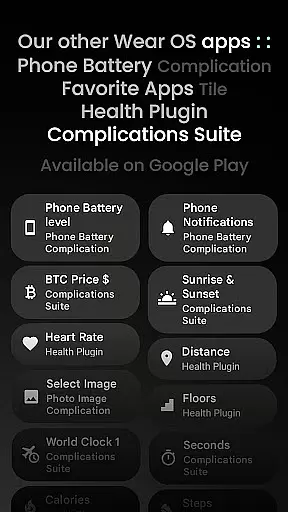
This application supports phone notifications through complication slots, allowing users to view important alerts directly on their watch face. The custom complication app provides additional functionality such as battery status tracking, requiring the Phone Battery Complication app for full utility.
With adaptive complication text size and animated always-on display entering supported on Wear OS 6+, this watch face delivers both aesthetic appeal and practical usability. These integrations ensure that users can access vital information at a glance without needing to reach for their phones.
The ability to customize up to eight different complications including weather forecasts and moon phases adds another layer of personalization. By leveraging these companion app integrations, Circle Dashboard enhances both functionality and convenience for its users.
Ensuring broad device compatibility is crucial for any Wear OS application. Circle Dashboard Watch Face is designed specifically for Wear OS 4+ devices, guaranteeing optimal performance across various smartwatch models running this operating system version.
The application takes full advantage of Watch Face Format 4, providing enhanced features like multilanguage support and unlimited color theme combinations. These capabilities are accessible on devices running Wear OS 5+ while maintaining backward compatibility with earlier versions where possible.
Advanced functionalities such as animated AOD entering and weather forecast widgets are available exclusively on Wear OS 6+ devices. This strategic approach to compatibility ensures that users with newer devices can enjoy cutting-edge features while maintaining basic functionality for those with older hardware.
By clearly stating compatibility requirements and offering tiered feature sets based on OS versions, Circle Dashboard demonstrates its commitment to serving the entire Wear OS ecosystem effectively.
Highly customizable
Battery efficient
Modern design
Rich complications
True black AMOLED
Wear OS 4+ only
Weather widget limited
Complex setup
Premium cost
Advanced features locked

Gym Log & Workout Tracker | Fitness Journal, Training & Weight Lifting Planner
 4.90
4.90
Diet tracker for weight loss - track calories, food and macros. Simple and easy!
4.70
Beautiful artistic animated digital watch face, with a customizable layout!
4.40
Deck out your Wear OS Watch face with a beautifully decorated pine wreath!
4.50
Bold, Modern Hybrid Watch Face for Wear OS. 10 Colors, Rich Info Display.
4.30
The ultimate destination for kids ages 3-8 to explore the Marvel Universe!
4.30
Retro digital watch face with customizable colors and a unique lighting effect
4.60
Track your active life in one place and share the journey with friends.
4.40
Back up your contacts & access them anywhere
4.30
Walking app for weight loss: walk & step tracker, pedometer, indoor treadmill
4.60
Find EV charging stations
4.30
Locate your family members by GPS phone location tracker everywhere and anytime
4.30
Connect, create, and collaborate with Gmail, part of Google Workspace.
4.10
A digital watch face that celebrates Christmas.
4.00
an Analog Watch Face for winter season with freeze winter background for Wear OS
4.4
Wear Os Watch Face - Animated Snow - Sesonal for Christmas & Winter
4.5
A heartwarming Christmas scene featuring a cute image of Santa and Rudolf
4.5
Contemporary digital watch face with five complications
4.1
Stunning modern digital watch face with 7 complications and strong contrast
4.3


User Reviews