


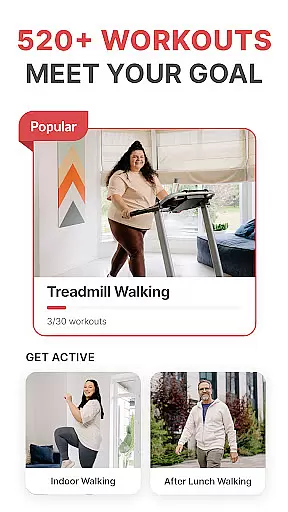
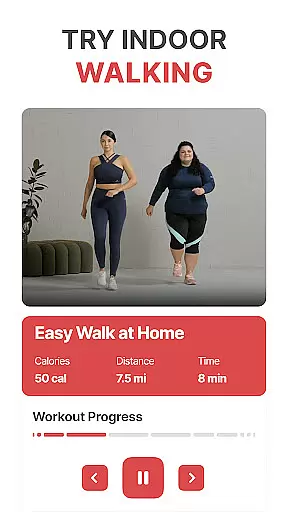
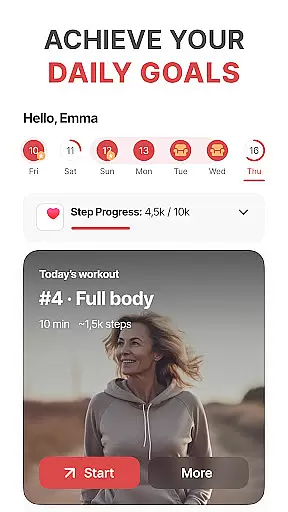
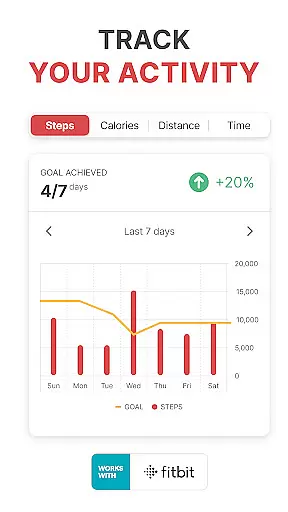
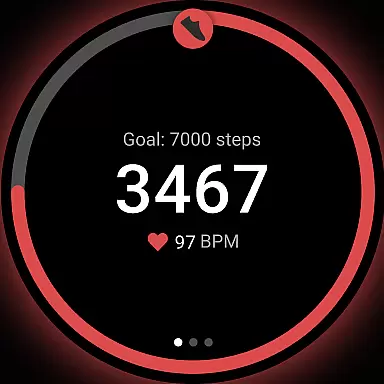
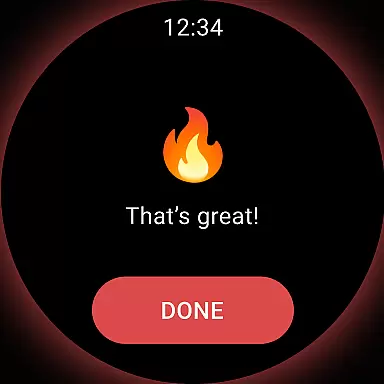
WalkFit is a comprehensive walking app designed specifically for weight loss, integrating a step counter, pedometer, and personal walk tracker into one convenient platform. Available on Android Wear, this app offers personalized daily walking plans and indoor treadmill workouts to help users burn calories and achieve their fitness goals.
The app's key features include a BMI-based customized walking plan, real-time progress tracking, and various motivational tools like walking challenges and achievements. Whether you're walking outdoors or using a treadmill indoors, WalkFit provides expert-recommended routines and tracks your steps, distance, and calories burned. Its seamless integration with Fitbit, Google Fit, Health Connect, and Wear OS devices makes it an essential tool for maintaining an active lifestyle.
With WalkFit, users can enjoy a healthier lifestyle by building consistent walking habits. The app not only helps in losing weight but also keeps users motivated through engaging challenges and detailed progress reports, making the journey to better health both enjoyable and rewarding.
WalkFit stands out with its robust set of features tailored for effective weight loss and fitness tracking. One of its core functionalities is the personalized walking plan, which adjusts based on the user's BMI and activity level, ensuring a customized experience that fits individual needs.
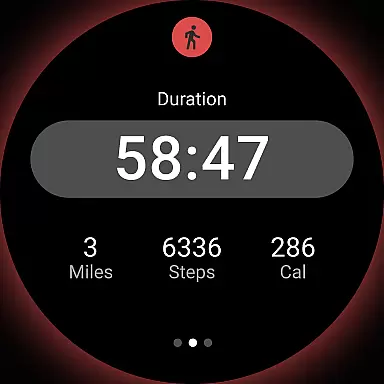
The app includes a built-in step counter and pedometer, allowing users to monitor their steps, distance traveled, and calories burned effortlessly. It also offers guided indoor walking workouts with video support, including cardio walks and low-impact options, perfect for those who prefer exercising at home. Additionally, the treadmill workout mode provides structured routines that alternate between steady walking and high-intensity bursts, maximizing fat-burning potential.
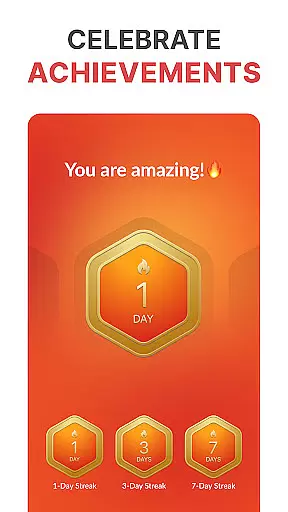
Another significant feature is the walking challenges section, where users can participate in fun challenges and earn achievements by hitting daily and weekly step targets. This gamification aspect boosts motivation and helps maintain long-term engagement. Furthermore, WalkFit's compatibility with various wearable devices ensures accurate tracking and synchronization of fitness metrics, offering a seamless and integrated user experience.
Companion app integration is essential for users who want a seamless experience between their mobile devices and wearable technology. WalkFit excels in this area by offering comprehensive syncing capabilities with popular platforms like Fitbit, Google Fit, Health Connect, and Wear OS devices.
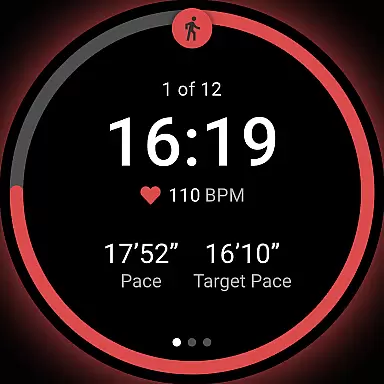
The app ensures that whether you're using passive mode to track daily activities or active mode for dedicated workouts, your data is accurately captured and reflected across all linked devices. This allows for real-time stat monitoring during walks and workouts, providing a cohesive view of your fitness journey.
By integrating with these services, WalkFit not only tracks steps but also monitors calories burned and distance traveled, consolidating all key metrics into one accessible location. This makes it an invaluable tool as both a pedometer and weight loss app.
Ultimately, the companion app integration feature enhances user engagement by simplifying the tracking process and ensuring that users have access to their health data wherever they are, promoting consistency and motivation in their walking routines.
For users invested in the Wear OS ecosystem, device compatibility is a crucial factor when selecting a fitness app. WalkFit stands out by providing robust support for Wear OS watches, ensuring that users can take full advantage of their smartwatch features while pursuing their weight loss goals.
This compatibility enables accurate activity tracking throughout the day, leveraging the watch's sensors to provide continuous monitoring. Whether you're engaged in outdoor strolls or indoor treadmill sessions, WalkFit delivers precise stats directly to your wrist.
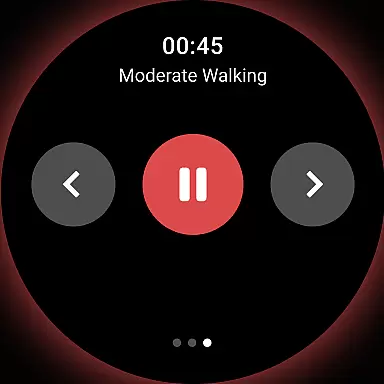
In addition to basic step counting, the app supports advanced functionalities such as treadmill workout modes and guided indoor walking exercises. These features are specifically tailored to enhance the at-home workout experience, making it easier than ever to maintain an active lifestyle.
With its intuitive interface and reliable performance on Wear OS devices, WalkFit ensures that users can focus on their fitness without being hindered by technical limitations, thus maximizing the potential of their wearable technology.
User-friendly interface
Customizable walking plans
Real-time progress tracking
Motivational walking challenges
Compatibility with multiple devices
Premium subscription required
Limited free features
Occasional syncing issues
High system requirements
Additional in-app purchases

Wear Os Watch Face - Animated Snow - Sesonal for Christmas & Winter
 4.0
4.0
Deck out your Wear OS Watch face with a beautifully decorated pine wreath!
4.50
Contemporary digital watch face with five complications
4.3
Be an elegant and classy secret agent, with this carefully detailed watch face
4.70
Digital, flexibly customizable watch face. For Wear OS 5.0, API 34+ and later.
5.00
Connect to your Bluelink equipped Hyundai vehicle from your smartphone.
4.50
The ultimate destination for kids ages 3-8 to explore the Marvel Universe!
4.30
Hybrid Vibrant Health Watch Face for Wear OS
4.1
Track airplanes and follow flights with our real-time flight tracker
4.50
Christmas Theme Watch Face for Wear Os
5.00
WTW M17 is a premium and luxurious hybrid watch face
4.70
The most customizable hybrid watch face. For Wear OS 5.0, API 34+ and later
4.70
Retro digital watch face with customizable colors and a unique lighting effect
4.60
MyNISSAN® lets you remotely control your car from your phone.*
4.50
Beautiful artistic animated digital watch face, with a customizable layout!
4.40
Locate your family members by GPS phone location tracker everywhere and anytime
4.30
Elegant animated Christmas tree with multiple customization options
4.20
Stay in touch with your friends and family using LINE!
3.40
Watch face designed for Thanksgiving Day. 7 Background Styles included.
3.20


User Reviews