
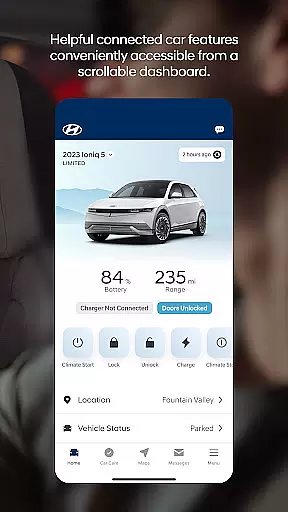
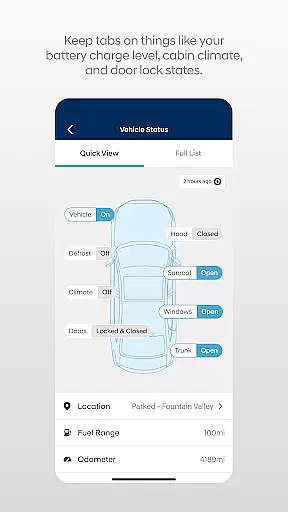

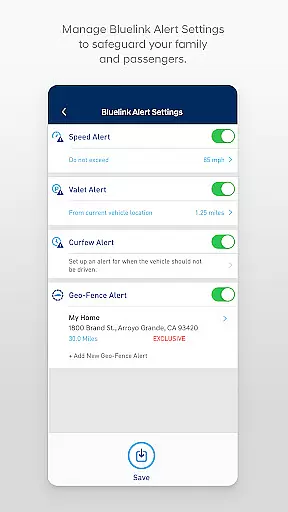
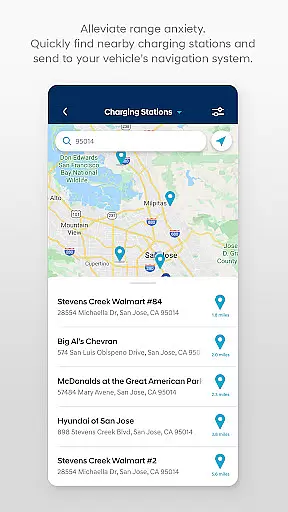
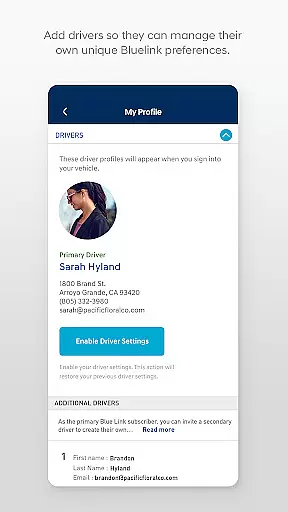
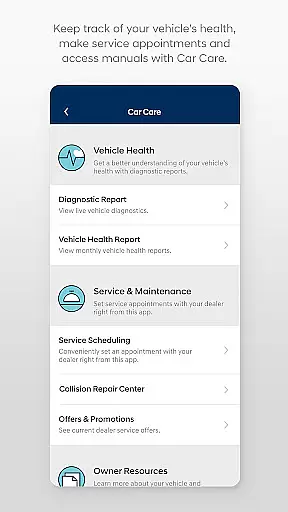
The MyHyundai with Bluelink app is a comprehensive tool designed to enhance your Hyundai vehicle ownership experience. This application allows you to remotely interact with your Bluelink-enabled vehicle, providing features such as remote start, door lock/unlock, and horn and lights activation. Additionally, it offers maintenance information, service scheduling, and the ability to send Points of Interest directly to your vehicle's navigation system.
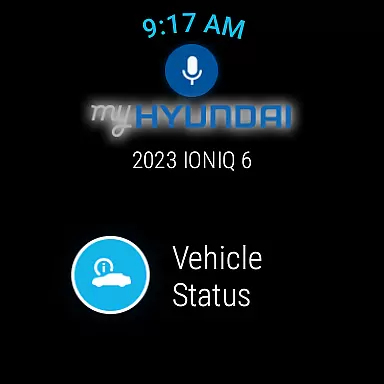
Designed for convenience, the app supports biometric authentication and integrates with Wear OS smartwatches, allowing you to use voice commands or smartwatch menus to access select features. Whether you're at home, in the office, or on the go, MyHyundai with Bluelink empowers you to stay connected to your vehicle like never before.
MyHyundai with Bluelink stands out with its extensive feature set tailored for modern vehicle owners. The app provides remote vehicle control functionalities including starting the engine, locking/unlocking doors, and activating the horn and lights - all accessible from your smartphone or Wear OS smartwatch. For electric and plug-in hybrid vehicles, users can view charging status and manage charging schedules.
Beyond remote controls, the app delivers valuable resources such as maintenance information, user tutorials for key features, and convenient access to customer care services. The integration of phone widgets for remote features, parking meter management, POI search, and specific support for Ioniq EV vehicles demonstrates Hyundai's commitment to providing a comprehensive and innovative mobile experience for their customers.
Companion app integration is crucial for users who want seamless connectivity between their smart devices and vehicles. The MyHyundai app excels in this area by offering a comprehensive suite of features that sync with your Hyundai vehicle, particularly if it's equipped with Bluelink technology.
This app allows you to remotely start your vehicle, lock or unlock the doors, and even activate the horn and lights directly from your smartphone. For electric and plug-in hybrid vehicles, you can also manage charging schedules and settings, ensuring your car is always ready when you need it.
By integrating with Wear OS, the MyHyundai app extends its functionality to smartwatches, enabling voice commands and easy access to key features through the wearable's interface. This ensures that whether you're at home, in the office, or on the go, you have complete control over your vehicle's essential functions.
The benefit to users is undeniable convenience and peace of mind. With real-time access to your vehicle's status and controls, you can ensure your car is secure, prepped, and ready for your next journey, all from the convenience of your mobile device or smartwatch.
Wear OS and device compatibility are vital for users who rely on smartwatches to interact with their vehicles. The MyHyundai app offers robust support for Wear OS, allowing users to utilize select features directly from their smartwatches.
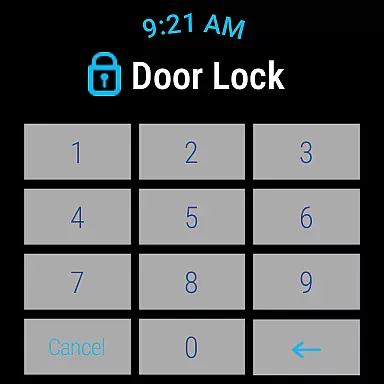
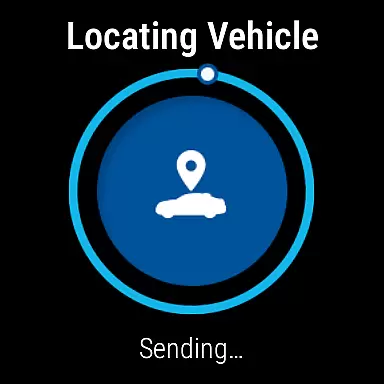
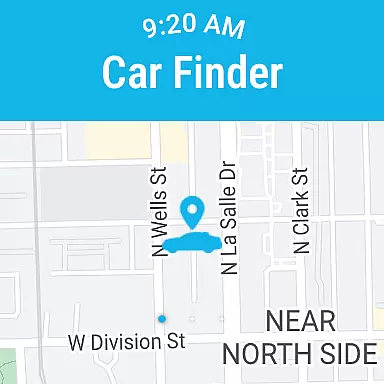
With MyHyundai for Wear OS, you can remotely start your vehicle, lock or unlock the doors, activate the horn and lights, and locate your car. These features are accessible via voice commands or through the smartwatch menu, providing a hands-free and intuitive way to interact with your vehicle.
The app ensures that these functionalities are not only available but also reliable and responsive. By leveraging biometric authentication such as fingerprint or face recognition, the app provides a secure and convenient method to log in and send commands to your vehicle.
For users, this means enhanced accessibility and control without needing to reach for their smartphones. Whether you're managing your vehicle's security or preparing it for your next drive, the MyHyundai app's compatibility with Wear OS ensures you stay connected and in command, no matter where you are.
User-friendly interface
Comprehensive remote controls
Biometric authentication
Wear OS compatibility
Convenient service scheduling
Subscription required
Limited vehicle support
Feature variability
Connectivity issues
Learning curve

Analog watch face with 8 complications and expedition styling
 4.4
4.4
Contemporary digital watch face with five complications
4.5
Easy Voice Recorder is your everyday companion to record important moments.
4.70
Digital watch face with big numbers and many customization for Wear OS devices
4.40
A digital watch face that celebrates Christmas.
4.00
A white realistic classic analog watch face with many customization options.
4.40
Simple, helpful messaging by Google
4.60
Track your active life in one place and share the journey with friends.
4.40
Back up your contacts & access them anywhere
4.30
Your second brain for organizing your life: to-do, calendar, reminder.
4.70
The most customizable minimal watch face. For Wear OS 5.0, API 34+ and later
4.70
Highly customizable hybrid watch face for Wear OS, perfect for everyday use.
4.60
Retro digital watch face with customizable colors and a unique lighting effect
4.60
Embrace the holiday spirit with this magical animated watch face!
4.40
A customizable Christmas watch face for Wear OS with a countdown.
4.20
Elegant animated Christmas tree with multiple customization options
4.20
Get helpful reminders, take progress photos and find answers to your questions.
3.90
Want to take charge of your health? Let Google Fit help you reach your goals.
3.50
Precision analog watch face with 7 complications and style options
4.2


User Reviews