
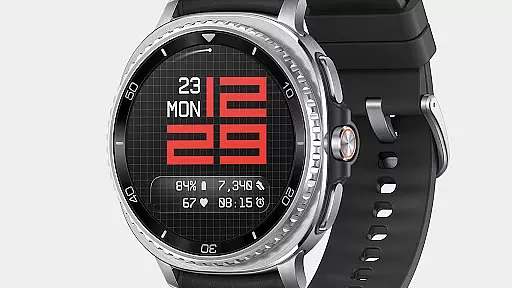
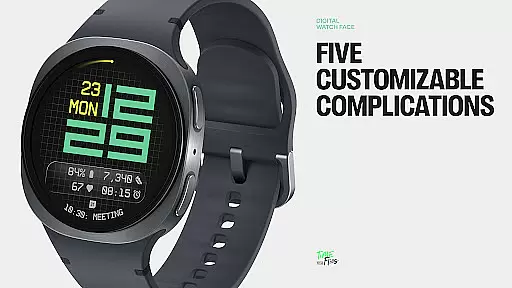
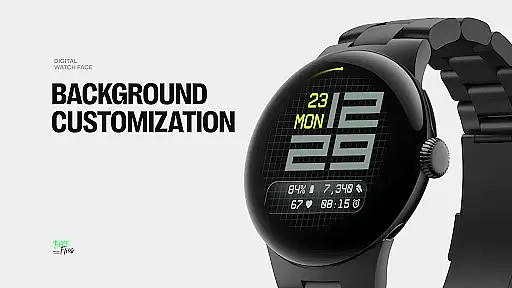
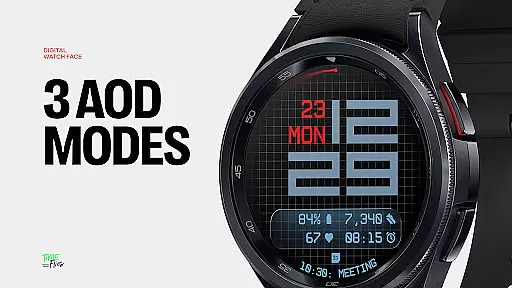
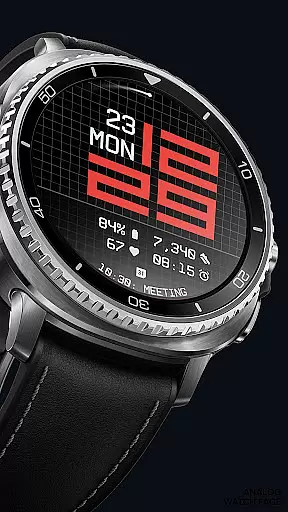
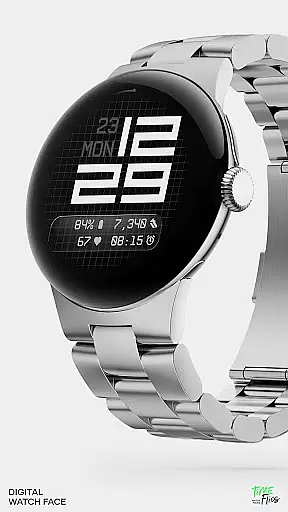
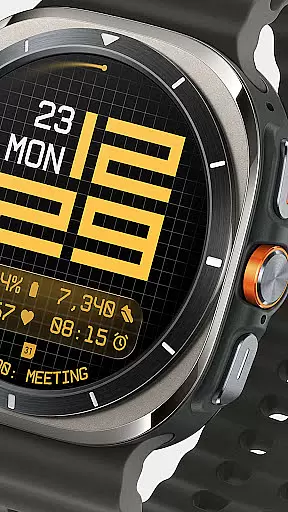
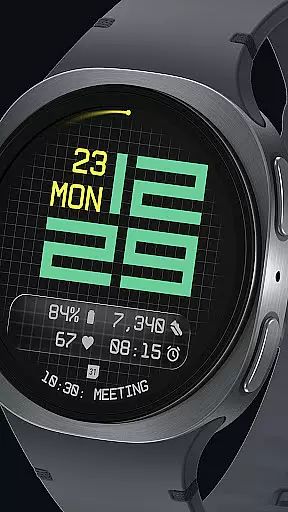
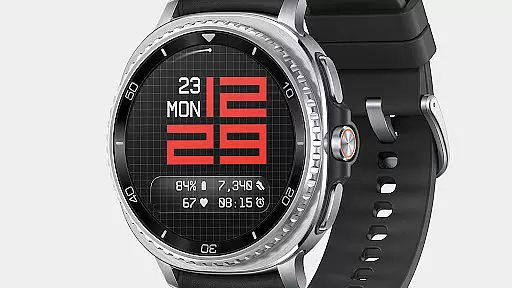
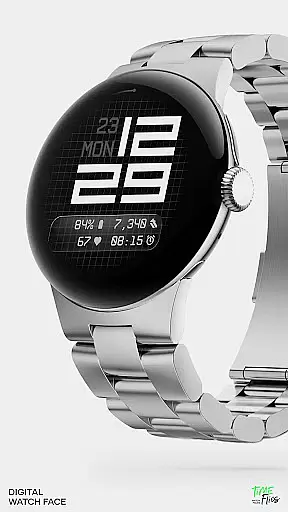
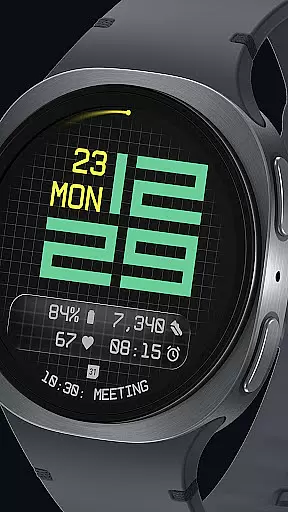
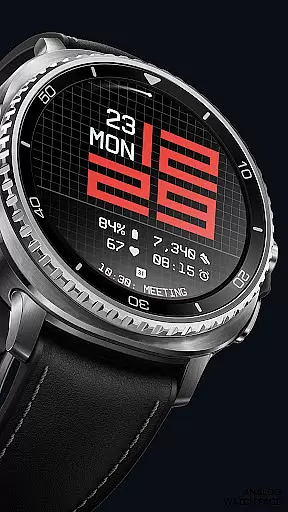
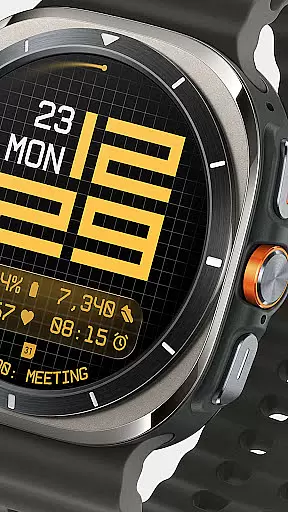
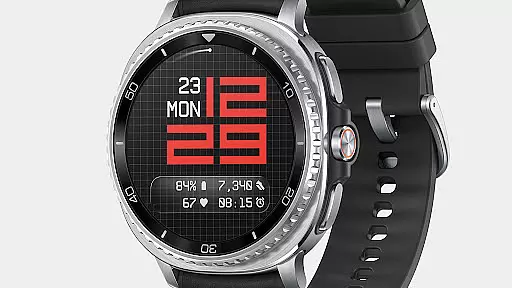
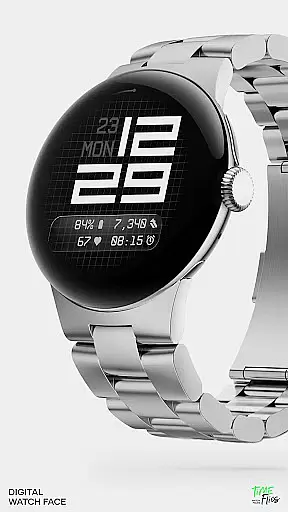
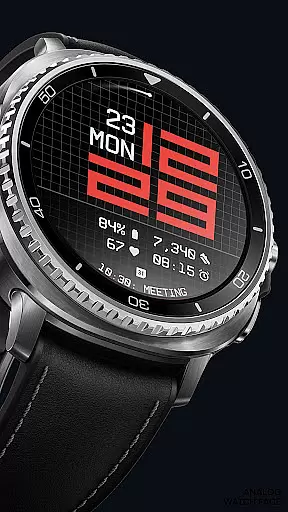
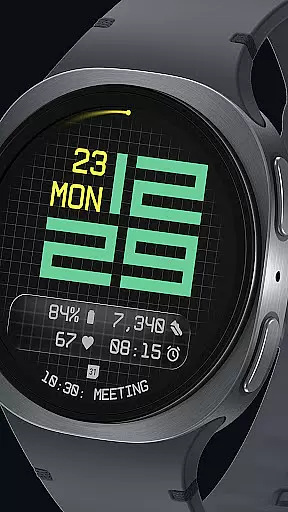

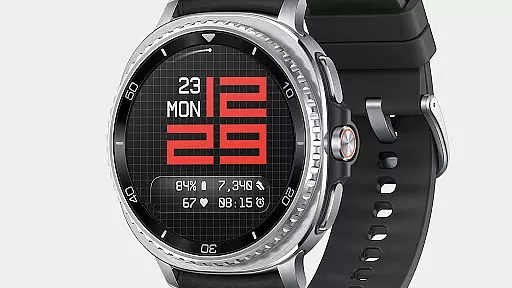
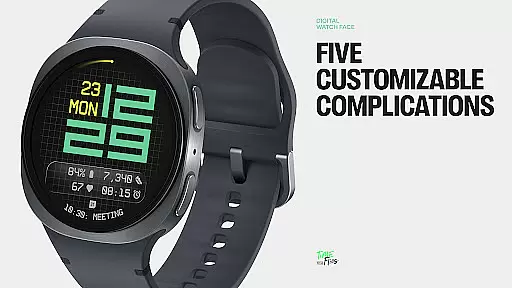
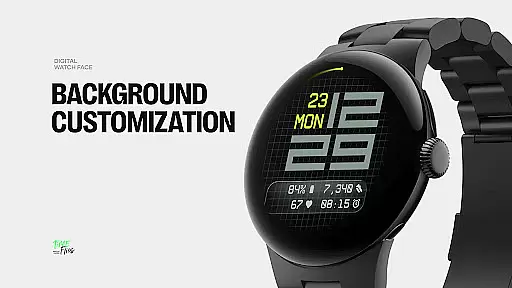
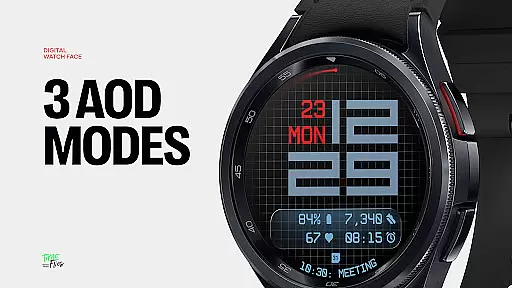
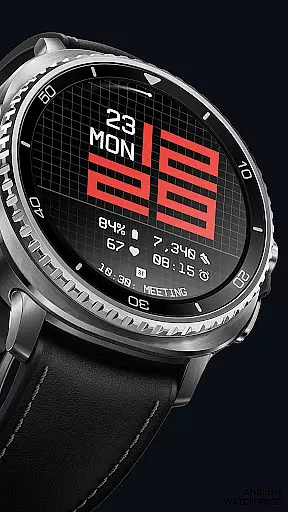
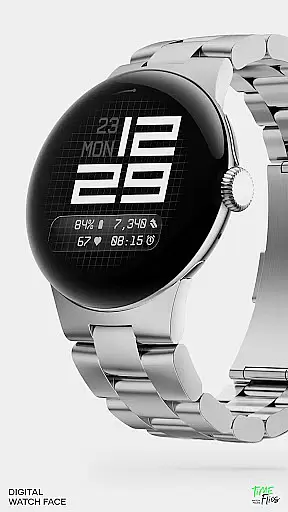
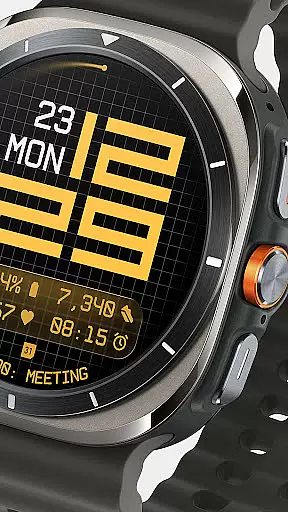
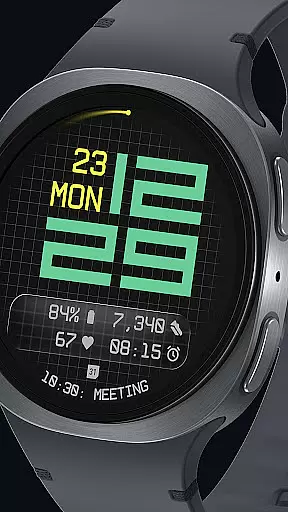
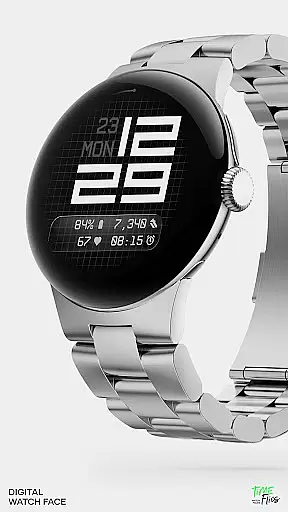
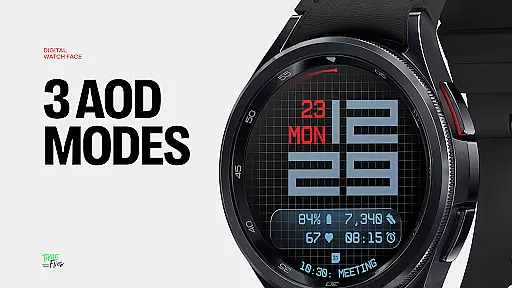
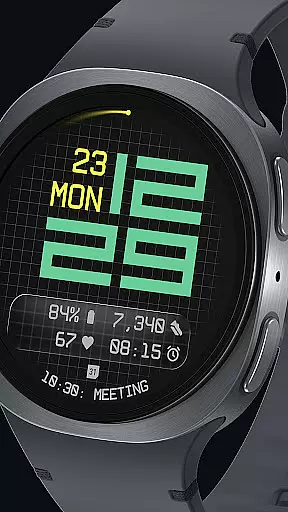
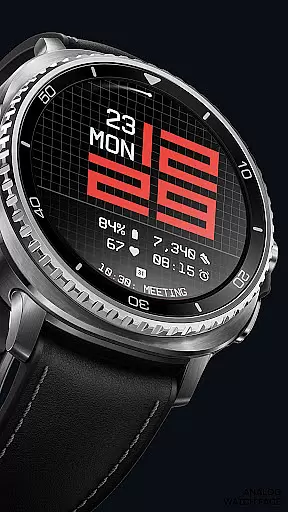
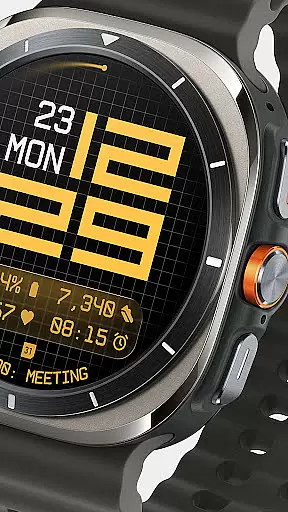
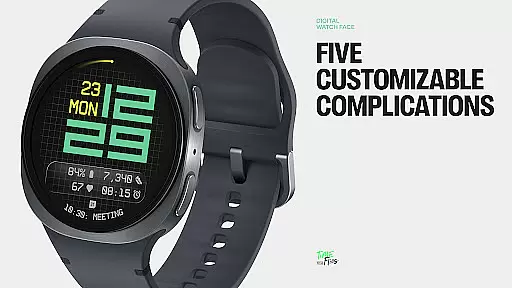
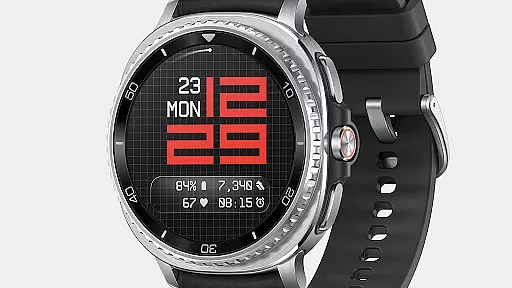
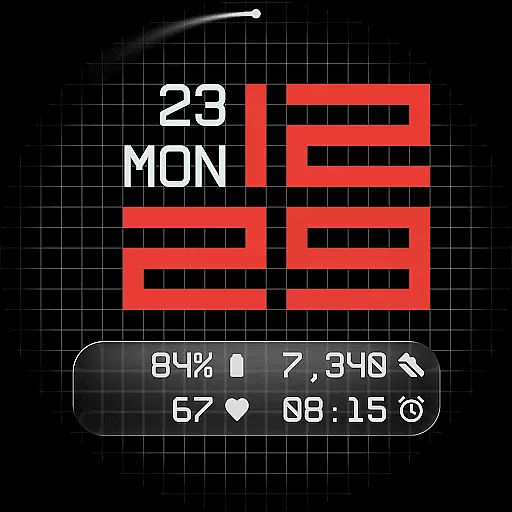
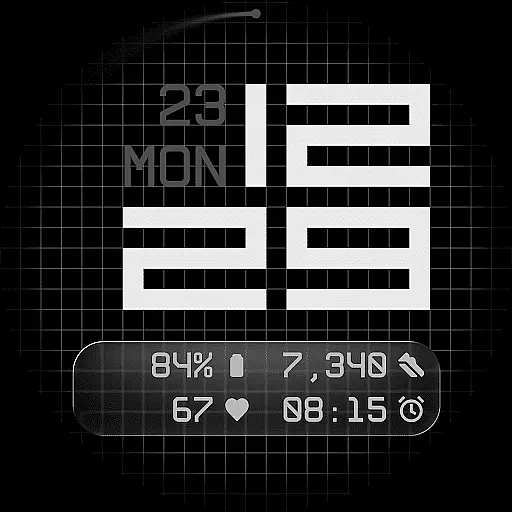
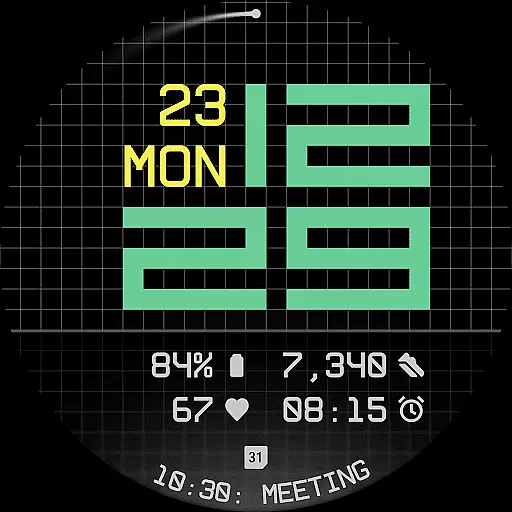
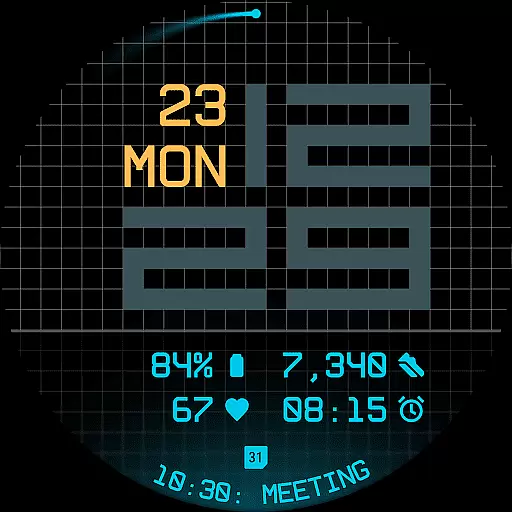
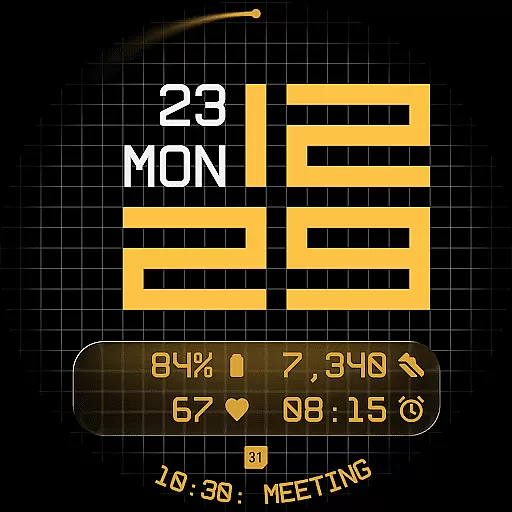
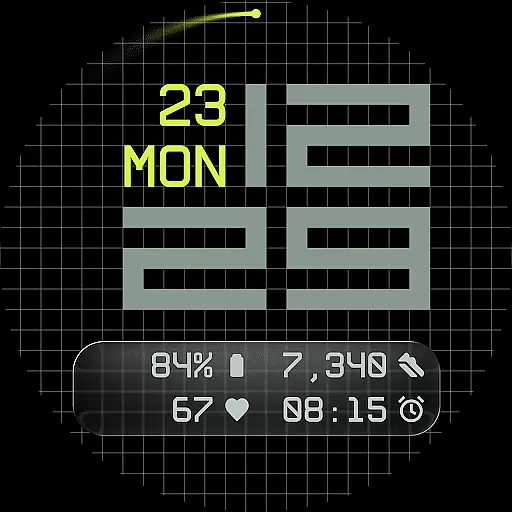
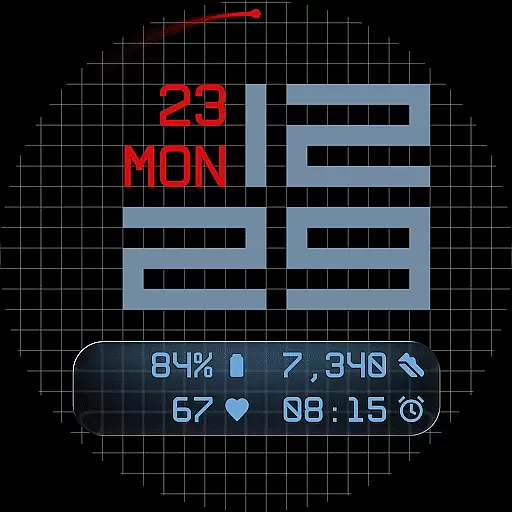
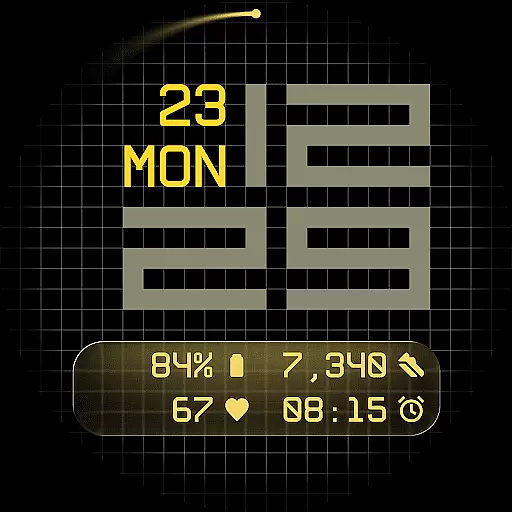
Fast Lane Watch Face is a contemporary digital watch face designed specifically for Wear OS smartwatches. It combines typographic clarity with a structured grid layout, offering users a modern and highly functional timepiece display. The design subtly draws inspiration from automotive instrument panels while maintaining a distinctively sleek appearance.
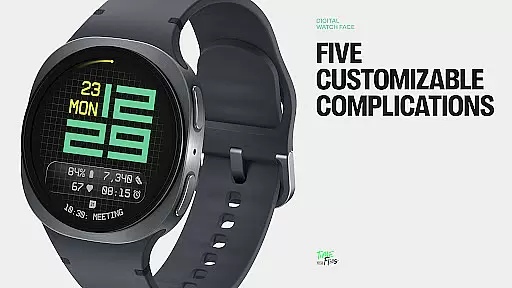
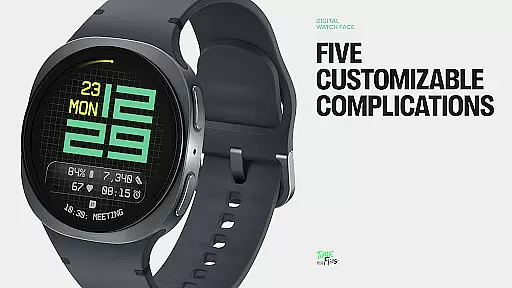
With five customizable complications, users can personalize their watch face to show essential information such as calendar events or moon phases. The interface includes multiple display styles, allowing users to choose between a minimal grid, blurred circular accents, or translucent UI-inspired glass islands. These options ensure that Fast Lane remains visually coherent while offering extensive configurability.
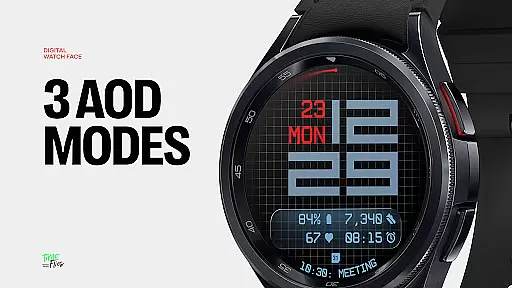
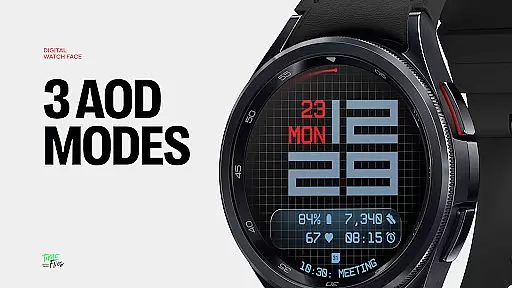
The watch face also features a built-in day and date display, 30 color themes for customization, an optional seconds indicator, and three Always-On Display modes. Whether you're looking for precision in timekeeping or aesthetic personalization, Fast Lane Watch Face caters to both needs seamlessly.
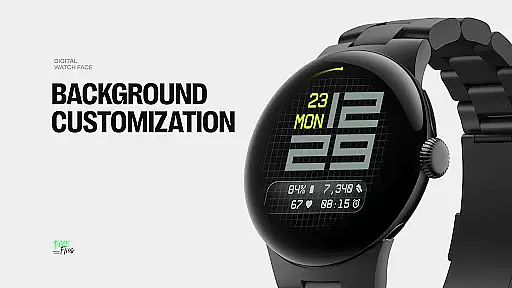
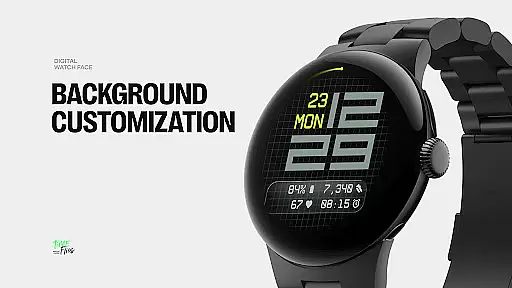
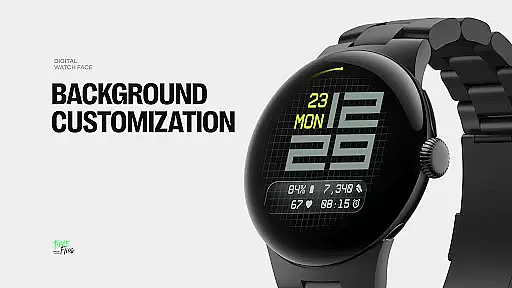
Fast Lane Watch Face stands out with its modular UI layers and contemporary design elements. Users can select from various background options including a stylized grid, softly blurred segments, or a translucent UI plate that hosts complications. This flexibility allows for a personalized yet cohesive visual experience on your Wear OS device.
The time display uses a balanced typography system that echoes the rhythm of speed and precision found in automotive instrument panels. With five available complications, including four short-text slots and one long-text slot, users can maximize information density without cluttering the interface. Additionally, the inclusion of day and date within the layout ensures essential details are always accessible.
Other notable features include 30 color themes catering to different lighting conditions, an optional seconds indicator for added precision, and three energy-efficient Always-On Display modes. Built using the Watch Face File Format, Fast Lane guarantees optimized performance across all compatible devices while maintaining battery efficiency.
Companion app integration is a crucial feature for Android Wear applications like Fast Lane Watch Face. This functionality allows users to seamlessly manage and customize their smartwatch experience directly from their mobile device.
The Time Flies companion app provides a centralized platform where users can browse the complete collection of watch faces, receive regular updates, and install new styles with just a few taps. This creates a more dynamic and personalized user experience while maintaining optimal performance on the wearable device itself.
Through the companion app, users gain access to advanced customization options that aren't feasible to implement directly on the watch interface due to screen size limitations. The app ensures that all modifications are efficiently synchronized with the paired smartwatch, providing immediate visual feedback and confirmation of changes.
This integration significantly enhances user engagement by offering a convenient way to discover new features and maintain the freshness of the wearable experience without requiring complex manual updates or configurations.
Wear OS and device compatibility represents a fundamental aspect of any Android Wear application's success. For Fast Lane Watch Face, this compatibility ensures that its sophisticated design elements and features function optimally across various smartwatch models and Wear OS versions.
The watch face employs the Watch Face File Format, guaranteeing optimized performance and energy efficiency regardless of the specific device hardware. This standardized approach enables consistent rendering of its contemporary time display, modular UI layers, and Always-On Display modes across different screen sizes and resolutions.
With support for thirty color themes and multiple display styles, the application maintains visual integrity while adapting to various device capabilities and user preferences. The compatibility extends to all essential smartwatch functions, including accurate complication displays and seamless integration with system features.
This broad compatibility ensures that users can enjoy the full range of Fast Lane's features, from its five customizable complications to its optional seconds indicator, regardless of their specific Wear OS device model or operating system version.
Highly customizable
Modern design aesthetics
Optimized performance
Multiple display styles
Wide color palette
Limited to Wear OS
Complex setup process
Fewer features than analog
Requires companion app
Battery usage concerns

Christmas watch face. For Wear OS devices.
 4.30
4.30
Christmas - Festive - Christmas Village - Winter - Christmas lights
5.00
Christmas is near, let's count together the days left until Santa comes
4.5
Simple Analog-Digital Watchface For Wear OS 3.0 and Up Smartwatches
4.5
Fitness interactive virtual pet super fighter boy watch face
4.1
Ideal for surviving in the wasteland left after nuclear fallout
4.50
Nutrition, Macro tracker: Food, fitness & healthy diet tracking for weight loss
4.60
Minimalistic design modern digital watch face.
4.4
Track airplanes and follow flights with our real-time flight tracker
4.50
Highly customizable hybrid watch face for Wear OS, perfect for everyday use.
4.60
Monitor health with the stress test and pulse checker in the heart rate app.
4.60
Connect to your Bluelink equipped Hyundai vehicle from your smartphone.
4.50
Beautiful artistic animated digital watch face, with a customizable layout!
4.40
Digital watch face with big numbers and many customization for Wear OS devices
4.40
Elegant animated Christmas tree with multiple customization options
4.20
Your music, your playlists, and more—offline and unlimited.
4.20
Daily Weather forecast with 15 weather images for Day & Night plus Big Bold time
4.10
Want to take charge of your health? Let Google Fit help you reach your goals.
3.50
Watch face designed for Thanksgiving Day. 7 Background Styles included.
3.20


User Reviews