
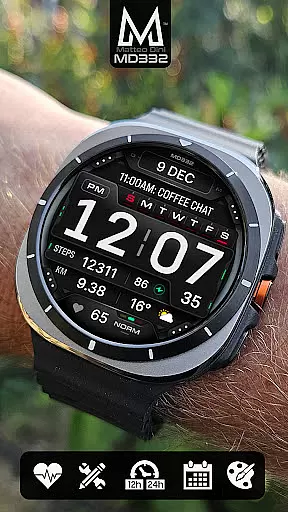
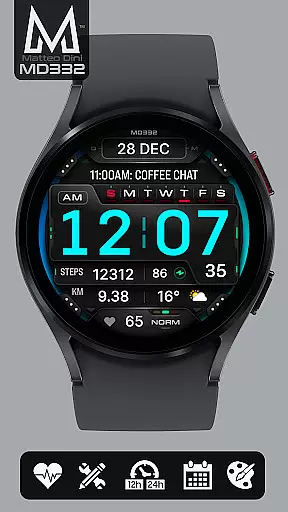
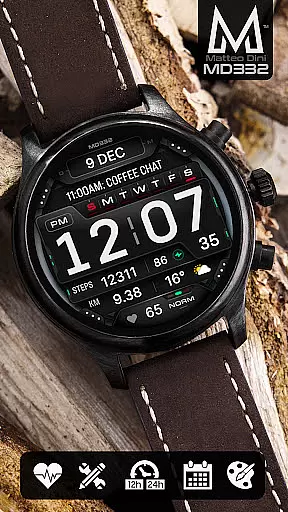
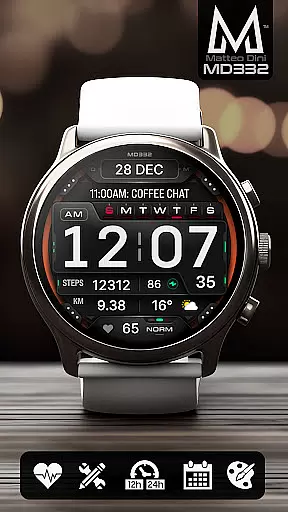
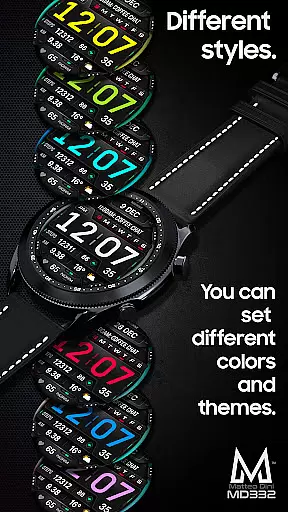
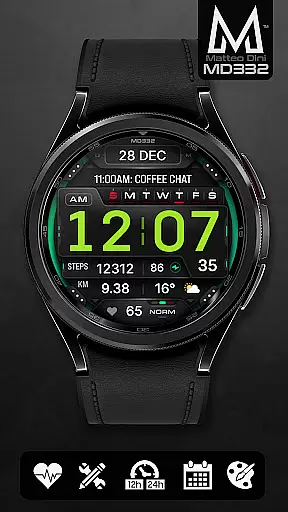
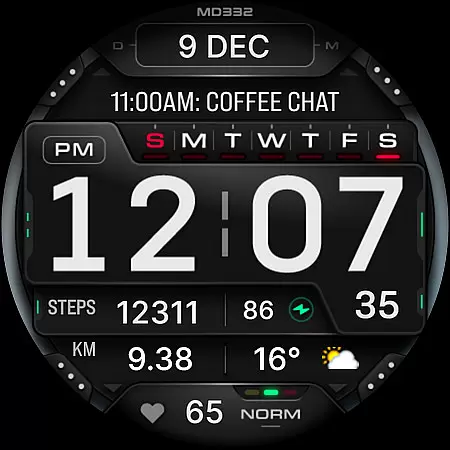
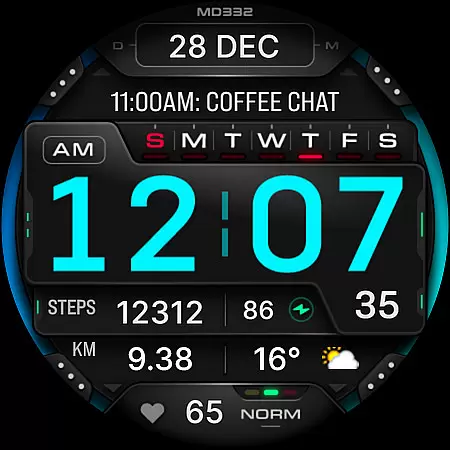
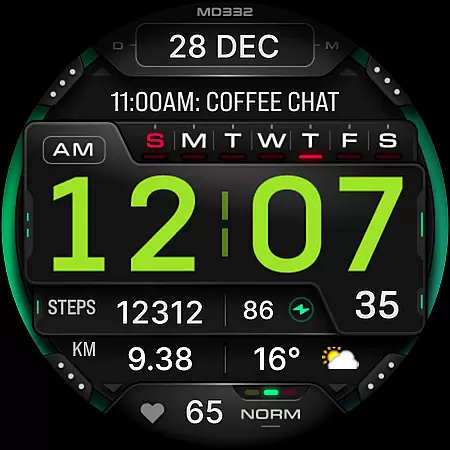
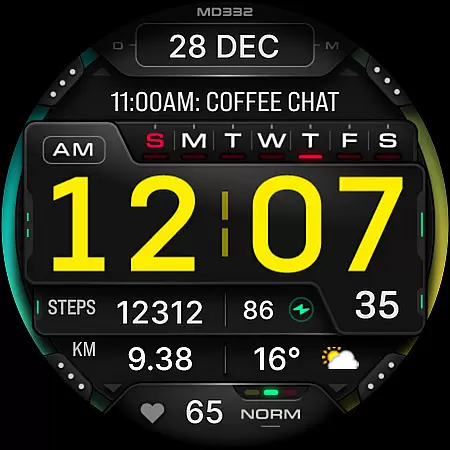
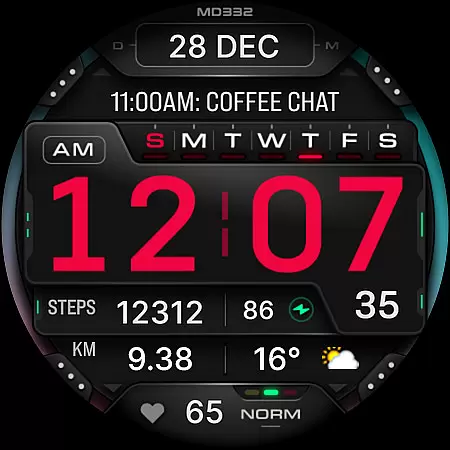
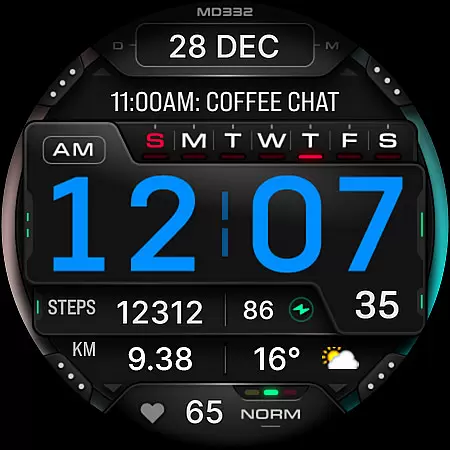
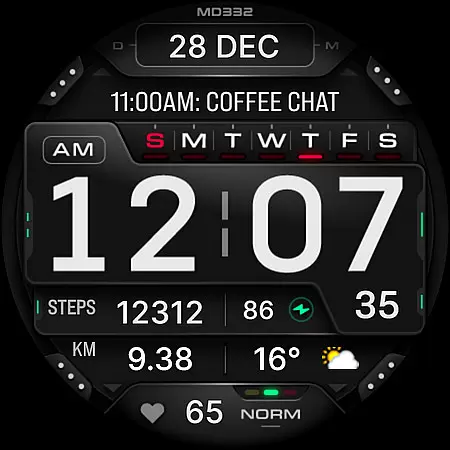
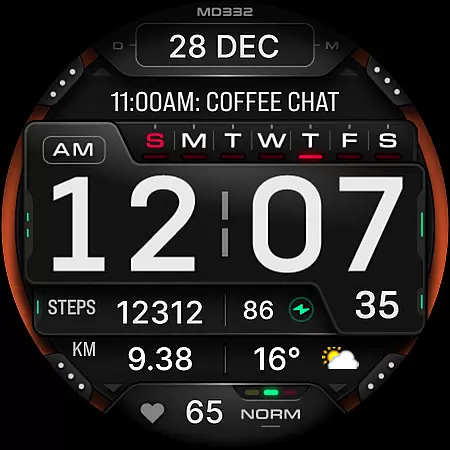
MD332 Digital watch face offers a feature-rich and customizable experience for Wear OS users. Designed with advanced functionalities, this digital watch face supports all Wear OS devices running API Level 33+ (Wear OS 4 and later), including Samsung Galaxy Watch 4-8, Ultra, and Pixel Watch models.
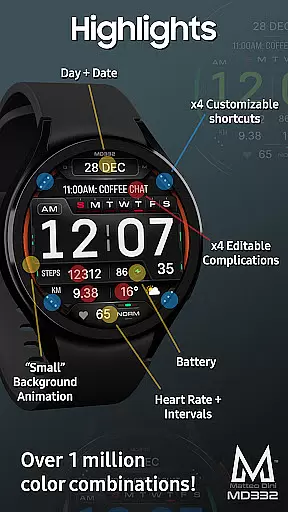
The watch face includes 3 preset app shortcuts, 4 customizable shortcuts, and 4 customizable complications that allow users to display preferred data such as weather, barometer readings, distance walked, calories burned, UV index, and chance of rain. With options like 12/24hr time format based on phone settings, date, day, battery status, heart rate monitoring, and more, it provides both utility and personalization.
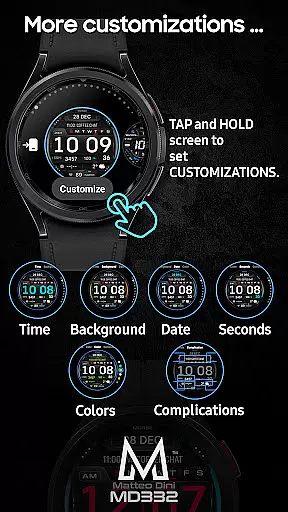
Users can customize the colors of time, date, seconds, background, and general elements, making it adaptable to individual preferences. The minimal and full Always-On Display (AOD) ensures visibility while conserving battery life. Despite some installation challenges noted for Galaxy Watch users due to the Samsung Wearable app's limitations, direct customization on the watch is recommended until these issues are resolved by Samsung.
MD332 Digital watch face stands out with its extensive customization capabilities. Users can personalize their watch faces by selecting from various data types, including health metrics, environmental factors, and world clock information. The inclusion of 3 preset app shortcuts for Calendar, Battery, and Heart Rate measurement ensures quick access to frequently used functions.
With 4 additional customizable shortcuts and complications, users can tailor the display to show relevant data such as weather updates, calories burned, or distance walked. These complications rely on external apps, which may need to be installed separately if not already present on the device. The ability to change colors of different elements—time, date, seconds, background, and general appearance—adds another layer of personalization.
Other notable features include support for both 12-hour and 24-hour time formats based on phone settings, date and day display, battery status indicator, continuous heart rate monitoring with intervals, and big numbers for better readability. The minimal and full AOD modes ensure essential information remains visible at a glance while optimizing power consumption.
Companion app integration is essential for a seamless wearable experience. The MD332 Digital watch face offers robust connectivity with its companion app, ensuring that users can easily customize and manage their watch face settings directly from their smartphone.
This integration allows for efficient synchronization of data between the phone and the watch. Users can choose from a variety of complications such as weather, health metrics, and more, which are displayed on the watch face. These complications provide real-time information, enhancing the overall utility of the device.
Despite some challenges with the Samsung Wearable app's editor, customization can be done directly on the watch, offering a workaround until these issues are resolved by Samsung. This ensures that users still have access to the full range of customization options available.
The ability to customize shortcuts and complications through the companion app adds another layer of personalization. Users can tailor their watch face to display the most relevant information, making daily interactions more efficient and engaging.
Compatibility with various devices is crucial for any Wear OS application. The MD332 Digital watch face supports all Wear OS devices with API Level 33+ (Wear OS 4 and later versions), including popular models like Samsung Galaxy Watch 4-8, Ultra, and Pixel Watch.
This broad compatibility ensures that users across different devices can enjoy the features offered by the MD332 watch face. Whether it's displaying the time in 12/24hr format based on phone settings, showing the date, day, battery status, or heart rate intervals, this watch face caters to diverse user needs.
In addition to basic functionalities, the watch face includes 3 preset app shortcuts, 4 customizable shortcuts, and 4 customizable complications. These features allow users to personalize their watch faces extensively, choosing from a wide array of data points such as weather, barometer readings, distance walked, calories burned, UV index, and chance of rain.
For optimal performance, users should ensure they have the necessary complications installed on their watches. While these complications are external apps and not part of the watch face itself, they significantly enhance the functionality and user experience of the MD332 Digital watch face.
Highly customizable
Supports latest Wear OS
Feature-rich design
User-friendly interface
Comprehensive data options
Complex setup process
Limited Galaxy Watch support
External app dependency
Preset shortcut limitations
Battery consumption concerns

"PER27 Galaxy Digital" is a digital Wear OS watch face designed by PERSONA
 4.10
4.10
Watch the sharpness of the sky on your wrist..
3.70
Snowflake Rose Gold Watch Face - Digital, modern, & sleek with GYRO effect.
4.10
Authentic military-tactical design with ZULU time! Realistic and functional!
3.80
Your second brain for organizing your life: to-do, calendar, reminder.
4.70
Gym & home workout plans with strength training, exercise tracking, HIIT & more.
4.60
The #1 source of faces for your smartwatch!
4.00
Hybrid Vibrant Health Watch Face for Wear OS
4.5
Back up your contacts & access them anywhere
4.30
Digital, flexibly customizable watch face. For Wear OS 5.0, API 34+ and later.
5.00
Gym Log & Workout Tracker | Fitness Journal, Training & Weight Lifting Planner
4.90
To-Do List: daily schedule planner, task organizer, to do reminder app, calendar
4.60
Connect to your Bluelink equipped Hyundai vehicle from your smartphone.
4.50
Christmas watch face. For Wear OS devices.
4.30
Let's celebrate Thanksgiving - Wear Os watch face
4.20
Hyper-Realistic Airplane Dashboard Watch Face With 10 Skins and Custom AOD
4.00
A full-featured Amazon Alexa voice assistant that can show you things.
3.70
Precision analog watch face with 7 complications and style options
4.3
A Wintery Snow Globe on Your Wrist; now celebrating Christmas!
4.0


User Reviews