
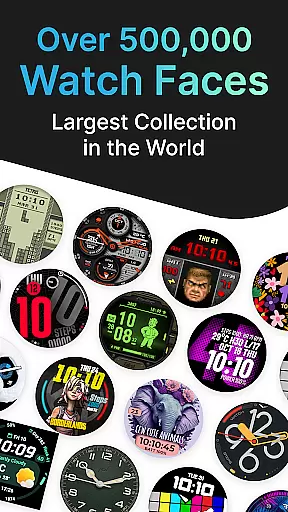
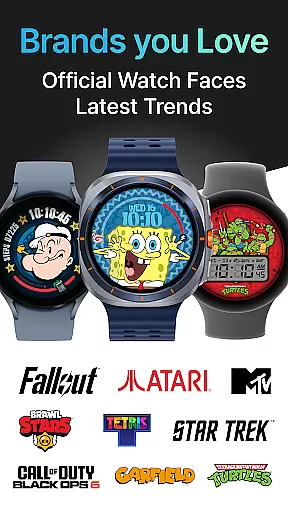
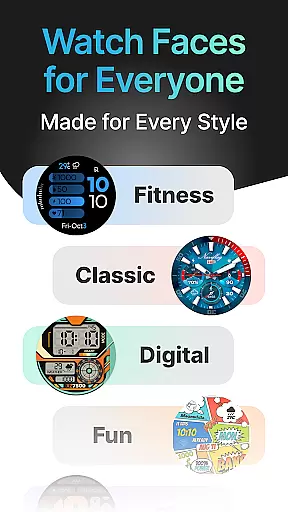
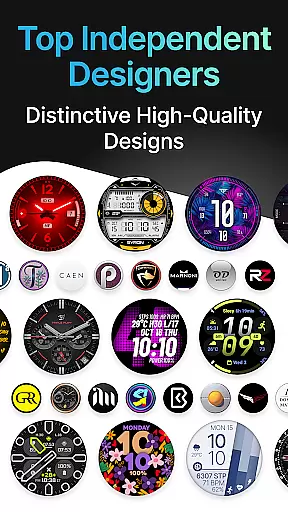
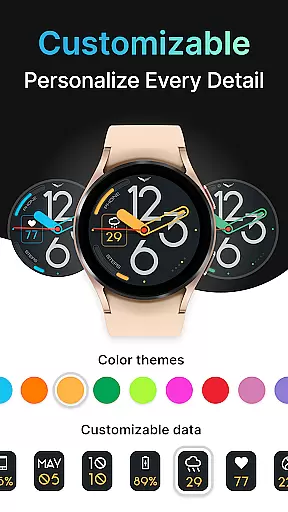
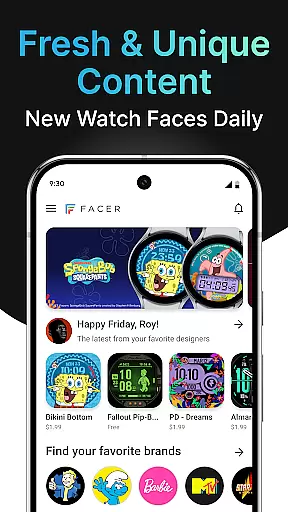
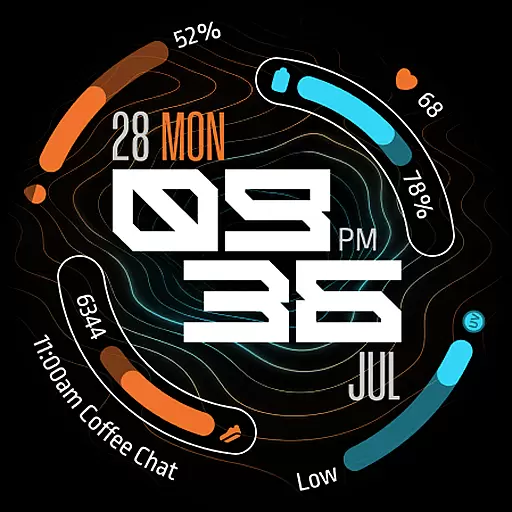
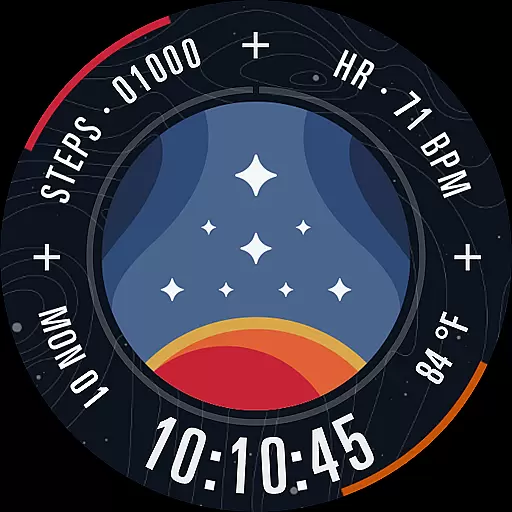
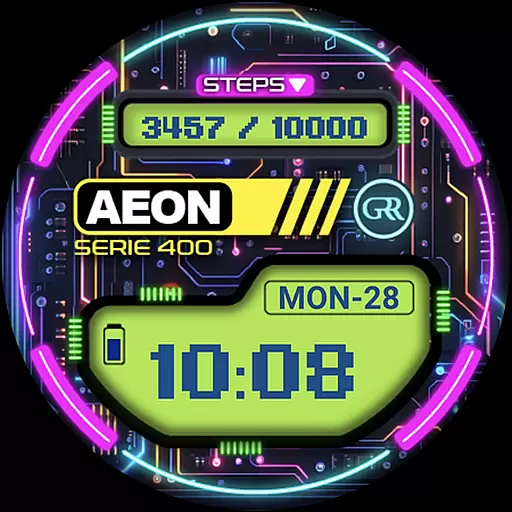
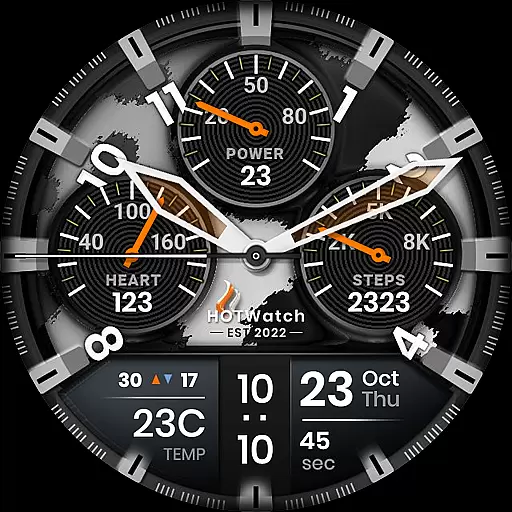
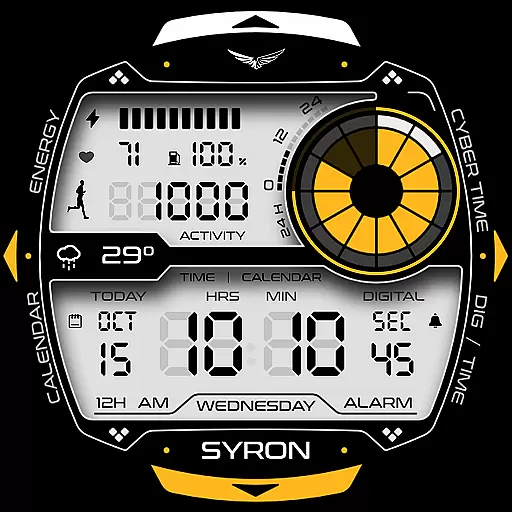
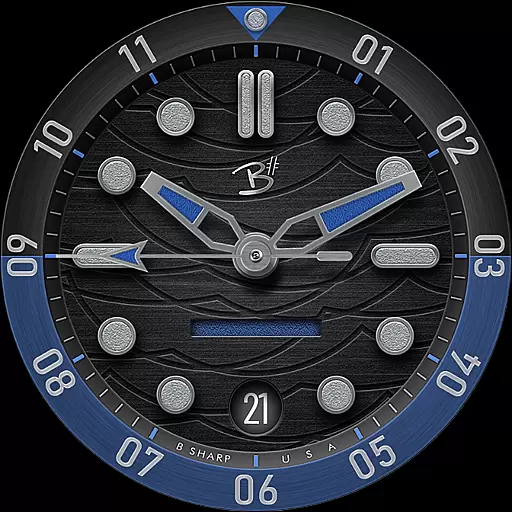
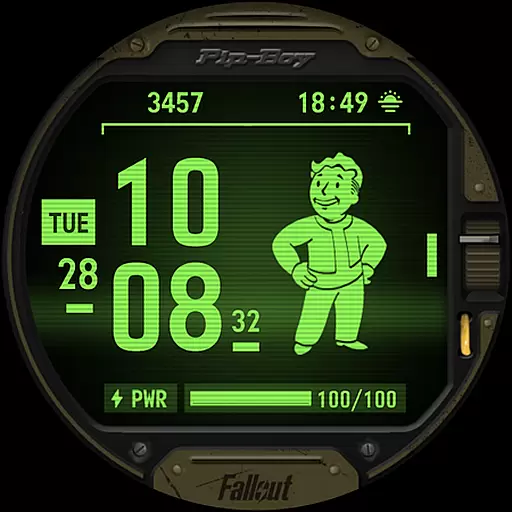
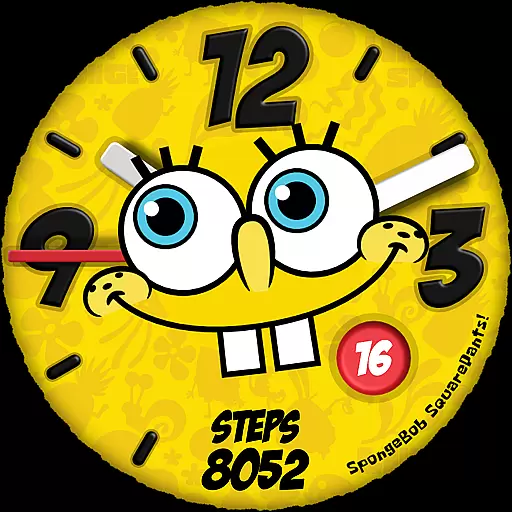
Facer Watch Faces is the ultimate customization tool for your smartwatch, offering over 500,000 free and premium watch faces from leading brands and independent artists. Compatible with Wear OS, Tizen, Apple Watch, and more, it allows users to personalize their smartwatches with unique designs that suit their style.
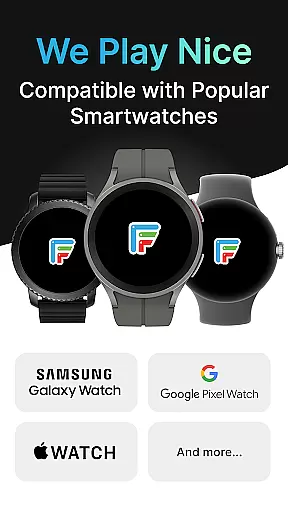
The app supports a wide range of devices including Samsung Galaxy Watches, Google Pixel Watches, OnePlus Watches, and many others. With features like Facer Creator, users can even design and share their own watch faces. Whether you're looking for branded designs from Tetris™ or Star Trek, or original creations from talented designers, Facer has something for everyone.
By using Facer, users can enjoy a personalized smartwatch experience that goes beyond default settings, making their device truly their own. The ability to sync across multiple platforms ensures that your customizations are always up-to-date, providing a seamless user experience.
Facer Watch Faces stands out with its extensive library of over 500,000 watch faces, catering to diverse tastes and preferences. Users can choose from free options or opt for premium designs that offer exclusive aesthetics. The app's compatibility with multiple operating systems, including Wear OS, Tizen, and Apple Watch, ensures broad accessibility.
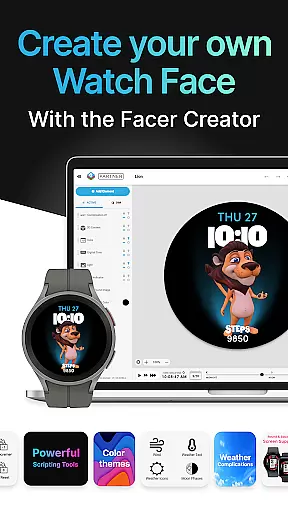
A key feature is the Facer Creator, which empowers users to design their own watch faces using a powerful web-based editor. This tool provides full functionality on laptops and desktops, allowing creators to publish their designs to a community of thousands of smartwatch users. Additionally, Facer curates collections of original designs from talented artists, ensuring high-quality and dynamic options.
Practical functionalities such as location-based weather data and health metrics like step counters and heart rate monitoring enhance the utility of the watch faces. These features not only beautify your smartwatch but also provide valuable information at a glance, making Facer an indispensable tool for smartwatch personalization.
Companion app integration is a crucial feature for smartwatch applications like Facer Watch Faces. This functionality ensures seamless synchronization between the mobile app and the watch face, allowing users to make real-time changes that reflect instantly on their smartwatch display.
Facer excels in companion app integration by offering a comprehensive setup process. Users need to install the app on both their phone and smartwatch, select the desired watch face through the mobile app, and witness the immediate update on their wearable device. This streamlined process enhances user experience by reducing setup complexity.
The benefits of this integration are numerous. Users can access over 500,000 watch faces from their phone, customize settings, and manage preferences effortlessly. The synchronization extends to fitness data, weather information, and other personalized content, making the smartwatch truly an extension of the user's digital identity.
This level of integration demonstrates Facer's commitment to providing a complete smartwatch customization solution. By maintaining compatibility across multiple operating systems including Wear OS, Tizen, and others, Facer ensures that users can enjoy a consistent experience regardless of their chosen smartwatch platform.
Device compatibility is essential for any smartwatch application, and Facer Watch Faces stands out by supporting an extensive range of Wear OS devices. This broad compatibility ensures that users with different smartwatch models can enjoy the same rich selection of watch faces and customization options.
Facer's compatibility extends to popular brands such as Samsung Galaxy Watches, Google Pixel Watches, OnePlus Watches, and many others. Whether you own a Mobvoi Ticwatch or a Fossil Group smartwatch, Facer provides optimized support for each device's unique specifications and screen dimensions.
The application maintains backward compatibility with older Wear OS versions while embracing new updates. For instance, Facer supports the latest Wear OS 6 while continuing to provide excellent service for devices running Wear OS 3 or 4. This dual approach ensures that all users can benefit from the application's features regardless of their device's software version.
By supporting such a wide array of devices, Facer demonstrates its dedication to inclusivity in wearable technology. Users can confidently switch between different smartwatch models, knowing that their favorite watch faces and customization options will remain accessible through the Facer platform.
User-friendly interface
Extensive watch face library
Cross-platform compatibility
Customizable designs
Active community support
Premium faces require purchase
Some features need permissions
Limited offline functionality
Design quality varies
Occasional syncing issues

"PER27 Galaxy Digital" is a digital Wear OS watch face designed by PERSONA
 4.10
4.10
Precision analog watch face with 7 complications and style options
4.4
Deck out your Wear OS Watch face with a beautifully decorated pine wreath!
4.50
Contemporary digital watch face with five complications
4.5
Funny animated watch face for Thanksgiving
4.3
Professional weather radar and more
3.90
Minimalistic design modern digital watch face.
4.3
Connect, create, and collaborate with Gmail, part of Google Workspace.
4.10
Control your Samsung Smart TVs, appliances, and SmartThings-compatible devices
4.60
To-Do List: daily schedule planner, task organizer, to do reminder app, calendar
4.60
Christmas watch face. For Wear OS devices.
4.30
Watch the sharpness of the sky on your wrist..
3.70
A full-featured Amazon Alexa voice assistant that can show you things.
3.70
Want to take charge of your health? Let Google Fit help you reach your goals.
3.50
Your local weather forecast, storm tracker, radar maps & live weather news
3.40
Watch face designed for Thanksgiving Day. 7 Background Styles included.
3.20
Wear Os Watch Face - Animated Snow Effect & Christmas Lights
4.0
Wear Os Watch Face - Animated Snow - Sesonal for Christmas & Winter
4.4
3 Complications. All shadow on/off. 30 Themes color palette...
4.1


User Reviews