
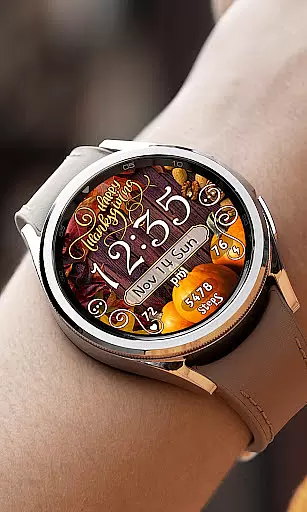
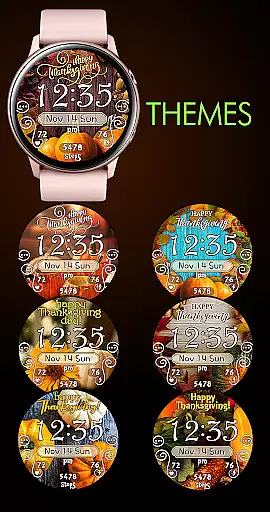

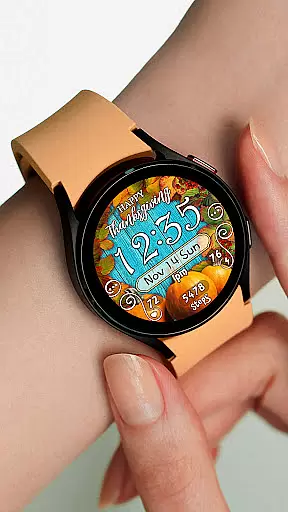
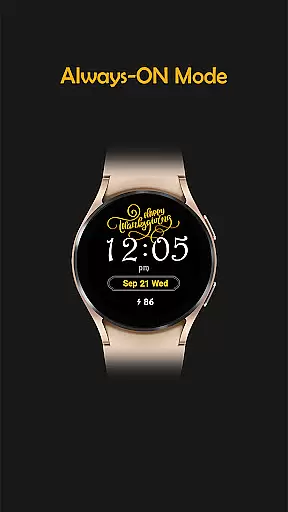
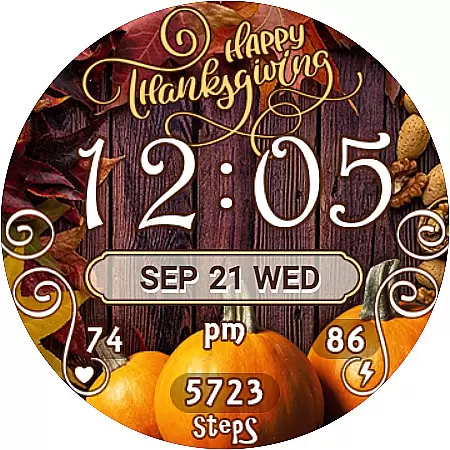
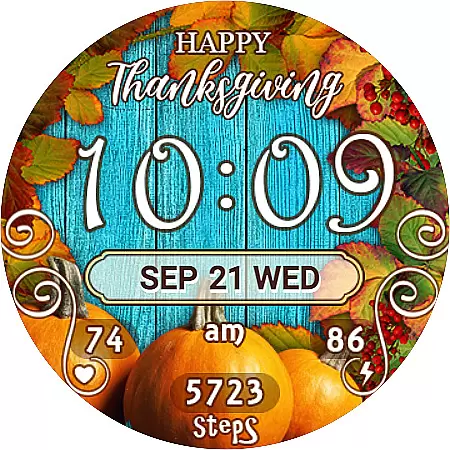
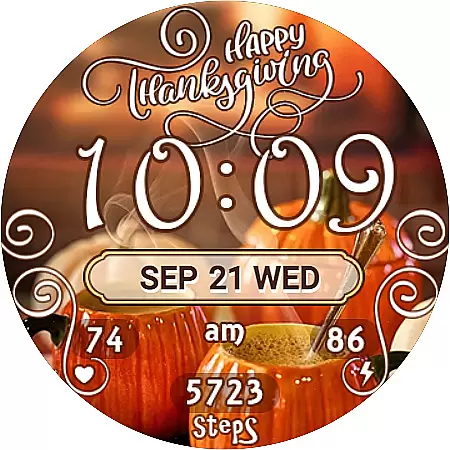
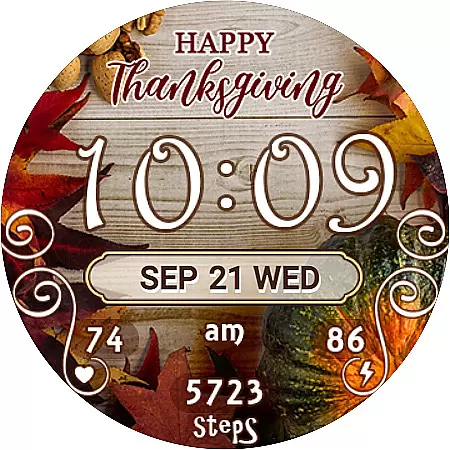
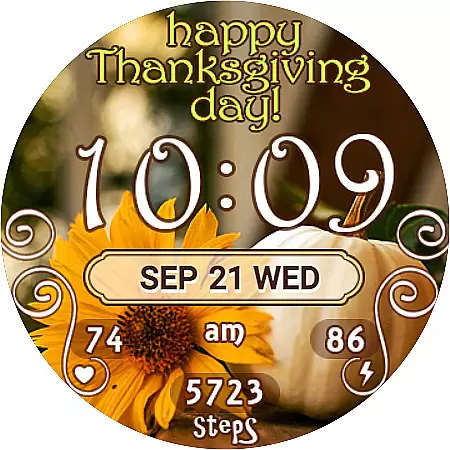
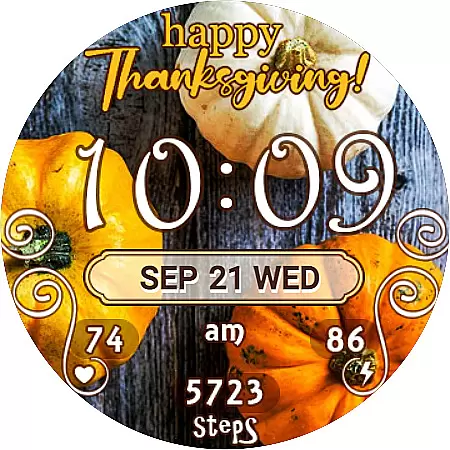
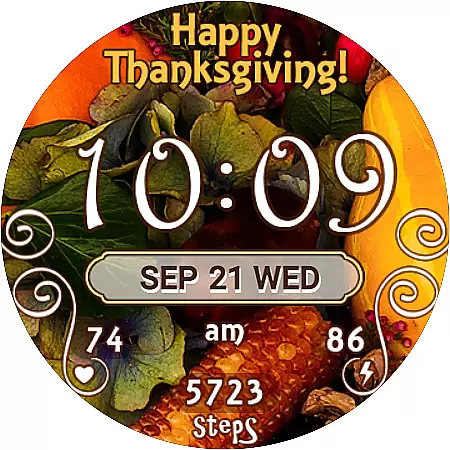
Thanksgiving Day Watch Face is a specially designed watch face for Wear OS devices, offering users a festive way to celebrate the holiday season right on their smartwatch. The app provides 7 unique Thanksgiving-themed background options, allowing users to customize their watch's appearance while enjoying practical features like digital time display in 12/24-hour format, battery percentage, step counter, and heart rate monitoring.
This watch face stands out with its automatic time synchronization with the paired phone, ensuring accuracy and convenience. Users can also access various widgets and shortcuts directly from their watch face, including SHealth Steps and Heart Rate app shortcuts. With both active mode and always-on display functionalities, this app ensures that essential information remains accessible at all times while maintaining the spirit of Thanksgiving.
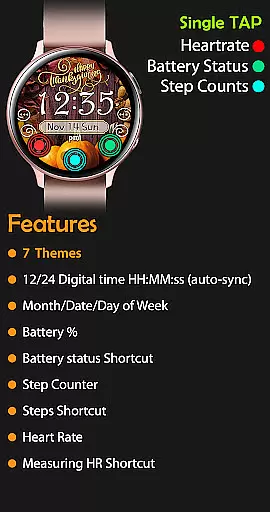
Thanksgiving Day Watch Face offers a comprehensive set of features tailored for Wear OS users. The app automatically syncs the time with your smartphone, displaying it in either 12-hour or 24-hour format without leading zeros in the 12-hour mode. It includes practical widgets such as day of the week, date, month, battery percentage indicator, and a step counter with an SHealth Steps shortcut.
One of the standout features is the inclusion of 7 beautifully designed Thanksgiving-themed backgrounds, which can be easily switched based on user preference. Additionally, the active mode provides heart rate monitoring with a direct shortcut to the heart rate application. For power-saving purposes, the always-on display shows essential details like time, day, date, and battery level, ensuring users have critical information even when the watch is in low-power mode.
For the Thanksgiving Day Watch Face, seamless companion app integration is crucial for a smooth user experience. This watch face is designed to sync automatically with your phone, ensuring that the time and other data are always accurate and up-to-date.
The installation process involves a synchronization period between the Google Play Store and your wearable device, typically taking about 10-15 minutes after purchase. This ensures that all features, including time, date, battery percentage, and health data, are perfectly aligned across devices.
Should users encounter any issues during installation, the app provides clear guidance on how to manually locate and activate the new watch face. By swiping through the list of available faces and tapping the plus icon, users can easily find their newly acquired design.
This streamlined integration allows users to enjoy all the watch face's features without interruption, from its seven unique background themes to its various widgets and shortcuts, enhancing both functionality and aesthetics.
The Thanksgiving Day Watch Face is specifically optimized for Wear OS, ensuring broad compatibility with a range of Android wearables. This optimization guarantees that users can enjoy a rich set of features regardless of their specific device model.
Key features such as 12/24 digital time display, day of the week, date, month, battery percentage, step counter, and heart rate monitoring are all accessible on compatible devices. These features are presented in an intuitive layout that maximizes readability and ease of use.
In addition to basic functionalities, the watch face supports active mode and always-on display features. Users can benefit from continuous access to essential information, even when the device is in low-power mode.
With comprehensive support for useful widgets and shortcuts, including SHealth Steps and Heart Rate app shortcuts, this watch face offers a versatile and practical solution for Wear OS users seeking both style and utility.
Perfect for Thanksgiving
7 unique themes
Automatic time sync
Battery percentage display
Heart rate monitoring
Limited to Wear OS
No leading zero option
Installation delay
Manual theme selection
Basic always-on features

"PER27 Galaxy Digital" is a digital Wear OS watch face designed by PERSONA
 4.10
4.10
WTW M17 is a premium and luxurious hybrid watch face
4.70
Embrace the holiday spirit with this magical animated watch face!
4.40
Christmas - Festive - Christmas Village - Winter - Christmas lights
5.00
Nutrition, Macro tracker: Food, fitness & healthy diet tracking for weight loss
4.60
Stay in touch with your friends and family using LINE!
3.40
Professional weather radar and more
3.90
Retro digital watch face with customizable colors and a unique lighting effect
4.60
Connect, create, and collaborate with Gmail, part of Google Workspace.
4.10
Christmas Theme Watch Face for Wear Os
5.00
Diet tracker for weight loss - track calories, food and macros. Simple and easy!
4.70
Hybrid watch face for Wear OS with customizable complications by Matteo Dini MD
4.70
A realistic hybrid watch face with many customization options.
4.60
Watch face for Wear OS.
4.20
Let's celebrate Thanksgiving - Wear Os watch face
4.20
sleep, alarm, snoring, stress, healing, focus, sound therapy, circadian rhythm
4.10
A digital watch face that celebrates Christmas.
4.00
Authentic military-tactical design with ZULU time! Realistic and functional!
3.80
Christmas is near, let's count together the days left until Santa comes
4.3


User Reviews