
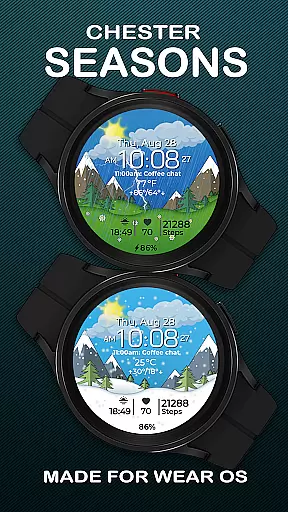
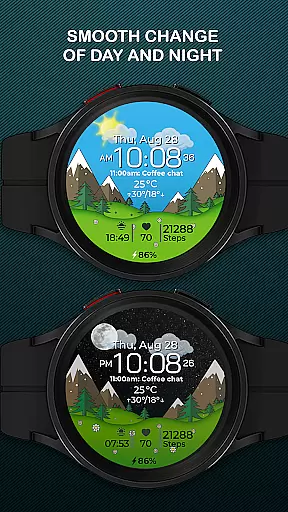
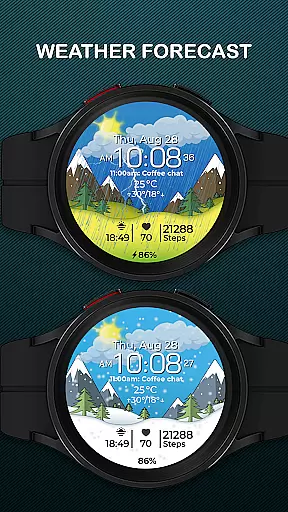
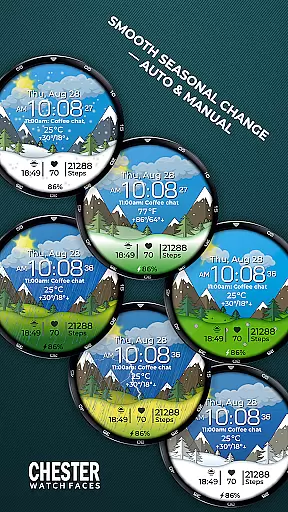
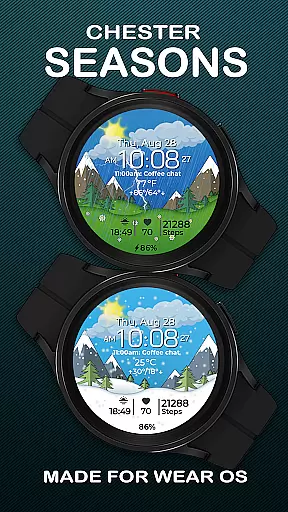
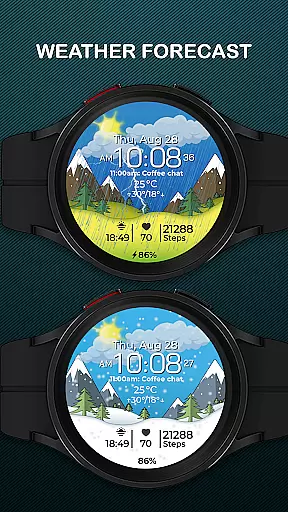
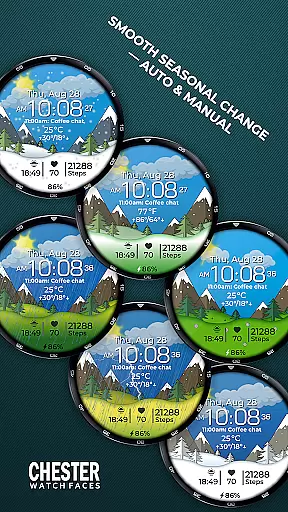
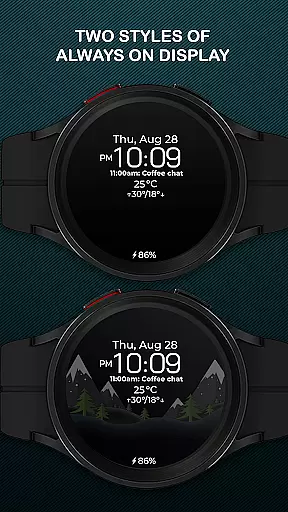
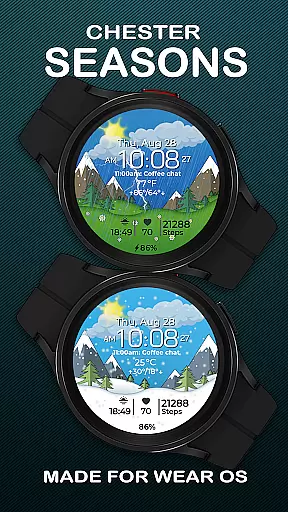
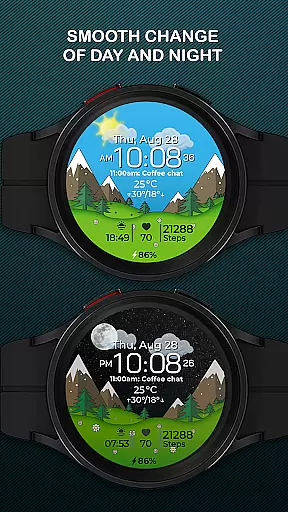
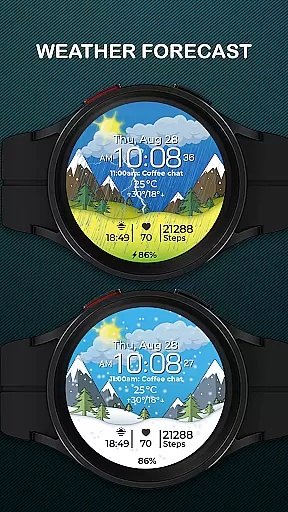
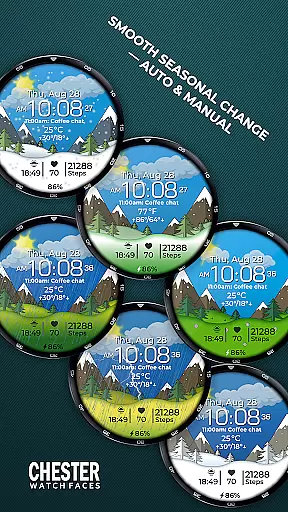
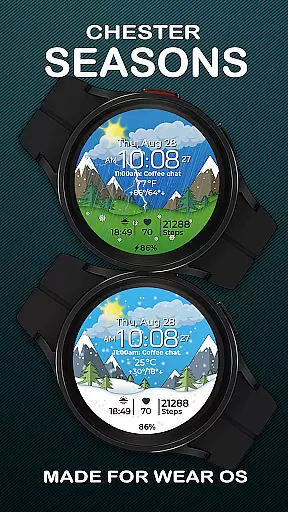
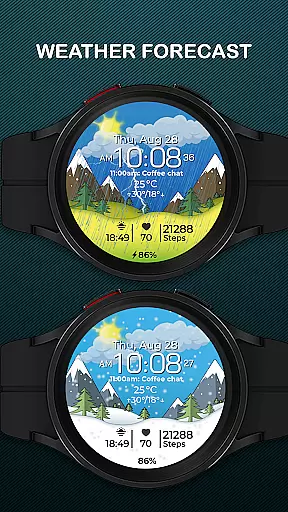
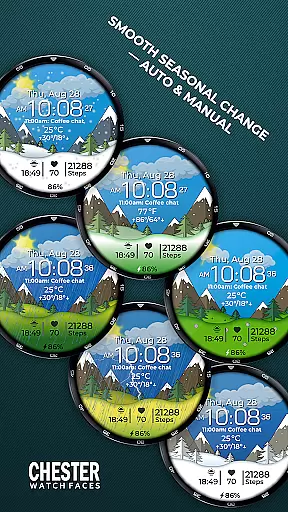
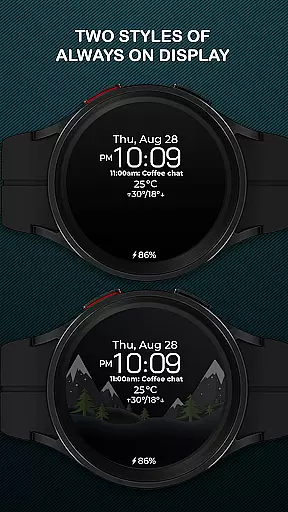
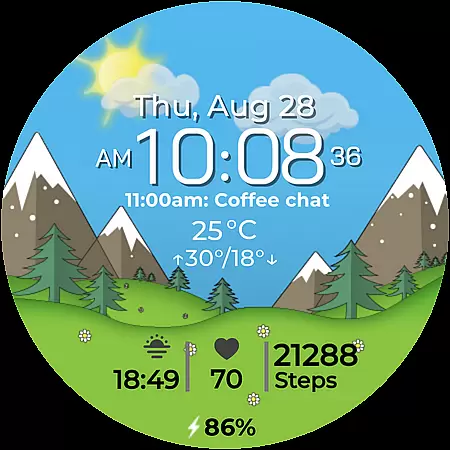
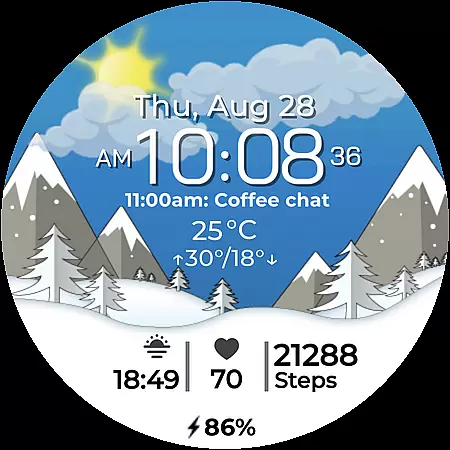
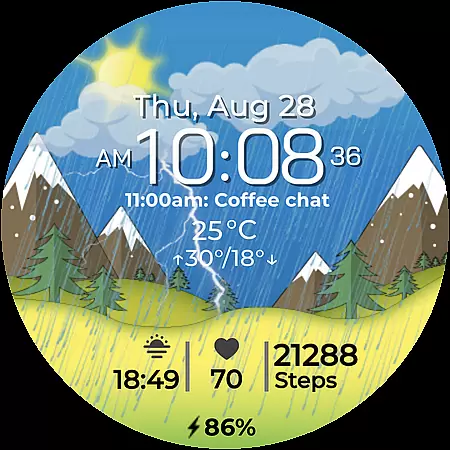
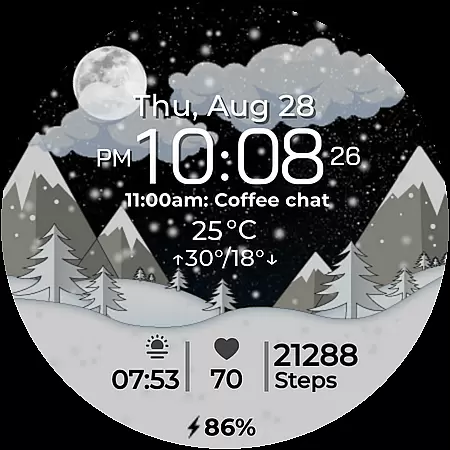
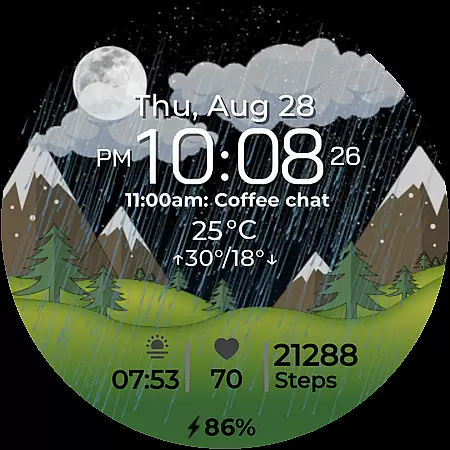
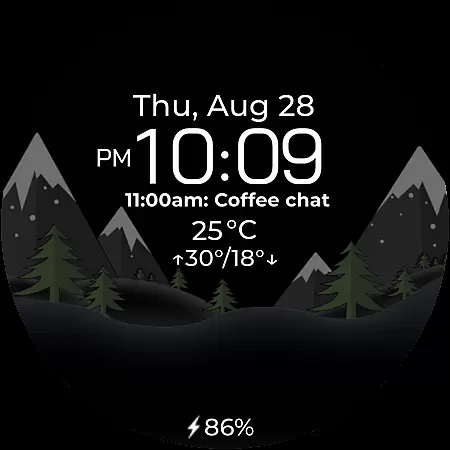
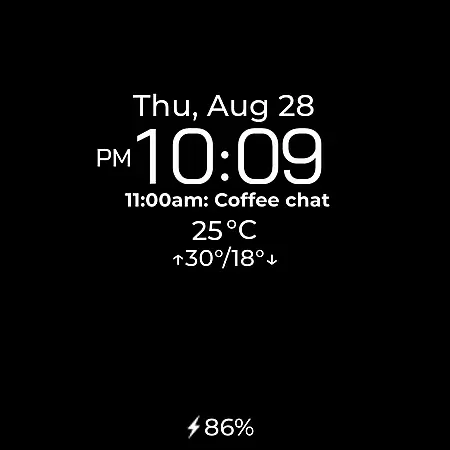
Chester Seasons is a premium watch face for Wear OS devices, offering both aesthetic appeal and practical functionality. Designed for users who value style and utility, this app brings dynamic animations and essential information directly to your wrist.
The watch face features smooth seasonal transitions, interactive tap zones, and customizable complications. With support for weather display, battery indicators, and temperature readings, it ensures you stay informed while enjoying visually stunning designs.
Perfect for smartwatch users running Wear OS API 30+, Chester Seasons transforms your device into a personalized accessory that adapts to your lifestyle and the changing seasons.
Chester Seasons stands out with its rich feature set tailored for Wear OS users. The app offers time, date, and weather displays, including current conditions and daily temperature ranges in both Celsius and Fahrenheit.
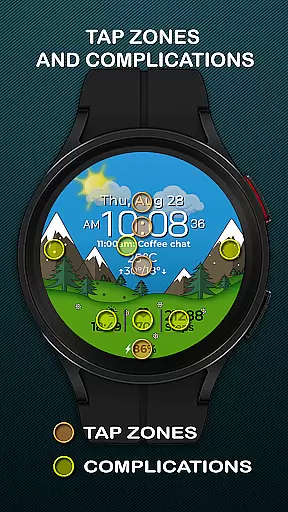
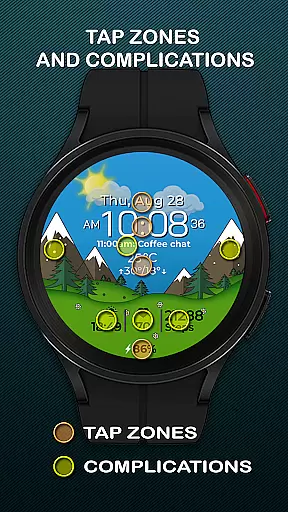
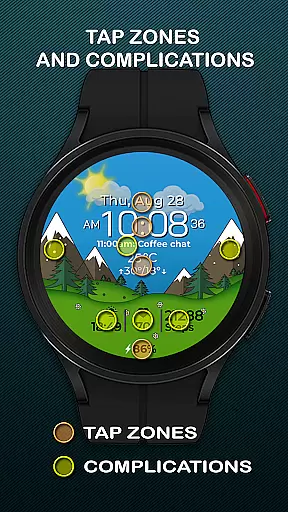
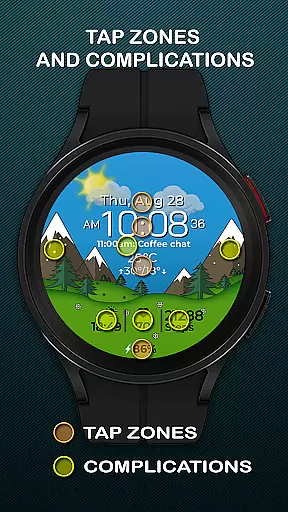
Users can customize their experience with four selectable complications and three quick-access zones for apps and workouts. Interactive tap zones provide additional control, while automatic seasonal changes and day-night cycles create a dynamic visual experience.
While devices running below Wear OS API 34 miss some advanced features like manual seasonal adjustments, the core functionality remains robust across compatible devices such as Google Pixel Watch and Samsung Galaxy Watch series.
Companion app integration is essential for a seamless wearable experience. Chester Seasons watch face offers rich features that sync perfectly with its mobile companion app, ensuring all your preferences and settings are effortlessly managed across devices.
The watch face supports real-time customization through the companion app, allowing users to personalize everything from complications to seasonal themes. This ensures that your smartwatch not only displays accurate information like time, date, and weather but also reflects your unique style.
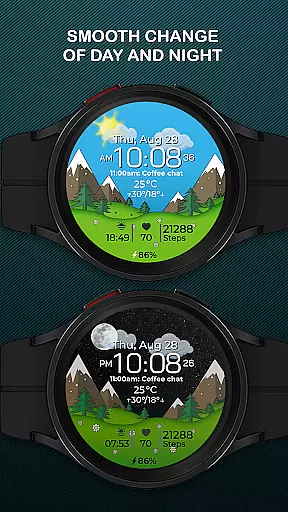
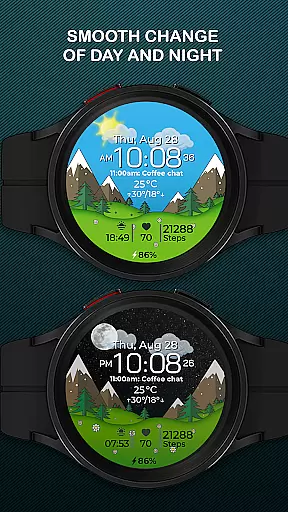
With smooth day & night transitions and dynamic seasonal changes, the integration extends the life of your device by offering both aesthetic appeal and functional depth. Users can manually adjust seasonal settings or let the app automatically adapt based on the time of year.
This synchronization enhances user engagement by providing quick access to favorite apps, workouts, and interactive tap zones, making daily tasks more efficient while elevating the overall Wear OS experience.
Device compatibility is crucial for ensuring optimal performance and user satisfaction. Chester Seasons is designed to work seamlessly with Wear OS API 30+ devices, including popular models like Google Pixel Watch and Samsung Galaxy Watch series.
The watch face takes full advantage of the Wear OS platform, delivering beautiful animations and useful features such as battery level indicators, weather updates, and temperature displays in both Celsius and Fahrenheit. These functionalities cater to a wide range of users who demand both style and utility from their smartwatches.
However, it's important to note that certain advanced features like weather display and manual background changes for seasons are only available on devices running Wear OS API 34 and above. This ensures that users with newer devices enjoy the latest innovations while maintaining stability for older versions.
By focusing on compatibility with a broad spectrum of Wear OS devices, Chester Seasons guarantees an adaptable and responsive experience tailored to each user's hardware capabilities, excluding rectangular watches where the design may not render correctly.
Stylish design
Customizable features
Interactive zones
Seasonal animations
Weather integration
No rectangular support
Limited on older OS
Premium only features
Complex customization
Battery intensive

Diet tracker for weight loss - track calories, food and macros. Simple and easy!
 4.70
4.70
WTW M17 is a premium and luxurious hybrid watch face
4.70
Embrace the holiday spirit with this magical animated watch face!
4.40
Contemporary digital watch face with five complications
4.1
Easy Voice Recorder is your everyday companion to record important moments.
4.70
3 Complications. All shadow on/off. 30 Themes color palette...
4.4
sleep, alarm, snoring, stress, healing, focus, sound therapy, circadian rhythm
4.10
A white realistic classic analog watch face with many customization options.
4.40
Fast and smart typing with Emojis, GIFs, and more
4.50
Monitor health with the stress test and pulse checker in the heart rate app.
4.60
Nutrition, Macro tracker: Food, fitness & healthy diet tracking for weight loss
4.60
Stylish, Energizing and Modern Watch Face crafted by Dominus Mathias.
4.50
Premium hybrid watch face with many customizations for Wear OS devices.
4.40
Christmas watch face. For Wear OS devices.
4.30
Calming & relaxing sounds for sleeping and stress relief. Stay focused all day!
4.20
Your local weather forecast, storm tracker, radar maps & live weather news
3.40
Watch face designed for Thanksgiving Day. 7 Background Styles included.
3.20
an Analog Watch Face for winter season with freeze winter background for Wear OS
4.0
Minimalistic design modern digital watch face.
4.4


User Reviews