
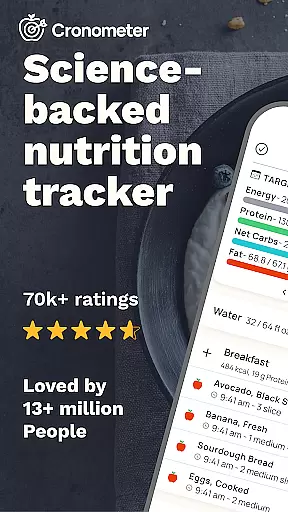
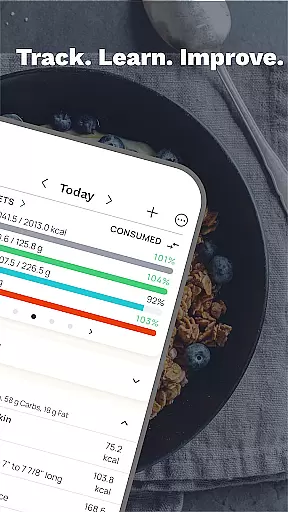
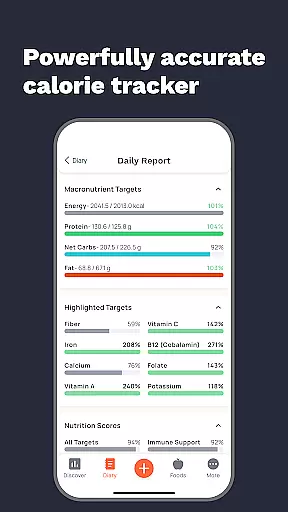
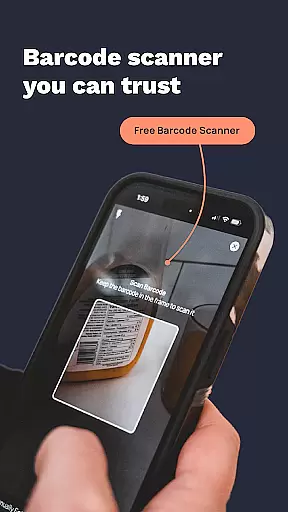
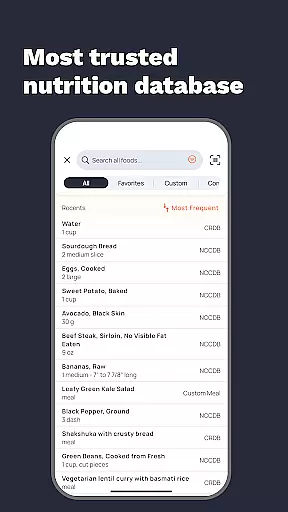
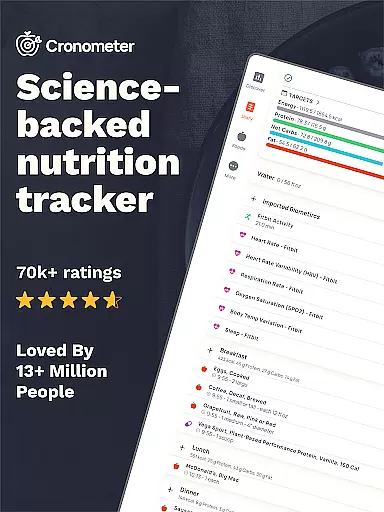
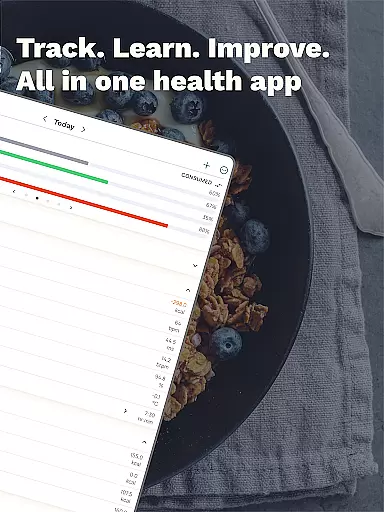
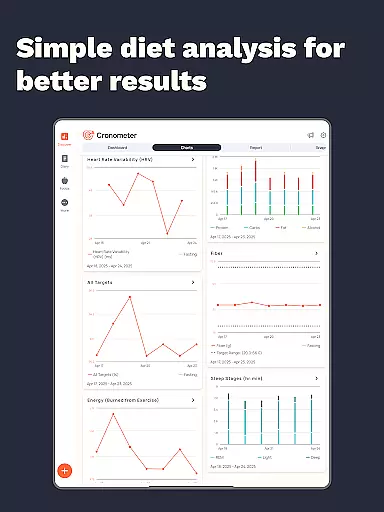
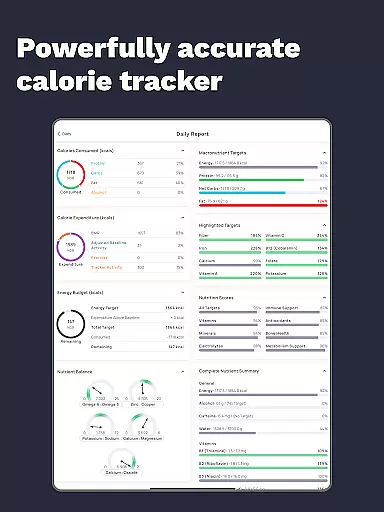
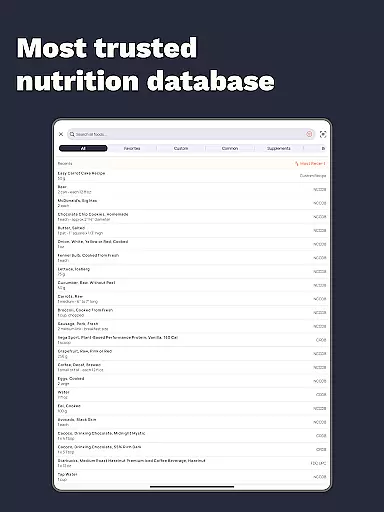
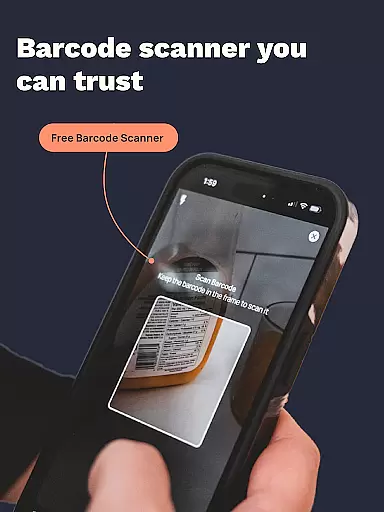
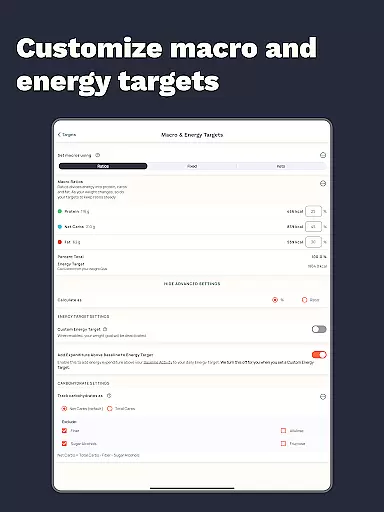
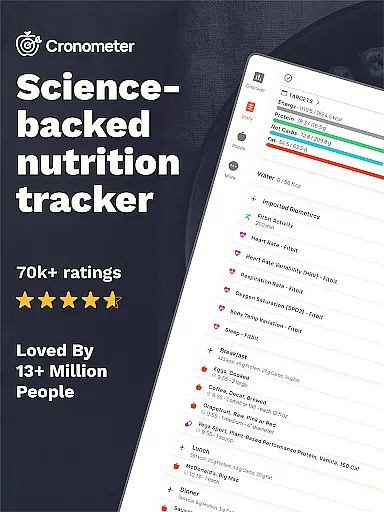
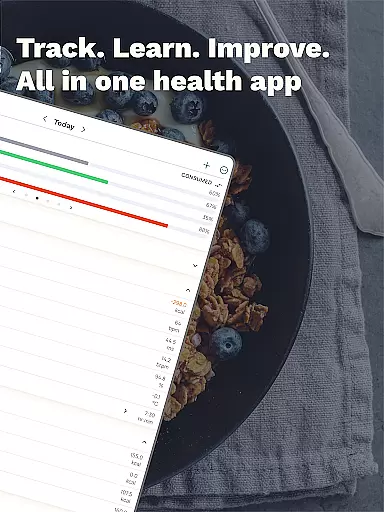
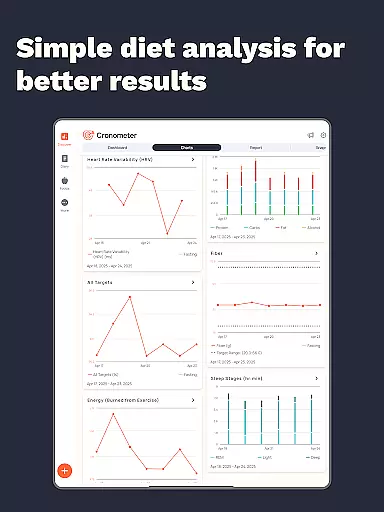
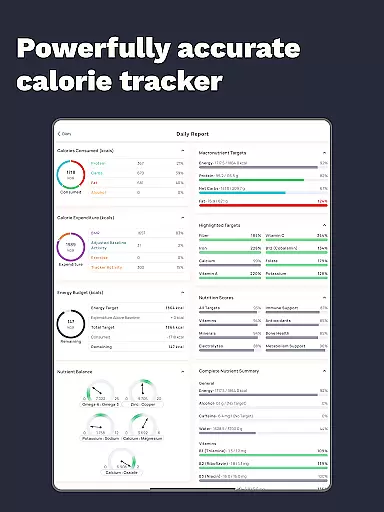
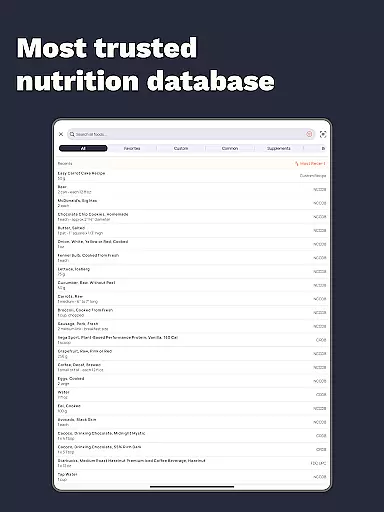
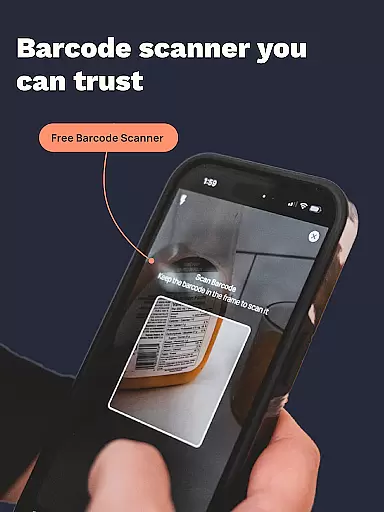
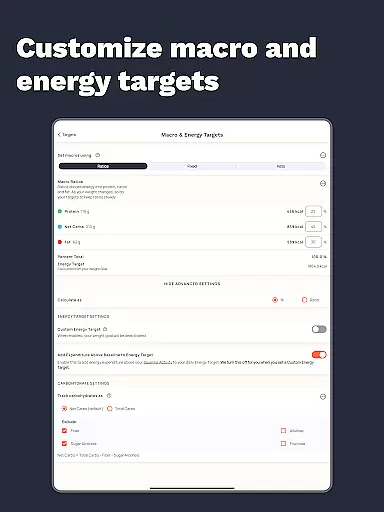
Cronometer is a comprehensive health and nutrition tracking app designed for Android Wear devices. This calorie counter goes beyond basic tracking by providing detailed insights into macronutrients, micronutrients, and overall dietary balance. Users can access a verified database of over 1.1 million foods while enjoying features like AI-powered photo logging and wearable integrations.
The application stands out with its science-backed approach to nutrition tracking. Whether you're focused on weight loss, muscle gain, or maintaining balanced eating habits, Cronometer offers precise tools for monitoring calories, nutrients, fasting periods, hydration, sleep patterns, and fitness activities. Its unique combination of advanced analytics and user-friendly features makes it an essential companion for health-conscious individuals.
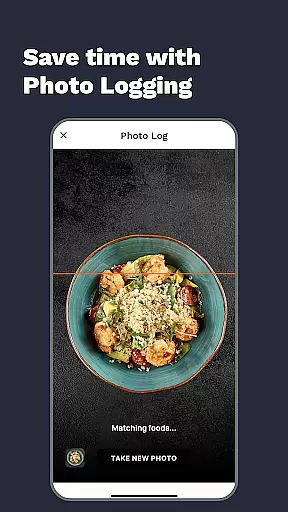
Cronometer distinguishes itself through innovative features tailored for health enthusiasts. The app's AI-powered photo logging revolutionizes meal tracking by automatically identifying ingredients and estimating portions. This feature, backed by the NCC nutrient database, ensures lab-verified accuracy in every food entry.
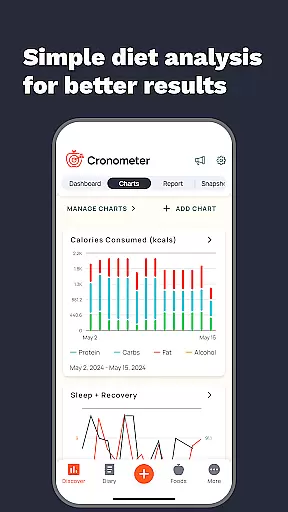
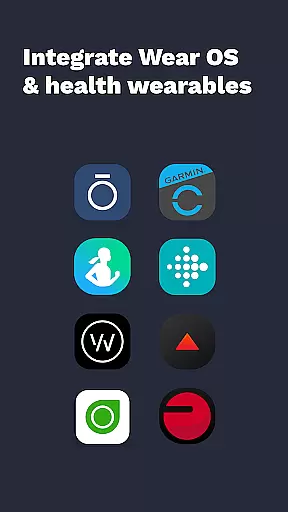
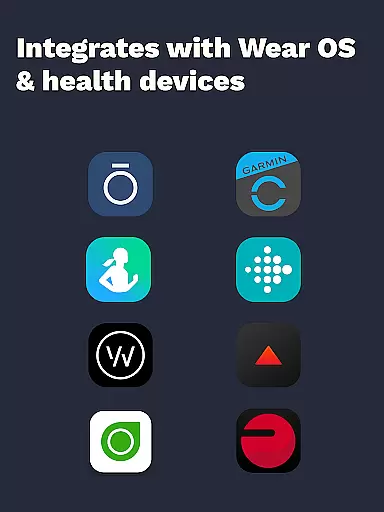
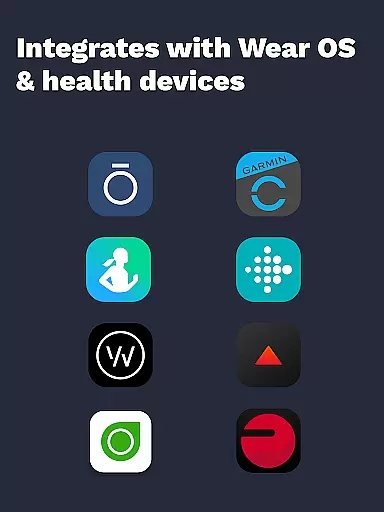
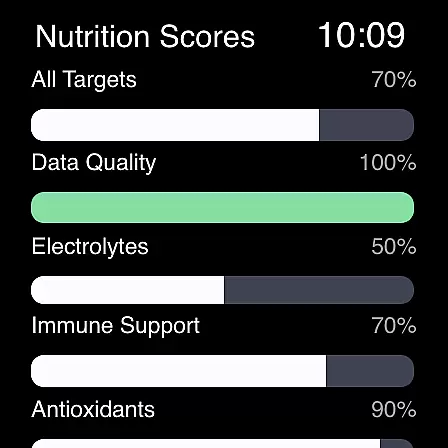
Beyond basic tracking, Cronometer offers advanced tools including custom biometric tracking, nutrition scoring across eight key areas, and the Nutrient Oracle feature that identifies top nutrient contributors. The app's integration capabilities extend to popular wearables like Fitbit, Garmin, and Oura Ring, creating a unified health monitoring system. These sophisticated features, combined with professional-grade reporting tools, make Cronometer a preferred choice among healthcare professionals and fitness experts.
Companion app integration is essential for users who want a seamless experience between their mobile devices and wearables. Cronometer excels in this area by offering robust synchronization capabilities with its Wear OS application. This ensures that all data logged on your phone, such as calorie intake, macronutrients, and micronutrients, are effortlessly mirrored on your smartwatch.
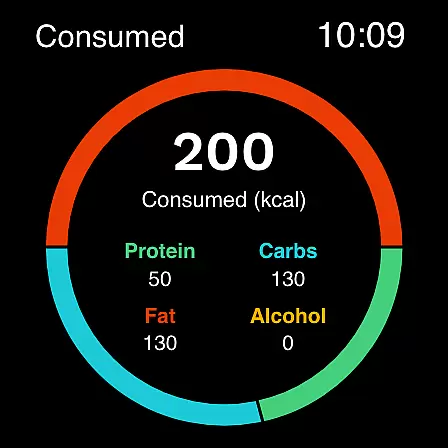
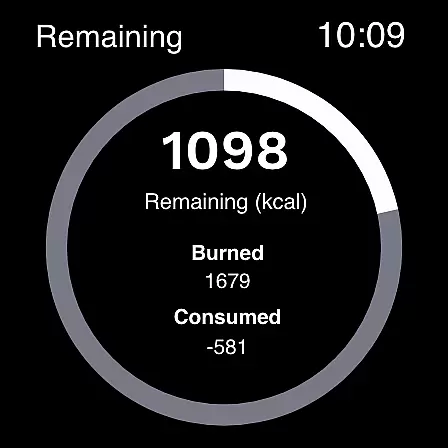
The Cronometer app allows you to track calories and macros directly from your watch, which is particularly useful when you're on the go or prefer not to take out your phone. This companion app feature provides real-time updates, ensuring that whether you log meals via AI-powered photo logging on your phone or manually input data on your watch, everything stays up-to-date across devices.
For users invested in holistic health tracking, Cronometer's companion app integration means you can sync devices like Fitbit, Garmin, and other wearables. This unified approach helps consolidate all your health metrics into one platform, making it easier to monitor progress towards your goals without missing a beat.
Ultimately, the value of strong companion app integration lies in enhancing user convenience and maintaining consistent tracking. With Cronometeru2019s Wear OS compatibility, users enjoy an uninterrupted flow of information, empowering them to make informed decisions about their nutrition and overall well-being.
Wear OS and device compatibility is crucial for users seeking to maximize the utility of their wearable technology. Cronometer offers extensive support for Wear OS, ensuring that its comprehensive nutrition and calorie tracking features are accessible right from your wrist. This compatibility allows users to log food, track hydration, and monitor other biometrics without needing to reach for their phones.
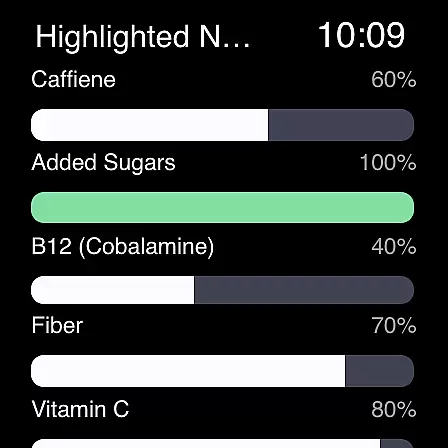
The Cronometer app is designed to offer a fluid experience on Wear OS devices. Users can easily view their daily nutrient breakdowns, set custom goals, and receive timely reminders, all optimized for the smaller screen format. This ensures that whether you're at the gym, in a meeting, or outdoors, you can stay on top of your health metrics with minimal disruption to your routine.
Beyond just Wear OS, Cronometer also integrates with a range of other devices including Fitbit, Garmin, Dexcom, and more. This broad compatibility enhances its appeal by allowing users to unify various health data streams into a single, cohesive platform. Such integrations ensure that no matter which devices you use, Cronometer remains a central hub for all your health and fitness tracking needs.
In summary, Cronometeru2019s commitment to Wear OS and cross-device compatibility underscores its dedication to providing a versatile and user-friendly experience. By ensuring that its app functions seamlessly across different platforms, Cronometer empowers users to maintain consistent and accurate health tracking, ultimately supporting better long-term outcomes.
Comprehensive nutrient tracking
Verified food database
AI-powered photo logging
Wearable device integration
Professional-grade analytics
Premium subscription required
Complex for beginners
Limited free features
High data requirements
Occasional sync issues

Christmas Theme Watch Face for Wear Os
 5.00
5.00
Christmas is near, let's count together the days left until Santa comes
4.1
Embrace the festive spirit with our Christmas Countdown watchface for Wear OS
4.10
A watch face that fuses motorsport precision with contemporary smartwatch design
4.1
Digital watch face. For Wear OS devices.
4.40
Structured watch face with seven complications and modular UI elements
3.90
The Chevron App allows you to pay for fuel from the comfort of your car!
4.80
Your local weather forecast, storm tracker, radar maps & live weather news
3.40
Track your active life in one place and share the journey with friends.
4.40
WTW M17 is a premium and luxurious hybrid watch face
4.70
Walking app for weight loss: walk & step tracker, pedometer, indoor treadmill
4.60
Find EV charging stations
4.30
sleep, alarm, snoring, stress, healing, focus, sound therapy, circadian rhythm
4.10
A digital watch face that celebrates Christmas.
4.00
Contemporary digital watch face with five complications
4.5
Sleek, highly customizable watch face inspired by Galaxy Watch Circle Dashboard.
4.5
Fitness interactive virtual pet super fighter boy watch face
4.2
Funny animated watch face for Thanksgiving
4.2
Hybrid Vibrant Health Watch Face for Wear OS
4.2


User Reviews