
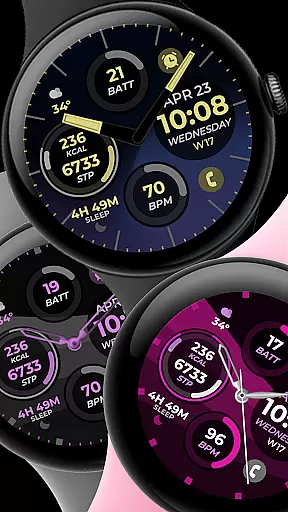
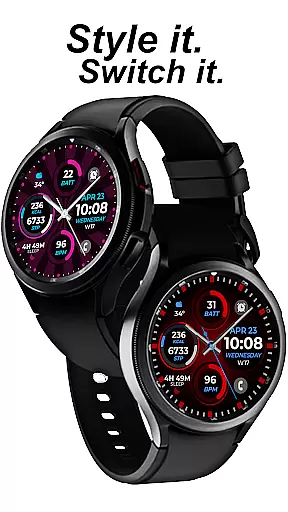
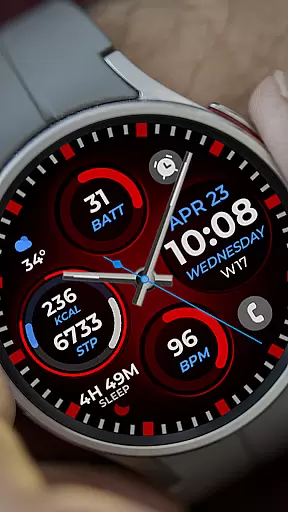
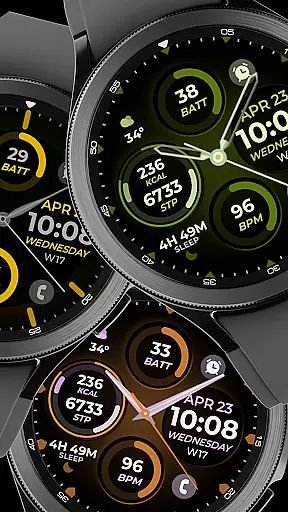
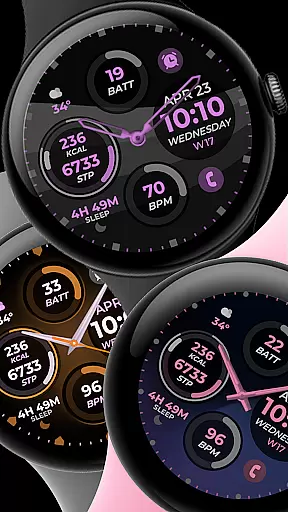
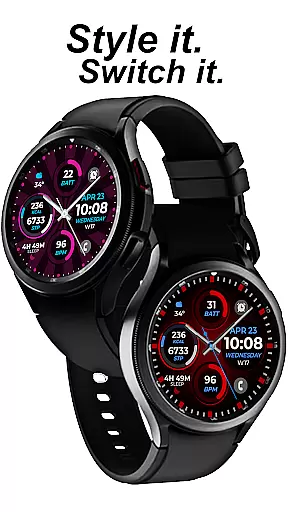
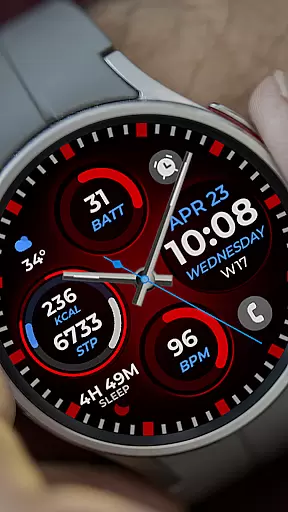
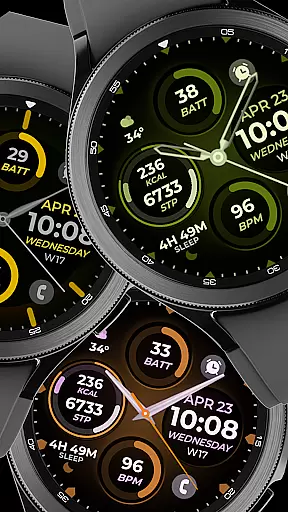
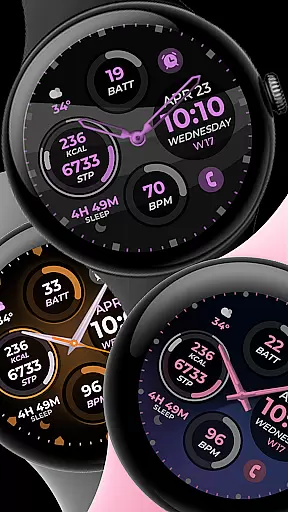
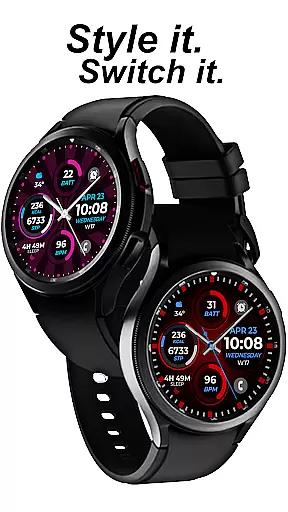
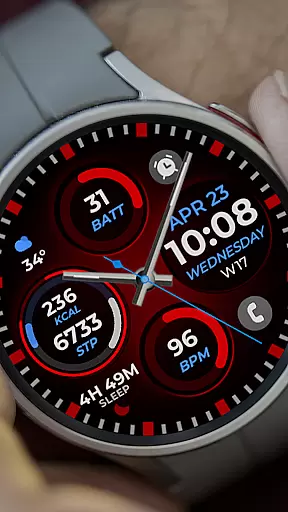
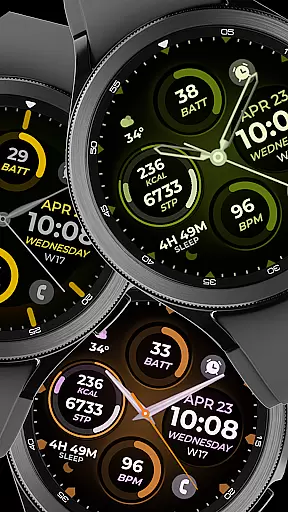
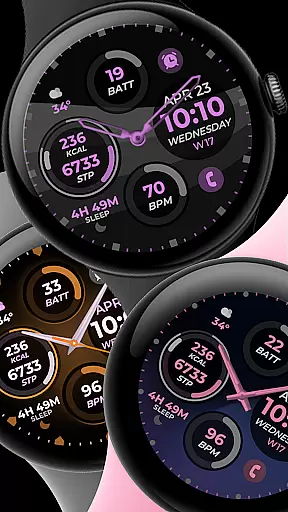
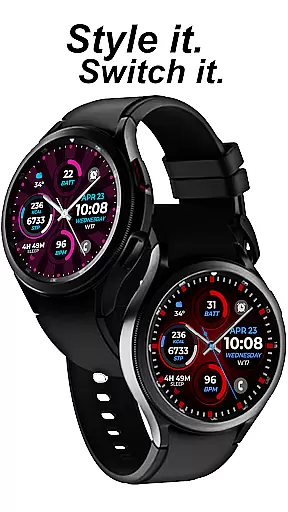
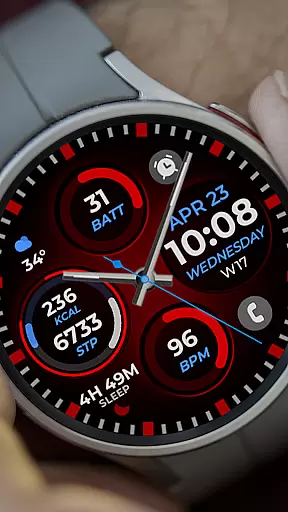
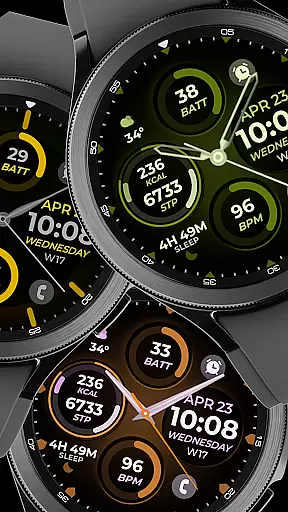
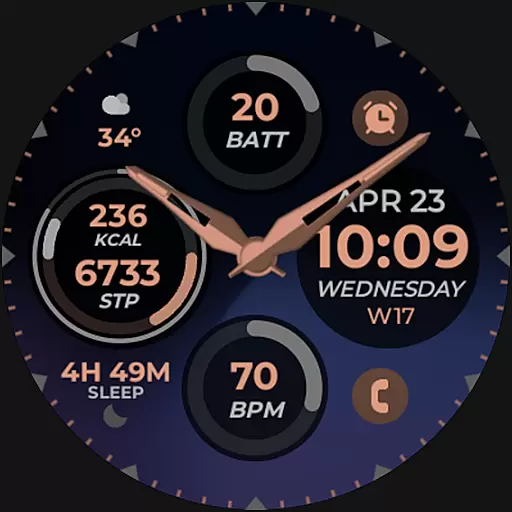
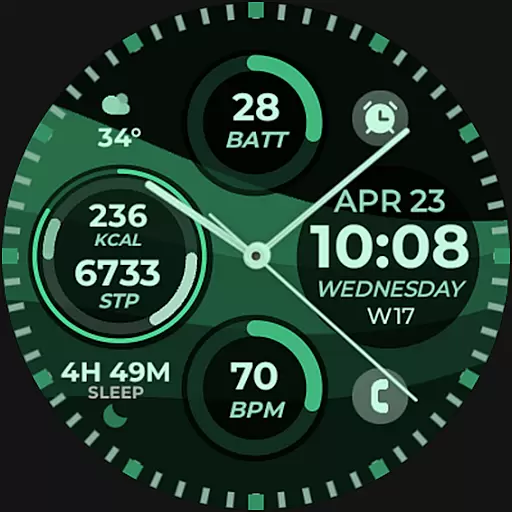
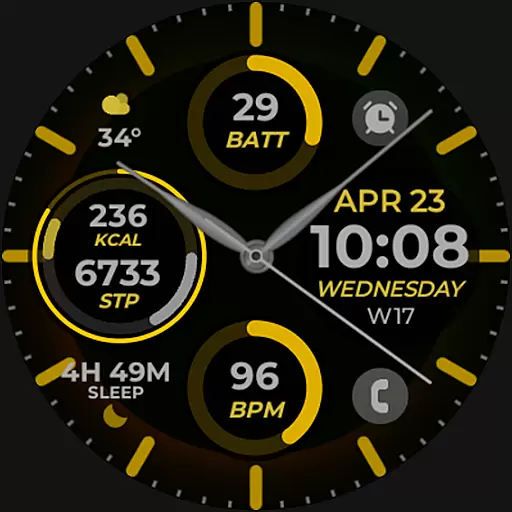
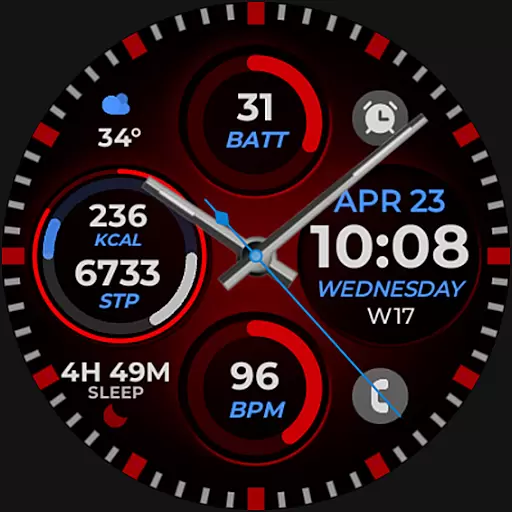
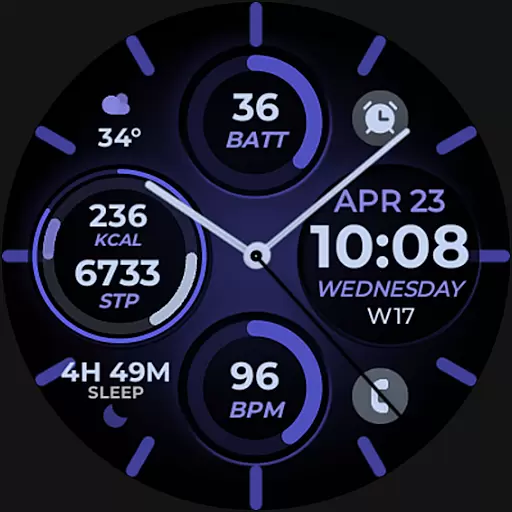
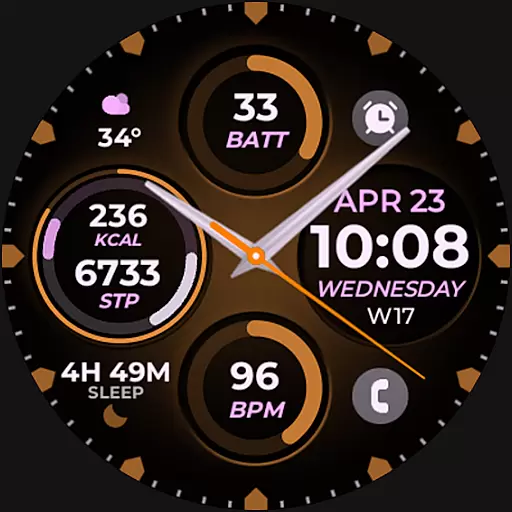
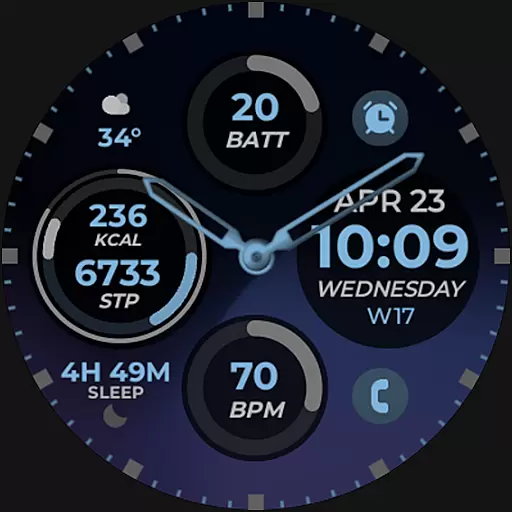
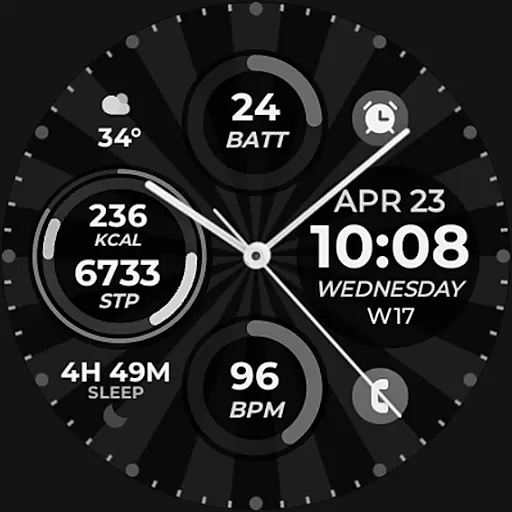
Vibrant Fit Hybrid is a feature-rich watch face app designed specifically for Wear OS devices, including the Samsung Galaxy Watch 4. This application offers users a customizable and visually appealing interface that enhances their smartwatch experience.
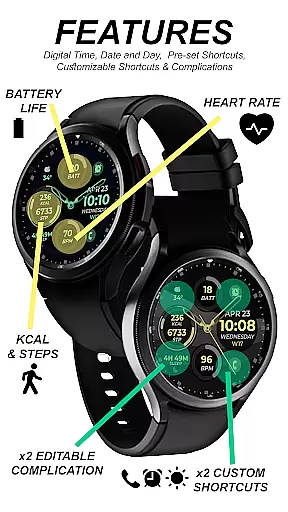
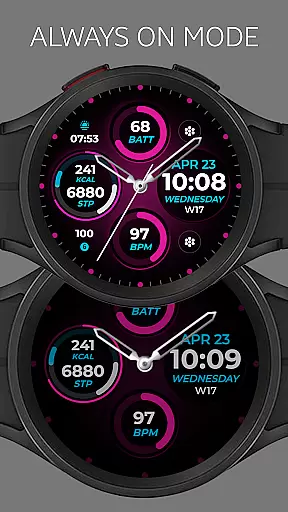
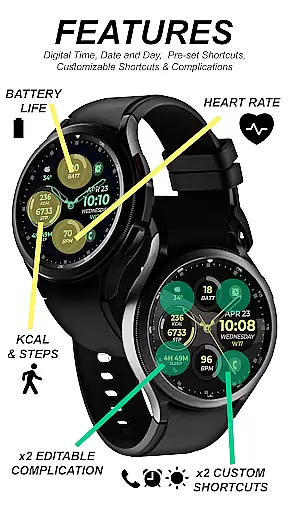
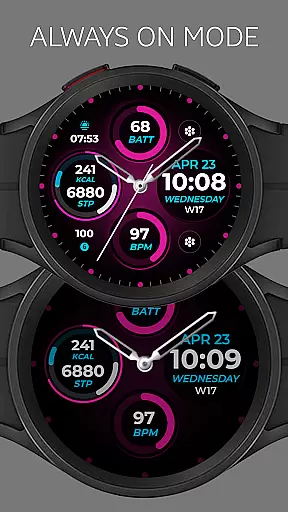
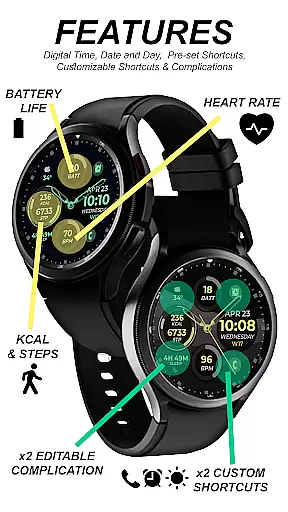
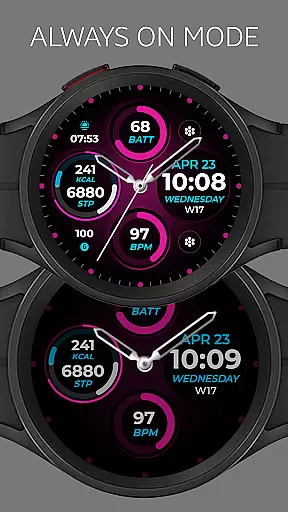
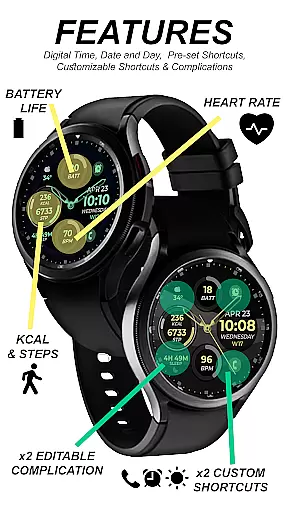
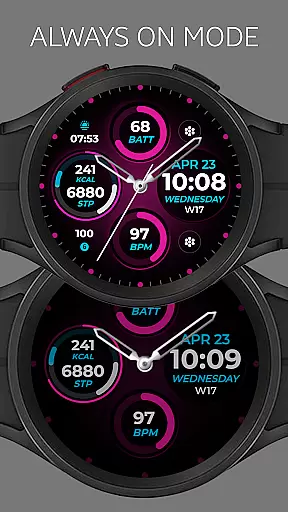
The app provides both digital and analog clock options, date display, and an Always-On Display (AOD) mode. Additionally, it supports preset and custom app shortcuts, complications, and a variety of color palettes, watch hands, and index styles. These features collectively ensure that users can tailor their watch faces to suit their personal preferences while enjoying seamless functionality.
Whether you're looking to personalize your smartwatch or need quick access to frequently used apps, Vibrant Fit Hybrid delivers a versatile solution. Its intuitive design and robust feature set make it an ideal choice for tech-savvy individuals seeking both style and utility in their wearable devices.
Vibrant Fit Hybrid stands out with its comprehensive suite of features tailored for Wear OS users. The app includes a digital and analog clock, ensuring users have multiple time display options. The inclusion of an Always-On Display (AOD) mode allows for constant access to essential information without needing to wake the device.
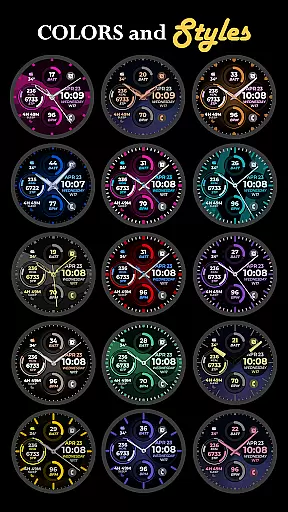
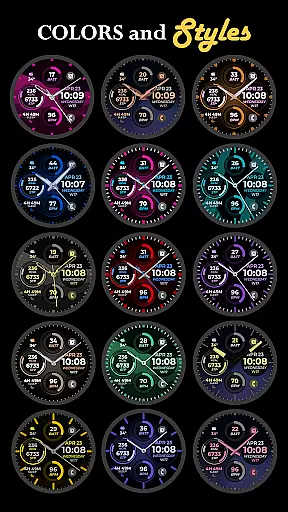
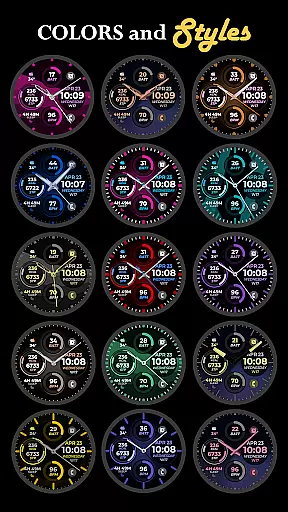
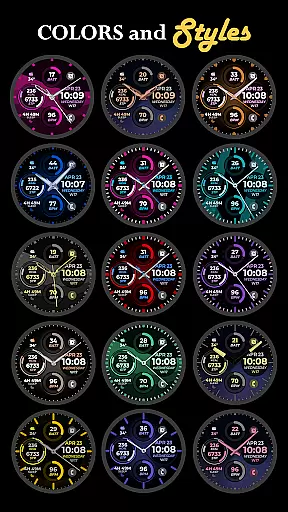
One of the key highlights is the ability to customize app shortcuts and complications. Users can configure these shortcuts to launch their preferred applications directly from the watch face, streamlining daily tasks. Moreover, the app offers a diverse range of color palettes, watch hands, and index styles, enabling users to create a unique and personalized look.
While some features may not be available on all watches, Vibrant Fit Hybrid ensures broad compatibility and optimal performance across supported devices. By leveraging Samsung's Watch Face Studio tool, this app guarantees a high-quality user experience that combines aesthetics with practicality, making it a top choice for those looking to enhance their smartwatch's appearance and functionality.
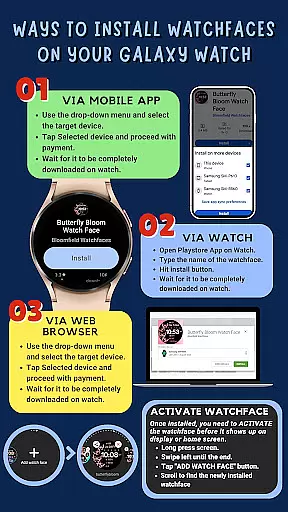
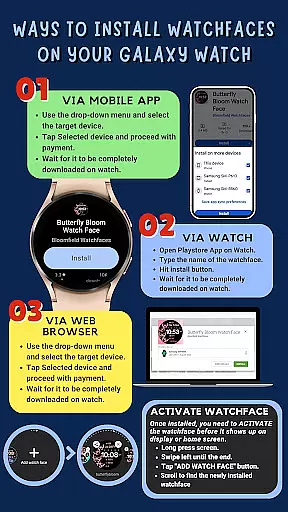
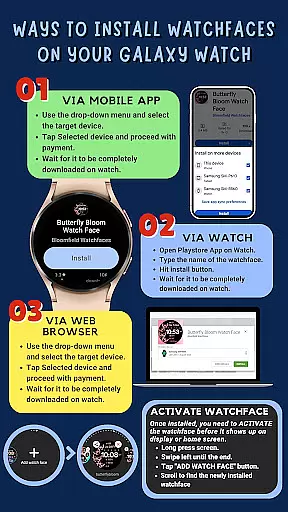
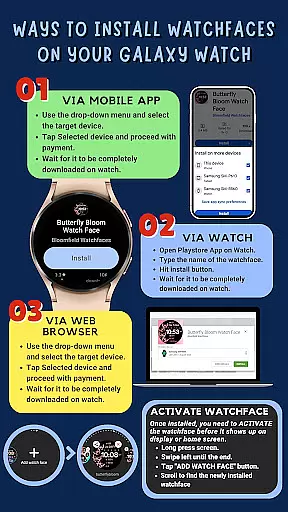
Companion app integration is essential for ensuring that your wearable device functions seamlessly with your smartphone. Vibrant Fit Hybrid offers a comprehensive installation guide to ensure smooth connectivity between your Galaxy Watch 4 and your phone. This includes making sure both devices are connected to the same Wi-Fi and logged into the same Google account.
The app provides clear instructions on how to install the watch face directly onto your watch, including troubleshooting steps if the installation does not complete as expected. By following these guidelines, users can enjoy a hassle-free experience when setting up their smartwatch.
Moreover, Vibrant Fit Hybrid emphasizes the importance of enabling all necessary permissions through the settings menu. This ensures that the companion app can fully utilize all features available on the Galaxy Watch 4, enhancing the overall user experience.
Compatibility with Wear OS and various devices is crucial for a versatile smartwatch application. Vibrant Fit Hybrid is developed using Samsung's 'Watch Face Studio' tool, which guarantees optimal performance on devices running the new Wear OS Google/One UI Samsung operating system, such as the Samsung Galaxy Watch 4.
This compatibility allows users to take full advantage of the app's features, including digital and analog clock displays, date functionality, always-on display (AOD), preset app shortcuts, custom app shortcuts, complications, and customizable color palettes, watch hands, and index styles.
While some features may vary depending on the specific device, Vibrant Fit Hybrid strives to deliver a consistent and high-quality experience across all supported platforms. Users can refer to the detailed feature graphics and installation guides provided to make the most out of their smartwatch experience.
User-friendly interface
Highly customizable
Always-On Display support
Wide range of styles
Seamless integration
Limited initial features
Device-specific
Installation complexity
Premium cost
Occasional bugs

Precision analog watch face with 7 complications and style options
 4.0
4.0
Snowflake Rose Gold Watch Face - Digital, modern, & sleek with GYRO effect.
4.10
Contemporary digital watch face with five complications
4.3
Authentic military-tactical design with ZULU time! Realistic and functional!
3.80
Fitness interactive virtual pet super fighter boy watch face
4.4
Gym & home workout plans with strength training, exercise tracking, HIIT & more.
4.60
Period, ovulation & pregnancy tracker. Fertility insights & menstrual calendar.
4.90
Stylish, Energizing and Modern Watch Face crafted by Dominus Mathias.
4.50
Control your Samsung Smart TVs, appliances, and SmartThings-compatible devices
4.60
Digital, flexibly customizable watch face. For Wear OS 5.0, API 34+ and later.
5.00
Highly customizable hybrid watch face for Wear OS, perfect for everyday use.
4.60
Retro digital watch face with customizable colors and a unique lighting effect
4.60
Calming & relaxing sounds for sleeping and stress relief. Stay focused all day!
4.20
Watch face for Wear OS.
4.20
"PER27 Galaxy Digital" is a digital Wear OS watch face designed by PERSONA
4.10
Viewer for Wyze/Yi/Eufy/Arlo/ONVIF/RTSP/P2P IP cams w/ adv. features & DIY DVR
4.00
Professional weather radar and more
3.90
Want to take charge of your health? Let Google Fit help you reach your goals.
3.50
Artistic Digital Watchface
4.4


User Reviews