
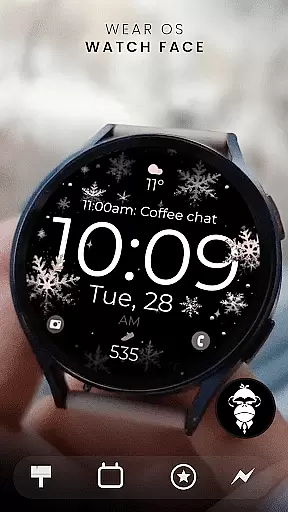
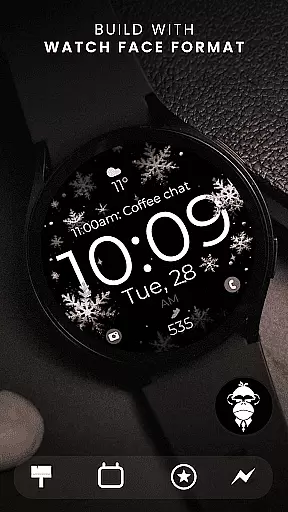
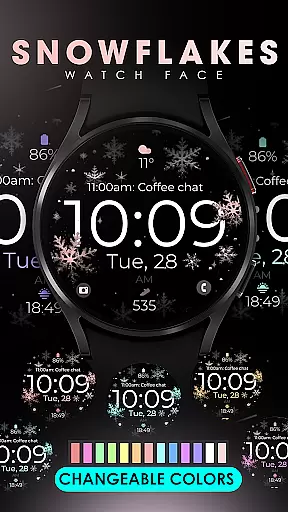
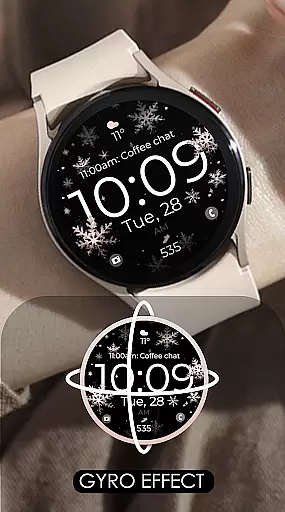
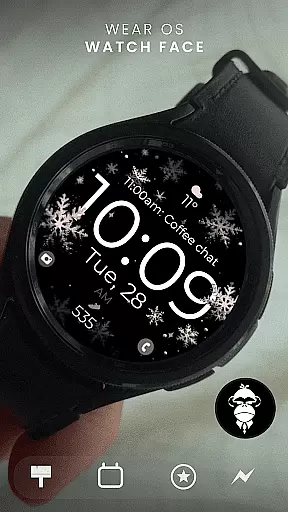
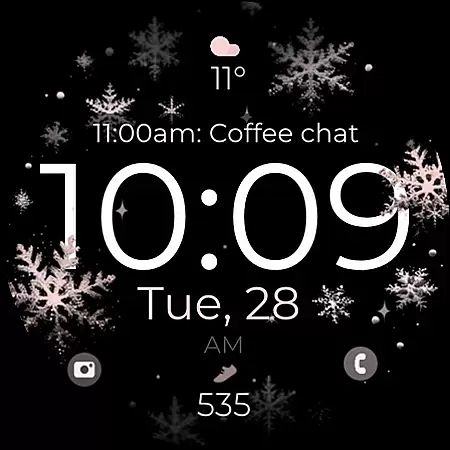
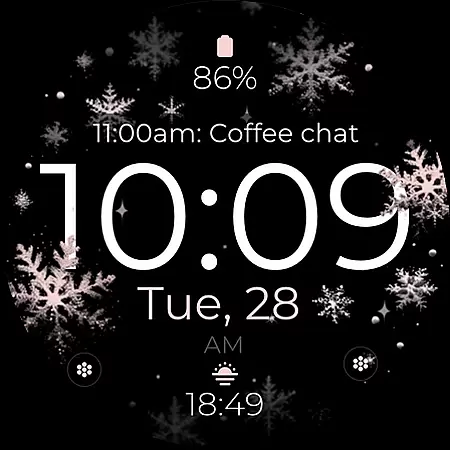
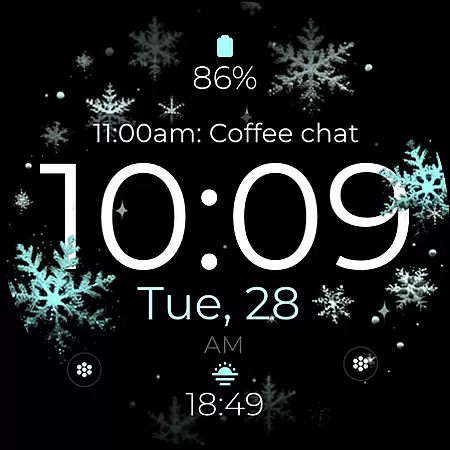
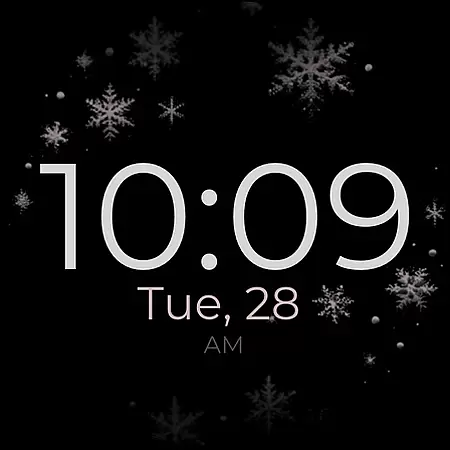
Snowflake Rose Gold is a modern and sleek Wear OS watch face featuring a mesmerizing GYRO effect. The snowflakes, which come in silver and rose gold, move as you turn your wrist, creating an eye-catching display on compatible smartwatches.
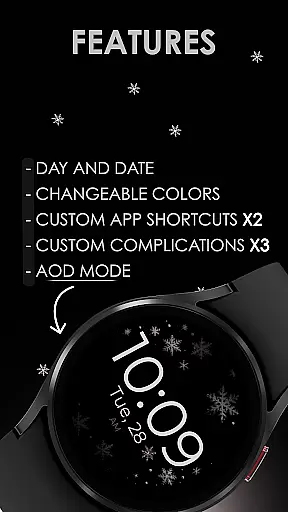
This digital watch face offers customization options including changeable colors, two app shortcuts, and three complications. It supports Always-On Display (AOD) and is compatible with all Wear OS devices running API 33+, such as Google Pixel Watch and Samsung Galaxy Watches.
The Snowflake Rose Gold watch face stands out with its unique GYRO effect that makes snowflakes dance across the screen when you move your wrist. This feature provides a dynamic and interactive experience tailored to your movements.
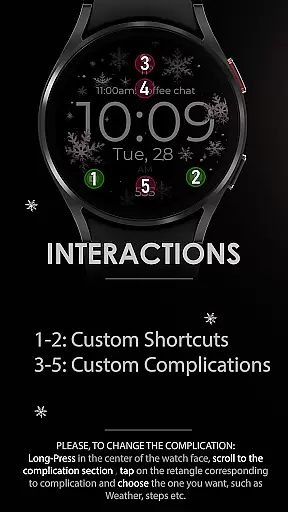
Customization is key with this watch face. Users can personalize their display by changing snowflake colors, setting up two custom app shortcuts, and configuring three different complications. Additionally, it supports Day and Date displays and works seamlessly with Always-On Display technology.
Built for compatibility, this watch face works with all Wear OS devices using API 33+ including popular models like Google Pixel Watch and Samsung Galaxy Watches. Note that it's not suitable for rectangular watches but offers extensive support through email and keeps users updated via newsletters and social media channels.
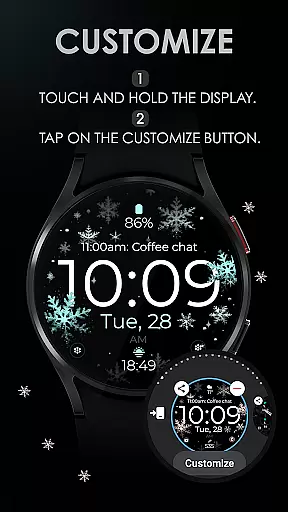
Companion app integration is essential for a seamless smartwatch experience. The Snowflake Rose Gold watch face offers users the ability to customize their watch face directly from their Wear OS device, ensuring that personal preferences are easily applied without the need for a separate smartphone app.
This watch face supports two custom app shortcuts and three custom complications, allowing users to access frequently used apps and information at a glance. Whether it's checking the day and date or accessing specific features, this level of integration enhances usability and convenience.
Users can enjoy additional customization options such as changeable colors and an Always-On Display (AOD) feature. These elements ensure that the watch face not only looks stunning but also aligns with individual styles and needs, providing both aesthetic appeal and functional benefits.
Ensuring broad compatibility with various devices is crucial for any Wear OS application. The Snowflake Rose Gold watch face is designed to work seamlessly with all Wear OS devices running API 33 and above, including popular models like the Google Pixel Watch and Samsung Galaxy Watch series.
This compatibility extends the reach of the watch face, making it accessible to a wide audience. Users can experience the captivating GYRO effect, where snowflakes move with wrist movements, on their preferred Wear OS devices, enhancing the overall user experience.
However, it's important to note that this watch face is not suitable for rectangular watches, focusing instead on round and square designs. With comprehensive support and easy customization options, users can effortlessly tailor their watch faces to match their unique styles while enjoying the latest in wearable technology.
Unique GYRO effect
Highly customizable
Compatible with many devices
Modern design
Supports AOD
Not for rectangular watches
Limited color options
Few app shortcuts
No analog option
Requires API 33+

Embrace the holiday spirit with this magical animated watch face!
 4.40
4.40
Rose gold watch face with festive lights & customizable features.
4.60
Stunning modern digital watch face with 7 complications and strong contrast
4.4
Easy Voice Recorder is your everyday companion to record important moments.
4.70
Monitor health with the stress test and pulse checker in the heart rate app.
4.60
Your second brain for organizing your life: to-do, calendar, reminder.
4.70
Your music, your playlists, and more—offline and unlimited.
4.20
Fast and smart typing with Emojis, GIFs, and more
4.50
Toyota app currently supports 2010 or newer vehicles (2018 or newer for Hawaii).
4.50
Real-time weather radar with temperatures, warnings, hurricanes, and widgets
4.80
Current temperature, weather hourly, weather radar by the weather forecast app
4.40
Digital watch face. For Wear OS devices.
4.40
The #1 source of faces for your smartwatch!
4.00
A digital watch face that celebrates Christmas.
4.00
Viewer for Wyze/Yi/Eufy/Arlo/ONVIF/RTSP/P2P IP cams w/ adv. features & DIY DVR
4.00
Watch the sharpness of the sky on your wrist..
3.70
Precision analog watch face with 7 complications and style options
4.0
A watch face that fuses motorsport precision with contemporary smartwatch design
4.0
Hybrid Vibrant Health Watch Face for Wear OS
4.2


User Reviews