
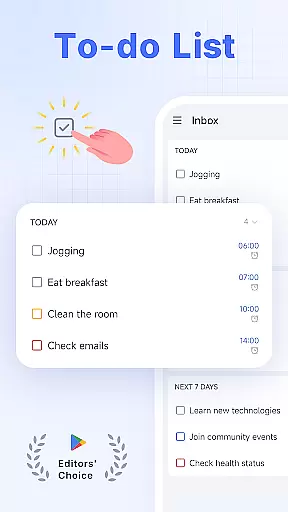
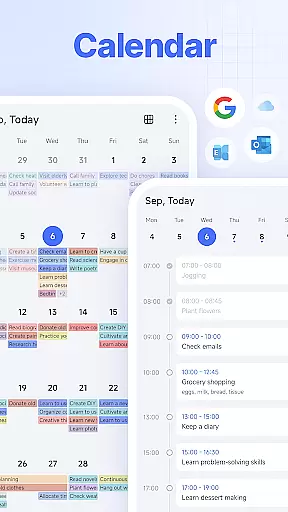
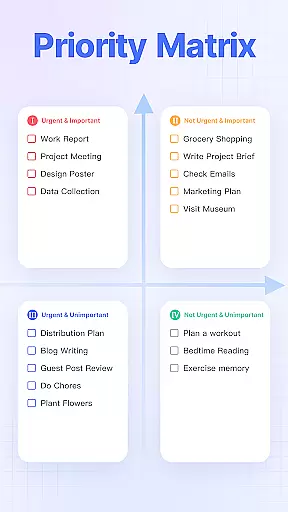
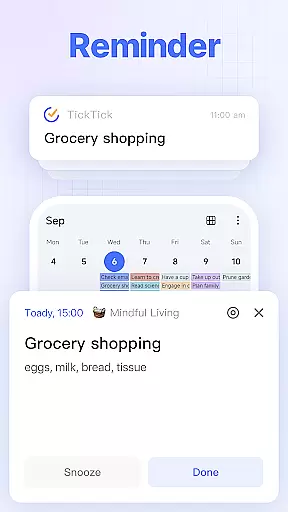
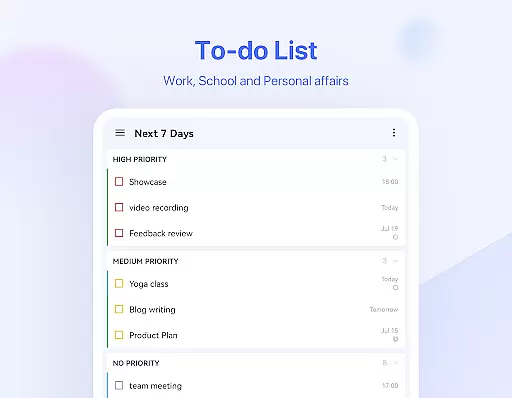
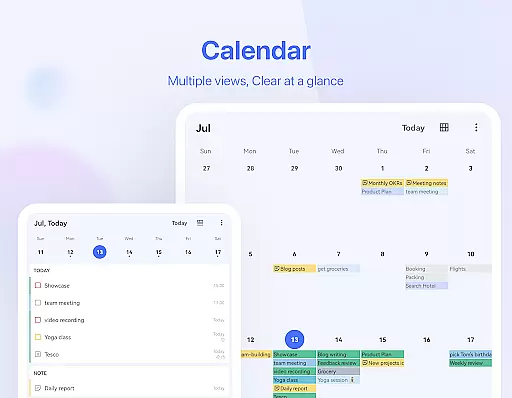
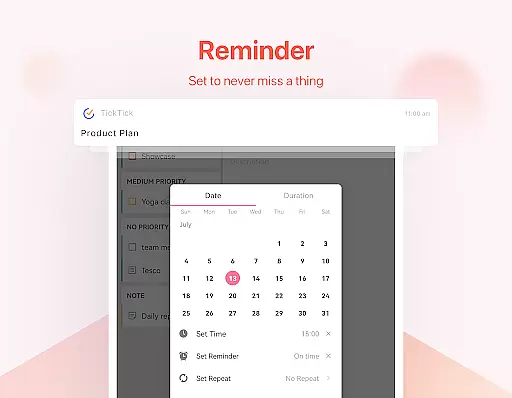
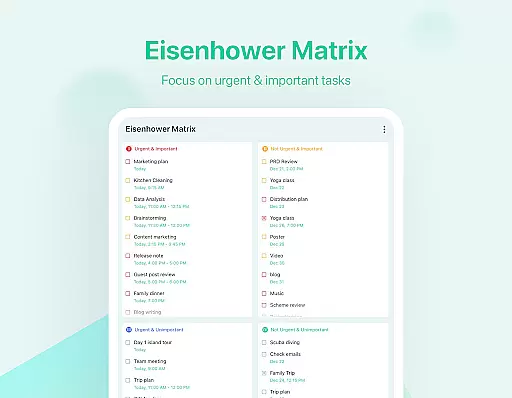
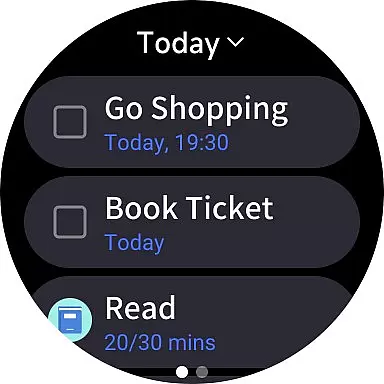
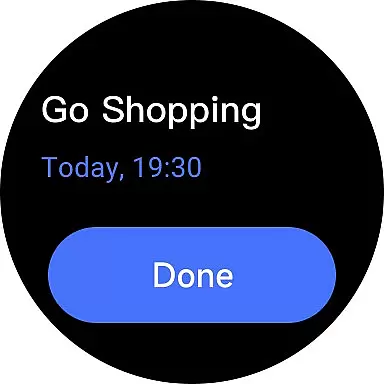
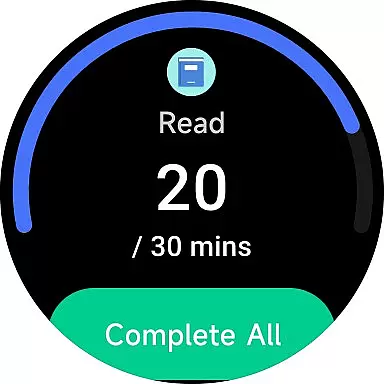
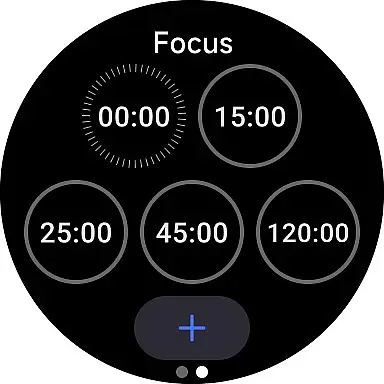
TickTick is a comprehensive productivity app designed to help users manage their tasks, schedules, and habits efficiently. As a multi-dimensional task manager, it consolidates to-do lists, reminders, and calendars into one intuitive platform. Whether you're at home, work, or on the move, TickTick ensures seamless organization of your daily activities.
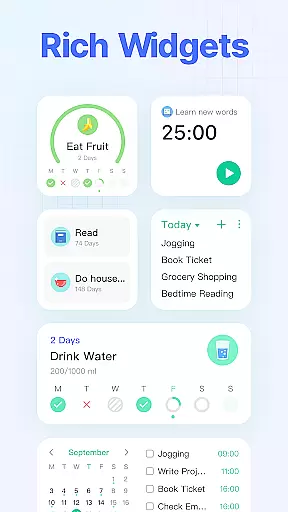
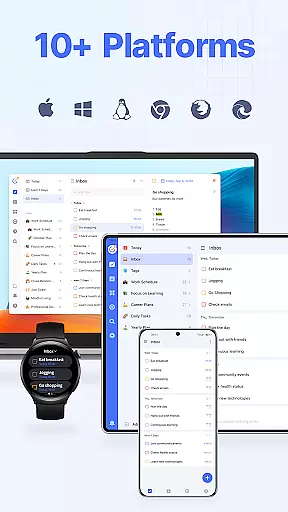
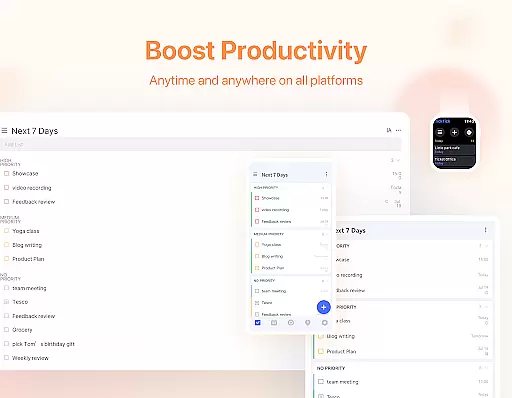
The app offers unique features like Pomodoro Timer for focus enhancement, Habit Tracker for building positive routines, and collaboration tools for team projects. With cross-platform synchronization across Android, iOS, Mac, PC, and Wear OS, TickTick keeps you productive and organized wherever you are. Its sleek calendar view and handy widgets further enhance accessibility and time management.
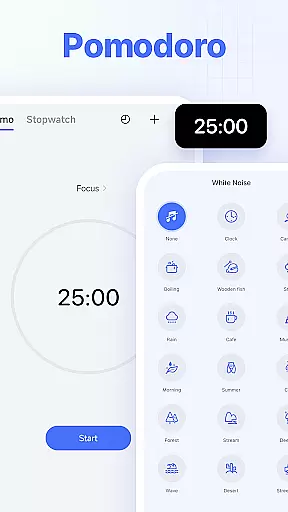
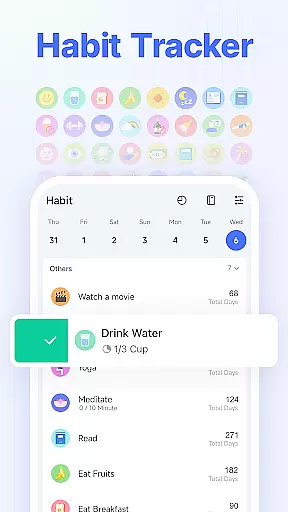
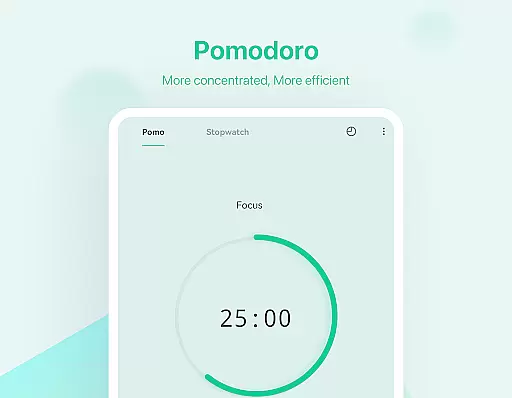
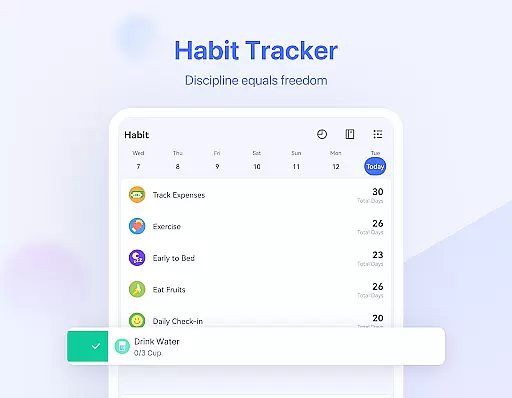
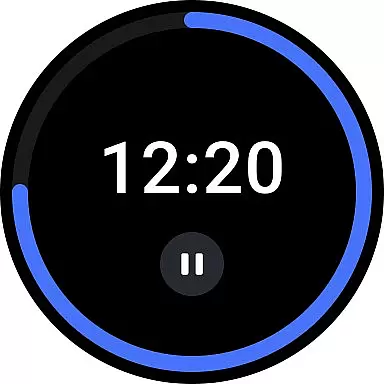
TickTick stands out with its diverse feature set tailored for productivity enthusiasts. The app's Smart Date Parsing allows users to quickly add tasks and set due dates using natural language input. Its Pomodoro Timer and white noise feature help maintain focus during work sessions, while the Habit Tracker enables systematic tracking of personal goals.
For collaborative work, TickTick provides seamless sharing and task assignment options. Users can create recurring tasks with customized repetition patterns and access their schedules through an elegant calendar interface. Integration with third-party calendars like Google Calendar and Outlook enhances its versatility. Premium users enjoy additional benefits such as beautiful themes, increased list limits, and enhanced sharing capabilities.
Companion app integration is a crucial feature for Android Wear applications like TickTick. This functionality ensures that your wearable device works seamlessly with your smartphone or tablet, providing a unified experience across devices.
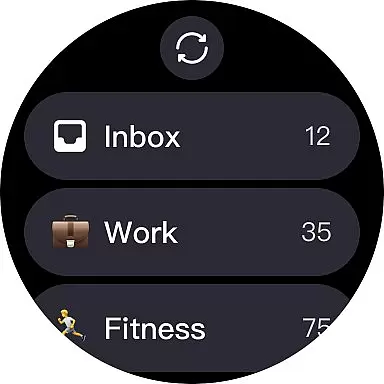
TickTick excels in companion app integration by offering real-time synchronization of tasks, reminders, and notes between your mobile devices and Wear OS watch. Any update made on one device is instantly reflected on others, ensuring you have the most current information at your fingertips no matter which device you are using.
The benefits of this robust integration are numerous. Users can receive notifications directly on their smartwatch, view upcoming tasks without needing to pull out their phone, and even add new tasks using voice commands. This seamless connectivity allows users to stay organized and productive throughout their day.
By prioritizing companion app integration, TickTick enhances user convenience and efficiency. Whether you're managing personal goals, professional responsibilities, or collaborative projects, having synchronized data across all your devices ensures nothing falls through the cracks.
Wear OS and device compatibility is essential for apps designed for smartwatches and other wearable technology. Ensuring an application functions well across various devices and operating systems maximizes its utility and accessibility.
TickTick offers extensive compatibility with Wear OS devices, allowing users to access their tasks, reminders, and notes directly from their smartwatches. The app supports a wide range of devices, ensuring that whether you own a Samsung Galaxy Watch, Fossil Gen 5, or any other Wear OS compatible device, TickTick will perform optimally.
This broad compatibility provides significant advantages. Users can enjoy consistent performance and features regardless of their specific hardware choice. Additionally, TickTick's support for multiple platformsu2014including web, Android, iOS, Mac, and PCu2014ensures that all aspects of your digital life are integrated and accessible.
By focusing on Wear OS and device compatibility, TickTick delivers a versatile and reliable tool for managing daily tasks. This commitment to cross-device functionality empowers users to maintain productivity and organization, no matter where they are or what device they are using.
User-friendly interface
Cross-platform sync
Powerful task management
Effective Pomodoro Timer
Comprehensive Habit Tracker
Limited free features
Premium subscription cost
Occasional sync delays
Complex settings for beginners
Third-party ads in free version

Calming & relaxing sounds for sleeping and stress relief. Stay focused all day!
 4.20
4.20
Beautiful artistic animated digital watch face, with a customizable layout!
4.40
Easy Voice Recorder is your everyday companion to record important moments.
4.70
Be an elegant and classy secret agent, with this carefully detailed watch face
4.70
Bold, Modern Hybrid Watch Face for Wear OS. 10 Colors, Rich Info Display.
4.30
Period, ovulation & pregnancy tracker. Fertility insights & menstrual calendar.
4.90
Professional weather radar and more
3.90
Real-time weather radar with temperatures, warnings, hurricanes, and widgets
4.80
Premium hybrid watch face with many customizations for Wear OS devices.
4.40
Christmas - Festive - Christmas Village - Winter - Christmas lights
5.00
Simple, helpful messaging by Google
4.60
Current temperature, weather hourly, weather radar by the weather forecast app
4.40
Digital watch face with big numbers and many customization for Wear OS devices
4.40
A white realistic classic analog watch face with many customization options.
4.40
Christmas watch face. For Wear OS devices.
4.30
Get helpful reminders, take progress photos and find answers to your questions.
3.90
Watch the sharpness of the sky on your wrist..
3.70
Precision analog watch face with 7 complications and style options
4.5
Funny animated watch face for Thanksgiving
4.3


User Reviews