

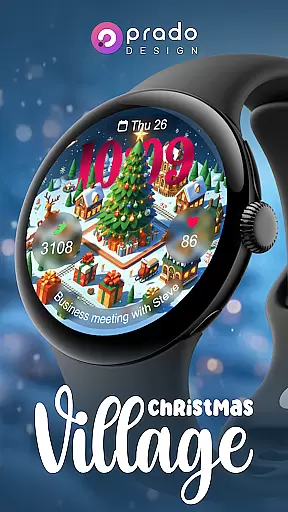
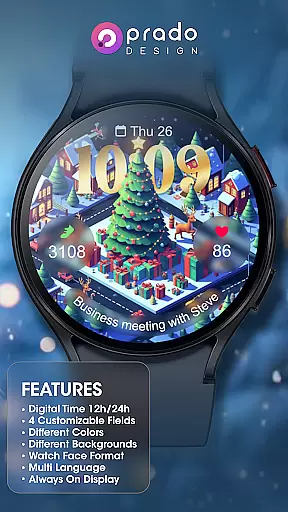
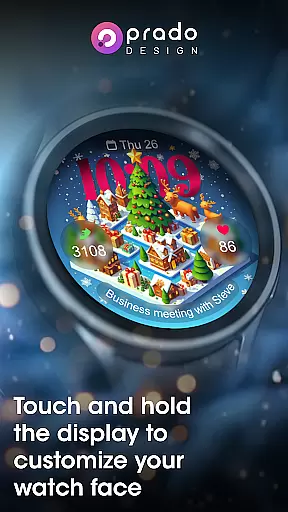
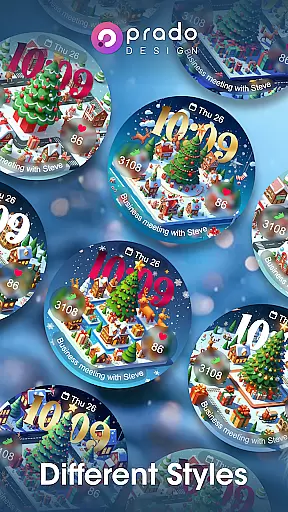

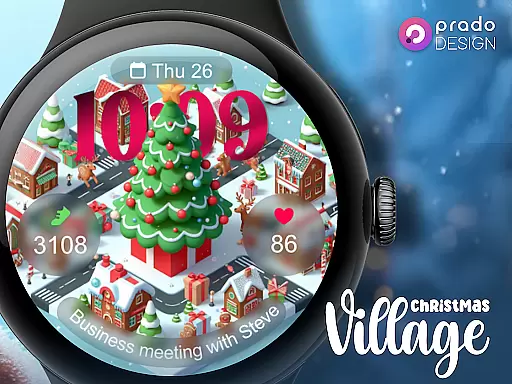
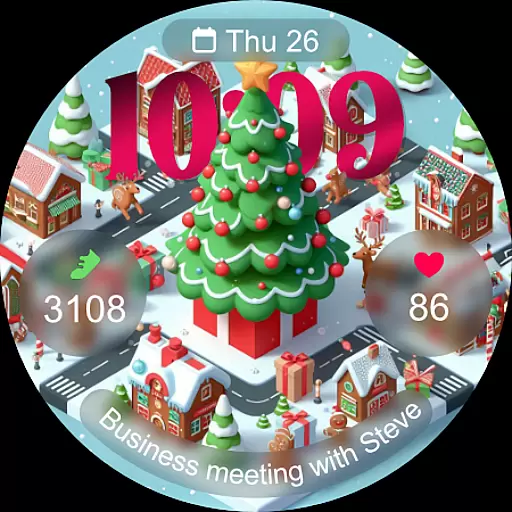
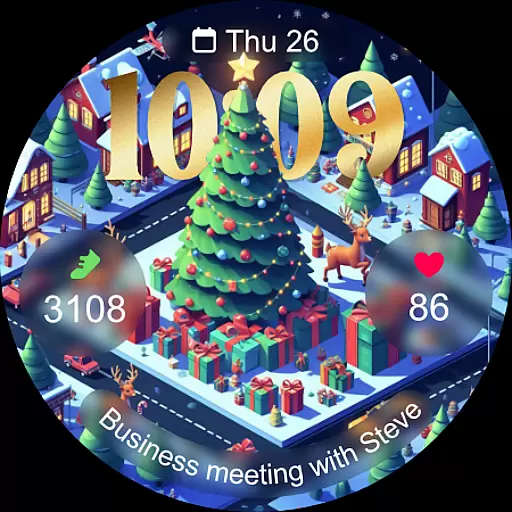
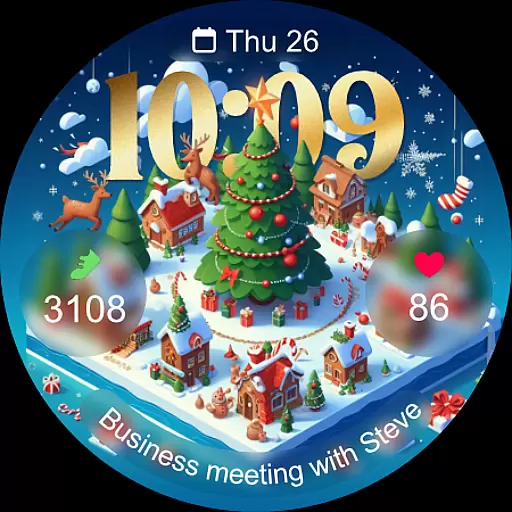
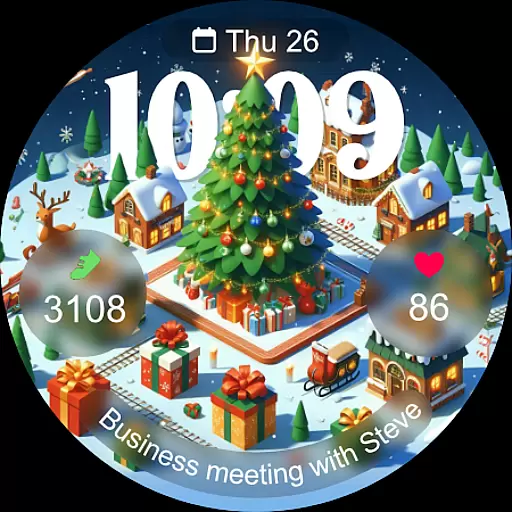
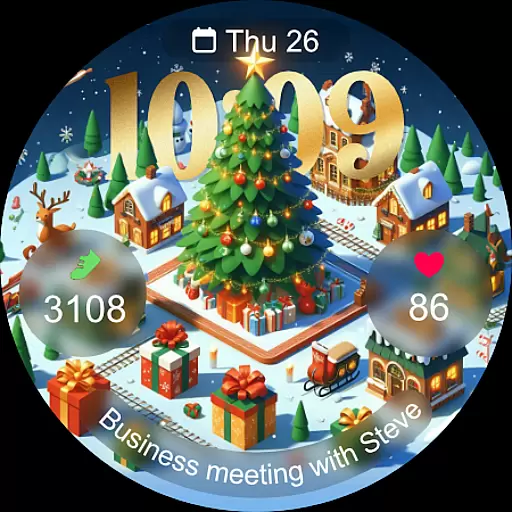
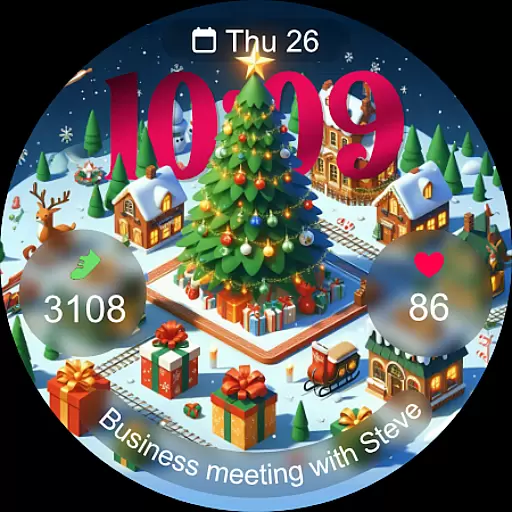
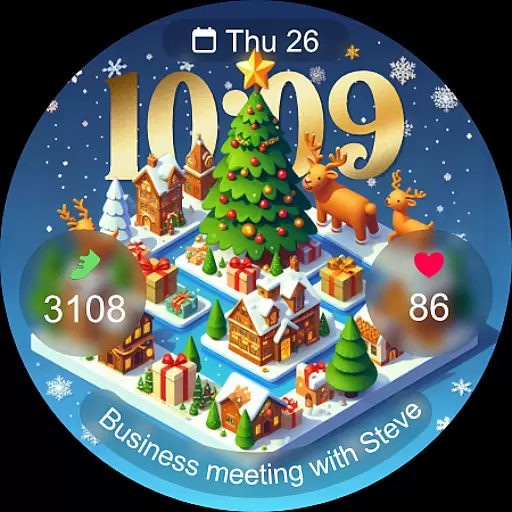
Christmas Village is a festive watch face app designed specifically for Wear OS devices, bringing the holiday spirit to your smartwatch. With customizable fields and multiple display options, it offers both aesthetic appeal and practical functionality.
The app supports 12h/24h time formats based on your phone settings, includes an always-on display feature, and provides various color themes and characters. It also integrates weather complications, enhancing its utility by displaying real-time weather updates directly on your watch face.
Ideal for users who want to personalize their smartwatch experience during the Christmas season, Christmas Village combines style with essential features like multi-language support and sensor-enabled functionalities.
Christmas Village stands out with its rich customization options, including four customizable fields and multiple color choices. Users can tailor the watch face format to suit their preferences, choosing from different characters and themes that capture the essence of Christmas.
A key feature is its compatibility with weather complications, allowing users to integrate real-time weather data into their watch face. This requires setting up a preferred weather app, such as Weather Complications or SimpleWeather, and enabling necessary permissions for sensor data and complications.
Additional notable features include multi-language support, an always-on display option, and the ability to adjust time formats based on phone settings. These elements ensure that the app not only enhances visual appeal but also maintains practical usability throughout the holiday season.
For a seamless experience with Christmas Village, companion app integration is essential. This feature ensures that your Wear OS device works in harmony with your smartphone, allowing for real-time data synchronization and updates.
The watch face relies on your phone's settings for features like time format (12h/24h) and weather complications. By connecting to recommended apps such as Weather Complications or SimpleWeather, you can enjoy accurate weather updates directly on your watch face.
Users benefit from this integration by having all their preferences and data automatically synced across devices. Whether it's customizing fields or setting up weather complications, the companion app makes management effortless.
This integration highlights the importance of a connected ecosystem where your wearable device enhances your mobile experience without compromising functionality or accuracy.
Christmas Village is designed exclusively for Wear OS devices, ensuring optimal performance and compatibility. Before purchasing, it's crucial to verify that your device supports this festive watch face to avoid any compatibility issues.
If you encounter a "Your devices are not compatible" message, it's recommended to access the Play Store via a browser. This step often resolves potential conflicts and allows for a smooth installation process.
The application leverages Wear OS capabilities to deliver features like customizable fields, always-on display, and multi-language support. These elements collectively enhance user interaction and satisfaction.
By focusing on specific device compatibility, Christmas Village guarantees an engaging and visually appealing experience tailored for the holiday season, making it a must-have accessory for your smartwatch.
Highly customizable
Festive design
Real-time weather
Multi-language
Always-on display
Wear OS only
Weather setup
Premium cost
Limited year use
Device compat

Diet tracker for weight loss - track calories, food and macros. Simple and easy!
 4.70
4.70
Analog watch face with 8 complications and expedition styling
4.4
Deck out your Wear OS Watch face with a beautifully decorated pine wreath!
4.50
Fitness interactive virtual pet super fighter boy watch face
4.1
Ideal for surviving in the wasteland left after nuclear fallout
4.50
Kia Access makes getting your vehicle information easier than ever
4.60
sleep, alarm, snoring, stress, healing, focus, sound therapy, circadian rhythm
4.10
Connect to your Bluelink equipped Hyundai vehicle from your smartphone.
4.50
Real-time results, stats, schedules and player profiles for all leagues
4.60
Hyperlocal rain alerts by MyRadar using patent-pending technology, radar & more
4.80
Walking app for weight loss: walk & step tracker, pedometer, indoor treadmill
4.60
Highly customizable hybrid watch face for Wear OS, perfect for everyday use.
4.60
Monitor health with the stress test and pulse checker in the heart rate app.
4.60
Locate your family members by GPS phone location tracker everywhere and anytime
4.30
Snowflake Rose Gold Watch Face - Digital, modern, & sleek with GYRO effect.
4.10
Connect, create, and collaborate with Gmail, part of Google Workspace.
4.10
A watch face that fuses motorsport precision with contemporary smartwatch design
4.2
Sleek, highly customizable watch face inspired by Galaxy Watch Circle Dashboard.
4.4
Hybrid Vibrant Health Watch Face for Wear OS
4.0


User Reviews