
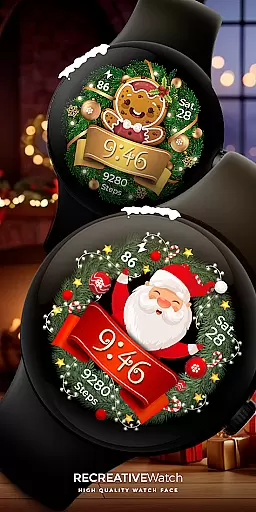
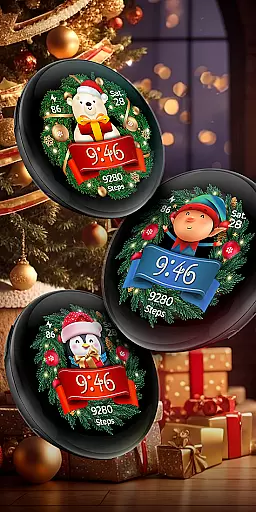
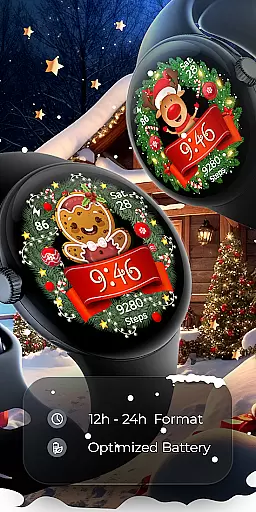

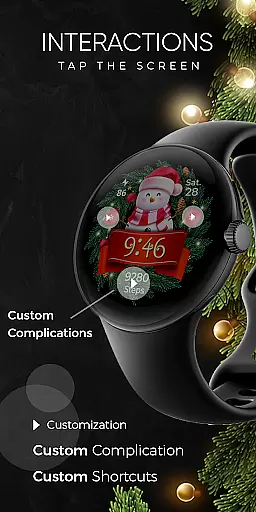
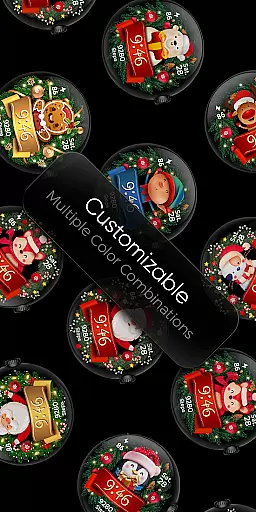
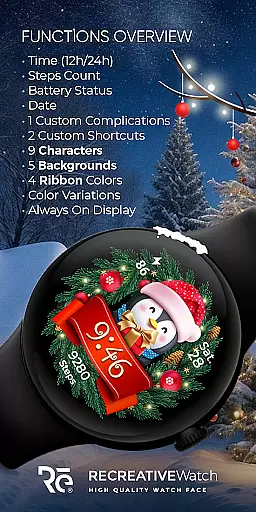
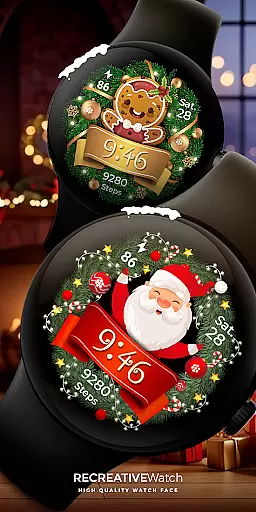
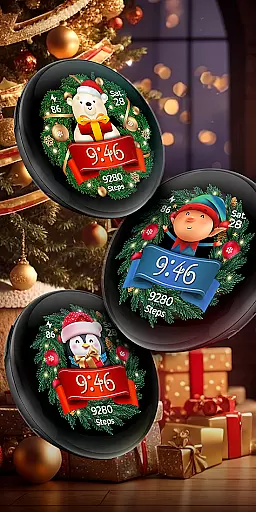
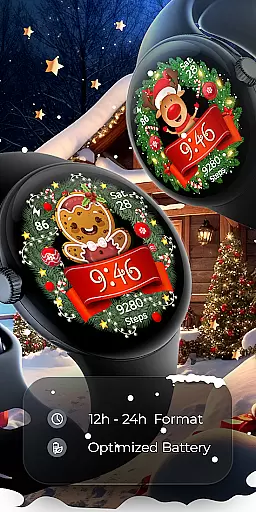

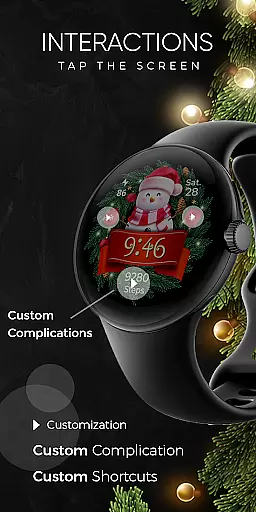
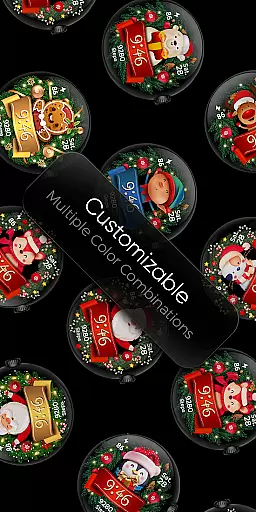
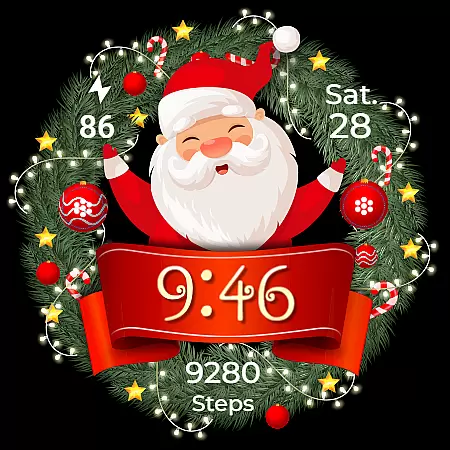
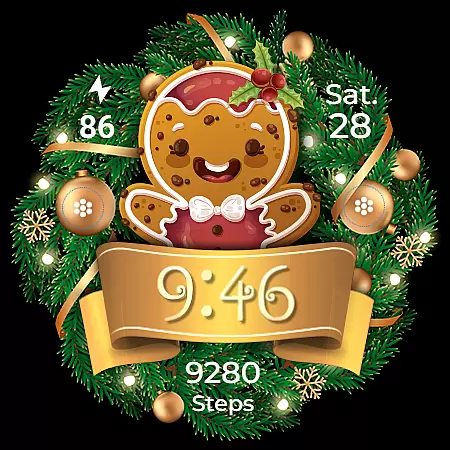
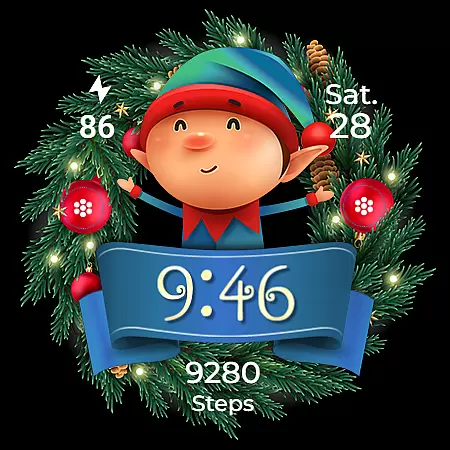
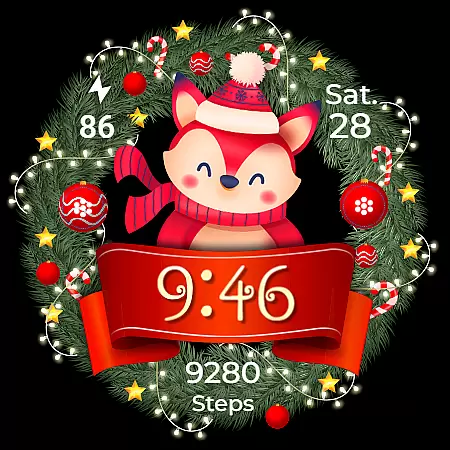
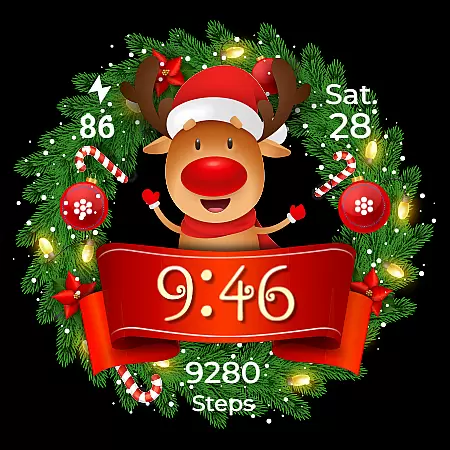
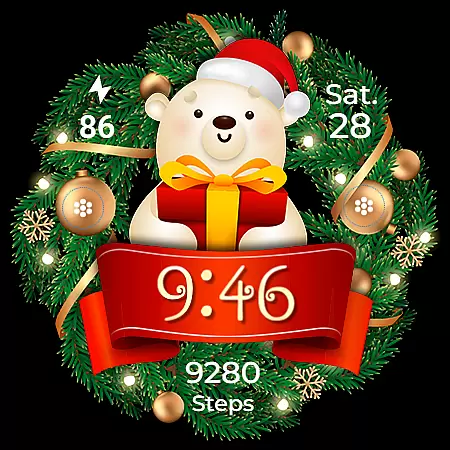
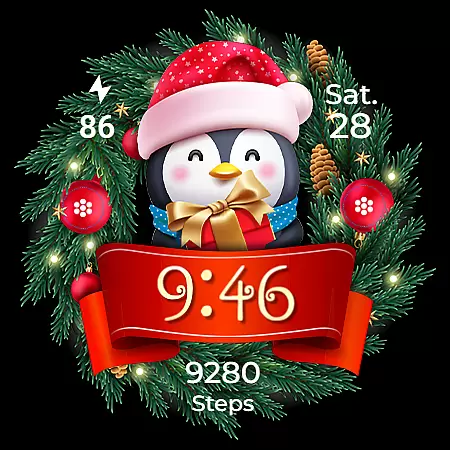
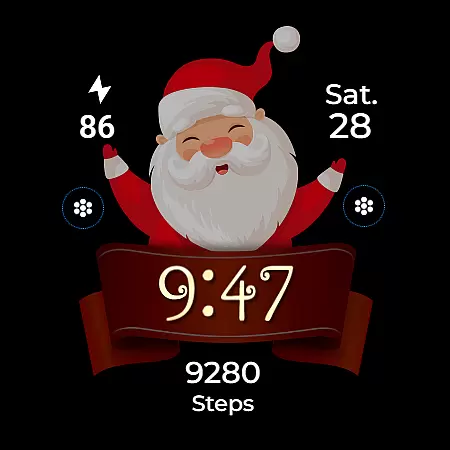
Christmas Frame is a festive-themed watch face app designed specifically for Wear OS devices. This application allows users to customize their smartwatch display with holiday-inspired designs, featuring various characters such as Santa, a reindeer, snowman, or an elf centered within a decorative pine wreath.
The app offers multiple customization options including 12/24h digital time display, date, battery status, step count, and more. With support for Always ON Display, customizable complications, and shortcuts, it provides both aesthetic appeal and functional utility. Compatible with API level 33+ devices, this watch face brings holiday cheer while maintaining practical usability.
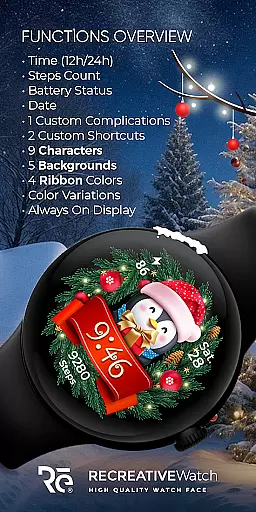
Christmas Frame stands out with its rich feature set tailored for the holiday season. The app includes five different background options and nine unique characters to choose from, allowing users to create a personalized holiday look on their smartwatch.
Beyond its festive design elements, the app delivers essential functionality through features like 12/24h time display, date tracking, battery monitoring, and step counting. Users can further enhance their experience with one customizable complication and shortcut each. The inclusion of four ribbon color choices and changeable Always ON Display modes ensures that personalization remains versatile and user-centric.
Christmas Frame offers a seamless companion app experience that bridges your Wear OS device with your smartphone. The mobile application serves as an essential tool for managing and customizing the watch face, ensuring a smooth installation process.
Through the phone app, users can easily locate and install the Christmas-themed watch face on their compatible devices. This integration simplifies the setup of various features such as complications and shortcuts directly from the smartphone interface.
While the phone app contains ads to support the free distribution of this festive watch face, it does not detract from its primary function - enhancing user convenience in personalizing their wearable technology for the holiday season.
Ensuring broad compatibility across Wear OS devices, Christmas Frame supports API level 33+ including popular models like Google Pixel and Galaxy Watch series. This wide-ranging compatibility allows more users to enjoy a festive touch on their smartwatches during the holiday season.
The watch face is designed with features that are accessible on most modern Wear OS watches, offering functionalities such as digital time display in both 12/24h formats, date, battery status, step count, customizable complications and shortcuts, multiple backgrounds, characters, ribbon colors and Always ON Display modes.
For optimal performance and battery life management especially when using advanced features like Always ON Display mode which can be customized with changeable colors and modes it's recommended to adjust settings according to individual preferences or device capabilities.
User-friendly interface
Wide customization options
Festive holiday themes
Always ON Display support
Compatible with latest Wear OS
Limited to holiday season
Ads in mobile app
Basic complications only
Shortcuts could be richer
Battery optimization needed

A Wintery Snow Globe on Your Wrist; now celebrating Christmas!
 4.2
4.2
A modern premium sporty hybrid watch face for Wear OS by Ballozi
4.70
sleep, alarm, snoring, stress, healing, focus, sound therapy, circadian rhythm
4.10
The ultimate destination for kids ages 3-8 to explore the Marvel Universe!
4.30
To-Do List: daily schedule planner, task organizer, to do reminder app, calendar
4.60
Reliable phone calls with spam protection, caller ID and more helpful features
4.40
Funny animated watch face for Thanksgiving
4.3
Professional weather radar and more
3.90
Daily Weather forecast with 15 weather images for Day & Night plus Big Bold time
4.10
A modern hybrid informative watch face for Wear OS designed by BALLOZI
4.80
Easy Voice Recorder is your everyday companion to record important moments.
4.70
Walking app for weight loss: walk & step tracker, pedometer, indoor treadmill
4.60
Current temperature, weather hourly, weather radar by the weather forecast app
4.40
Digital watch face with big numbers and many customization for Wear OS devices
4.40
A white realistic classic analog watch face with many customization options.
4.40
Bold, Modern Hybrid Watch Face for Wear OS. 10 Colors, Rich Info Display.
4.30
Calming & relaxing sounds for sleeping and stress relief. Stay focused all day!
4.20
Connect, create, and collaborate with Gmail, part of Google Workspace.
4.10
Your local weather forecast, storm tracker, radar maps & live weather news
3.40


User Reviews