

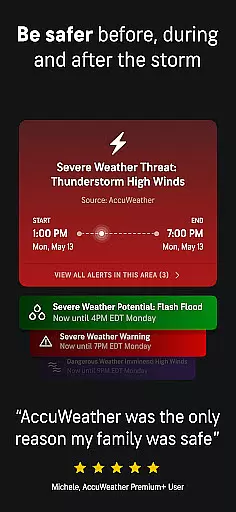
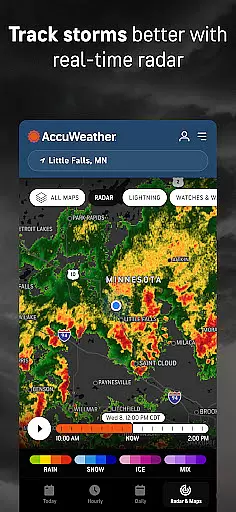
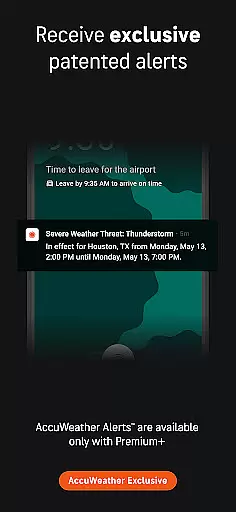
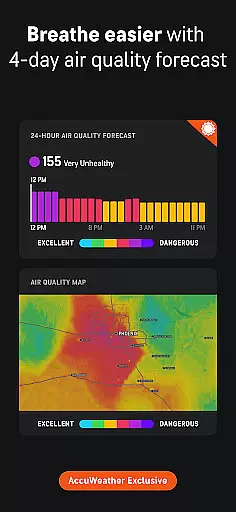
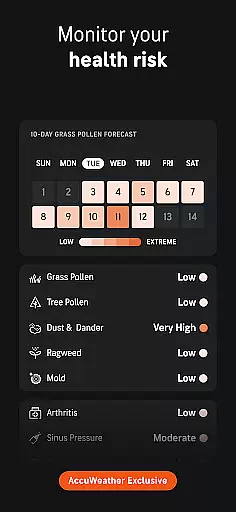
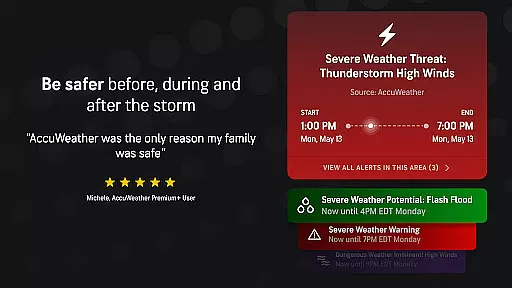
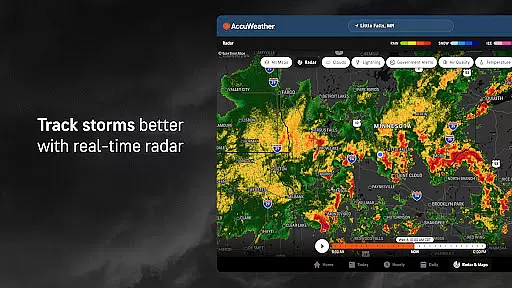
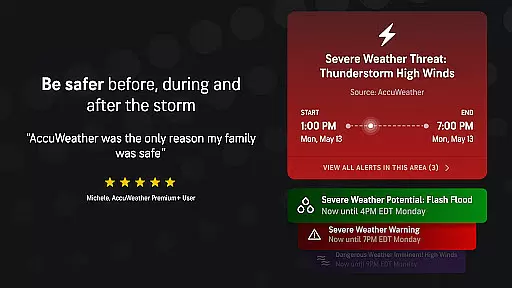
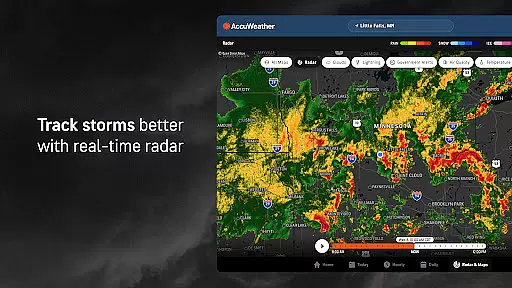
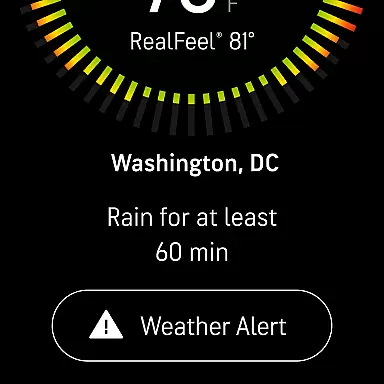
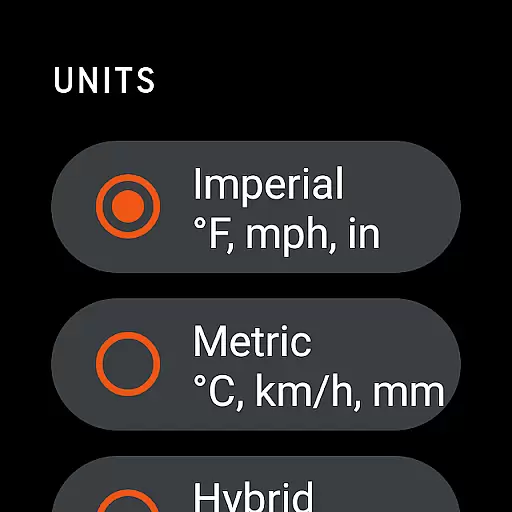
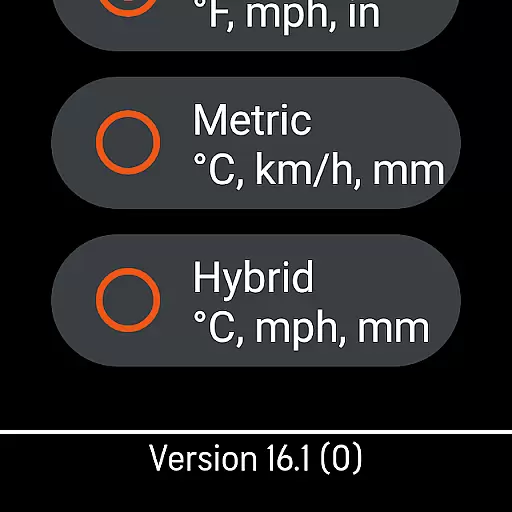
AccuWeather is the most trusted weather app, providing real-time weather alerts and hyperlocal updates with Superior Accuracy™. It helps users make informed decisions by offering detailed forecasts for any location, including severe weather tracking and animated radar.
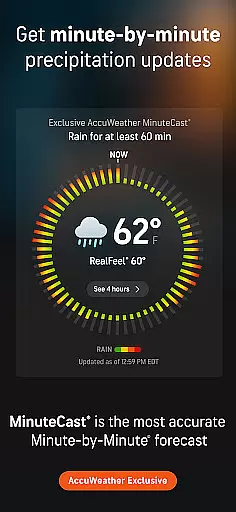
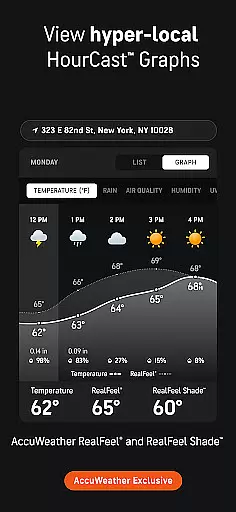
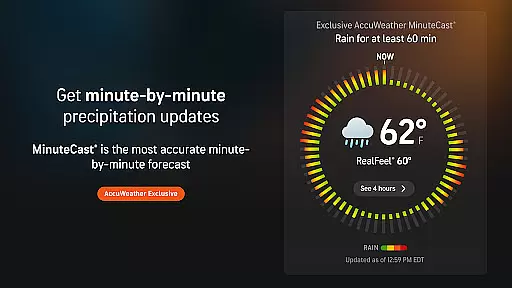
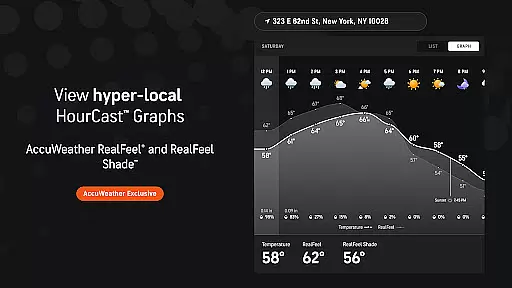
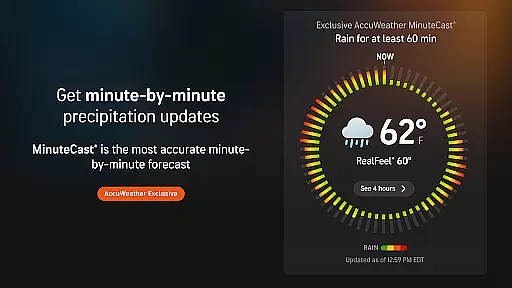
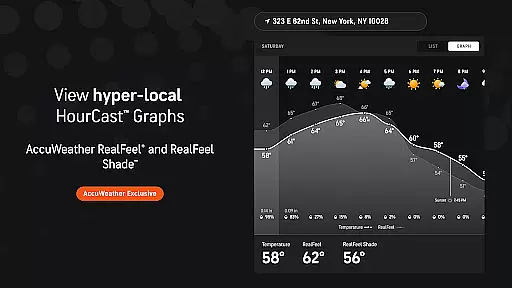
The app's unique features include MinuteCast®, which provides hyperlocal precipitation forecasts, and RealFeel® Temperature that accurately describes how the temperature actually feels. With advanced tools like live radar and the AccuWeather Lightning Network™, it ensures users are well-prepared for weather changes.
Whether you're planning outdoor activities or need early warnings for extreme weather events like hurricanes or snowstorms, AccuWeather offers reliable information to keep you safer and more in control of your day.
AccuWeather stands out with its award-winning features designed to provide the most accurate weather information. The app includes exclusive tools such as MinuteCast®, delivering a hyperlocal forecast for the next four hours, and RealFeel® Temperature, offering an accurate sense of what the temperature truly feels like based on multiple factors.
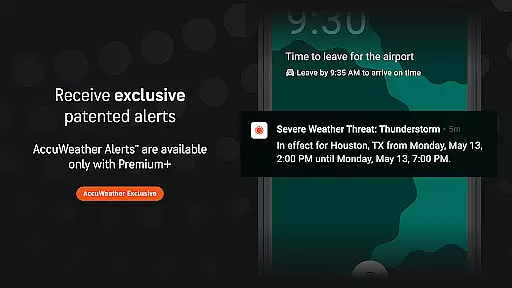
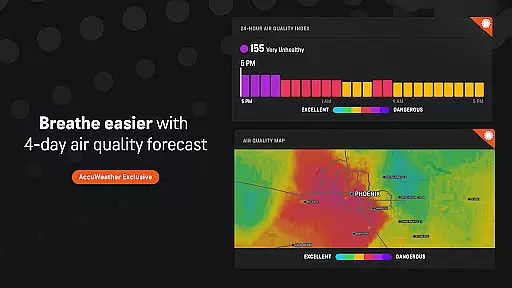
Users can track severe weather with advanced animated radar and receive early warnings for hurricanes, lightning proximity, and snow predictions through WinterCast®. The app also introduces the AccuLumen Brightness Index™ and RealFeel Shade™, enhancing outdoor activity planning and comfort.
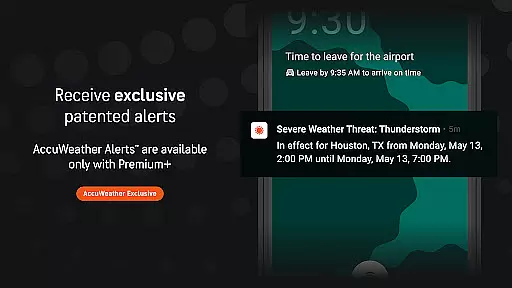
For those seeking more detailed insights, upgrading to Premium Plus provides extended forecasts, advanced alerts, and an ad-free experience, ensuring users stay better informed and prepared for any weather condition.
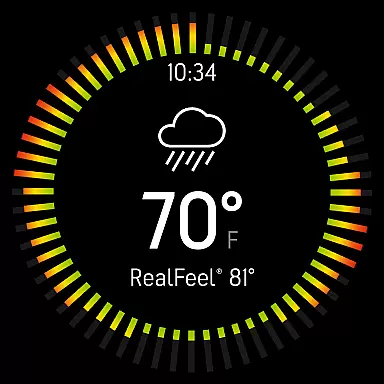
For users of wearable devices, the integration between the AccuWeather app and its companion applications on Android Wear ensures a seamless weather monitoring experience. This connection allows for real-time updates directly on your smartwatch, providing hyperlocal weather data tailored to your exact location.
The app's synchronization capabilities ensure that whether you're viewing weather alerts on your mobile device or receiving MinuteCastu00ae updates on your Wear OS device, the information remains consistent and up-to-date. This cross-device functionality is crucial for maintaining accurate forecasts at all times.
AccuWeather's commitment to Superior Accuracyu2122 extends to its wearable technology integrations, ensuring that even on smaller screens, the level of detail and precision remains uncompromised. Users can make informed decisions based on reliable weather data no matter which device they are using.
AccuWeather demonstrates exceptional compatibility with various Wear OS devices, making it a versatile choice for users invested in the ecosystem. The app supports a wide range of smartwatches, ensuring that you receive critical weather updates regardless of your specific device model.
This broad compatibility is enhanced by features like the exclusive MinuteCastu00ae and RealFeelu00ae Temperature, which are optimized for performance on Wear OS. These features provide users with detailed insights into precipitation patterns and temperature perceptions, even within the constraints of wearable technology.
Furthermore, the app's design takes full advantage of Wear OS capabilities, offering intuitive navigation and glanceable weather information. Whether you need quick access to live radar or want to track approaching storms, AccuWeather delivers a comprehensive weather solution that feels native to your wearable device.
Superior Accuracy™
Real-Time Alerts
Hyperlocal Forecasts
Advanced Storm Tracking
User-Friendly Interface
Premium Subscription Required
Ad-Supported Free Version
Limited Free Features
Occasional Data Delays
High Resource Usage

Highly customizable hybrid watch face for Wear OS, perfect for everyday use.
 4.60
4.60
Precision analog watch face with 7 complications and style options
4.3
Wear Os Watch Face - Animated Snow Effect & Magic Spark - 6 Scenes
4.10
Beautiful, colorful and practical watch face. For Wear OS devices.
5.00
Find EV charging stations
4.30
Locate your family members by GPS phone location tracker everywhere and anytime
4.30
Animated video-game inspired “secret agent” simulation, right on your wrist!
4.20
Premium hybrid watch face with many customizations for Wear OS devices.
4.40
Daily Weather forecast with 15 weather images for Day & Night plus Big Bold time
4.10
A modern hybrid informative watch face for Wear OS designed by BALLOZI
4.80
Hyperlocal rain alerts by MyRadar using patent-pending technology, radar & more
4.80
Embrace the holiday spirit with this magical animated watch face!
4.40
Current temperature, weather hourly, weather radar by the weather forecast app
4.40
Digital watch face with big numbers and many customization for Wear OS devices
4.40
Reliable phone calls with spam protection, caller ID and more helpful features
4.40
The ultimate destination for kids ages 3-8 to explore the Marvel Universe!
4.30
Elegant animated Christmas tree with multiple customization options
4.20
Embrace the festive spirit with our Christmas Countdown watchface for Wear OS
4.10
A digital watch face that celebrates Christmas.
4.00


User Reviews