
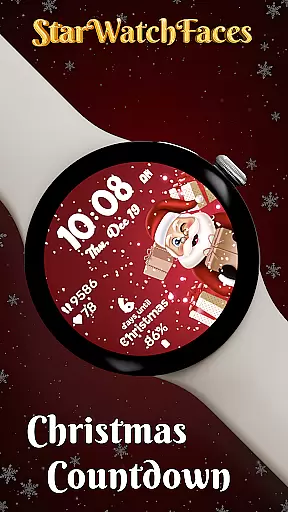

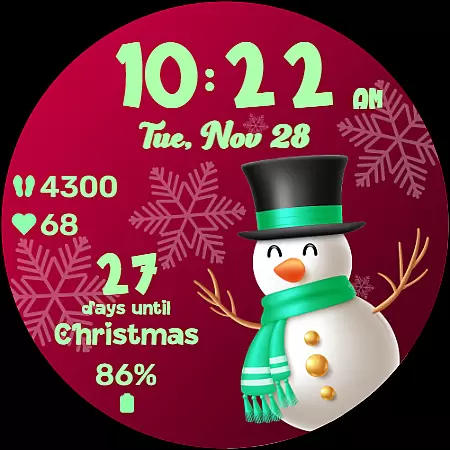
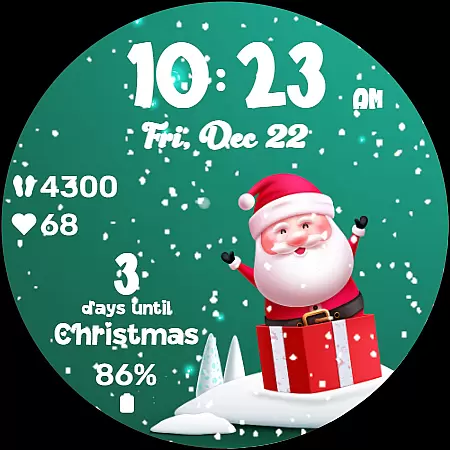
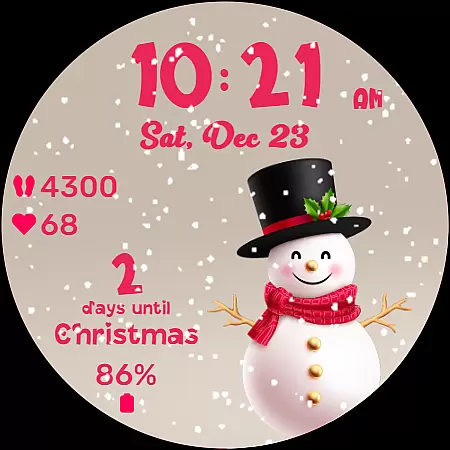
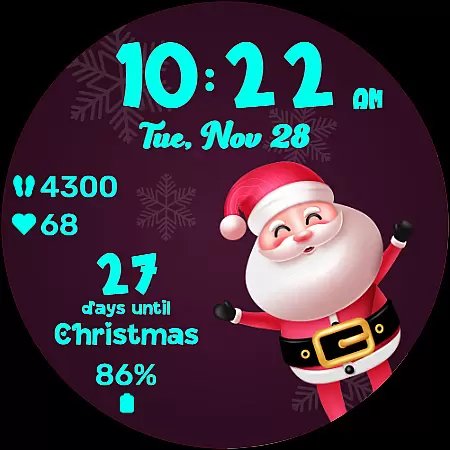
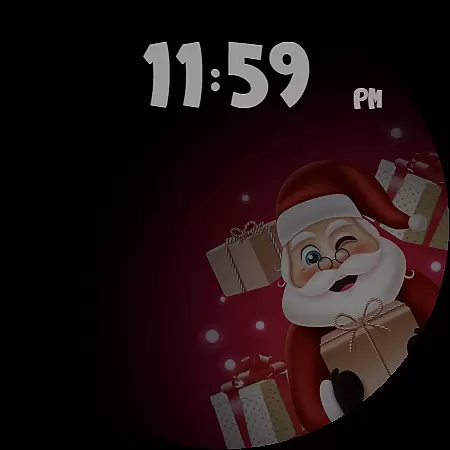
Christmas Countdown is a festive watchface for Wear OS devices, designed to bring holiday cheer directly to your wrist. This unique app combines the excitement of the Christmas season with advanced customization options, making it much more than just a timekeeping display.
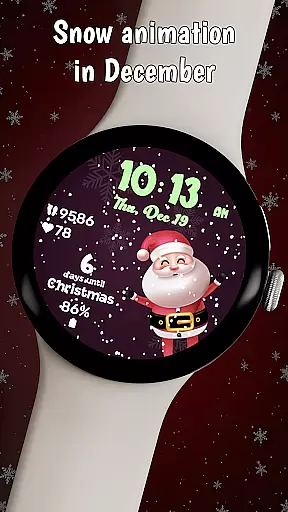
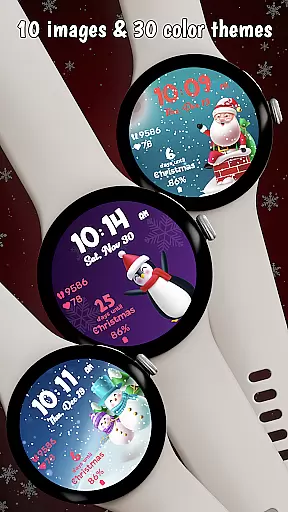
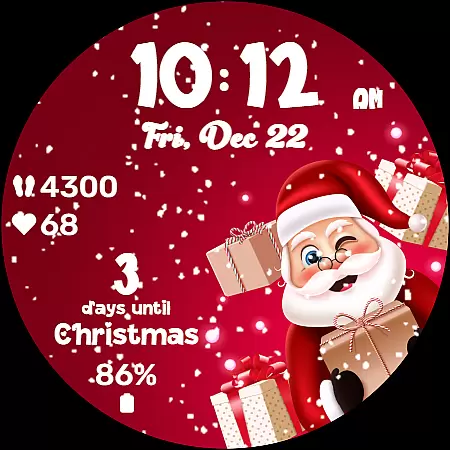
The watchface features a delightful countdown to Christmas Day, 10 charming background images with holiday characters, and an enchanting snow animation that appears in December. Users can choose from 30 color themes to personalize their experience while enjoying practical features like heart rate, step tracking, and battery life indicators.
With its always-on display optimization and customizable shortcuts, Christmas Countdown ensures both functionality and festivity. The app creates a magical atmosphere, building anticipation for Christmas while keeping users connected to their essential stats and favorite apps.
Christmas Countdown offers a rich set of features that blend holiday spirit with practical functionality. The watchface showcases a collection of 10 adorable background images featuring classic Christmas characters, creating a festive gallery on your wrist.
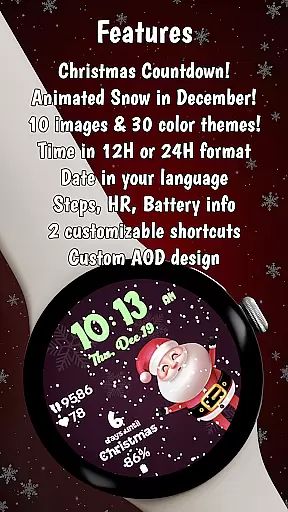
Personalization is key with 30 color themes available for customizing clock elements and countdown displays. The app uniquely combines holiday excitement with utility by showing vital statistics such as heart rate, steps taken, and battery life alongside the date in your device's language.
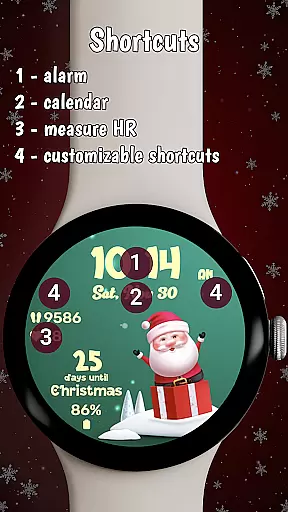
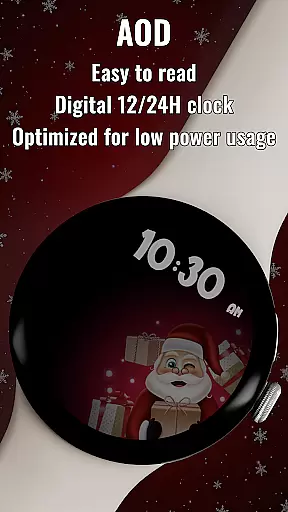
Advanced features include two customizable shortcuts for quick app access and optimized always-on display (AOD) mode. The magical snow animation, exclusive to December, and the prominent Christmas countdown timer create an immersive holiday experience while maintaining practical usability throughout the season.
Companion app integration is essential for wearable devices as it enhances the overall user experience by providing additional features and customization options. The Christmas Countdown watchface for Wear OS demonstrates excellent companion app integration, allowing users to explore a wider range of functionalities beyond the watch itself.
This particular watchface offers seamless connectivity with its dedicated Watchface Shop app, where users can discover and access an entire collection of seasonal watchfaces. Through this integration, users are able to customize their watchface extensively, choosing from 10 enchanting background images and 30 different color themes.
The value of such integration lies in the convenience it provides to users. By simply using the companion app on their phone, wearers of the Christmas Countdown watchface can easily switch between various designs and themes, ensuring that their watchface always matches their holiday mood or personal style preferences.
Furthermore, the companion app serves as a gateway to other amazing watchfaces created by the same developer. This not only enriches the user's selection but also maintains a consistent quality across different designs, making it a reliable source for personalized wearable tech experiences.
Device compatibility is a critical factor when selecting a smartwatch application, especially for operating systems like Wear OS. The Christmas Countdown watchface excels in this area by ensuring broad compatibility with various Wear OS devices, offering users a consistent experience regardless of their specific device model.
This watchface is optimized to work seamlessly across different screen sizes and resolutions, maintaining visual appeal and functionality. Whether you're using a newer Wear OS device or an older model, the Christmas Countdown interface adapts to provide optimal display quality without compromising performance.
Beyond basic compatibility, the application takes full advantage of Wear OS features. It incorporates advanced elements such as customizable shortcuts and always-on display (AOD) mode optimization, demonstrating deep integration with the operating system's capabilities while maintaining low power consumption.
Users benefit from this comprehensive compatibility approach as they can enjoy all features - including heart rate monitoring, step tracking, and battery life indicators - without worrying about technical limitations. This universal approach to device support makes the Christmas Countdown watchface a versatile choice for any Wear OS user looking to enhance their holiday season with festive technology.
Festive holiday theme
Customizable color schemes
Practical health tracking
Optimized power usage
Quick app shortcuts
Limited to seasonal use
Animation only in December
Premium purchase required
Complex customization
Specific to Wear OS

Christmas watch face. For Wear OS devices.
 4.30
4.30
an Analog Watch Face for winter season with freeze winter background for Wear OS
4.1
A Wintery Snow Globe on Your Wrist; now celebrating Christmas!
4.0
Beautiful artistic animated digital watch face, with a customizable layout!
4.40
Stylish digital watch face for Wear OS devices with customizable features
4.0
The #1 source of faces for your smartwatch!
4.00
Reliable phone calls with spam protection, caller ID and more helpful features
4.40
Real-time weather radar with temperatures, warnings, hurricanes, and widgets
4.80
Spam call blocker and caller ID for automatic call protection!
4.40
Period, ovulation & pregnancy tracker. Fertility insights & menstrual calendar.
4.90
The Chevron App allows you to pay for fuel from the comfort of your car!
4.80
The most customizable hybrid watch face. For Wear OS 5.0, API 34+ and later
4.70
Monitor health with the stress test and pulse checker in the heart rate app.
4.60
Connect to your Bluelink equipped Hyundai vehicle from your smartphone.
4.50
Digital watch face with big numbers and many customization for Wear OS devices
4.40
"PER27 Galaxy Digital" is a digital Wear OS watch face designed by PERSONA
4.10
Daily Weather forecast with 15 weather images for Day & Night plus Big Bold time
4.10
Viewer for Wyze/Yi/Eufy/Arlo/ONVIF/RTSP/P2P IP cams w/ adv. features & DIY DVR
4.00
Contemporary digital watch face with five complications
4.1


User Reviews