
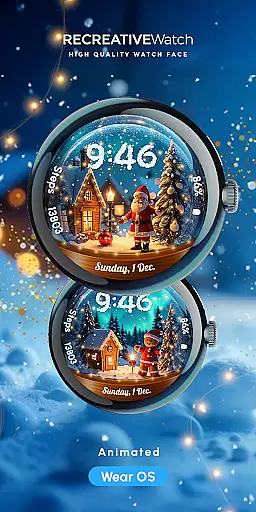
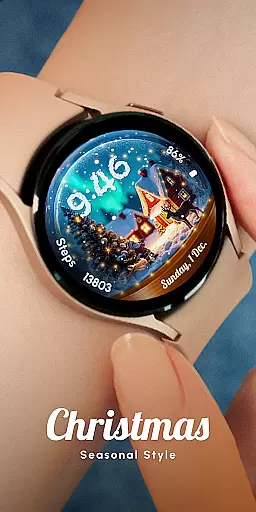
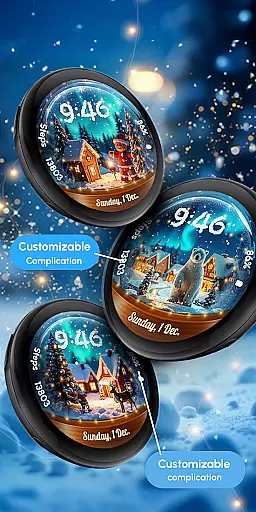
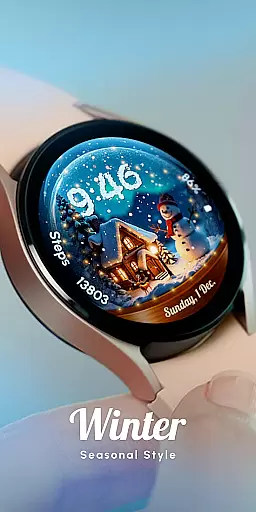
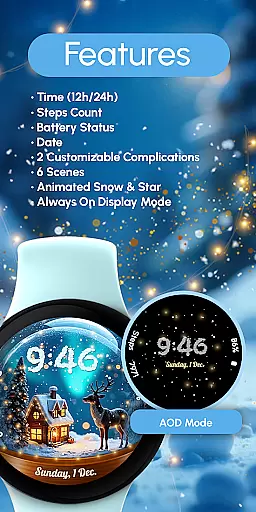
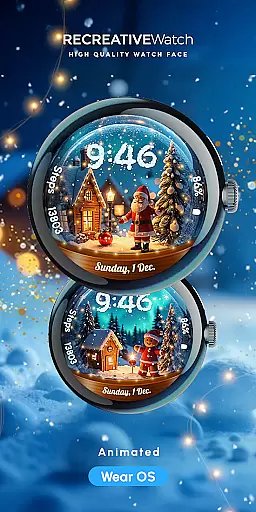
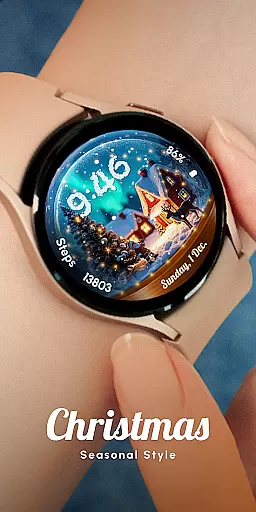
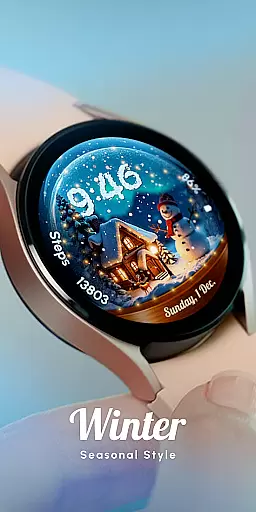
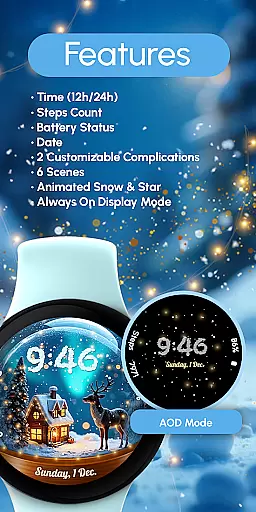
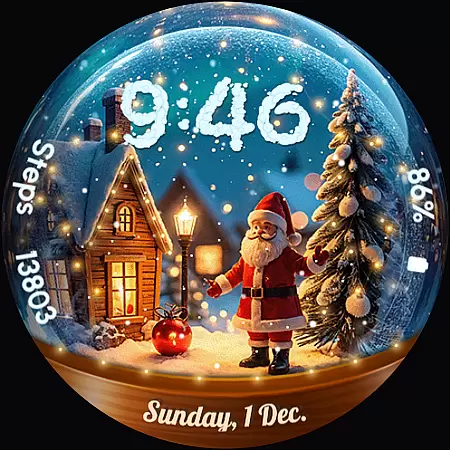
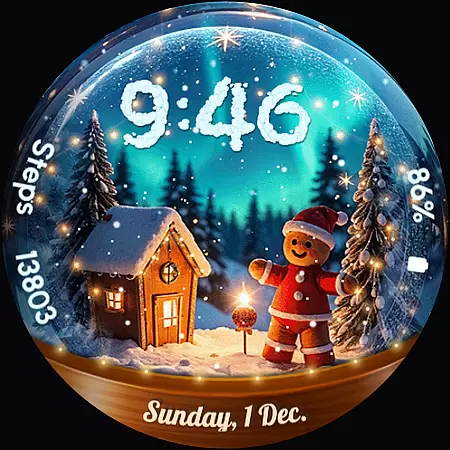
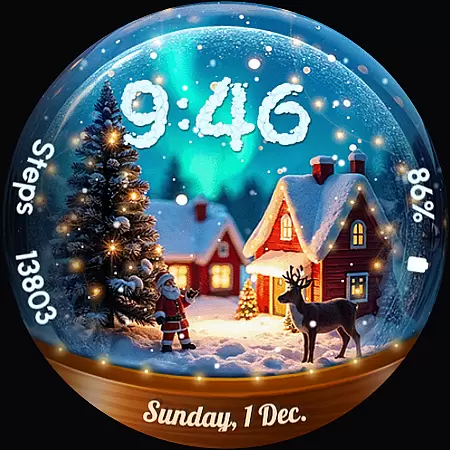
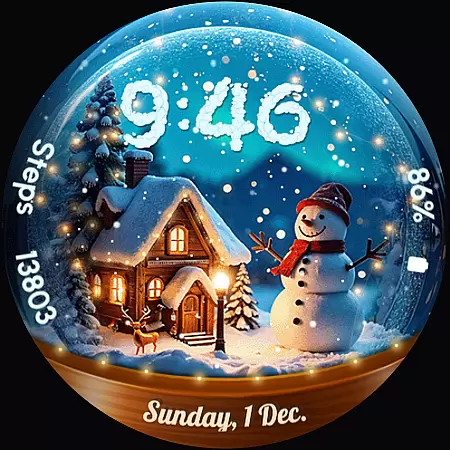
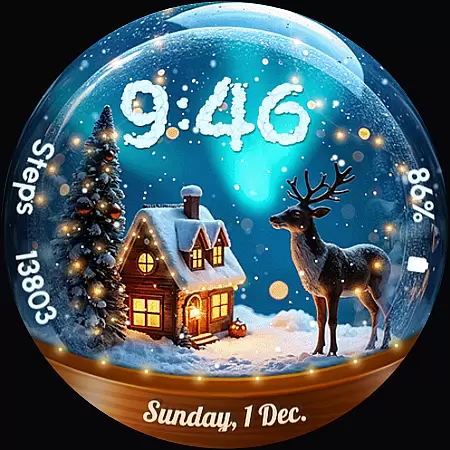
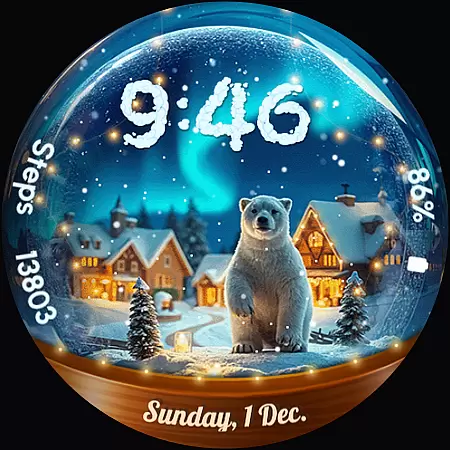
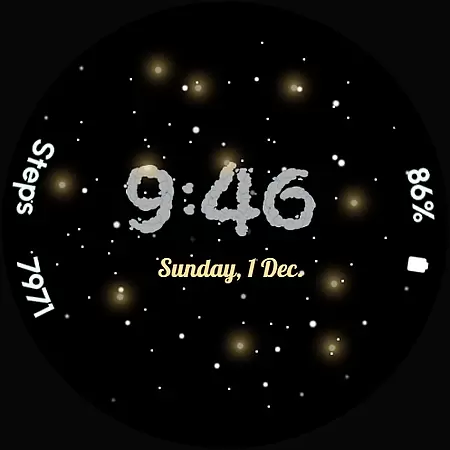
ReS56 is a festive watch face app designed to bring holiday cheer directly to your smartwatch. Featuring animated falling snow and magical spark effects, it creates an enchanting snow globe scene on your wrist. The app includes various customizable features such as digital time display in 12/24hr format, date, battery status, step count, and two user-definable complications.
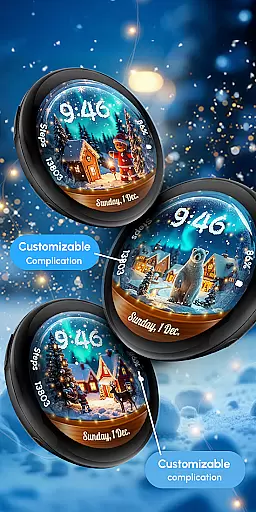
With six unique scenes to choose from, users can enjoy delightful animations featuring classic holiday characters like Santa Claus, reindeer, polar bears, gingerbread men, and snowmen. Compatible with API level 33+ devices including Google Pixel watches and Galaxy Watch series 4 through 7 among other Wear OS models, this application offers both aesthetic appeal and practical functionality for smartwatch users during the holiday season.
ReS56 stands out with its vibrant holiday-themed animations and comprehensive feature set tailored for smartwatch displays. The app provides essential information through its digital clock interface available in both 12-hour and 24-hour formats alongside displaying the current date and tracking daily steps. Battery life monitoring helps users maintain optimal performance by suggesting disabling Always On Display mode when needed.
Customization options allow personalization of up to two complications which can be set according to user preferences via simple touch interactions on the watch screen. Additionally, six distinct scenes offer varied visual experiences while animated snowflakes and magic sparks add dynamic elements to each design choice enhancing overall user engagement throughout the festive period.
Companion app integration is essential for Android Wear applications as it ensures seamless synchronization between the wearable and its paired mobile device. ReS56 excels in this area by providing users with a cohesive experience across their smartwatch and smartphone.
The application supports real-time data sharing, allowing users to receive updates on battery status, step counts, and complications directly from their mobile device. This connectivity enhances user engagement by keeping them informed about their daily activities and watch status without needing to interact directly with the watch interface.
Additionally, ReS56 offers an easy customization process through its companion app. Users can personalize their watch face scenes, adjust settings, and manage complications effortlessly from their phone. This streamlined approach simplifies personalization and ensures that users can enjoy a tailored experience that reflects their individual style and preferences.
Ensuring broad device compatibility is crucial for Android Wear apps like ReS56. This application is optimized for API level 33+ devices, including popular models such as Google Pixel and Samsung Galaxy Watch series, making it accessible to a wide range of users.
ReS56's compatibility extends beyond mere device support; it guarantees an optimal performance experience across different hardware specifications. Whether you're using a Galaxy Watch 4 or a newer model, the app maintains consistent functionality and visual quality, ensuring that all users can enjoy the magical snow globe scene and festive characters regardless of their specific device.
Moreover, the application provides clear guidance on installation and troubleshooting, helping users resolve any compatibility issues they might encounter. By offering comprehensive support resources and direct assistance through email, ReS56 ensures that users can achieve a smooth setup process and reliable ongoing performance on their preferred Wear OS devices.
User-friendly interface
Highly customizable
Vibrant animations
Holiday-themed designs
Compatible with multiple devices
Limited to Wear OS
Battery intensive
No automatic application
Few health metrics
Premium customization locked

Wear Os Watch Face - Animated Snow Effect & Christmas Lights
 4.5
4.5
Analog watch face with 8 complications and expedition styling
4.5
Watch face designed for Thanksgiving Day. 7 Background Styles included.
3.20
Digital, flexibly customizable watch face. For Wear OS 5.0, API 34+ and later.
5.00
Nutrition, Macro tracker: Food, fitness & healthy diet tracking for weight loss
4.60
The ultimate destination for kids ages 3-8 to explore the Marvel Universe!
4.30
Reliable phone calls with spam protection, caller ID and more helpful features
4.40
Real-time weather radar with temperatures, warnings, hurricanes, and widgets
4.80
Minimalistic design modern digital watch face.
4.5
The most customizable minimal watch face. For Wear OS 5.0, API 34+ and later
4.70
Your second brain for organizing your life: to-do, calendar, reminder.
4.70
MyNISSAN® lets you remotely control your car from your phone.*
4.50
Deck out your Wear OS Watch face with a beautifully decorated pine wreath!
4.50
Embrace the holiday spirit with this magical animated watch face!
4.40
Bold weather Digital watchface with forecast & optional animated background
4.40
Elegant animated Christmas tree with multiple customization options
4.20
The #1 source of faces for your smartwatch!
4.00
3 Complications. All shadow on/off. 30 Themes color palette...
4.2
Fitness interactive virtual pet super fighter boy watch face
4.3


User Reviews