
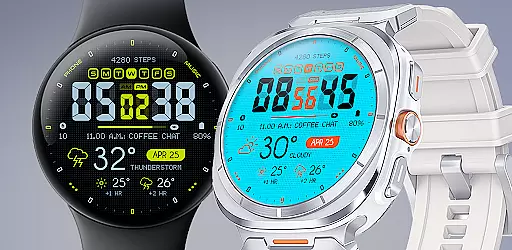
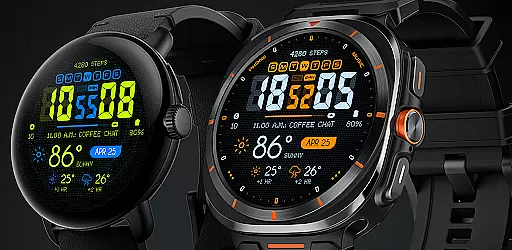
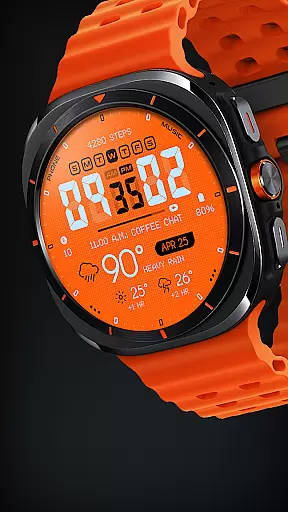
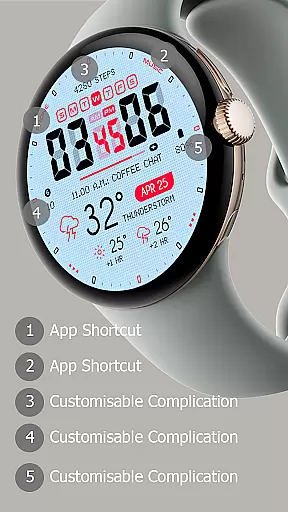
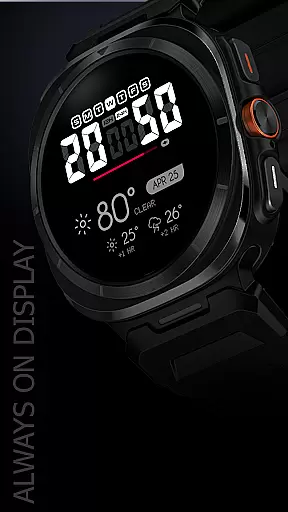
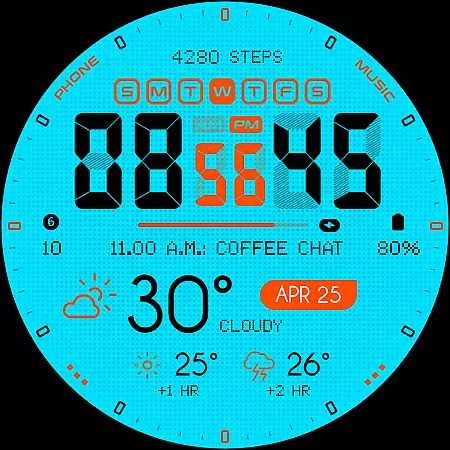
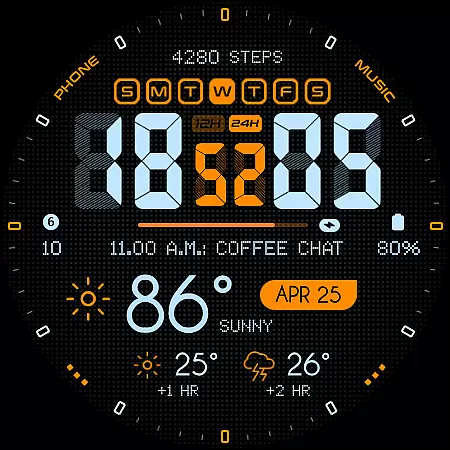
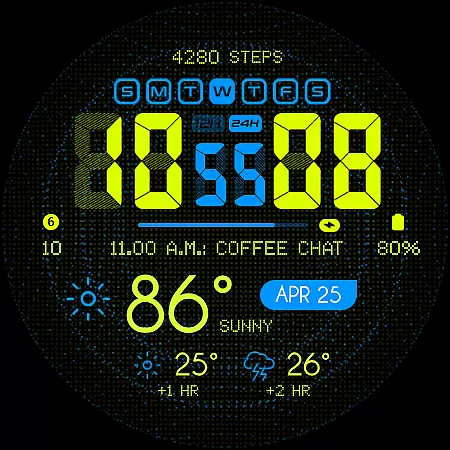
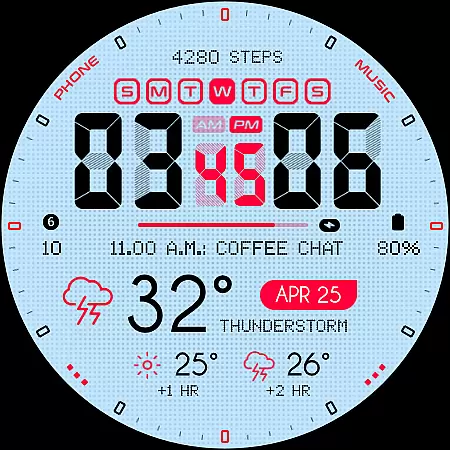
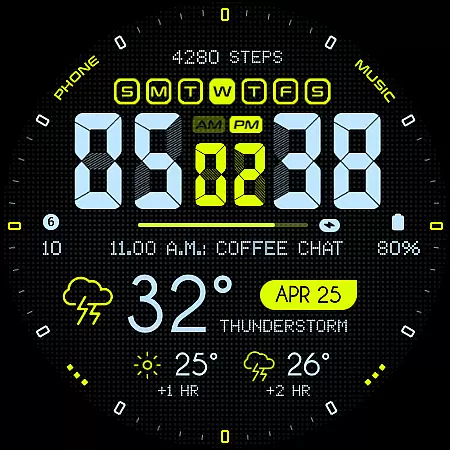
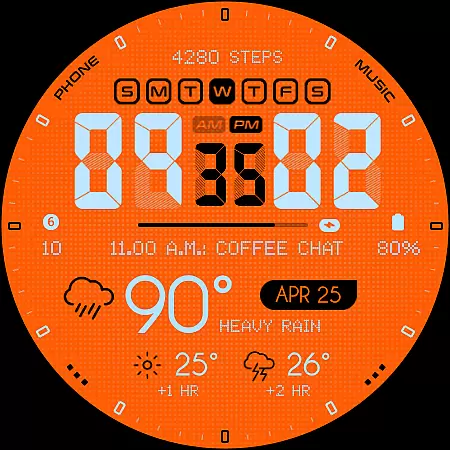
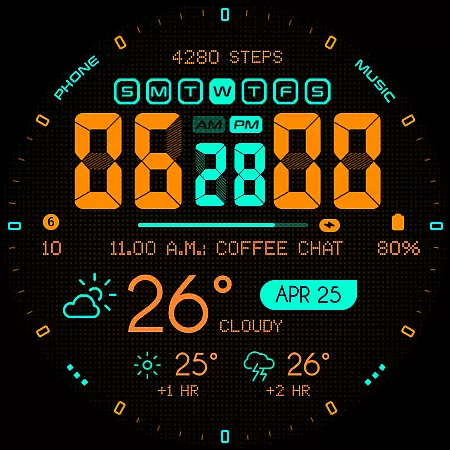
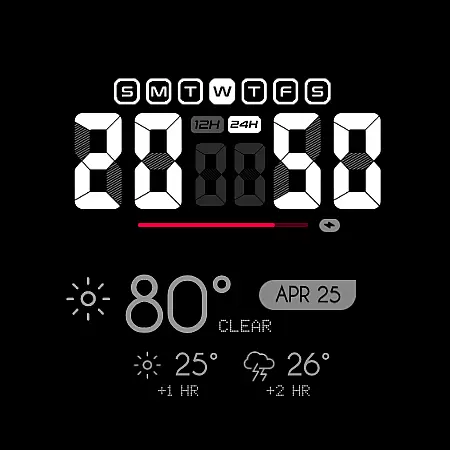
Oogly Atmos is a dynamic weather-themed watch face designed for Wear OS smartwatches. It combines vivid colors, real-time weather updates, and customizable features to deliver both style and functionality. The watch face displays current weather conditions alongside a 2-hour forecast, ensuring users stay informed at a glance.
With compatibility across Wear OS API 30+ devices, including Galaxy Watch 5, Pixel Watch, and Fossil smartwatches, Oogly Atmos offers versatile customization options such as animated backgrounds, 12/24-hour formats, and an always-on display. Whether you're looking for utility or aesthetic appeal, this watch face caters to all needs.
Oogly Atmos stands out with its bold design and practical features tailored for smartwatch users. The app provides real-time weather visuals, displaying current conditions and a 2-hour forecast directly on your wrist. Its vivid color palette and clean layout ensure readability while maintaining a stylish appearance.
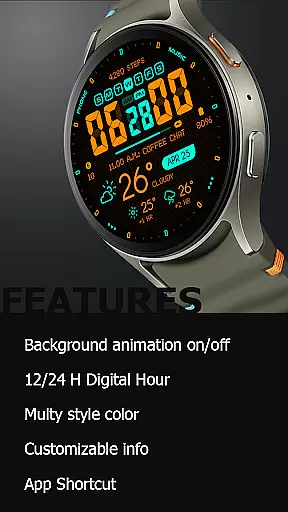
Customization is key with features like toggleable background animations, index visibility settings, and multiple time formats (12/24-hour). Users can personalize their experience further with app shortcuts and an always-on display mode. These elements make Oogly Atmos not just a watch face but a functional tool that adapts to individual preferences.
Companion app integration is essential for a seamless wearable experience. Oogly Atmos ensures that your watchface works in harmony with its companion app, providing real-time weather updates and customization options directly from your smartphone.
The app allows users to toggle features such as background animations and index display, ensuring the watchface looks exactly how you want it. With just a few taps, you can activate or deactivate the animated visuals, catering to your mood and needs.
Additionally, the companion app offers customizable information settings, allowing wearers to prioritize the data most important to them. Whether it's the current temperature or a two-hour forecast, everything is manageable through the intuitive interface of the connected app.
This level of integration not only enhances user control but also enriches the overall utility of the smartwatch, making sure that style and function are always in sync.
Ensuring broad device compatibility is crucial for any Wear OS application. Oogly Atmos is designed to work with WEAR OS API 34+, supporting devices like the Galaxy Watch 5, Pixel Watch, Fossil watches, and other Wear OS gadgets with a minimum API of 30.
This wide compatibility means that regardless of your choice of smartwatch brand, Oogly Atmos will deliver a consistent and reliable performance. The vivid colors and clean layout adapt seamlessly across different screen sizes and resolutions.
Moreover, the watchface supports both 12 and 24-hour formats, an always-on display, and app shortcuts, enhancing accessibility and convenience for all users. These features collectively ensure that everyone can enjoy a personalized and functional watchface experience.
By focusing on extensive device support, Oogly Atmos guarantees that more users can bring the sky to their wrists, enjoying both style and accurate weather forecasting without compromise.
Real-time weather updates
Vivid and bold design
Customizable layout options
Animated background feature
Cross-device compatibility
Limited to Wear OS
Requires API 30+
No iOS support
Premium feel may not suit all
Animation may drain battery

WTW M17 is a premium and luxurious hybrid watch face
 4.70
4.70
Precision analog watch face with 7 complications and style options
4.1
Easy Voice Recorder is your everyday companion to record important moments.
4.70
Digital watch face. For Wear OS devices.
4.40
Fitness interactive virtual pet super fighter boy watch face
4.3
Monitor health with the stress test and pulse checker in the heart rate app.
4.60
Funny animated watch face for Thanksgiving
4.4
The most customizable hybrid watch face. For Wear OS 5.0, API 34+ and later
4.70
A realistic hybrid watch face with many customization options.
4.60
Digital, flexibly customizable watch face. For Wear OS 5.0, API 34+ and later.
5.00
Be an elegant and classy secret agent, with this carefully detailed watch face
4.70
The most customizable minimal watch face. For Wear OS 5.0, API 34+ and later
4.70
Hybrid watch face for Wear OS with customizable complications by Matteo Dini MD
4.70
Rose gold watch face with festive lights & customizable features.
4.60
Retro digital watch face with customizable colors and a unique lighting effect
4.60
Premium hybrid watch face with many customizations for Wear OS devices.
4.40
Watch the sharpness of the sky on your wrist..
3.70
an Analog Watch Face for winter season with freeze winter background for Wear OS
4.4
A Wintery Snow Globe on Your Wrist; now celebrating Christmas!
4.4


User Reviews