
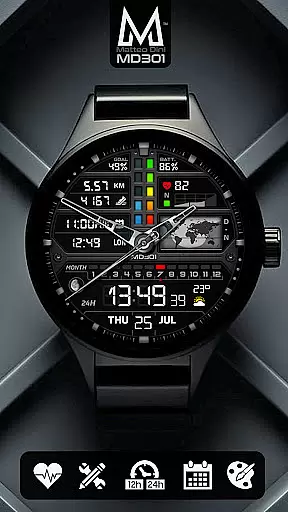
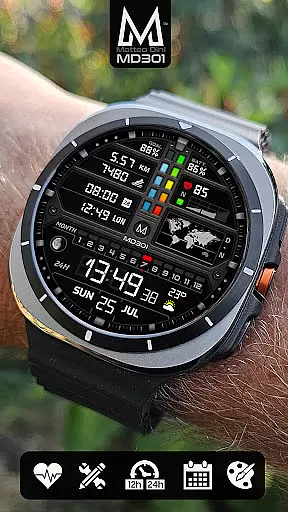
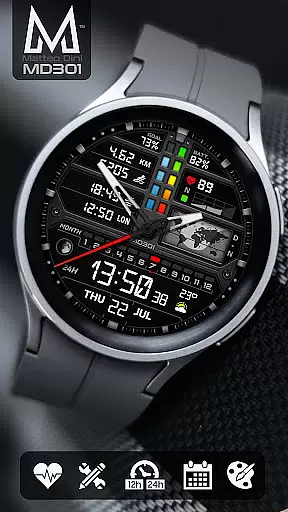
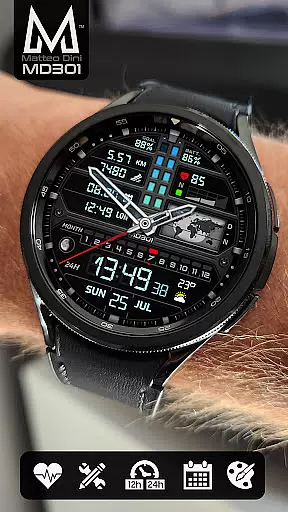
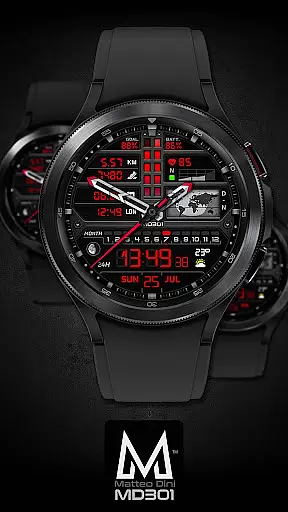
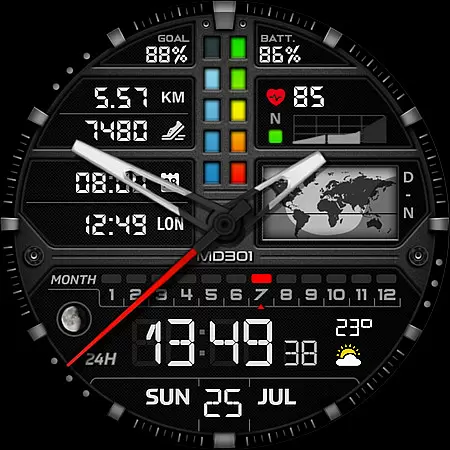
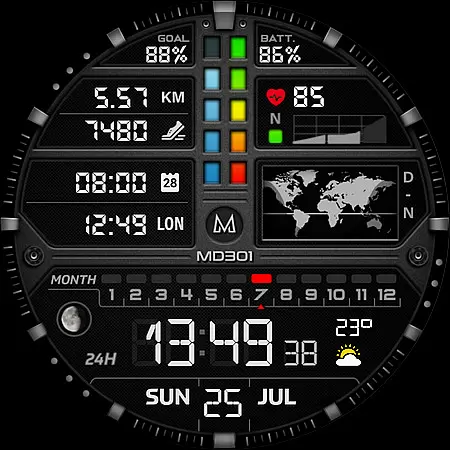
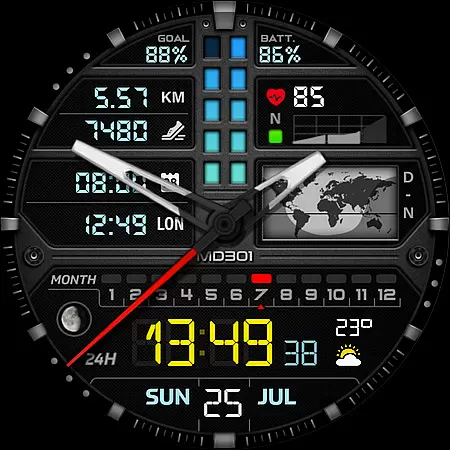
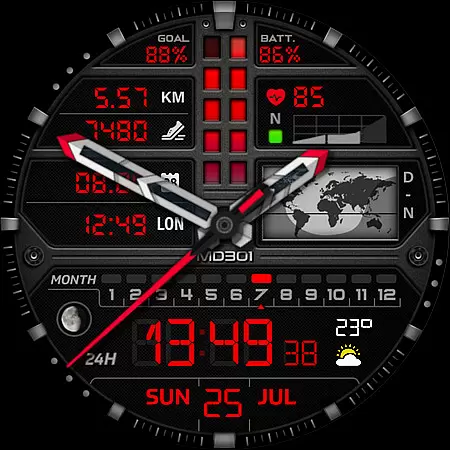
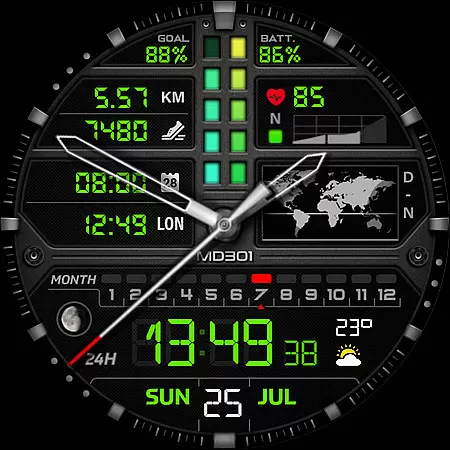
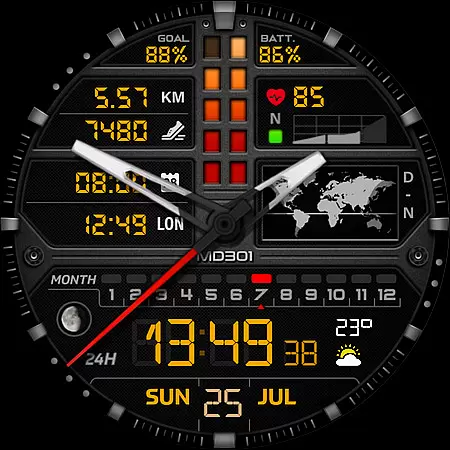
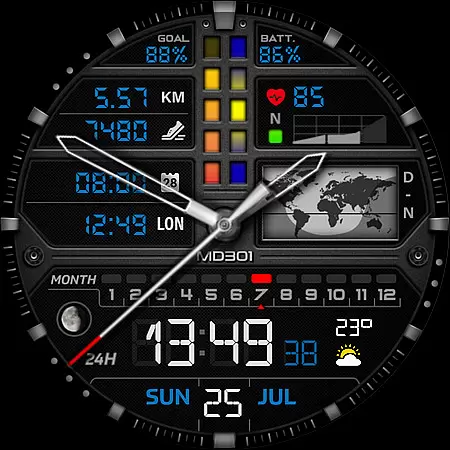
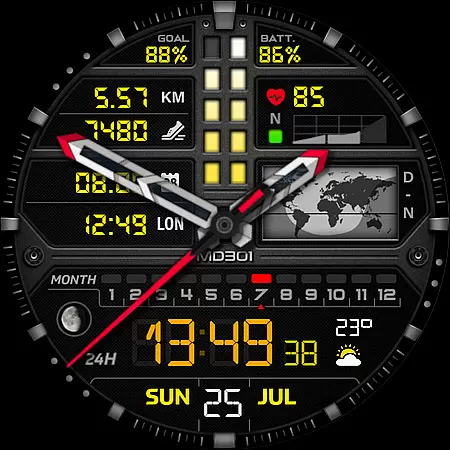
MD301 Hybrid watch face is a feature-rich, customizable watch face designed for Wear OS devices. It supports advanced functionalities such as app shortcuts, world map display, health tracking, and more.
This versatile watch face allows users to personalize their experience with changeable colors, complications, and data displays. Compatible with API Level 33+ devices including Samsung Galaxy Watch series and Pixel Watch, it offers both digital and analog time display options.
The watch face's unique day & night world map, combined with health monitoring features like heart rate and step tracking, makes it suitable for both professional and casual use cases.
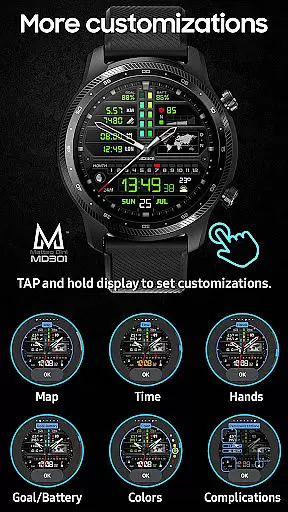
MD301 stands out with its comprehensive feature set that includes 3 preset app shortcuts, 3 customizable shortcuts, and 4 customizable complications. Users can access essential functions quickly while personalizing their preferred data displays.
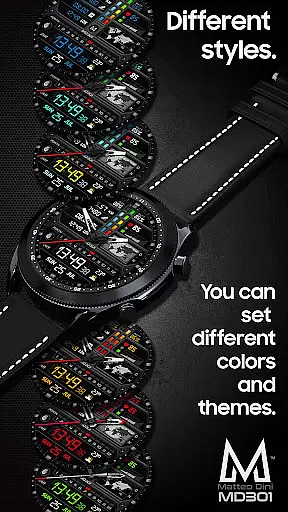
The watch face implements advanced customization options through its on-watch editor. Users can modify hands, colors, maps, and other elements directly from their smartwatch interface. The Always ON Display feature ensures important information remains visible.
Unique capabilities include moon phase tracking, distance measurement, and weather integration through complications. These features demonstrate MD301's commitment to providing both aesthetic appeal and practical functionality in wearable technology.
Companion app integration is essential for a seamless experience between wearable devices and smartphones. The MD301 Hybrid watch face offers robust companion app support, ensuring that users can easily synchronize and manage their watch face settings directly from their mobile device.
This functionality allows for effortless customization of the watch face, including setting up app shortcuts, complications, and color schemes. Users can access these features through the Samsung Wearable app or directly on their watch, providing flexibility in personalization.
The synchronization process ensures that all data such as heart rate, steps, and weather updates are accurately reflected on the watch face. This real-time data sharing enhances user engagement by keeping them informed throughout the day.
By offering comprehensive companion app integration, MD301 Hybrid watch face guarantees a cohesive ecosystem where users can enjoy an uninterrupted and enriched wearable experience.
Device compatibility is a critical factor when selecting a watch face, and the MD301 Hybrid watch face excels in this area. It supports all Wear OS devices with API Level 33+ (Wear OS 4 and later versions), including popular models like Samsung Galaxy Watch 4-8, Ultra, and Pixel Watch.
This broad compatibility ensures that users across various devices can enjoy the advanced features of the MD301 Hybrid watch face without worrying about system limitations. Whether you own a Samsung or another brand's smartwatch, this watch face delivers consistent performance.
Moreover, the watch face takes full advantage of Wear OS capabilities, offering functionalities such as Always ON Display with changeable colors, customizable hands, and digital time adjustments. These features provide a tailored experience that adapts to individual preferences while maintaining optimal performance.
With its extensive device support and utilization of Wear OS features, the MD301 Hybrid watch face stands out as a versatile choice for tech-savvy users seeking both style and functionality in their wearable devices.
Highly customizable
Feature-rich design
Cross-device compatibility
Professional aesthetics
Health tracking integration
Complex setup process
Editor loading issues
Additional complications needed
Battery consumption concerns
Limited older device support

Snowflake Rose Gold Watch Face - Digital, modern, & sleek with GYRO effect.
 4.10
4.10
Watch face designed for Thanksgiving Day. 7 Background Styles included.
3.20
Your second brain for organizing your life: to-do, calendar, reminder.
4.70
Real-time results, stats, schedules and player profiles for all leagues
4.60
Daily Weather forecast with 15 weather images for Day & Night plus Big Bold time
4.10
Your music, your playlists, and more—offline and unlimited.
4.20
Simple, helpful messaging by Google
4.60
Back up your contacts & access them anywhere
4.30
Toyota app currently supports 2010 or newer vehicles (2018 or newer for Hawaii).
4.50
Digital, flexibly customizable watch face. For Wear OS 5.0, API 34+ and later.
5.00
Christmas Theme Watch Face for Wear Os
5.00
Real-time weather radar with temperatures, warnings, hurricanes, and widgets
4.80
Be an elegant and classy secret agent, with this carefully detailed watch face
4.70
Connect to your Bluelink equipped Hyundai vehicle from your smartphone.
4.50
A customizable Christmas watch face for Wear OS with a countdown.
4.20
Viewer for Wyze/Yi/Eufy/Arlo/ONVIF/RTSP/P2P IP cams w/ adv. features & DIY DVR
4.00
Analog watch face with 8 complications and expedition styling
4.4
Contemporary digital watch face with five complications
4.0
Sleek, highly customizable watch face inspired by Galaxy Watch Circle Dashboard.
4.0


User Reviews