
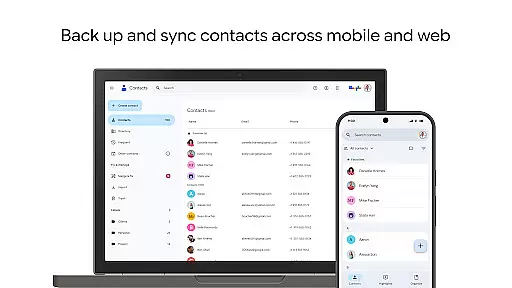
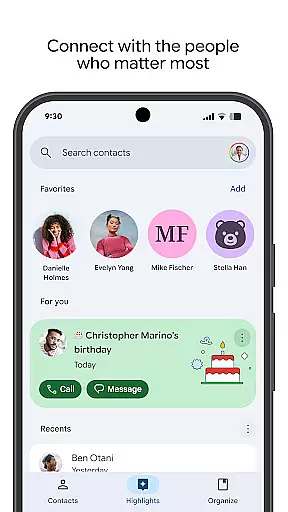
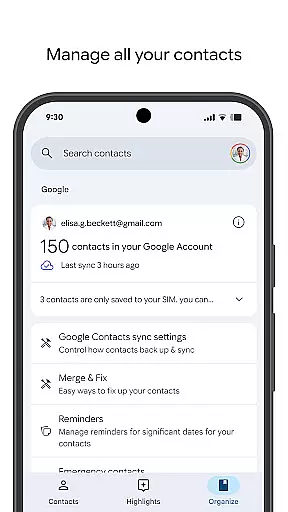
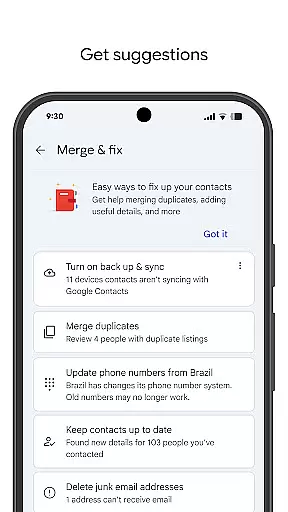
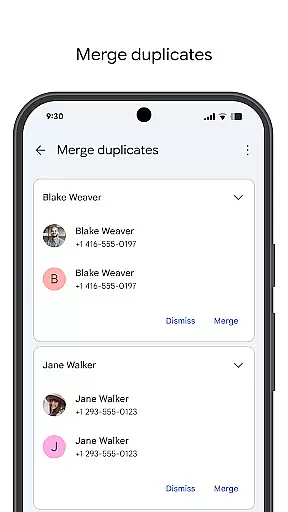
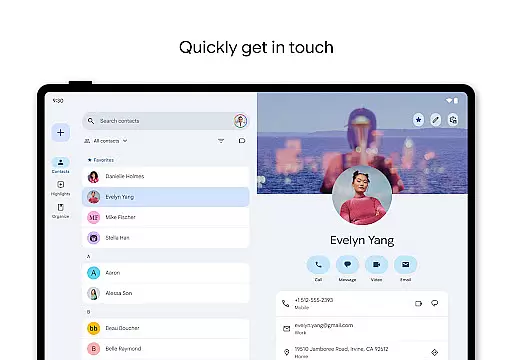
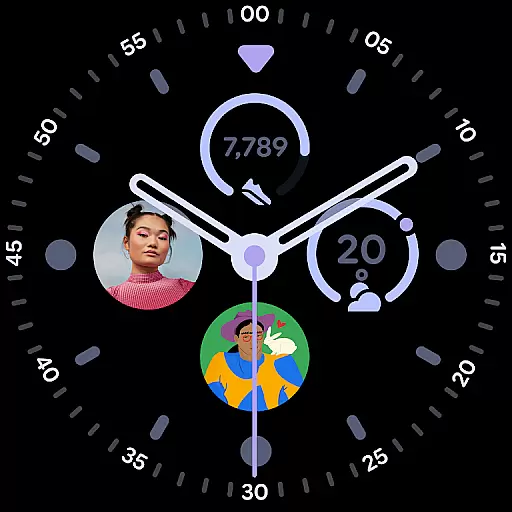
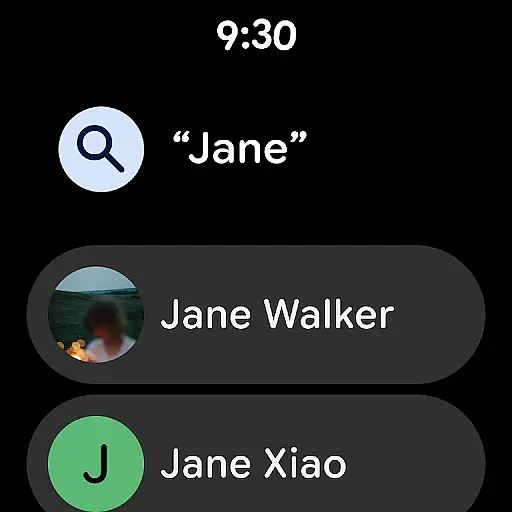
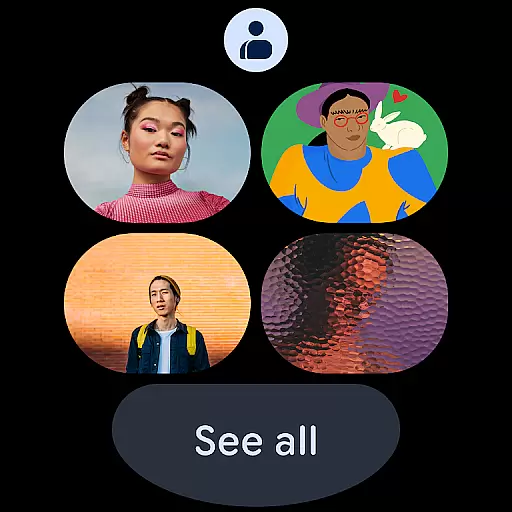
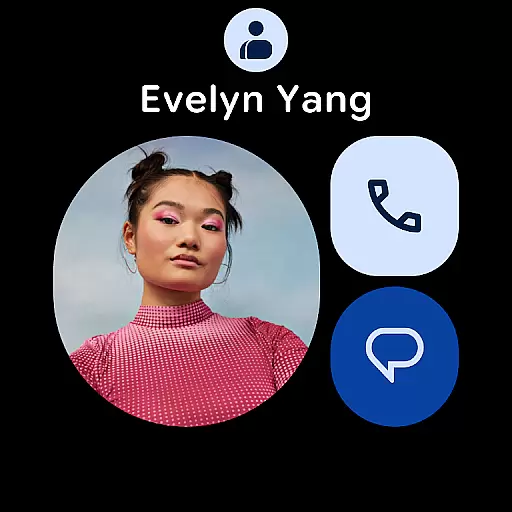
Contacts is a powerful Android Wear application designed to help users manage their contacts efficiently across multiple devices. The app allows you to back up and sync your contacts directly to your Google Account, ensuring they are always accessible and secure. Whether switching to a new phone or accessing from different signed-in locations, your contacts remain consistently available.
Beyond basic contact management, the app offers organizational tools that allow you to categorize contacts by accounts such as work or personal. It also provides features like merging duplicates and recovering recently deleted contacts within 30 days. Additionally, Contacts enhances user engagement by offering reminders for special occasions like birthdays and anniversaries, making sure you never miss an important date.
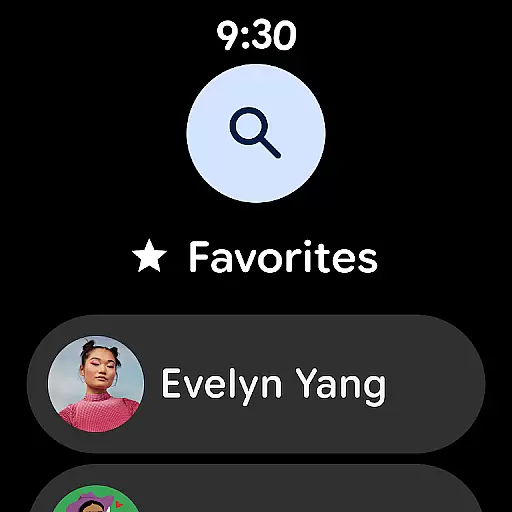
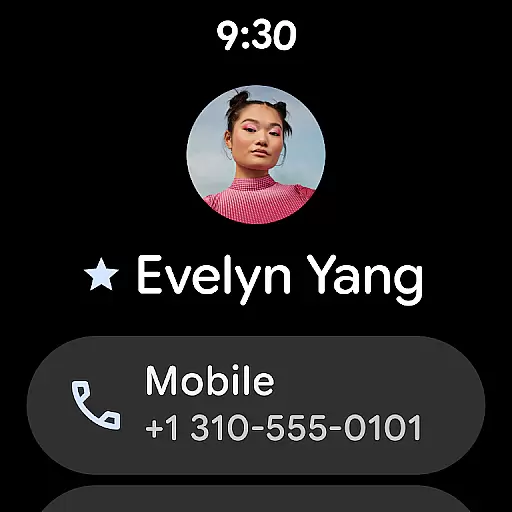
This app is particularly useful for professionals who need seamless access to updated contact information on the go. With its integration into Wear OS, it ensures that even smartwatch users can benefit from quick access to favorite contacts and individual contact tiles, enhancing productivity and connectivity in everyday scenarios.
One of the standout features of Contacts is its robust backup and synchronization capabilities. By linking with your Google Account, the app ensures all your contact data is securely stored in the cloud. This means no matter what device you use—be it a smartphone or tablet—you have instant access to your latest contact list without any hassle.
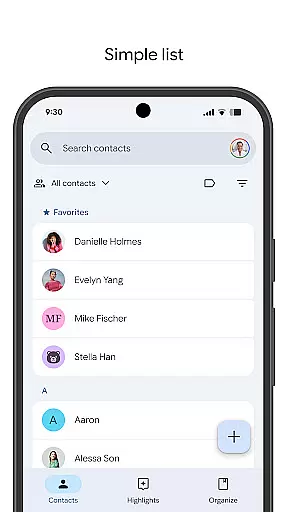
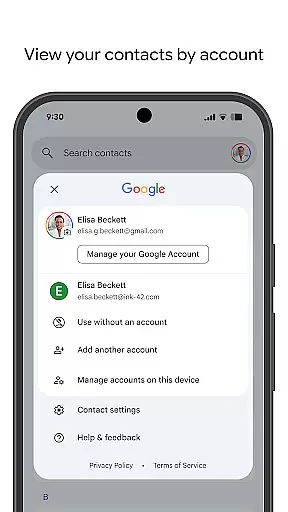
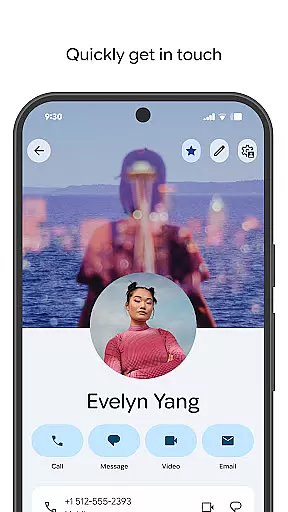
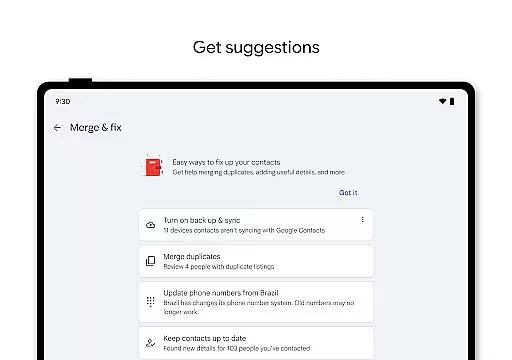
The app excels in organization and maintenance functionalities. Users can view their contacts segmented by various accounts, simplifying navigation through extensive lists. Editing options are straightforward, allowing easy updates to phone numbers, emails, and photos. Moreover, intelligent suggestions assist in merging duplicate entries and enriching contact details, streamlining the upkeep process significantly.
For those seeking more personalized interactions, Contacts offers unique highlights such as upcoming birthdays and anniversaries. These features not only keep you informed but also enable setting notifications so you never overlook significant events. Furthermore, Wear OS compatibility extends these benefits to smartwatches, providing convenient access via favorite contact tiles and complications, thus optimizing both utility and accessibility.
Companion app integration is essential for seamless functionality between mobile devices and wearable technology. The Contacts app ensures that your contacts are consistently synchronized across all devices, including Wear OS. This synchronization allows users to access their critical contact information directly from their smartwatches without needing a phone nearby.
The app's companion integration provides real-time updates, ensuring that any changes made on one device are immediately reflected on all others. Whether you add a new contact or update an existing one, the information is instantly available on your Wear OS device. This feature is particularly useful for professionals who need quick access to contact details while on the go.
By leveraging Google Account integration, the app offers a reliable backup solution. Users can rest assured that their contacts are safely stored and easily retrievable, even if they switch to a new phone or lose their current one. This peace of mind is invaluable, especially for those who rely heavily on their contact lists for both personal and professional interactions.
Ensuring compatibility with Wear OS and various devices is crucial for providing a versatile user experience. The Contacts app supports a wide range of devices, allowing users to manage their contacts effortlessly, whether they are using a smartphone or a smartwatch. This broad compatibility enhances user convenience by offering multiple access points to essential contact information.
The app includes specialized features for Wear OS, such as favorite contacts tiles and individual contact complications. These features enable users to quickly access frequently contacted individuals directly from their watch face, streamlining communication. Additionally, the ability to view and manage contacts on a wearable device adds a layer of accessibility that is not possible with smartphones alone.
Device compatibility extends beyond just Wear OS, encompassing a variety of Android devices. This ensures that no matter what device a user prefers, they can enjoy the full functionality of the Contacts app. By maintaining high standards of compatibility, the app delivers a consistent and reliable experience across different platforms, making it an indispensable tool for managing personal and professional relationships.
User-friendly interface
Secure cloud backup
Efficient contact management
Smart suggestions for updates
Wear OS integration
Limited offline functionality
Requires Google Account
Occasional sync delays
No advanced search filters
Basic customization options

Watch the sharpness of the sky on your wrist..
 3.70
3.70
Wear Os Watch Face - Animated Snow - Sesonal for Christmas & Winter
4.5
A heartwarming Christmas scene featuring a cute image of Santa and Rudolf
4.2
Bold, Modern Hybrid Watch Face for Wear OS. 10 Colors, Rich Info Display.
4.30
Digital watch face. For Wear OS devices.
4.40
Structured watch face with seven complications and modular UI elements
3.90
Find EV charging stations
4.30
Simple, helpful messaging by Google
4.60
Start and succeed with PAP
4.10
Period, ovulation & pregnancy tracker. Fertility insights & menstrual calendar.
4.90
Hyperlocal rain alerts by MyRadar using patent-pending technology, radar & more
4.80
Easy Voice Recorder is your everyday companion to record important moments.
4.70
Connect to your Bluelink equipped Hyundai vehicle from your smartphone.
4.50
Current temperature, weather hourly, weather radar by the weather forecast app
4.40
Snowflake Rose Gold Watch Face - Digital, modern, & sleek with GYRO effect.
4.10
Hyper-Realistic Airplane Dashboard Watch Face With 10 Skins and Custom AOD
4.00
Authentic military-tactical design with ZULU time! Realistic and functional!
3.80
Your local weather forecast, storm tracker, radar maps & live weather news
3.40
Funny animated watch face for Thanksgiving
4.0


User Reviews