
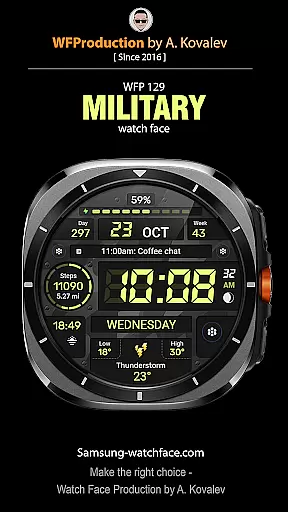
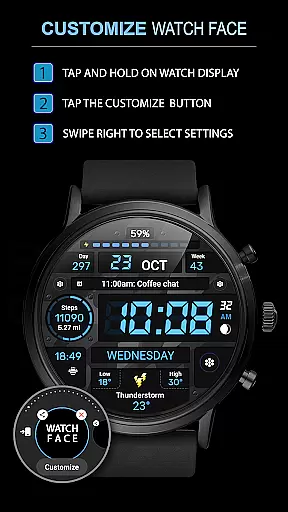
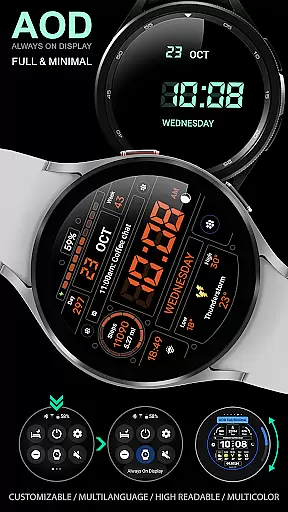
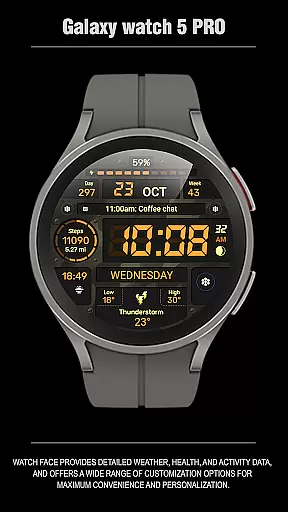
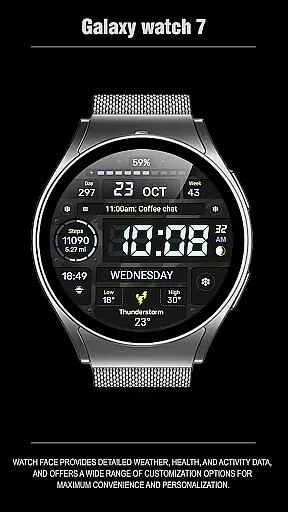
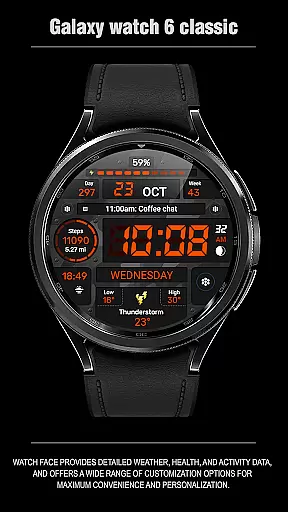
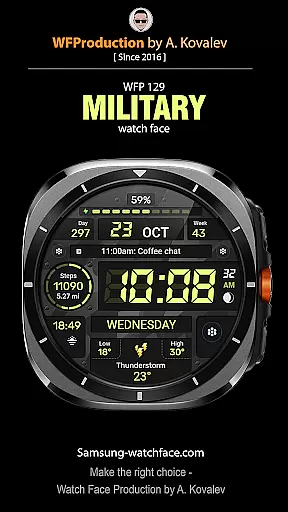
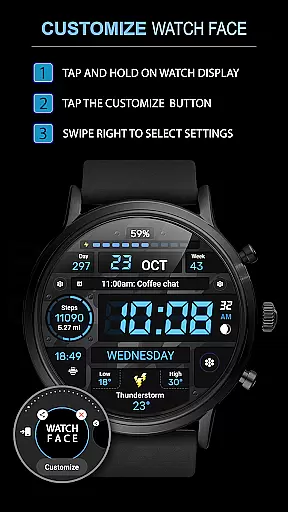
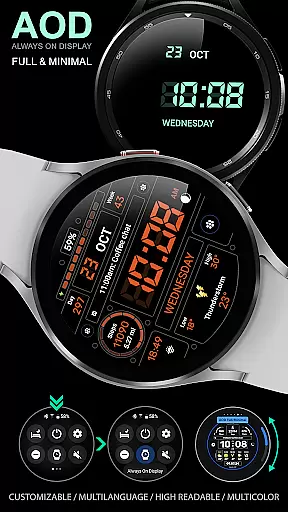
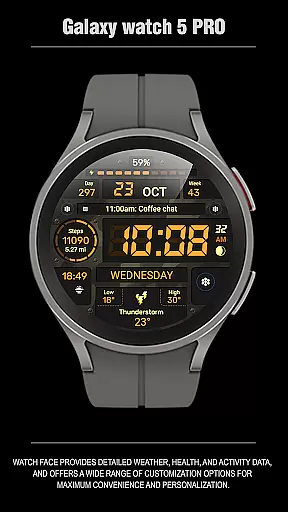
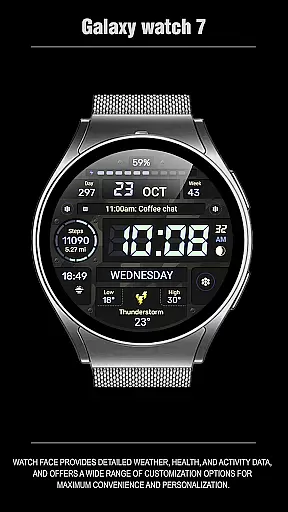
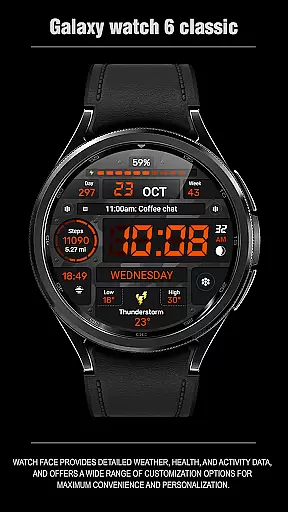
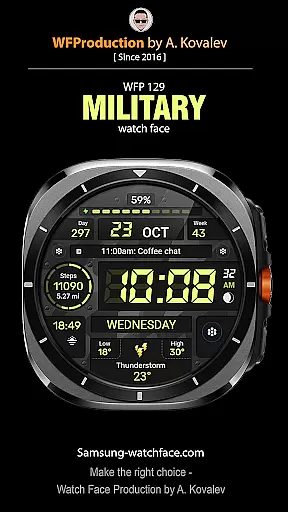
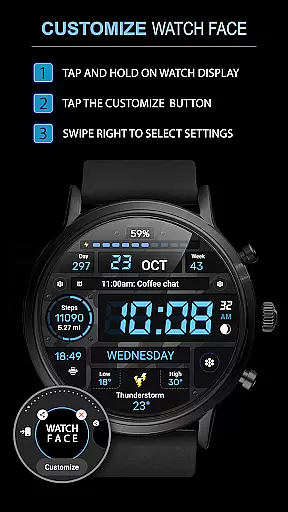
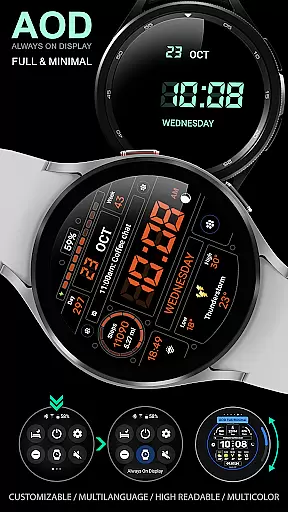
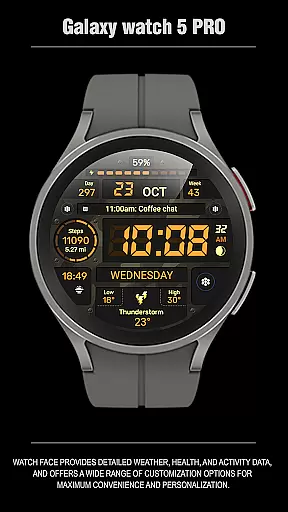
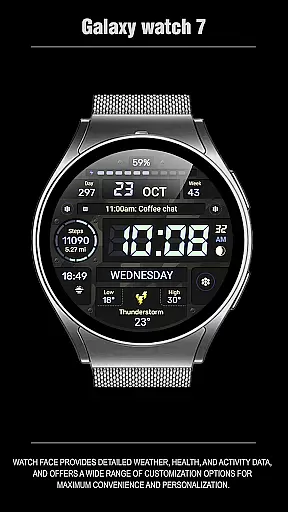
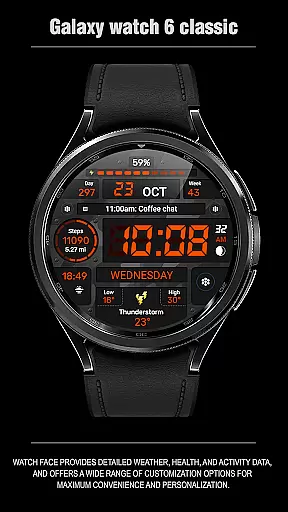
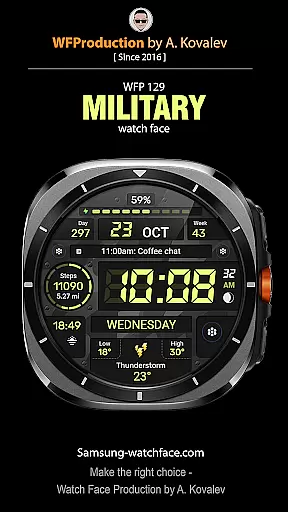
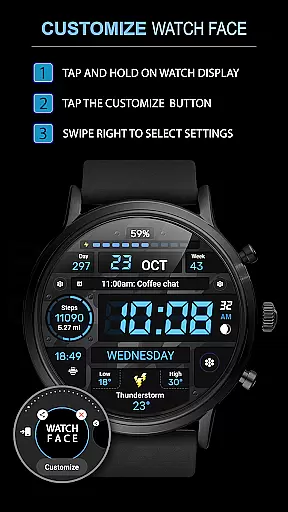
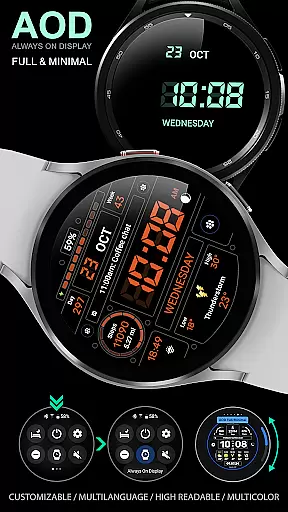
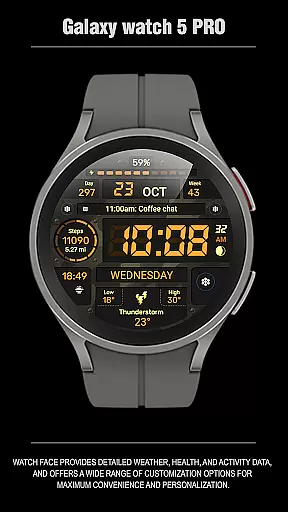
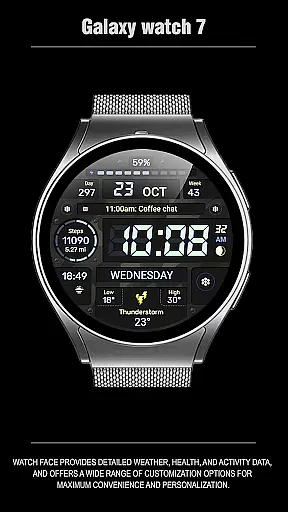
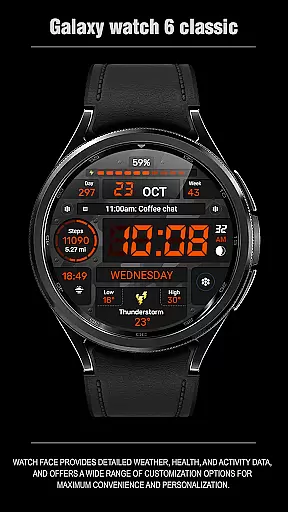
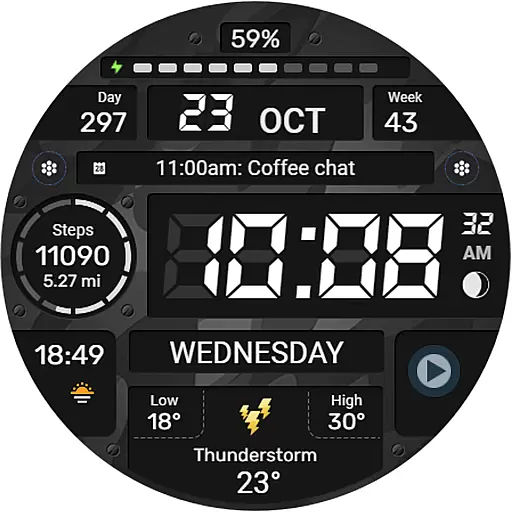
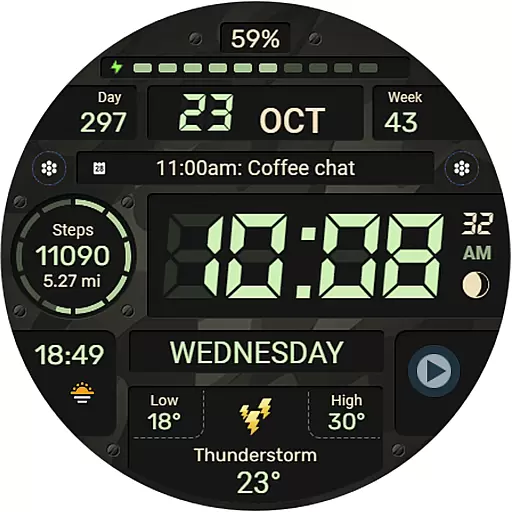
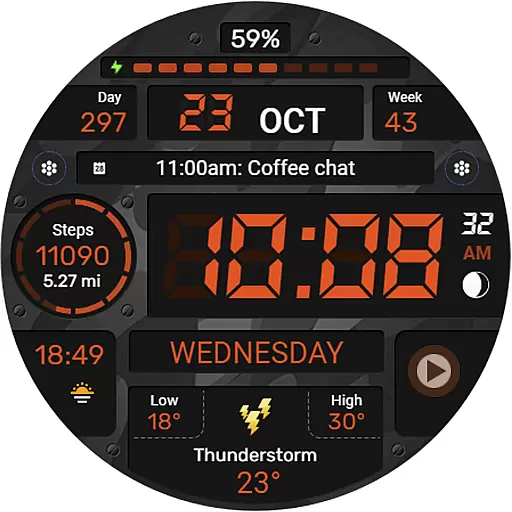
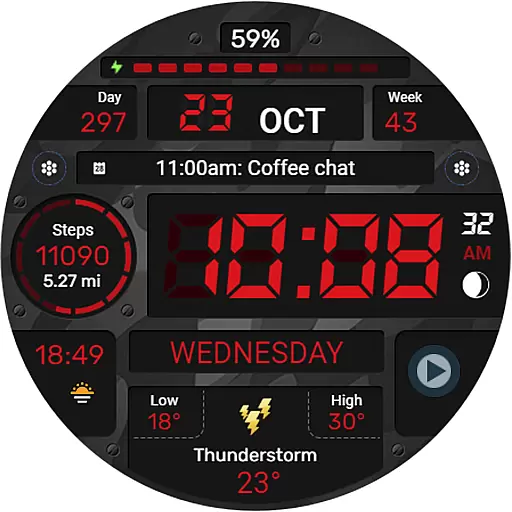
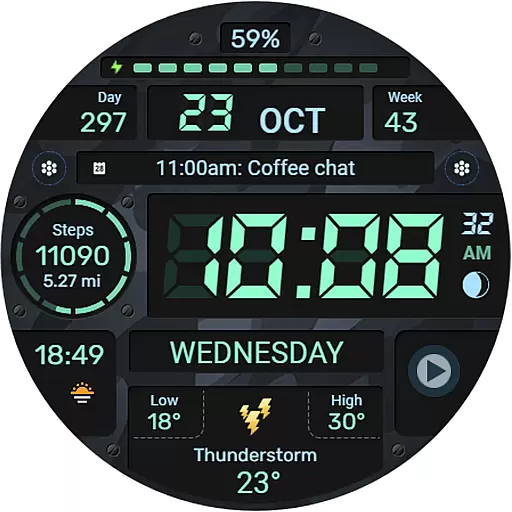
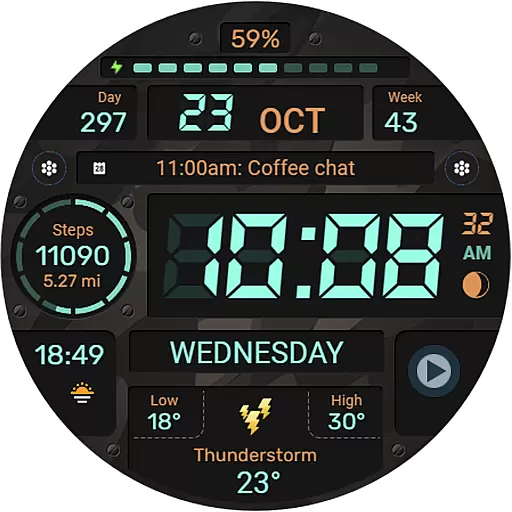
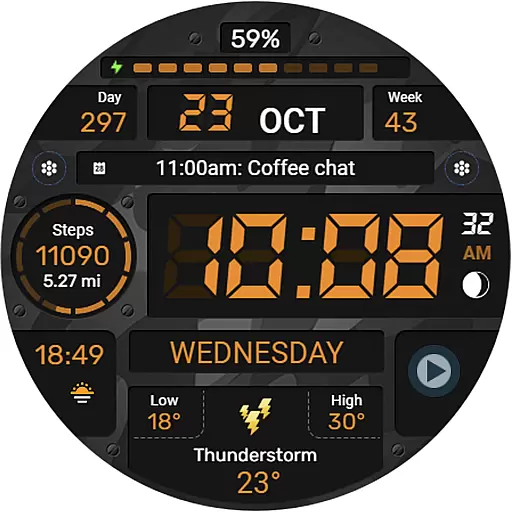
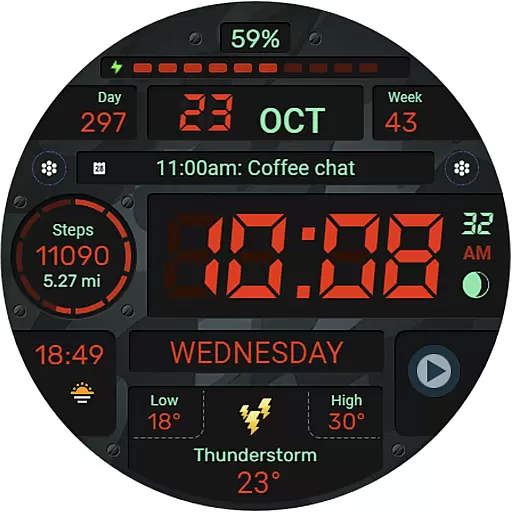
WFP 129 Military watch face is a versatile and customizable digital watch face designed for devices running WearOS 4 with API Level 30 or higher. This application offers users the ability to personalize their smartwatch experience through a variety of features including complications, widgets, and color options.
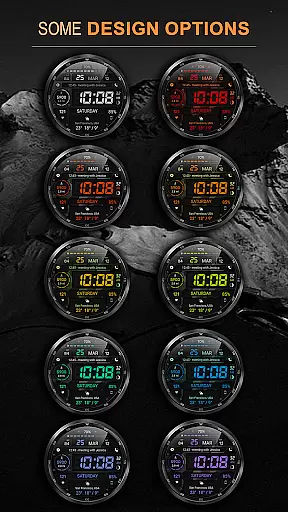
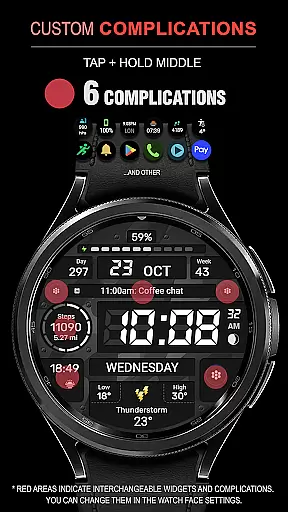
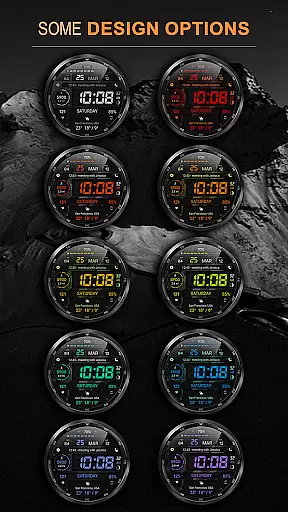
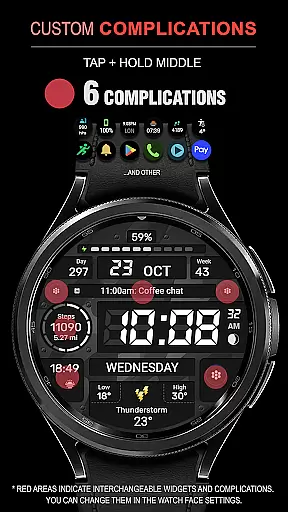
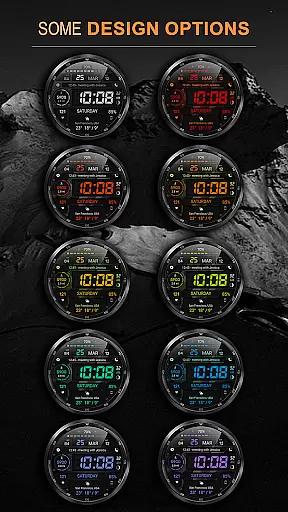
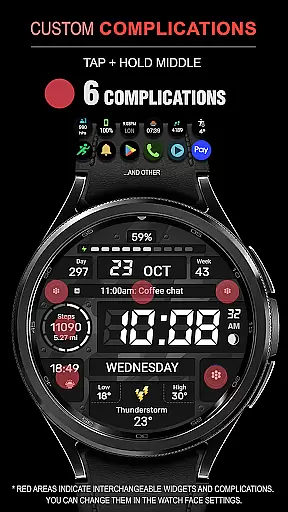
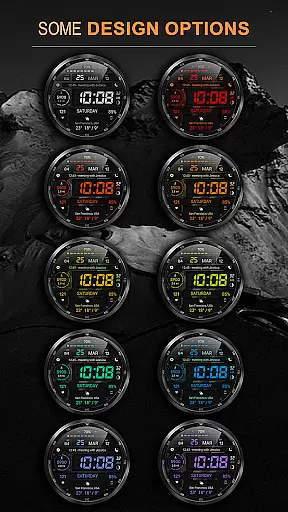
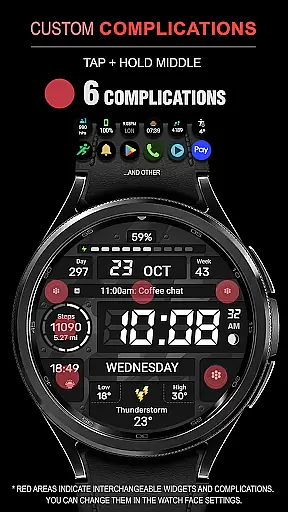
The watch face stands out with its military-inspired design and supports up to 6 complications and widgets, providing essential information at a glance. With 30 background color combinations, users can tailor the appearance to match their style. The high resolution and optimization ensure crisp visuals and efficient battery usage, making it both attractive and practical.
Designed for everyday use, this app provides functionalities such as distance tracking in Km or Miles, multilingual support, and weather updates in Fahrenheit or Celsius. Its compatibility with 12/24 hour time formats and customizable Always-On Display (AOD) modes further enhance user convenience. Whether you're a fitness enthusiast or a professional, WFP 129 Military watch face caters to various needs while maintaining an optimized performance.
WFP 129 Military watch face boasts an array of features that cater to diverse user preferences and requirements. One of its key highlights is the inclusion of 6 different complications and widgets, allowing users to access vital information like calories, floors climbed, and phone charge status directly from their watch face.
Customization is at the forefront with 30 distinct background color combinations available, ensuring that each user can achieve a personalized look. The app also supports both metric and imperial units for distance measurement and provides weather updates in either Fahrenheit or Celsius. High resolution graphics coupled with advanced optimization techniques result in a visually appealing yet battery-efficient experience.
Additional notable features include multilingual support, 12/24 hour time format options, and the ability to toggle leading zeros off for 12-hour time displays. Users can further enhance their experience by customizing the AOD mode to display either full or minimal information. These comprehensive features make WFP 129 Military watch face a top choice for those seeking functionality and personalization in their smartwatch experience.
Companion app integration is essential for a seamless experience between wearable devices and smartphones. The WFP 129 Military watch face ensures that users can easily synchronize their data, settings, and preferences across devices.
This watch face supports advanced features such as phone charge widgets, calorie tracking, and floor counting when paired with its companion app. These functionalities allow users to access vital information at a glance, directly from their wrist.
By following the provided instructions, users can effortlessly set up these integrations, enhancing both convenience and usability. This connectivity not only simplifies daily tasks but also enriches the overall user experience by providing real-time updates and personalized content.
Ensuring broad device compatibility is crucial for any Wear OS application. The WFP 129 Military watch face is designed to work seamlessly with devices running Wear OS 4 and API Level 30+, guaranteeing optimal performance on supported platforms.
With high optimization and low battery consumption, this watch face offers an efficient solution without compromising on functionality or design. Users benefit from a wide array of customization options, including multiple background colors and widget configurations, all while maintaining system stability.
Moreover, multilingual support and flexible time format settings make it accessible to a global audience, ensuring that every user can enjoy a personalized and intuitive experience tailored to their specific needs and preferences.
Highly customizable
Optimized battery usage
Multilingual support
Weather updates
Multiple widget options
Limited to WearOS 4
API level 30+ required
No free version available
Complex setup process
Advanced features may overwhelm beginners

"PER27 Galaxy Digital" is a digital Wear OS watch face designed by PERSONA
 4.10
4.10
Diet tracker for weight loss - track calories, food and macros. Simple and easy!
4.70
Calming & relaxing sounds for sleeping and stress relief. Stay focused all day!
4.20
Precision analog watch face with 7 complications and style options
4.3
Contemporary digital watch face with five complications
4.2
Stay in touch with your friends and family using LINE!
3.40
Retro digital watch face with customizable colors and a unique lighting effect
4.60
Hybrid Vibrant Health Watch Face for Wear OS
4.4
Track airplanes and follow flights with our real-time flight tracker
4.50
Christmas Theme Watch Face for Wear Os
5.00
Your second brain for organizing your life: to-do, calendar, reminder.
4.70
Rose gold watch face with festive lights & customizable features.
4.60
To-Do List: daily schedule planner, task organizer, to do reminder app, calendar
4.60
Watch face for Wear OS.
4.20
Daily Weather forecast with 15 weather images for Day & Night plus Big Bold time
4.10
Your local weather forecast, storm tracker, radar maps & live weather news
3.40
Wear Os Watch Face - Animated Snow Effect & Christmas Lights
4.2
A watch face that fuses motorsport precision with contemporary smartwatch design
4.3
Stylish digital watch face for Wear OS devices with customizable features
4.1


User Reviews