
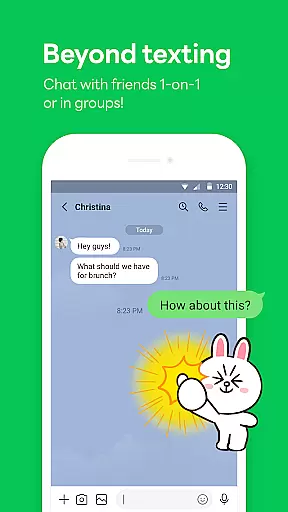
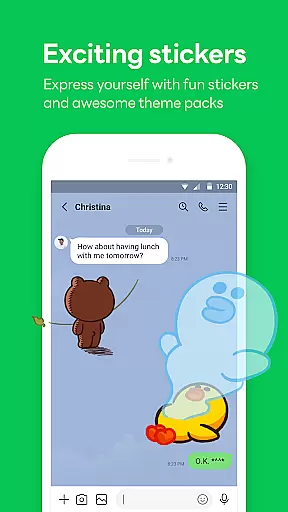

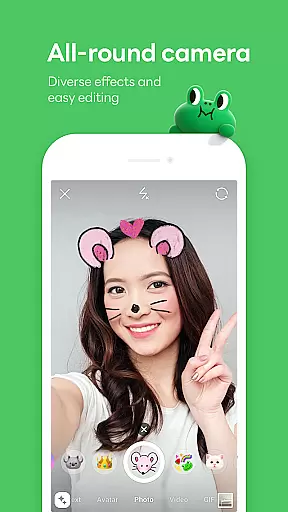
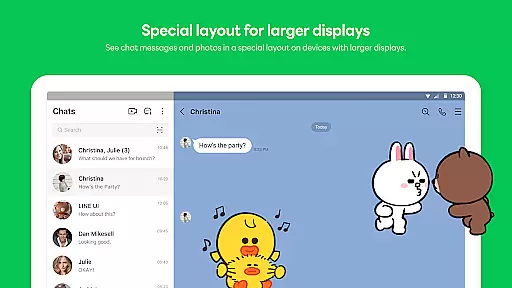

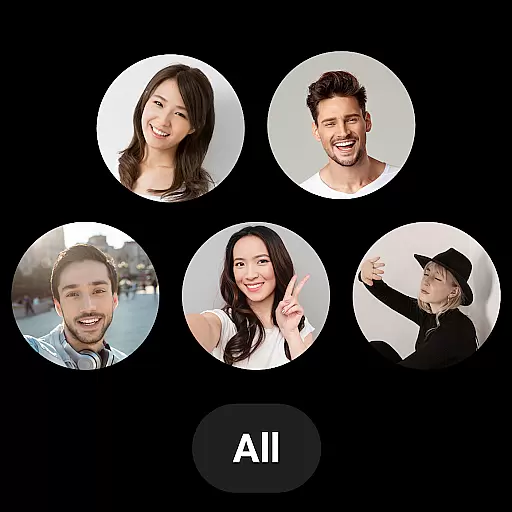
LINE is a versatile communication app that bridges the gap between family, friends, and loved ones through free voice and video calls, messages, and an extensive range of exciting stickers. Available on mobile, desktop, and Wear OS, LINE continues to expand its platform with new services and features that enhance both fun and convenience in your life.
The app offers seamless connectivity across multiple devices, ensuring you can chat anytime and anywhere. With additional features like Keep Memo for personal information storage and Letter Sealing for enhanced message protection, LINE prioritizes both user experience and privacy.
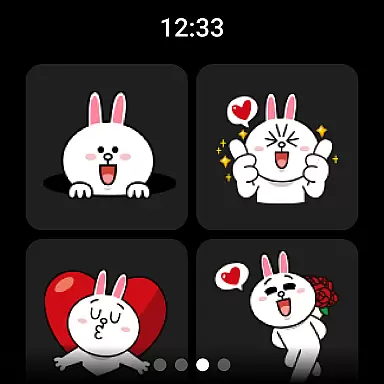
LINE stands out with its comprehensive communication tools including high-quality voice and video calls, text messaging, and a vast selection of expressive stickers and emojis. The Home feature provides quick access to friends' lists, birthdays, sticker shops, and various services offered by LINE.
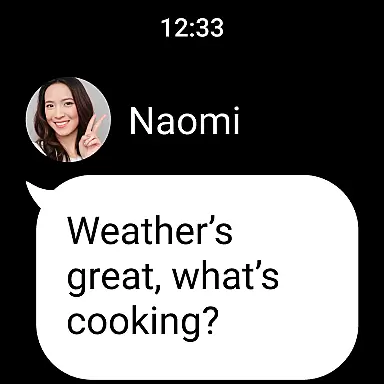
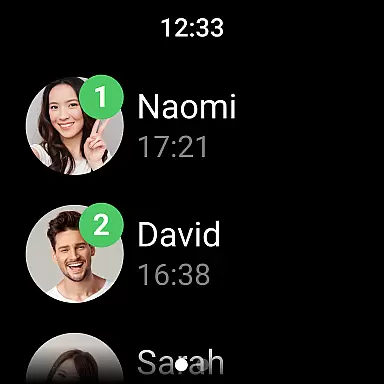
Users benefit from cross-platform support, allowing them to stay connected via smartphones, Wear OS, or desktops. Privacy is reinforced with Letter Sealing encryption for messages, call history, and location data. Additionally, smartwatch integration enables users to check messages directly from their watch face, enhancing accessibility and convenience.
Companion app integration is essential for users who want a seamless experience across multiple devices. LINE offers robust companion app integration, ensuring that your conversations, stickers, and settings are synchronized between your smartphone, desktop, and Wear OS devices.
With LINE's companion app feature, you can start a conversation on your smartphone and continue it on your desktop or smartwatch without missing a beat. This synchronization ensures that all your messages, call history, and even your personalized themes are available wherever you go.
The benefit of this integration is the convenience it provides. Whether you're commuting, working at the office, or relaxing at home, you can access your LINE account from any device with consistent functionality. This means no more losing track of conversations or adjusting settings every time you switch devices.
Ultimately, LINE's companion app integration enhances user productivity and connectivity by providing a unified communication platform that adapts to various environments and usage scenarios.
Wear OS/device compatibility is crucial for users who rely on smartwatches for their daily communications. LINE excels in this area by offering full compatibility with Wear OS, allowing users to stay connected right from their wrists.
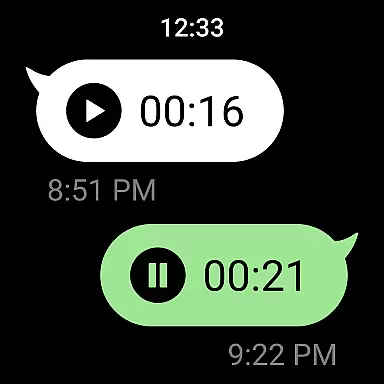
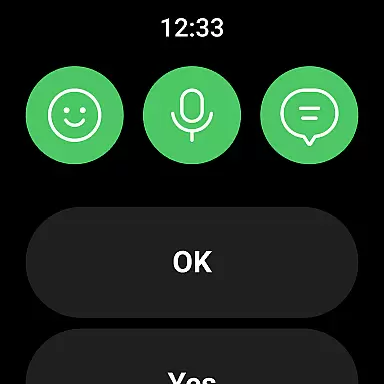
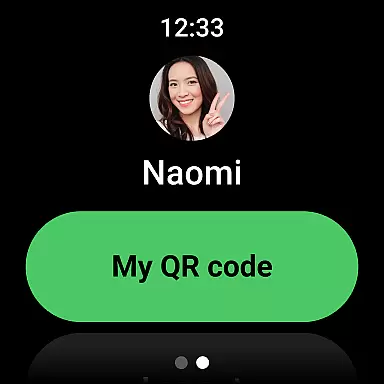
LINE's Wear OS compatibility includes features like receiving notifications, reading messages, and even responding to chats directly from your smartwatch. The integration is designed to be intuitive, ensuring that users can easily navigate through their LINE app on smaller screens without any hassle.
This compatibility extends the convenience of LINE beyond smartphones and desktops, making it an ideal choice for tech-savvy individuals who value accessibility and instant communication. With the ability to add the LINE app complication to your watch face, checking messages has never been easier.
By focusing on Wear OS/device compatibility, LINE ensures that its users remain connected and engaged, regardless of the device they are using. This commitment to cross-device functionality underscores LINE's dedication to providing a versatile and user-friendly communication platform.
User-friendly interface
Free voice and video calls
Versatile sticker collection
Strong privacy protection
Cross-platform compatibility
Requires significant storage space
High data usage without Wi-Fi
Limited functionality on older Android versions
Occasional network issues
Complex setup for some features

Digital, flexibly customizable watch face. For Wear OS 5.0, API 34+ and later.
 5.00
5.00
Stylish digital watch face for Wear OS devices with customizable features
4.0
Digital watch face. For Wear OS devices.
4.40
Connect to your Bluelink equipped Hyundai vehicle from your smartphone.
4.50
The #1 source of faces for your smartwatch!
4.00
Funny animated watch face for Thanksgiving
4.0
Viewer for Wyze/Yi/Eufy/Arlo/ONVIF/RTSP/P2P IP cams w/ adv. features & DIY DVR
4.00
A white realistic classic analog watch face with many customization options.
4.40
Spam call blocker and caller ID for automatic call protection!
4.40
Christmas Theme Watch Face for Wear Os
5.00
Hyperlocal rain alerts by MyRadar using patent-pending technology, radar & more
4.80
To-Do List: daily schedule planner, task organizer, to do reminder app, calendar
4.60
Embrace the holiday spirit with this magical animated watch face!
4.40
Digital watch face with big numbers and many customization for Wear OS devices
4.40
The ultimate destination for kids ages 3-8 to explore the Marvel Universe!
4.30
Your music, your playlists, and more—offline and unlimited.
4.20
Want to take charge of your health? Let Google Fit help you reach your goals.
3.50
Contemporary digital watch face with five complications
4.5
Minimalistic design modern digital watch face.
4.2


User Reviews