
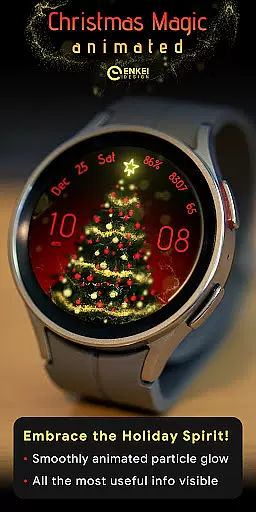
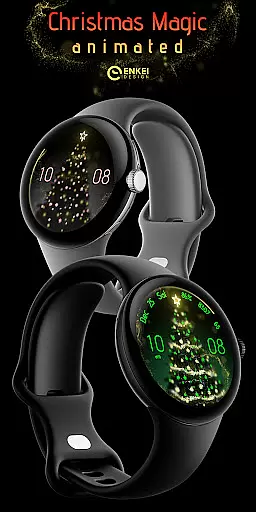
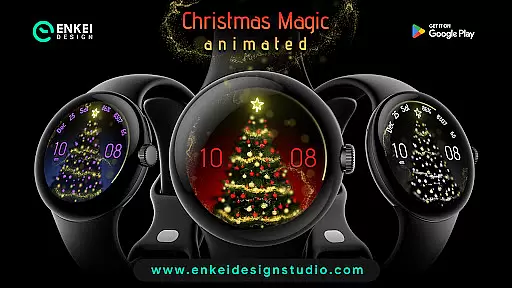
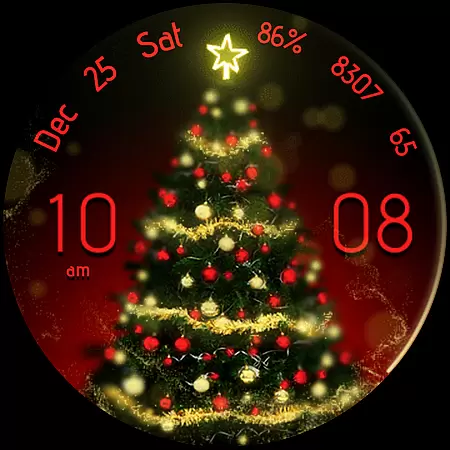
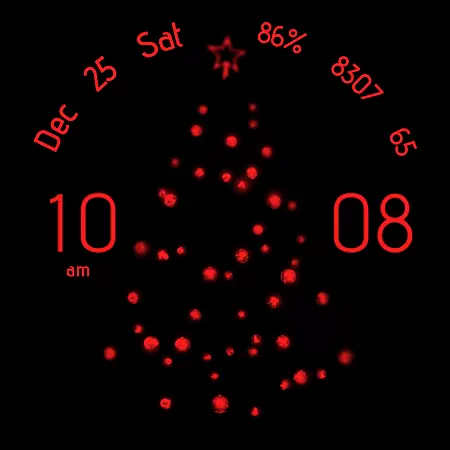
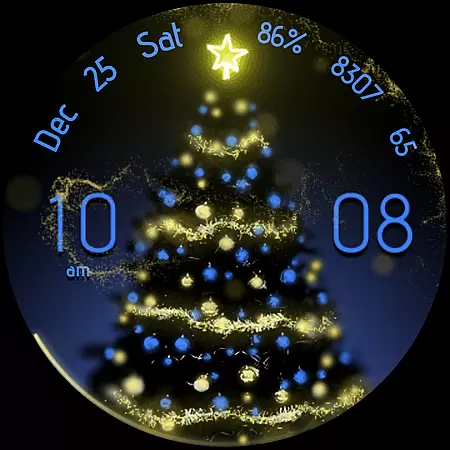
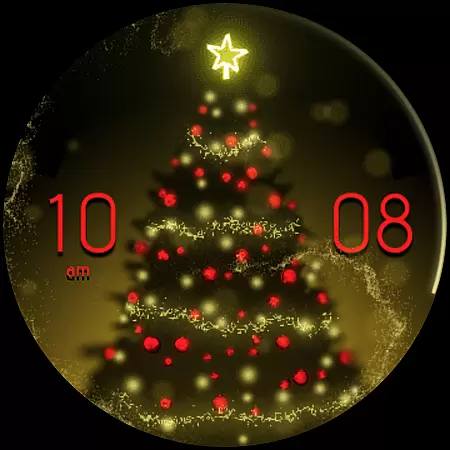
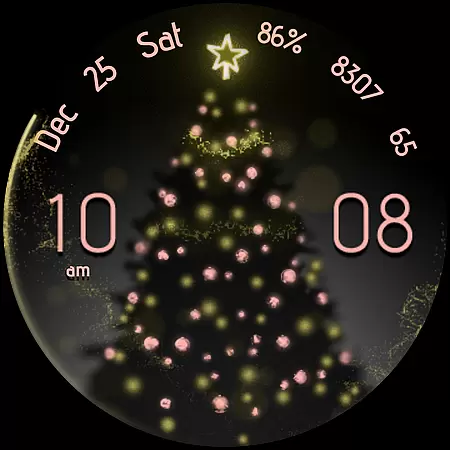
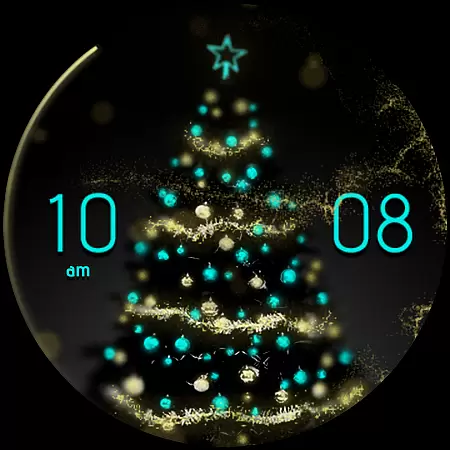
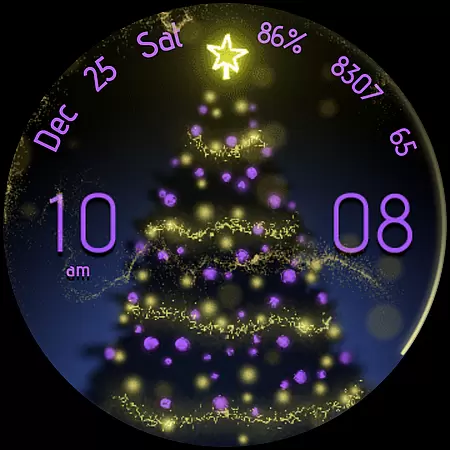
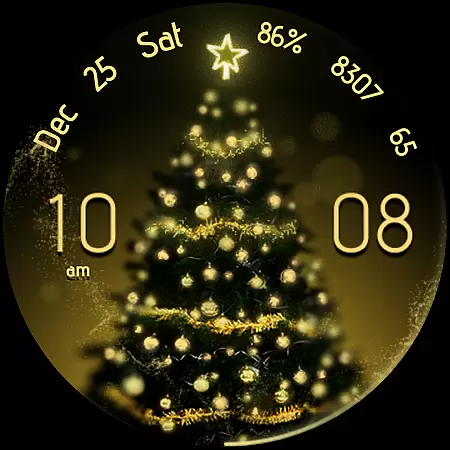
Christmas Magic is a stunning Wear OS watch face that combines festive charm with advanced functionality. Featuring a beautiful golden 'fairy dust' animation, this watch face brings holiday magic to your wrist while providing practical utility through its feature-rich design.
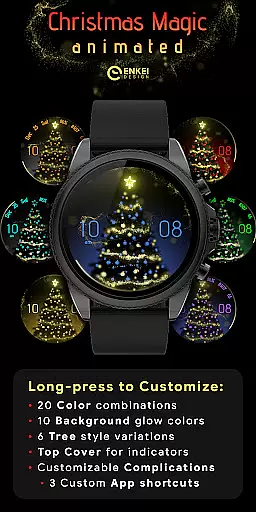
The watch face offers extensive customization options, including 20 accent colors, multiple tree styles, and various background choices. With support for useful indicators like digital clock, date, battery percentage, and health metrics, it ensures both style and substance. Designed exclusively for Wear OS 5.0 and newer (API 34+), this premium watch face delivers an optimal balance of visual appeal and wearable technology.
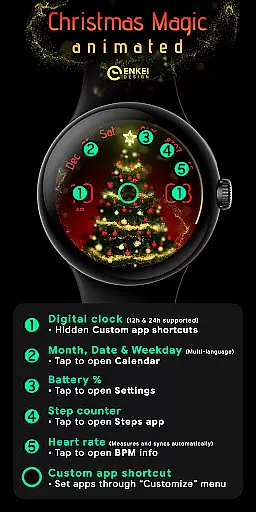
Christmas Magic watch face stands out with its comprehensive feature set tailored for Wear OS users. The digital clock supports both 12h/24h formats and includes hidden custom app shortcuts accessible by tapping the hours or minutes. Users can track their fitness with integrated step counter and BPM indicator, each with quick access to detailed information.
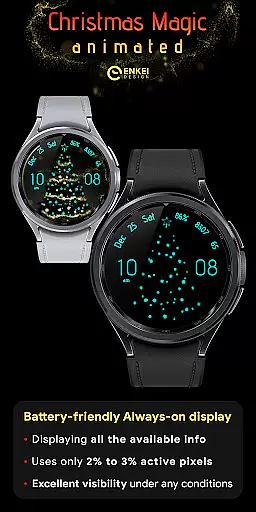
Advanced customization capabilities allow users to personalize their experience through long-press menu options. These include selecting from six tree styles, ten background colors, and configuring top cover indicators. The watch face also features three customizable app shortcuts and an efficient Always-On Display mode that minimizes power consumption while maintaining visibility of essential information.
Companion app integration is a crucial feature for Android Wear applications like Christmas Magic. This functionality ensures seamless synchronization between the watch face and its companion app on your phone.
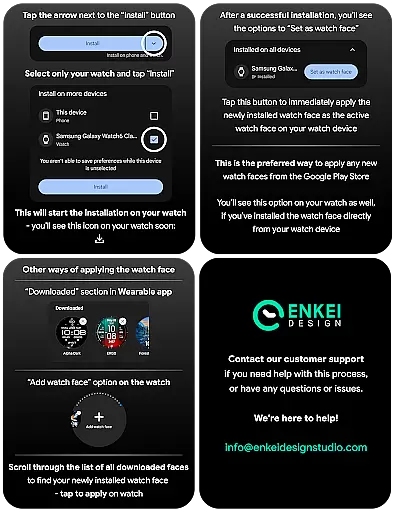
The Christmas Magic watch face utilizes its companion app to facilitate direct installation to your wearable device. While the main features reside on the watch, the companion app serves as an installation bridge, ensuring users can easily set up the watch face without complications.
For users, this means a streamlined setup process. You can browse and install the watch face directly from your phone, with the companion app handling the transfer to your Wear OS device. This simplifies the initial configuration and enhances user convenience.
Overall, the companion app integration in Christmas Magic ensures that users experience a hassle-free installation process, maintaining the focus on enjoying the magical animations and customization options available on their smartwatch.
Device compatibility is a fundamental aspect of any Android Wear application, including Christmas Magic. Ensuring that the watch face functions correctly across various devices enhances user satisfaction and widens the potential user base.
Christmas Magic is optimized for devices running Wear OS 5.0 and newer versions (API 34+). This guarantees that users with updated smartwatches can fully utilize the watch face's features, such as golden 'fairy dust' animation, digital clock, and health indicators.
By focusing on compatibility with newer Wear OS versions, the application leverages advanced APIs and system features. This results in improved performance, battery efficiency, and access to expanded customization options powered by Watch Face Format.
Ultimately, the emphasis on Wear OS and device compatibility ensures that users enjoy a reliable and feature-rich experience, taking full advantage of their smartwatch capabilities while using Christmas Magic.
Stunning visual design
Extensive customization
Useful health metrics
Efficient AOD mode
Quick app access
Wear OS 5.0+ only
Premium price point
Complex setup
Limited phone features
Battery intensive

Walking app for weight loss: walk & step tracker, pedometer, indoor treadmill
 4.60
4.60
Christmas and New Year - Themed Watchface
4.2
Current temperature, weather hourly, weather radar by the weather forecast app
4.40
A heartwarming Christmas scene featuring a cute image of Santa and Rudolf
4.2
The most customizable minimal watch face. For Wear OS 5.0, API 34+ and later
4.70
Find EV charging stations
4.30
The Chevron App allows you to pay for fuel from the comfort of your car!
4.80
Stay in touch with your friends and family using LINE!
3.40
Want to take charge of your health? Let Google Fit help you reach your goals.
3.50
Christmas Theme Watch Face for Wear Os
5.00
Monitor health with the stress test and pulse checker in the heart rate app.
4.60
Real-time results, stats, schedules and player profiles for all leagues
4.60
Fast and smart typing with Emojis, GIFs, and more
4.50
Embrace the festive spirit with our Christmas Countdown watchface for Wear OS
4.10
Animated Watch Face and Customizable with 24 Backgrounds. Perfect for Christmas!
3.90
Your local weather forecast, storm tracker, radar maps & live weather news
3.40
Stunning modern digital watch face with 7 complications and strong contrast
4.1
Artistic Digital Watchface
4.4
Simple Analog-Digital Watchface For Wear OS 3.0 and Up Smartwatches
4.0


User Reviews