
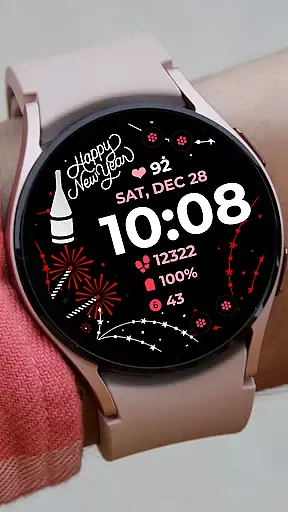
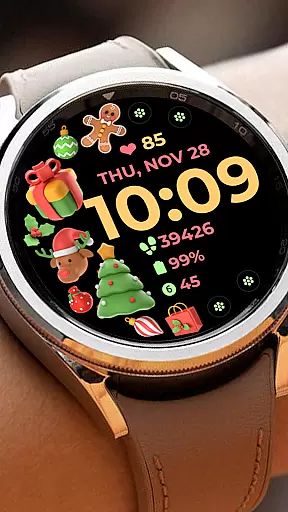
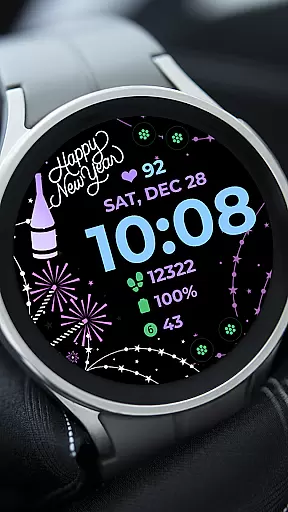
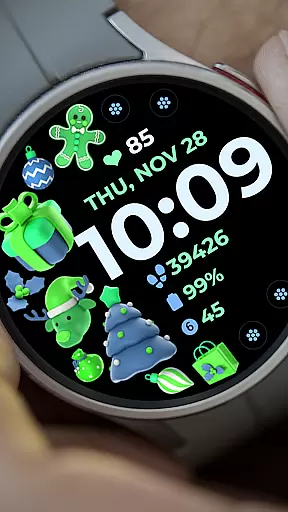
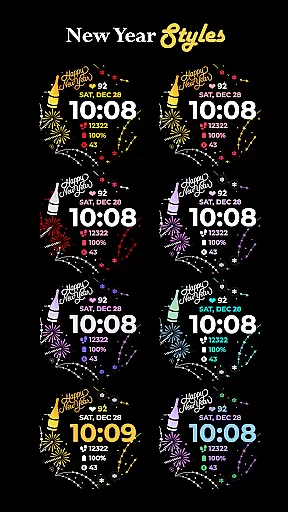
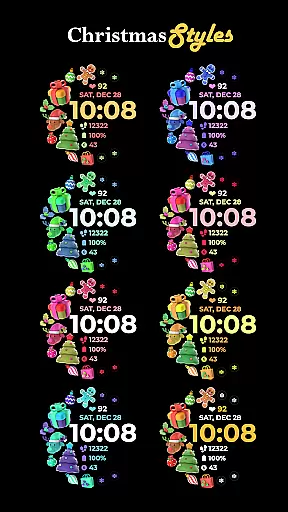
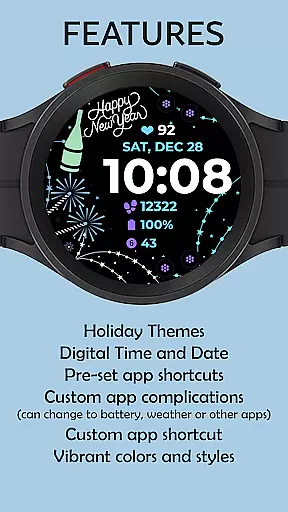
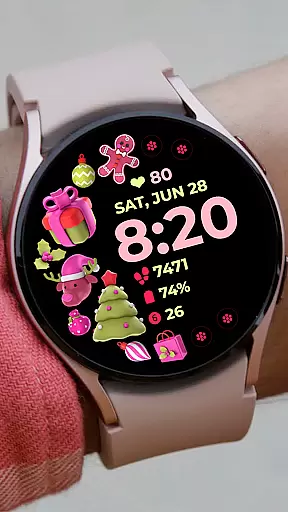
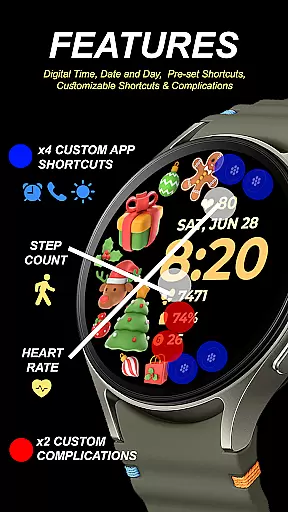
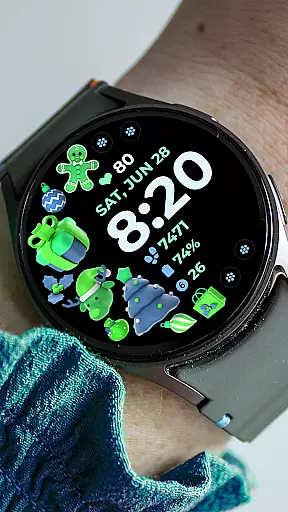
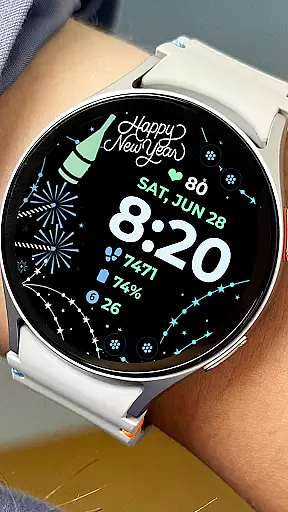
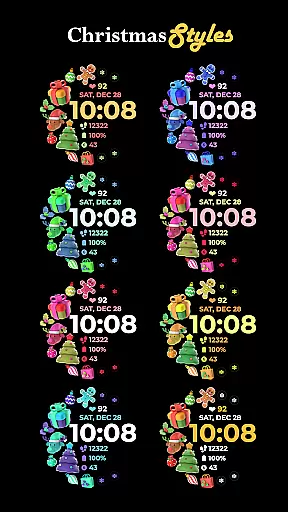
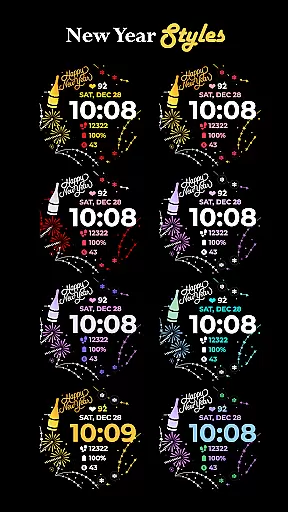
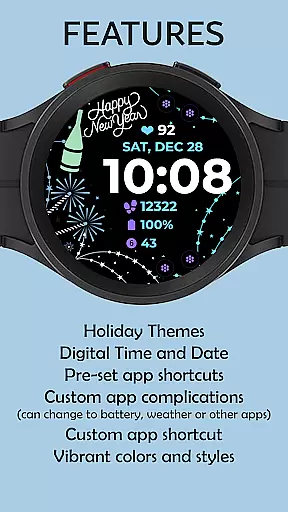
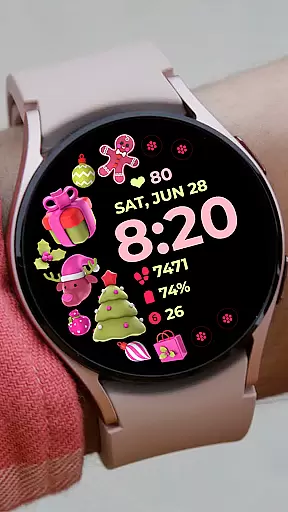
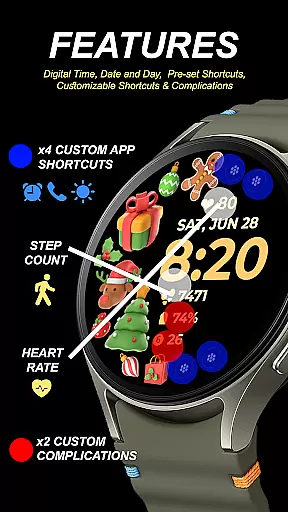
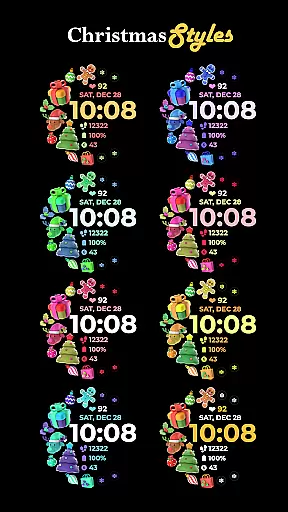
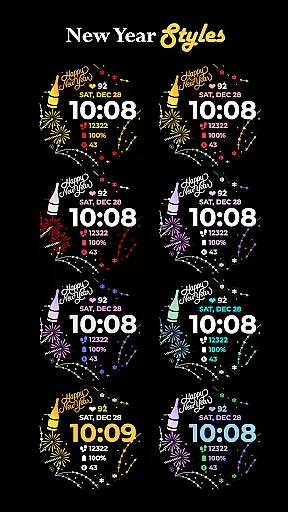
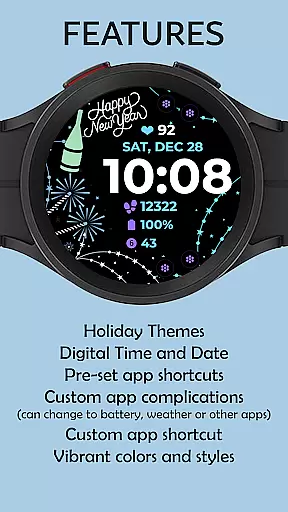
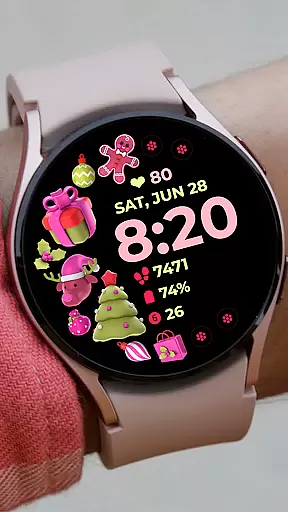
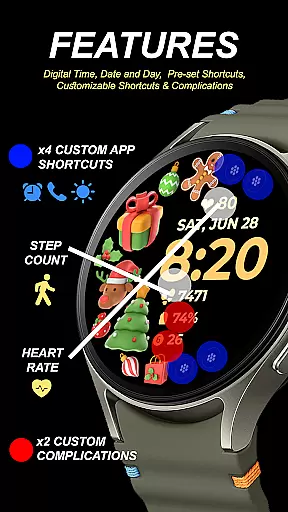
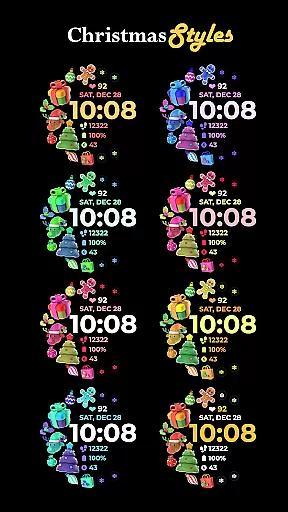
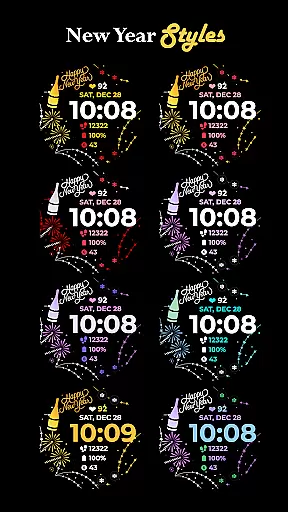
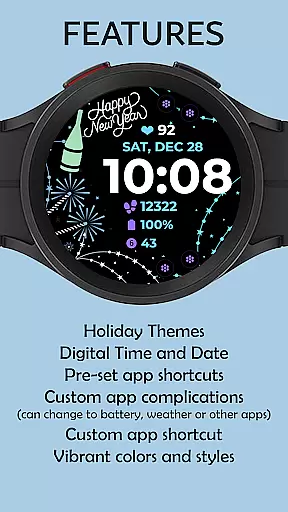
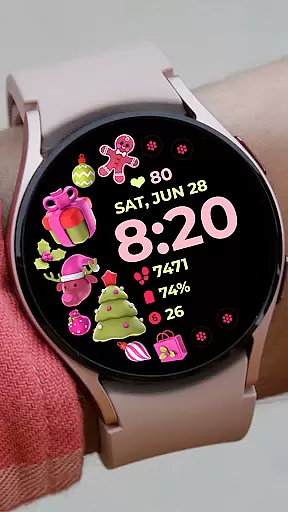
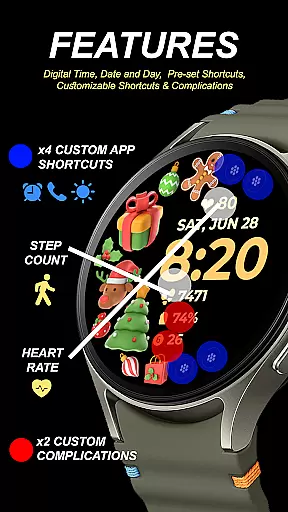
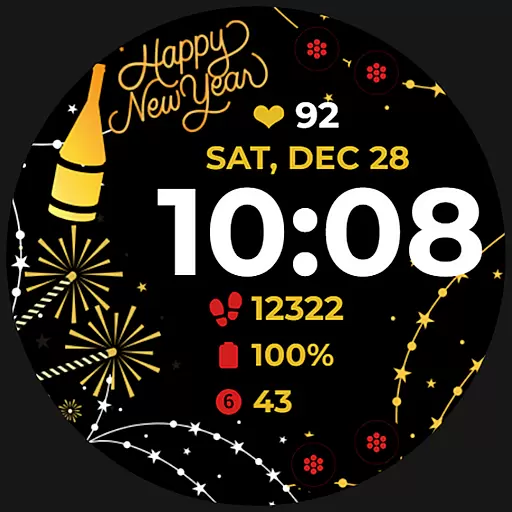
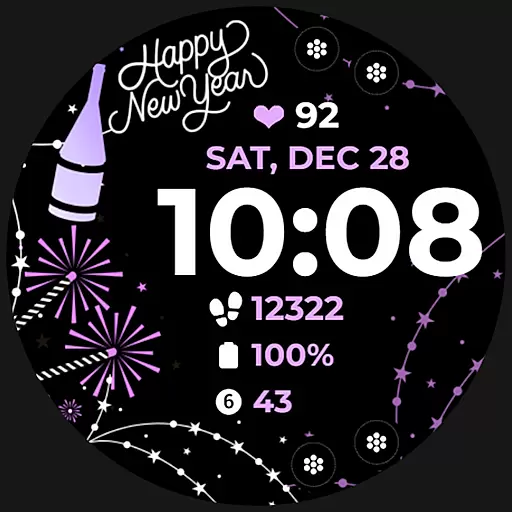
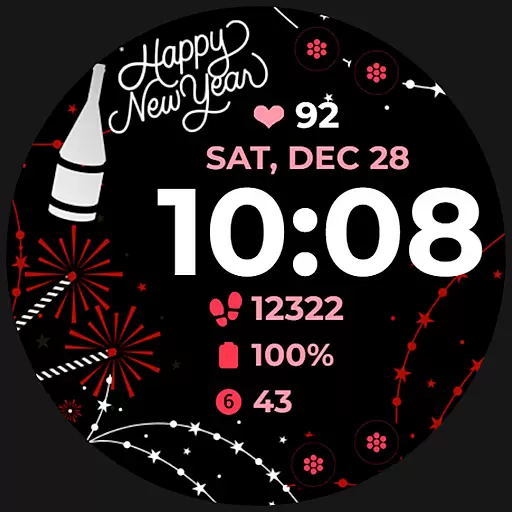
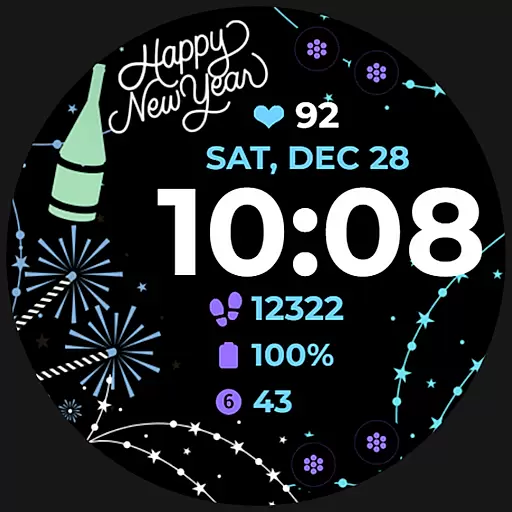
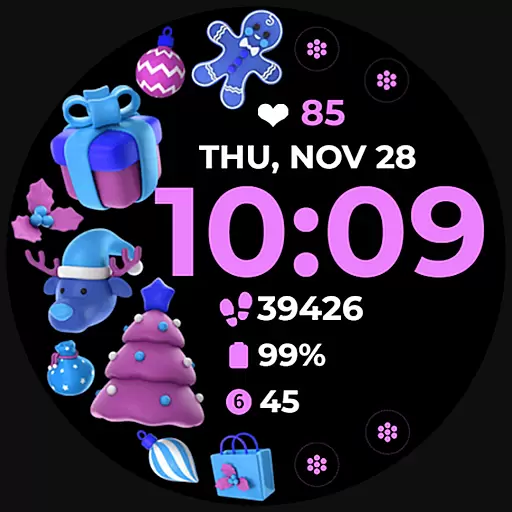
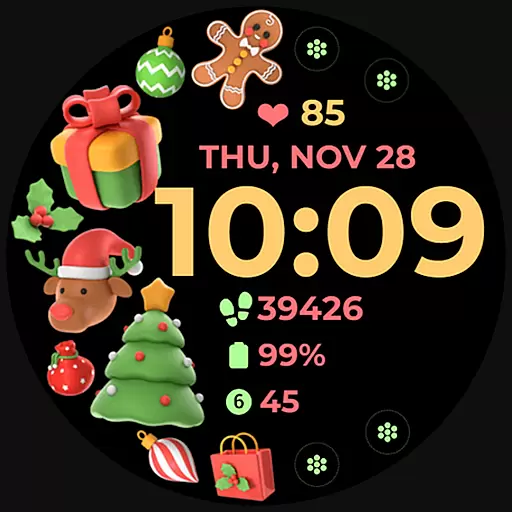
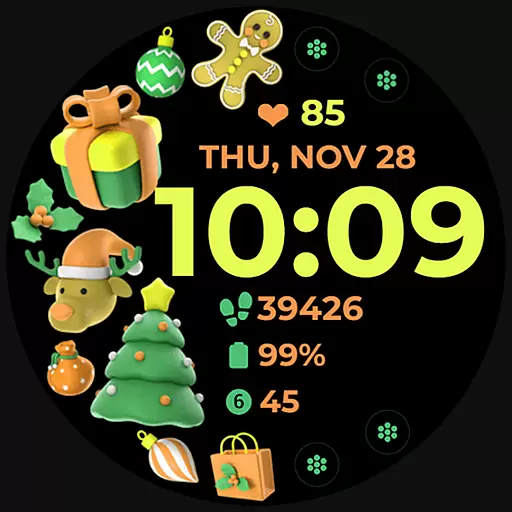
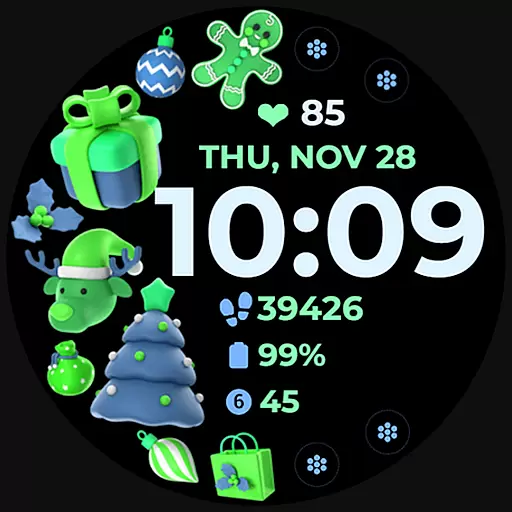
Holiday Art is a feature-rich watch face app designed specifically for Wear OS devices like Samsung Galaxy Watch 4. Developed using Samsung's Watch Face Studio tool, this app offers users a customizable and visually appealing watch face experience.
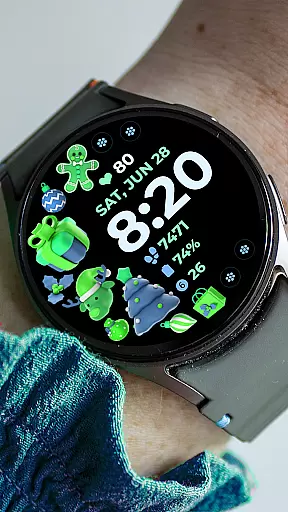
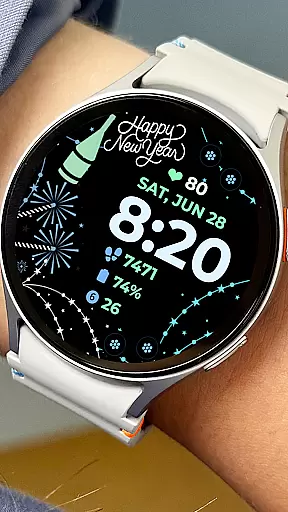
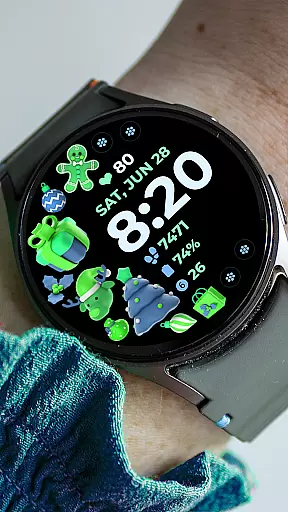
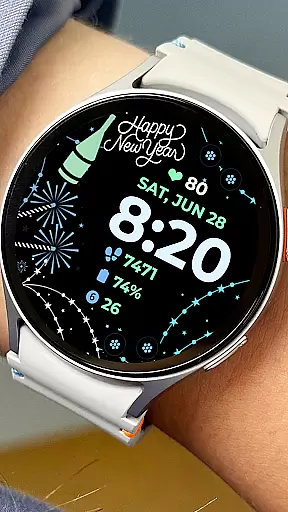
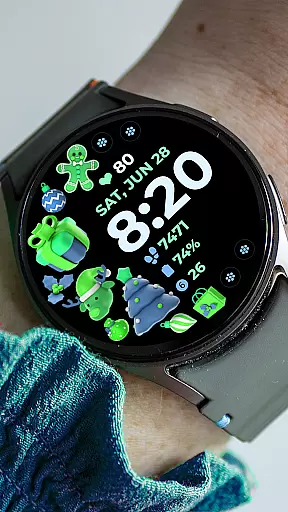
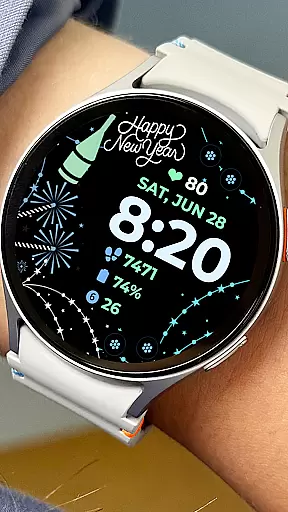
The app includes essential features such as digital clock display, date and day indicators, always-on functionality (AOD), and both preset and customizable app shortcuts. Users can personalize their watch faces with changeable styles and color palettes to suit their preferences.
Perfect for those who want both functionality and style on their smartwatch, Holiday Art ensures seamless integration with your daily routine while providing a unique way to express personal taste through wearable technology.
Holiday Art stands out with its comprehensive set of features tailored for smartwatch users. The app provides a digital clock interface complemented by date and day displays, ensuring users always have essential time-related information at a glance.
One of the key highlights is the Always-On Display (AOD) functionality, allowing users to view the time without activating the screen. The app also supports both preset and customizable app shortcuts, giving users quick access to their most-used applications directly from the watch face.
Additionally, Holiday Art offers extensive customization options including changeable styles and color palettes. These features enable users to create a personalized watch face that matches their individual preferences and outfits, making each user's experience truly unique.
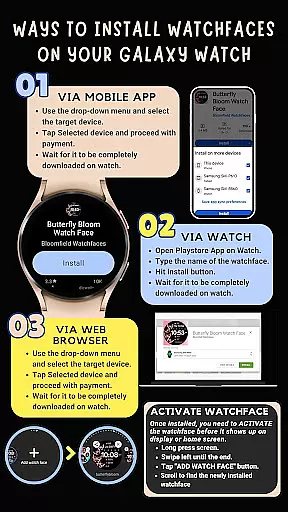
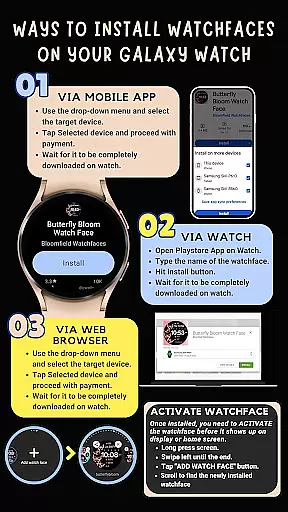
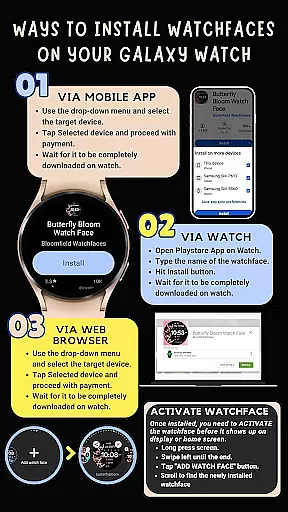
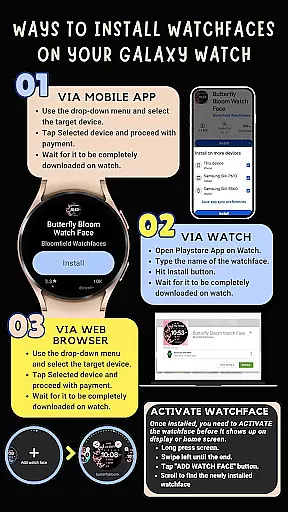
Companion app integration is essential for Android Wear applications as it ensures seamless synchronization between the wearable and its paired mobile device. Holiday Art watch face excels in this aspect by providing clear installation instructions and maintaining a strong connection through the same Wi-Fi network.
The application requires users to be logged into their Google account on both devices to facilitate smooth installation. This approach not only enhances user experience but also minimizes potential connectivity issues, ensuring that the watch face transfers and installs correctly from the Play Store.
Moreover, Holiday Art offers additional support by allowing users to contact the developers for step-by-step assistance. This level of customer service highlights the importance placed on effective companion app integration, ultimately leading to higher user satisfaction and retention.
Ensuring compatibility across various Wear OS devices is crucial for any Android Wear application. Holiday Art watch face has been meticulously tested on real devices such as the Galaxy Watch 4, guaranteeing optimal performance on supported devices running the latest Wear OS or One UI Samsung operating systems.
This thorough testing process assures users that they can enjoy a wide range of features including digital clock, date display, always-on functionality, and customizable shortcuts without worrying about device-specific issues. The emphasis on compatibility demonstrates the developer's commitment to delivering a consistent experience regardless of the hardware being used.
Additionally, Holiday Art provides comprehensive resources like installation guides, video tutorials, and responsive customer support channels. These efforts collectively contribute to an enhanced user experience while reinforcing the importance of robust Wear OS and device compatibility within the Android Wear ecosystem.
User-friendly interface
Extensive customization
Always-On Display
Quick app access
Stylish design options
Limited device compatibility
Installation complexity
Premium features locked
Battery consumption
Learning curve

Gym Log & Workout Tracker | Fitness Journal, Training & Weight Lifting Planner
 4.90
4.90
Highly customizable hybrid watch face for Wear OS, perfect for everyday use.
4.60
Stunning modern digital watch face with 7 complications and strong contrast
4.0
The most customizable minimal watch face. For Wear OS 5.0, API 34+ and later
4.70
Your second brain for organizing your life: to-do, calendar, reminder.
4.70
To-Do List: daily schedule planner, task organizer, to do reminder app, calendar
4.60
Reliable phone calls with spam protection, caller ID and more helpful features
4.40
Funny animated watch face for Thanksgiving
4.3
From periods to pregnancy & perimenopause, Flo helps you track it all. Try now.
4.70
Christmas - Festive - Christmas Village - Winter - Christmas lights
5.00
Real-time weather radar with temperatures, warnings, hurricanes, and widgets
4.80
The most customizable hybrid watch face. For Wear OS 5.0, API 34+ and later
4.70
Elegant animated Christmas tree with multiple customization options
4.20
Let's celebrate Thanksgiving - Wear Os watch face
4.20
sleep, alarm, snoring, stress, healing, focus, sound therapy, circadian rhythm
4.10
Professional weather radar and more
3.90
Analog watch face with 8 complications and expedition styling
4.1
Simple Analog-Digital Watchface For Wear OS 3.0 and Up Smartwatches
4.4
Sleek, highly customizable watch face inspired by Galaxy Watch Circle Dashboard.
4.5


User Reviews