
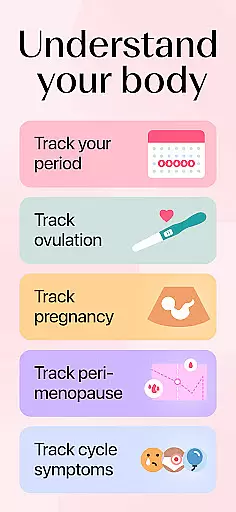
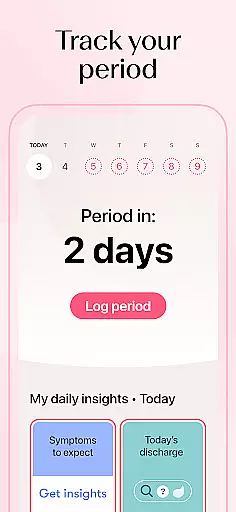
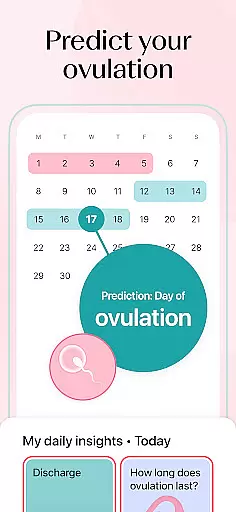
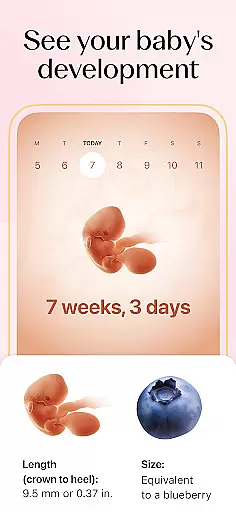
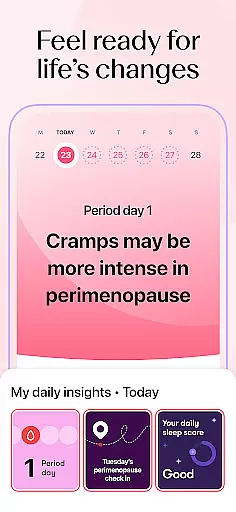
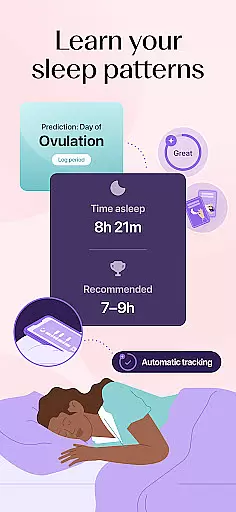
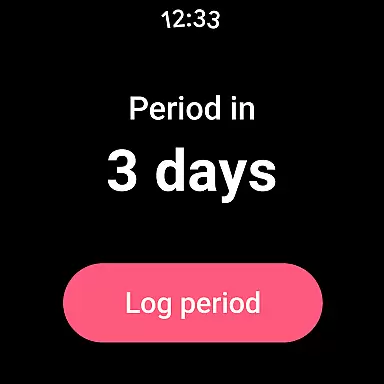
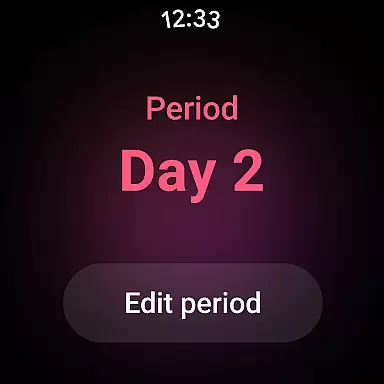
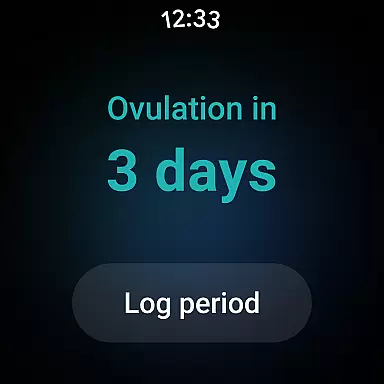
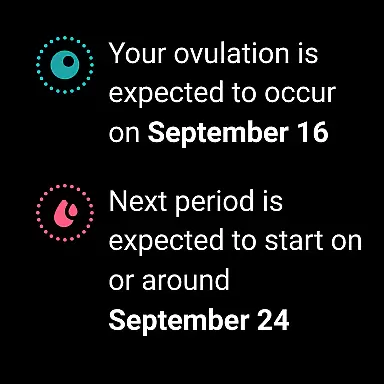
Flo Ovulation & Period Tracker is a comprehensive health application designed specifically for Android Wear devices. This app serves as a personal menstrual, ovulation, and pregnancy tracking tool, empowering users to monitor their cycles with precision. Developed in collaboration with over 100 health experts, Flo provides tailored content and expert insights on fertility, conception, and overall women's health.
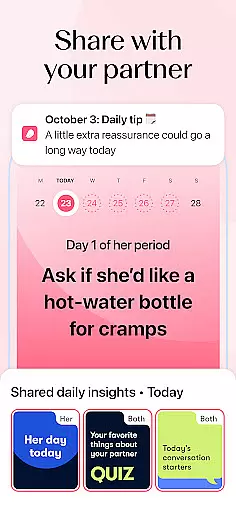
One of the standout features of Flo is its ability to link accounts with partners, allowing them to stay informed about cycle updates and pregnancy progress. The app also supports perimenopause tracking, offering clarity on symptoms and changes during this life stage. With functionalities like Anonymous Mode, personalized reminders, and wear OS compatibility, Flo ensures both privacy and convenience while delivering crucial health information directly to your wrist.
Whether you're managing your reproductive health or navigating perimenopause, Flo's integration with Android Wear makes it easier than ever to stay connected to your body's signals throughout the day. Its intuitive design and robust feature set make it an invaluable companion for anyone seeking to take control of their health journey.
Flo Ovulation & Period Tracker stands out with its rich array of features tailored for Android Wear users. The app offers advanced cycle tracking capabilities, including period predictions, symptom logging, and fertility window identification. These features are enhanced by expert-developed algorithms that provide personalized insights into each user's unique cycle patterns.
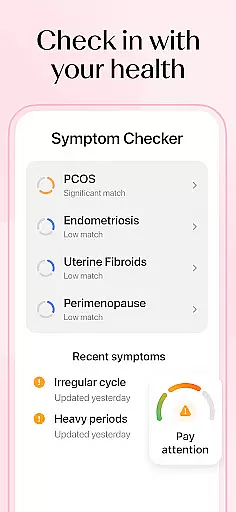
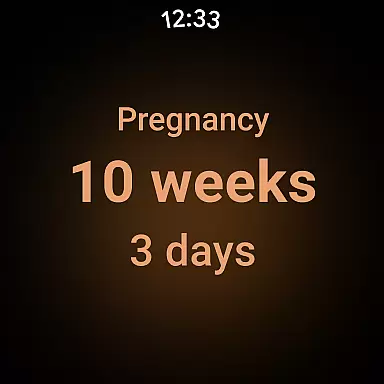
In addition to basic tracking, Flo includes specialized tools such as the Symptom Checker (available outside the UK and EU/EEA) which helps users understand potential conditions like PCOS or endometriosis. The app's integration with Wear OS allows users to view cycle information directly on their smartwatch through dedicated tiles and complications. This seamless connection between mobile and wearable devices ensures that important health data is always accessible.
Flo's commitment to privacy is evident in its Anonymous Mode feature, which protects user identity while maintaining full functionality. Furthermore, the app's Health Assistant provides virtual consultations about common concerns such as irregular cycles or PMS. These innovative features, combined with its extensive educational content library and community support system, make Flo a leader in wearable-based women's health applications.
Companion app integration is essential for users who rely on wearable devices to track their health metrics seamlessly. Flo Ovulation & Period Tracker excels in this area by ensuring that its Android Wear application works harmoniously with the main mobile app.
The integration allows users to sync critical data such as menstrual cycle phases, ovulation windows, and fertility predictions directly to their smartwatches. This ensures that even when the phone isn't readily accessible, users can still receive timely updates and reminders about their cycles.
Flo's companion app functionality extends to features like health tracking and personalized content delivery. Users can view daily health insights, log symptoms, and receive notifications about fertile days or period start dates right from their wrists.
This seamless synchronization enhances user convenience and supports better health management by providing real-time access to important information without needing to reach for a smartphone.
Device compatibility is crucial for any application targeting wearable technology, and Flo Ovulation & Period Tracker offers robust support for Wear OS devices. Ensuring that the app functions smoothly across various smartwatch models enhances accessibility for a broader audience.
Flo has been optimized to work efficiently within the constraints of wearable devices, offering a streamlined interface that maintains core functionalities while being mindful of limited screen space and processing power. The app provides complications and tiles specifically designed for Wear OS 3, allowing quick access to cycle insights.
Users benefit from having their menstrual and ovulation data available at a glance, which helps them stay informed about their reproductive health throughout the day. These tailored features ensure that whether they're using a Samsung Galaxy Watch or another Wear OS-compatible device, they'll experience consistent performance.
By prioritizing cross-device compatibility, Flo ensures that its users enjoy an uninterrupted tracking experience regardless of their chosen hardware platform.
User-friendly interface
Comprehensive cycle tracking
Expert-developed content
Wear OS compatibility
Strong privacy protection
Symptom Checker regional limitations
Premium subscription required
Not a diagnostic tool
Limited contraceptive features
Health data reliance

"PER27 Galaxy Digital" is a digital Wear OS watch face designed by PERSONA
 4.10
4.10
Watch face for Wear OS.
4.20
Stylish digital watch face for Wear OS devices with customizable features
4.3
Digital watch face. For Wear OS devices.
4.40
Find EV charging stations
4.30
The Chevron App allows you to pay for fuel from the comfort of your car!
4.80
Daily Weather forecast with 15 weather images for Day & Night plus Big Bold time
4.10
Connect, create, and collaborate with Gmail, part of Google Workspace.
4.10
Download full tracks, listen to music offline, make unlimited playlists.
4.80
Fast and smart typing with Emojis, GIFs, and more
4.50
A white realistic classic analog watch face with many customization options.
4.40
Calming & relaxing sounds for sleeping and stress relief. Stay focused all day!
4.20
Your music, your playlists, and more—offline and unlimited.
4.20
A digital watch face that celebrates Christmas.
4.00
Viewer for Wyze/Yi/Eufy/Arlo/ONVIF/RTSP/P2P IP cams w/ adv. features & DIY DVR
4.00
Watch face designed for Thanksgiving Day. 7 Background Styles included.
3.20
A Wintery Snow Globe on Your Wrist; now celebrating Christmas!
4.1
Artistic Digital Watchface
4.3
Hybrid Vibrant Health Watch Face for Wear OS
4.5


User Reviews