
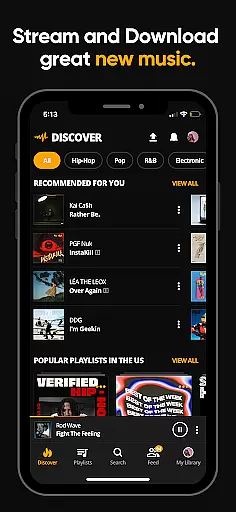
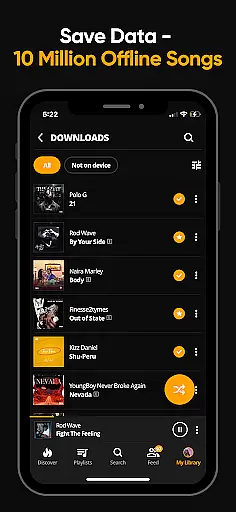
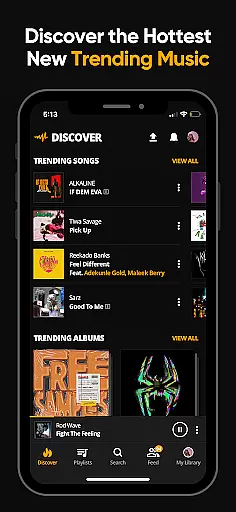

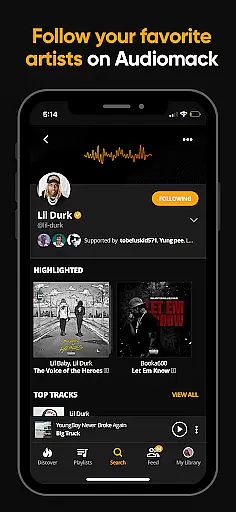
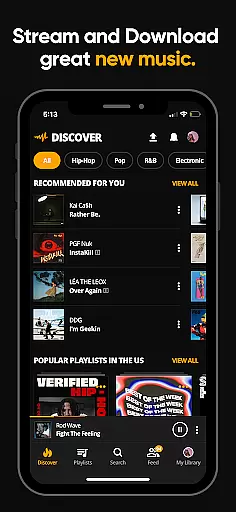
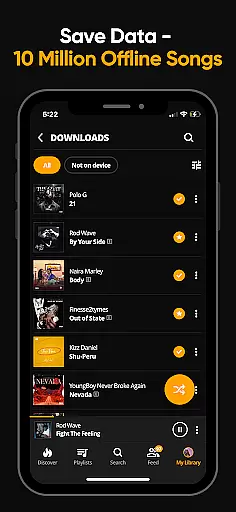
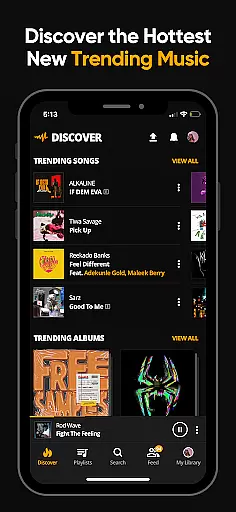

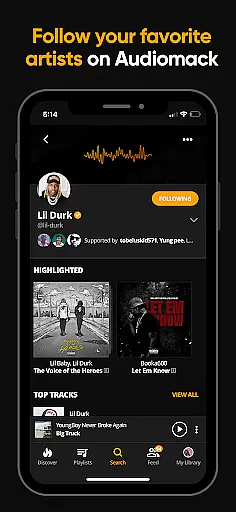
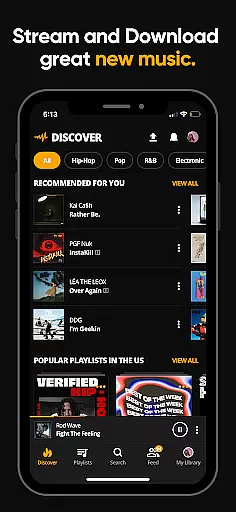
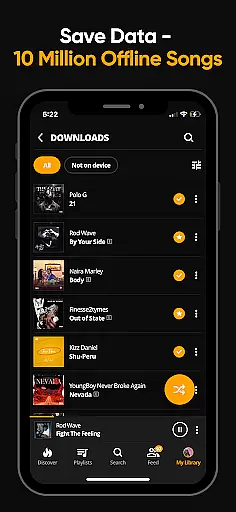
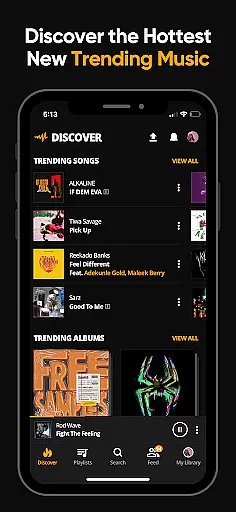

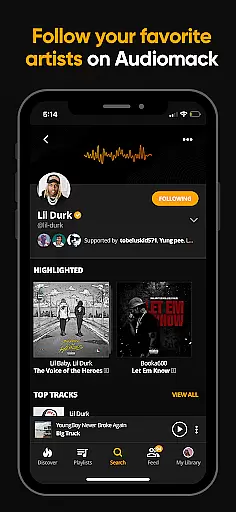
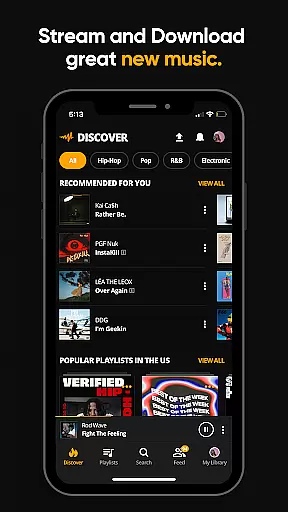
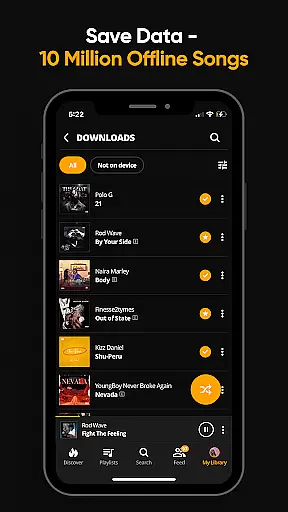
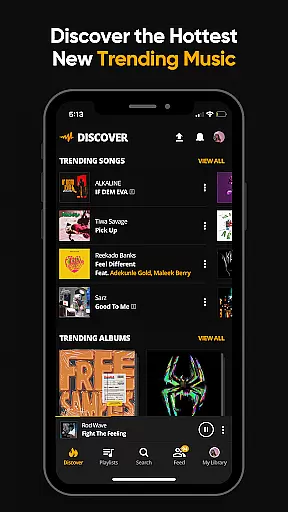
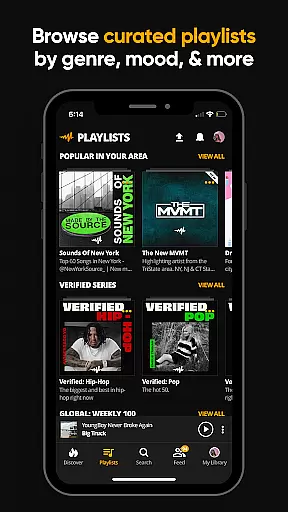
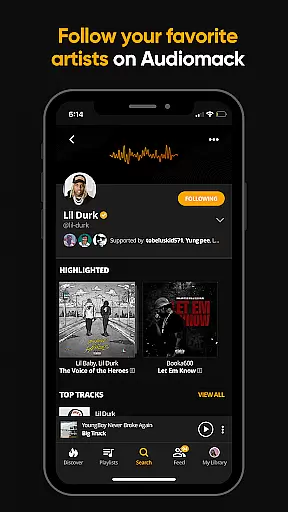
Audiomack is a premier music streaming app that provides users with access to the latest and most popular tracks across various genres including Hip-Hop, Rap, R&B, EDM, Afropop, and Reggae. The app allows for unlimited streaming and offline downloads, ensuring that music is accessible anytime, anywhere, without the need for an internet connection.
With Audiomack, users can explore expertly curated playlists, follow their favorite artists, and discover new music through the 'Trending' section. It also supports local music playback, allowing users to listen to their personal collections of MP3s, WAV, M4A, AAC, and other formats directly within the app. Additionally, the service offers a premium ad-free experience for a monthly fee.
Audiomack stands out with its comprehensive set of features designed to enhance the user's music discovery and listening experience. Users can stream full tracks and mixtapes from both established and emerging artists, making it a hub for discovering new music. The ability to download songs for offline listening means you can enjoy your favorite tunes without worrying about data usage or connectivity issues.
The app supports background play, enabling multitasking while enjoying music. It also includes social features such as following artists and creating personalized playlists. With compatibility across multiple platforms including Wear OS and Android Auto, Audiomack ensures a seamless experience whether at home or on the go. Furthermore, the option to go ad-free enhances user satisfaction by providing uninterrupted listening sessions.
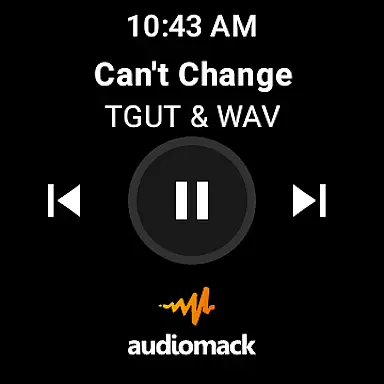
For Audiomack users, the seamless integration between the main app and its Wear OS counterpart enhances the overall music experience. This connection allows for effortless control of your music directly from your wearable device.
The app ensures that playlists, downloaded tracks, and favorite songs are synchronized across all devices. This means you can start listening on your phone and continue on your smartwatch without interruption.
Real-time updates and notifications ensure that any changes made on one device reflect immediately on the other. Whether you're adjusting playlists or downloading new tracks, the synchronization is smooth and reliable.
This integration highlights Audiomack's commitment to providing a versatile and user-friendly environment, making it easy for users to enjoy their music anytime, anywhere, without being tied to just one device.
Audiomack's compatibility with Wear OS devices showcases its dedication to accessibility and convenience. By supporting a range of Wear OS devices, Audiomack ensures that users can access their music library regardless of their chosen wearable technology.
The app is optimized to function smoothly across different devices, maintaining high performance and reliability. This broad compatibility means that whether you're using a smartwatch during workouts or while traveling, Audiomack remains a dependable music source.
Users benefit from intuitive controls and features tailored for smaller screens, ensuring an optimal experience. Navigation is straightforward, allowing for easy browsing, selection, and playback of your favorite tracks.
By focusing on extensive device support and system optimization, Audiomack provides a consistent and enjoyable music streaming experience, reinforcing its position as a top choice for Wear OS users seeking comprehensive audio solutions.
User-friendly interface
Wide range of genres
Offline listening mode
Curated playlists
Cross-platform support
Limited free tier
Ads in free version
Occasional bugs
Regional restrictions
Premium subscription cost

Wear Os Watch Face - Animated Snow Effect & Christmas Lights
 4.5
4.5
Animated Watch Face and Customizable with 24 Backgrounds. Perfect for Christmas!
3.90
Current temperature, weather hourly, weather radar by the weather forecast app
4.40
A heartwarming Christmas scene featuring a cute image of Santa and Rudolf
4.0
Structured watch face with seven complications and modular UI elements
3.90
Your second brain for organizing your life: to-do, calendar, reminder.
4.70
Real-time weather radar with temperatures, warnings, hurricanes, and widgets
4.80
Premium hybrid watch face with many customizations for Wear OS devices.
4.40
From periods to pregnancy & perimenopause, Flo helps you track it all. Try now.
4.70
A modern hybrid informative watch face for Wear OS designed by BALLOZI
4.80
The most customizable minimal watch face. For Wear OS 5.0, API 34+ and later
4.70
A modern premium sporty hybrid watch face for Wear OS by Ballozi
4.70
Rose gold watch face with festive lights & customizable features.
4.60
Stylish, Energizing and Modern Watch Face crafted by Dominus Mathias.
4.50
Watch face for Wear OS.
4.20
Watch face designed for Thanksgiving Day. 7 Background Styles included.
3.20
Christmas and New Year - Themed Watchface
4.5
Contemporary digital watch face with five complications
4.0
Hybrid Vibrant Health Watch Face for Wear OS
4.5


User Reviews