
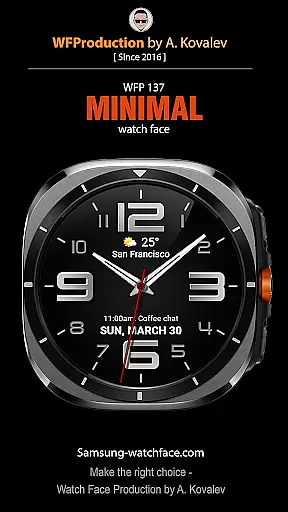
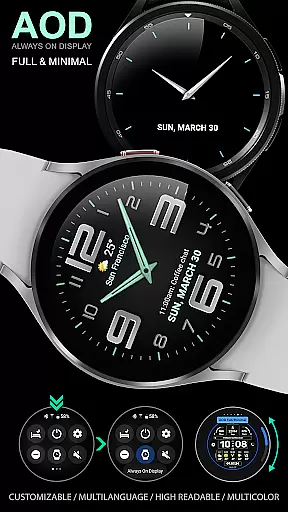
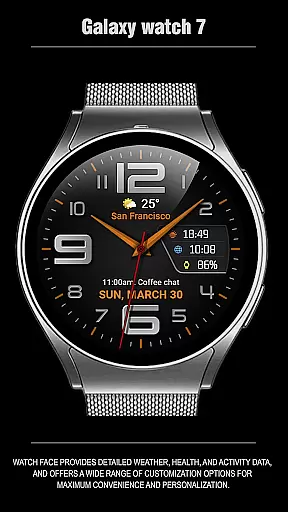
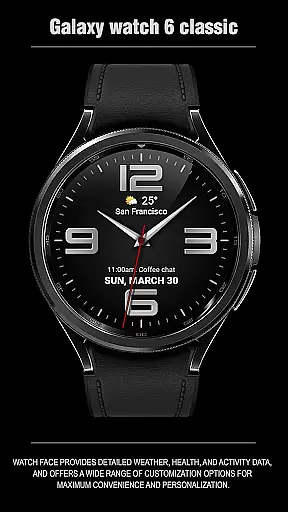
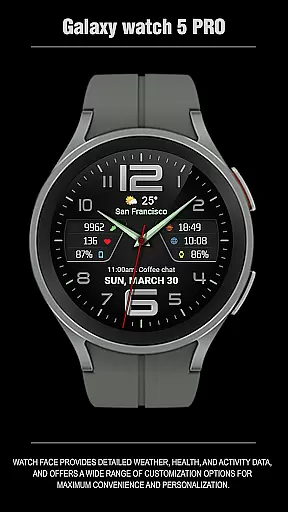
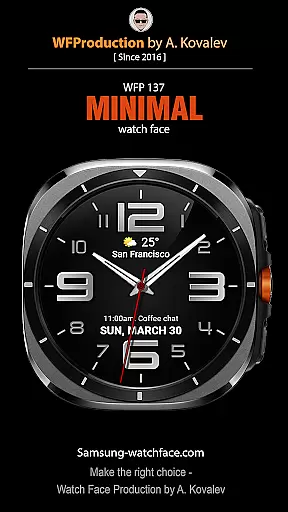
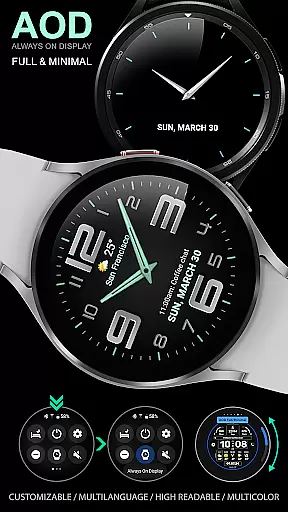
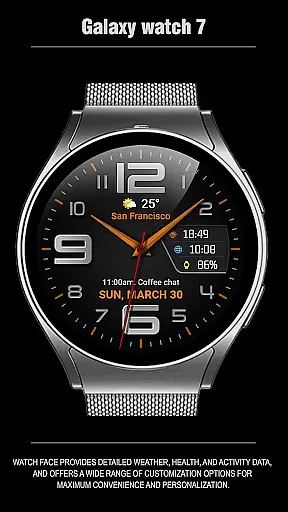
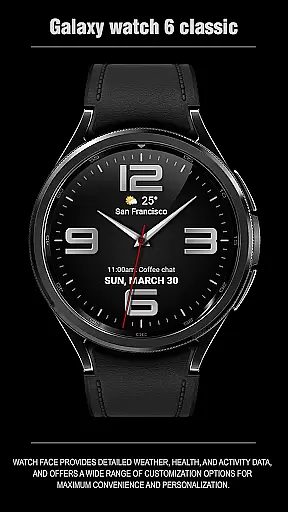
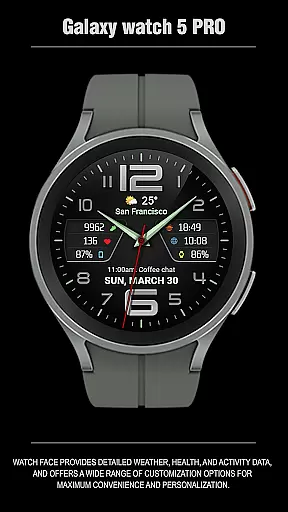
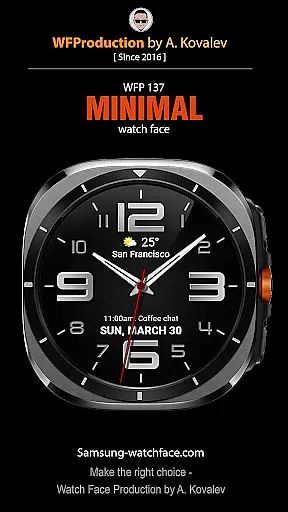
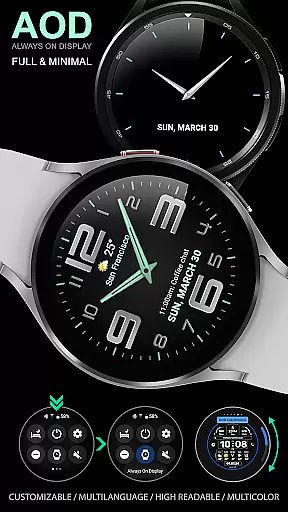
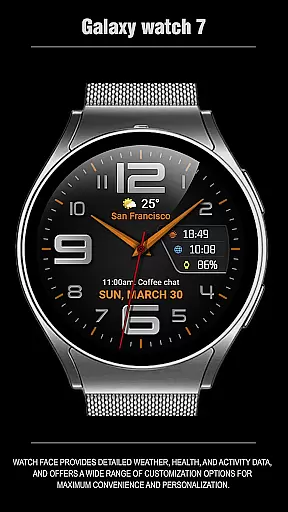
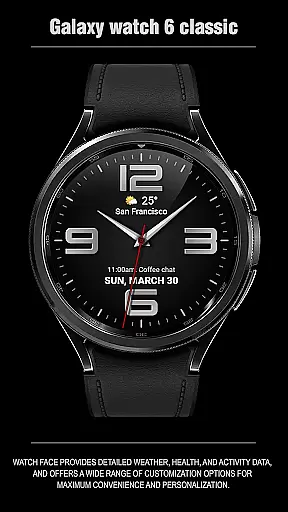
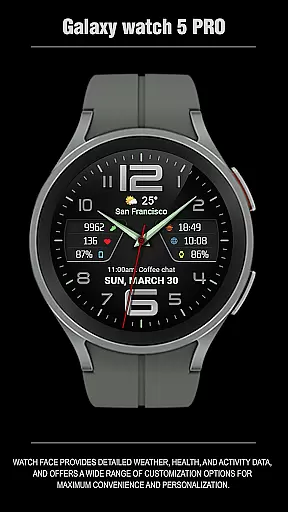
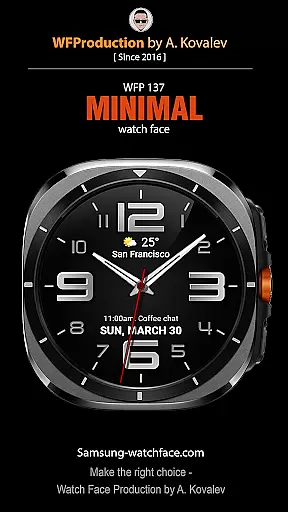
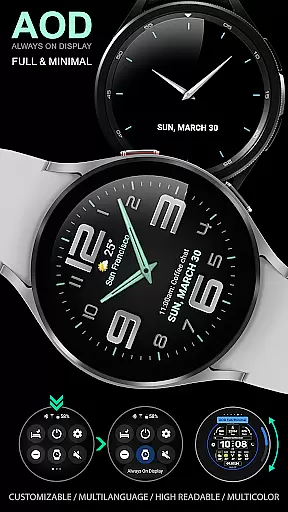
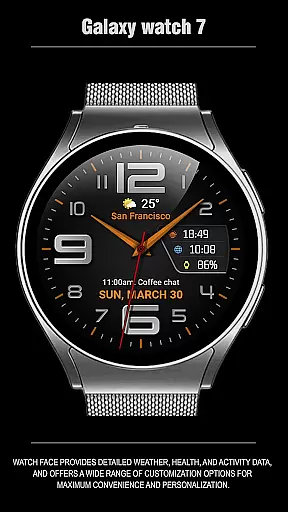
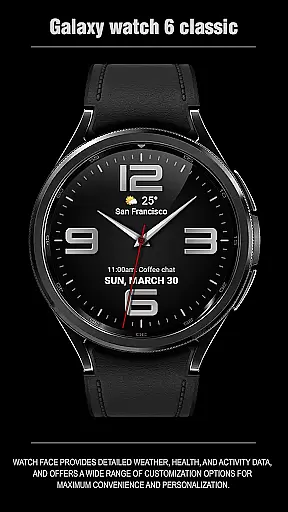
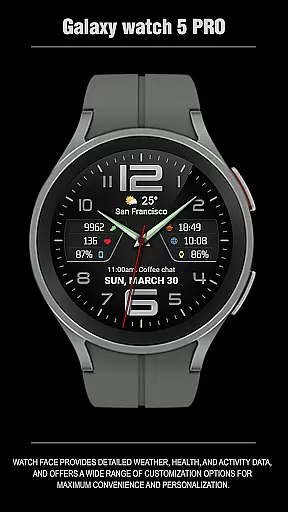
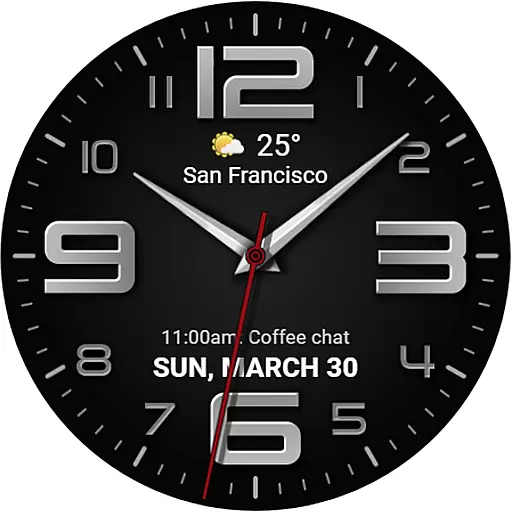
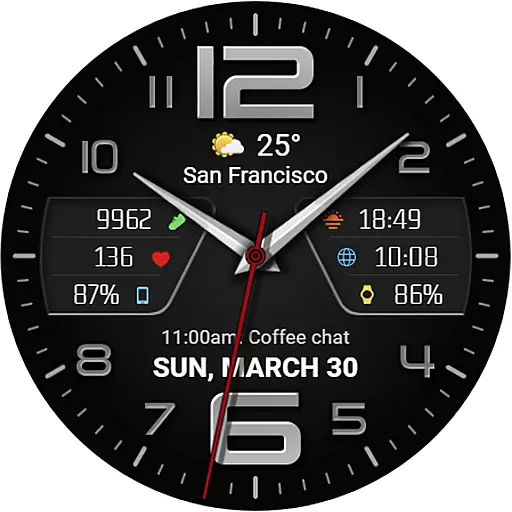
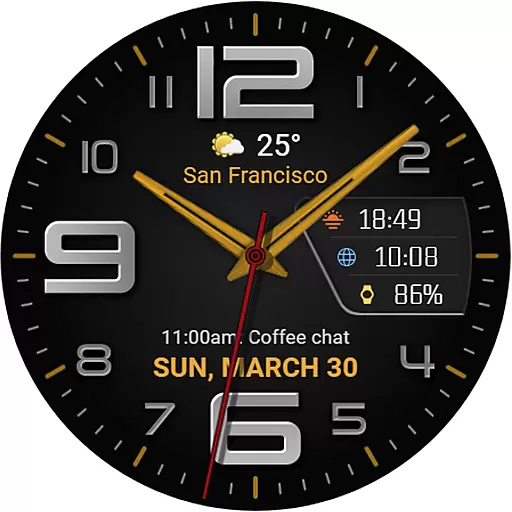
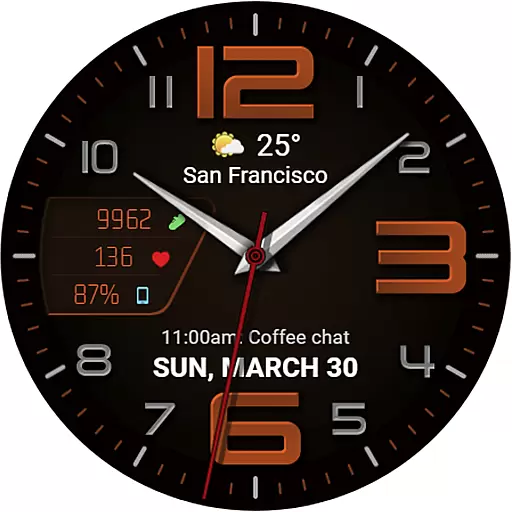
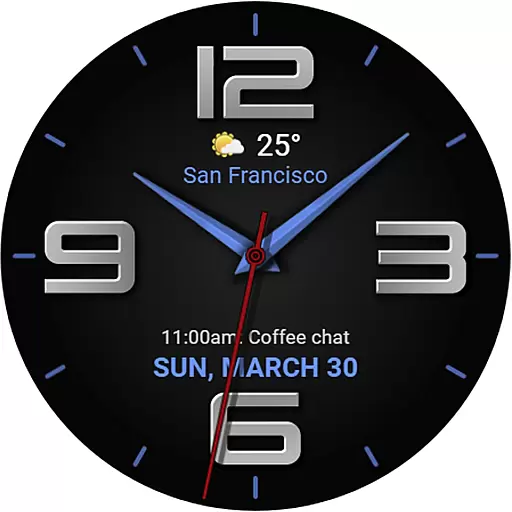
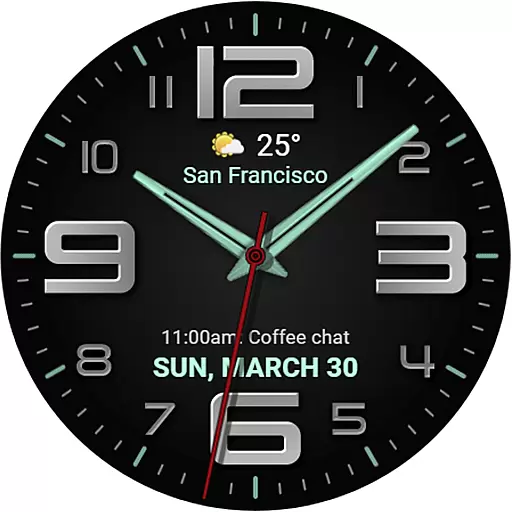
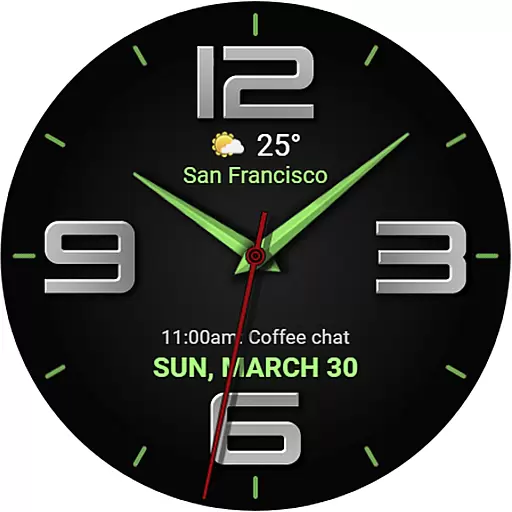
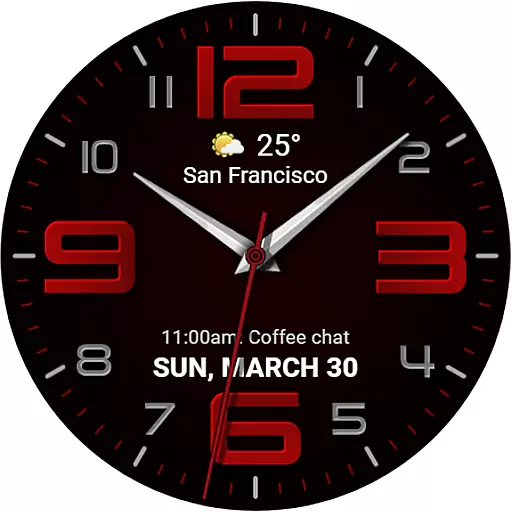
The WFP 137 Minimal watch face is a stylish and functional application designed for smartwatches. It offers users detailed weather forecasts, health tracking, and activity data while providing extensive customization options. Compatible with devices running API 34+ (5.0) and later, this app ensures both convenience and personalization.
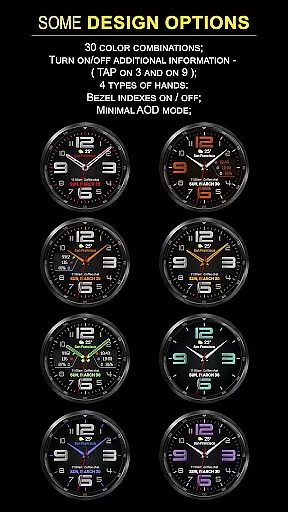
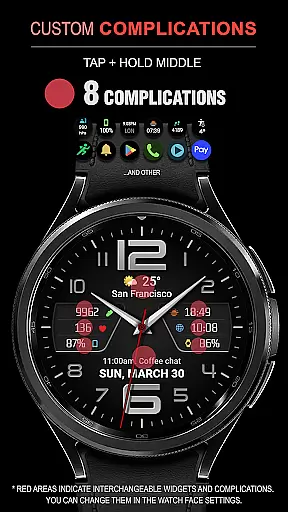
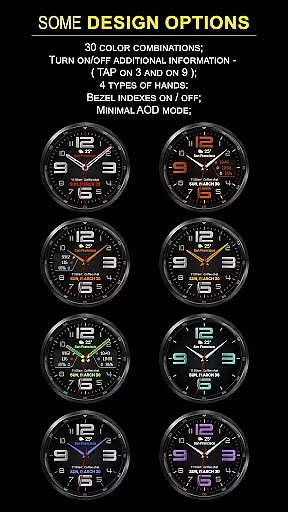
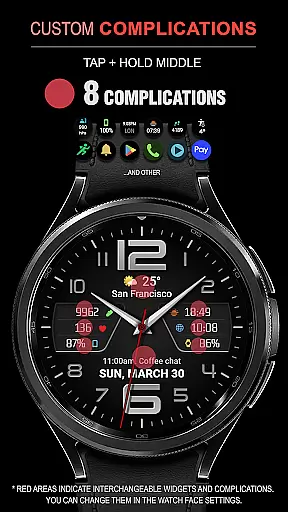
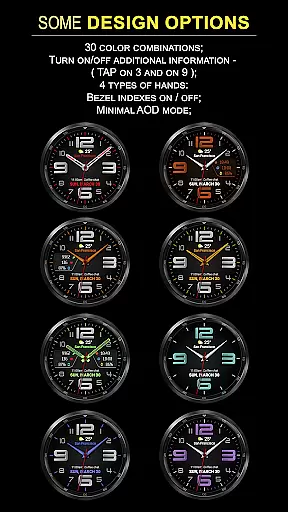
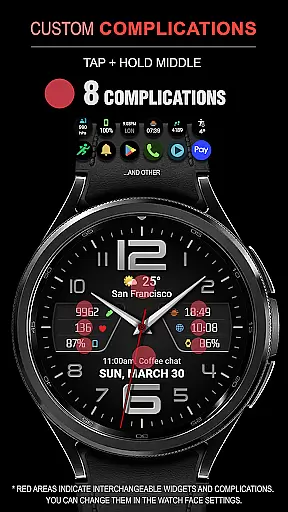
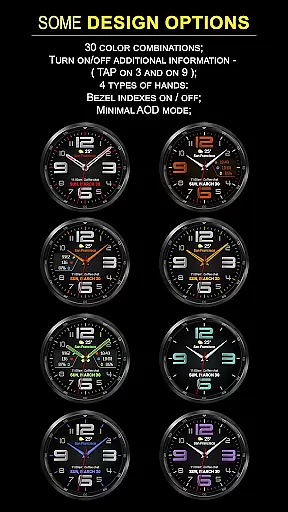
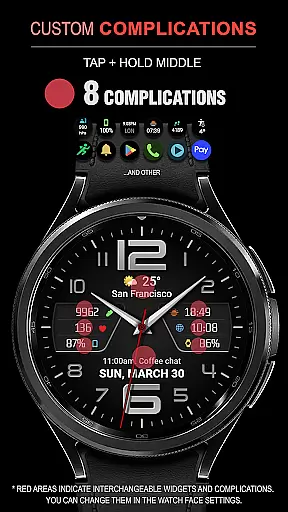
With features like 8 complications, 30 color combinations, and customizable AOD modes, the WFP 137 enhances user experience by delivering necessary information at a glance. Whether you need to track your fitness goals or stay updated with weather conditions, this watch face caters to various needs efficiently.
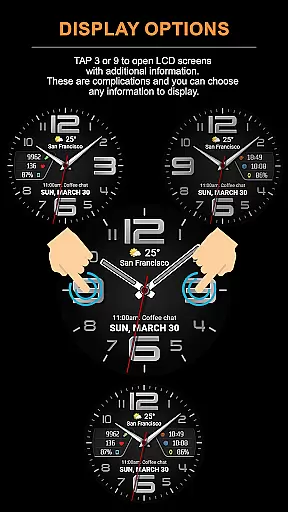
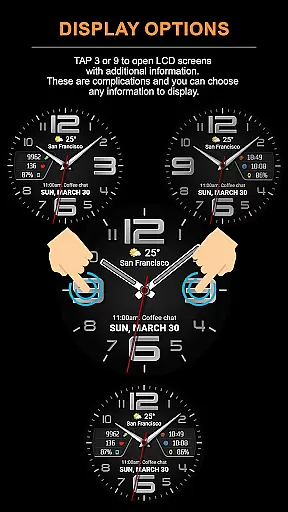
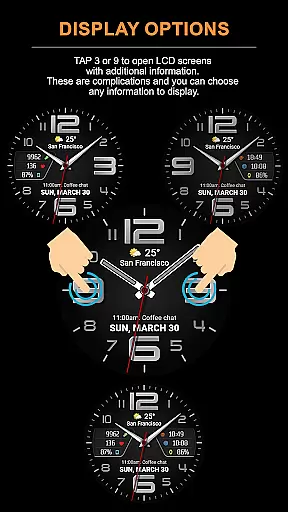
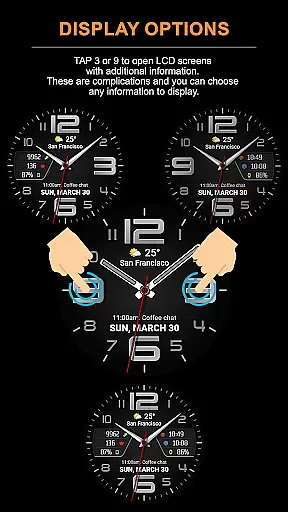
The WFP 137 Minimal watch face stands out with its advanced features tailored for maximum utility. It includes 8 complications and 30 color combinations, allowing users to personalize their watch faces extensively. The tap function on areas like 3 or 9 opens LCD screens with additional information, which can be customized according to user preferences.
Further enhancing its appeal are high-resolution displays, optimized performance, low battery consumption, and multilingual support. Users can also choose between Fahrenheit and Celsius for weather updates. With different types of hands and highly customizable AOD modes, it provides an unmatched level of personalization and functionality.
Companion app integration is crucial for Android Wear applications as it ensures seamless synchronization between the watch face and its companion mobile application. The WFP 137 Minimal watch face excels in this aspect by providing users with comprehensive guides on how to utilize phone charge widgets, track calories, floors climbed, and more.
This level of integration allows for an enhanced user experience where data such as health metrics and activity tracking are effortlessly shared across devices. By following the provided instructions, users can maximize the utility of their wearable technology, ensuring that all features are easily accessible and functional.
The ability to customize and control these settings from a smartphone adds another layer of convenience, making it simpler for users to tailor their watch faces according to personal preferences or needs. This interconnected system not only simplifies daily operations but also enriches the overall value proposition of the WFP 137 Minimal watch face.
Ensuring broad device compatibility is essential for any Wear OS application, and the WFP 137 Minimal watch face stands out by supporting devices running API 34+ and later. This wide-reaching compatibility means that a vast majority of smartwatch users can enjoy the stylish and functional design offered by this watch face without worrying about technical limitations.
By focusing on high optimization and low battery consumption, the WFP 137 Minimal watch face delivers a smooth and efficient performance across various devices. Its high-resolution display and customizable Always-On Display (AOD) mode further enhance its appeal, offering both aesthetic pleasure and practical usability regardless of the specific device model.
Moreover, multilingual support and flexible customization options ensure that users worldwide can fully leverage the capabilities of their wearables. Whether you're interested in detailed weather forecasts or personalized health metrics, this watch face provides a versatile solution adaptable to numerous devices within the Wear OS ecosystem.
Highly customizable
Low battery usage
Accurate weather data
Health and activity tracking
Multilingual support
Limited device compatibility
Complex setup process
Premium features require payment
Occasional bugs reported
Requires frequent updates

Gym Log & Workout Tracker | Fitness Journal, Training & Weight Lifting Planner
 4.90
4.90
Watch the sharpness of the sky on your wrist..
3.70
A heartwarming Christmas scene featuring a cute image of Santa and Rudolf
4.4
Hyperlocal rain alerts by MyRadar using patent-pending technology, radar & more
4.80
Reliable phone calls with spam protection, caller ID and more helpful features
4.40
A modern hybrid informative watch face for Wear OS designed by BALLOZI
4.80
Viewer for Wyze/Yi/Eufy/Arlo/ONVIF/RTSP/P2P IP cams w/ adv. features & DIY DVR
4.00
Simple, helpful messaging by Google
4.60
Control your Samsung Smart TVs, appliances, and SmartThings-compatible devices
4.60
Your second brain for organizing your life: to-do, calendar, reminder.
4.70
Walking app for weight loss: walk & step tracker, pedometer, indoor treadmill
4.60
Highly customizable hybrid watch face for Wear OS, perfect for everyday use.
4.60
Nutrition, Macro tracker: Food, fitness & healthy diet tracking for weight loss
4.60
Calming & relaxing sounds for sleeping and stress relief. Stay focused all day!
4.20
Daily Weather forecast with 15 weather images for Day & Night plus Big Bold time
4.10
Animated Watch Face and Customizable with 24 Backgrounds. Perfect for Christmas!
3.90
Structured watch face with seven complications and modular UI elements
3.90
Professional weather radar and more
3.90
Watch face designed for Thanksgiving Day. 7 Background Styles included.
3.20


User Reviews