
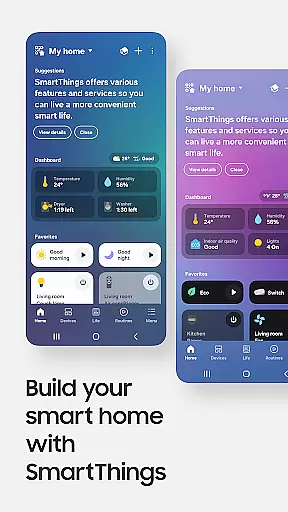
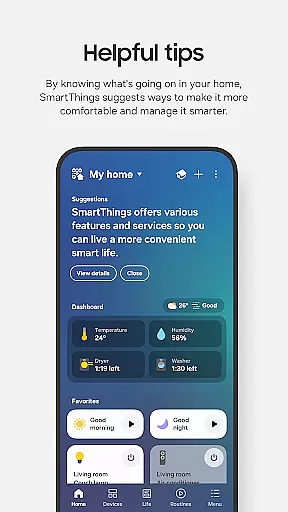
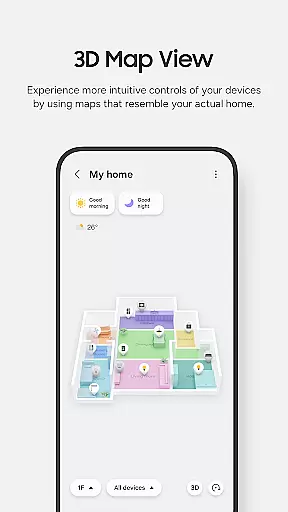
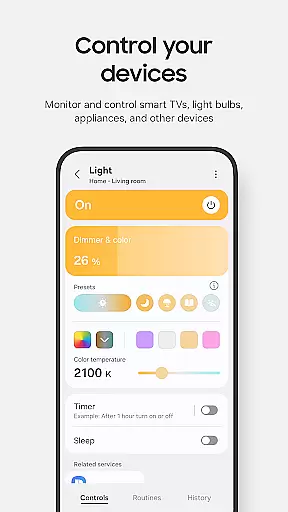
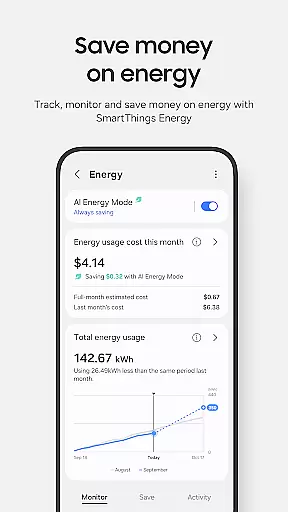
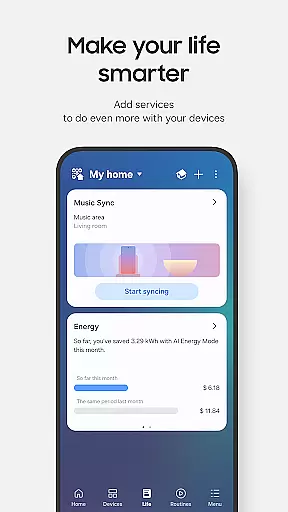
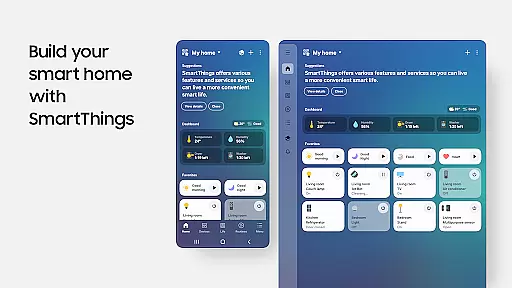
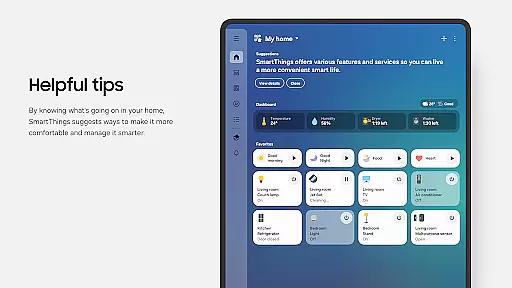
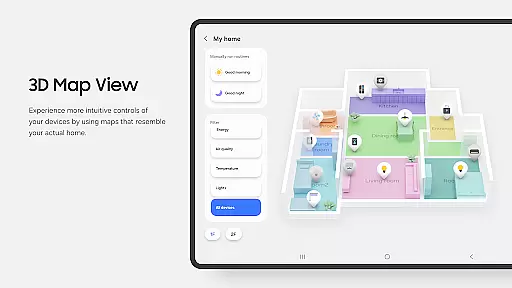
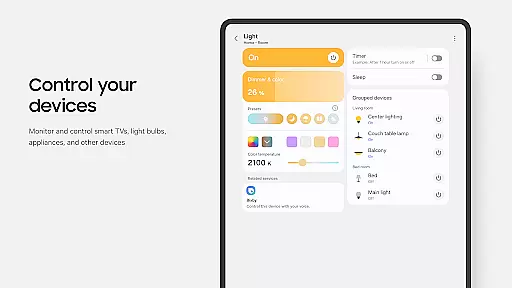
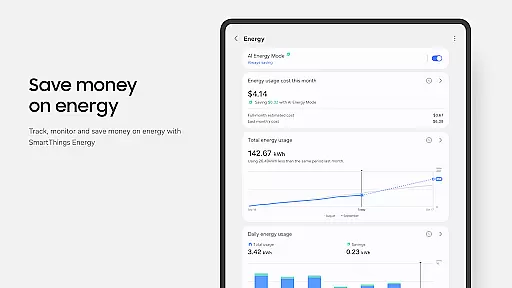
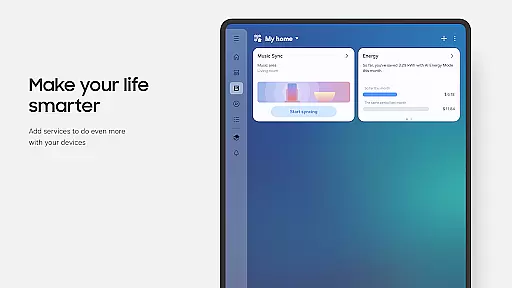
SmartThings is a comprehensive smart home management application that allows users to connect, monitor, and control multiple smart devices from various brands in one place. The app supports hundreds of smart home brands including Samsung Smart TVs, smart appliances, and other popular brands like Ring, Nest, and Philips Hue.
With its intuitive interface, SmartThings lets you manage your smart home gadgets through voice assistants such as Alexa, Bixby, and Google Assistant. Whether you're at home or away, the app provides real-time control and monitoring capabilities, ensuring your home operates smoothly with automated routines and notifications.
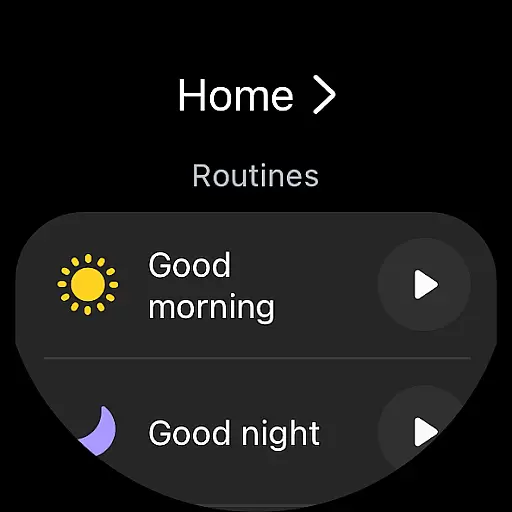
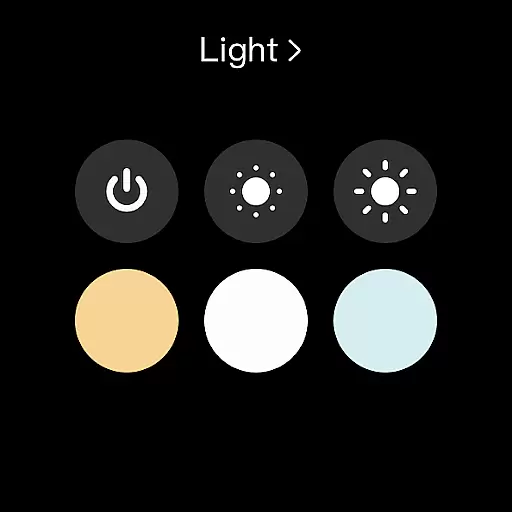
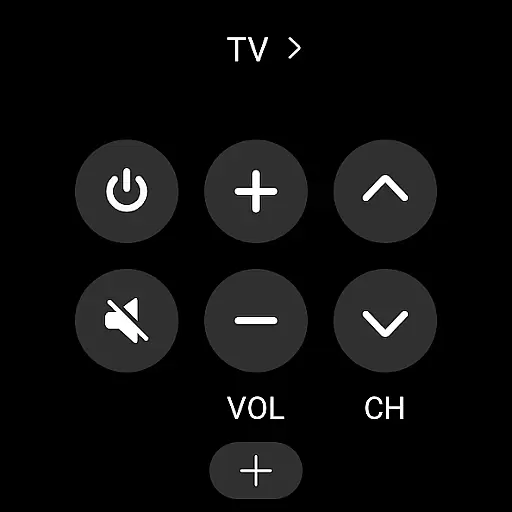
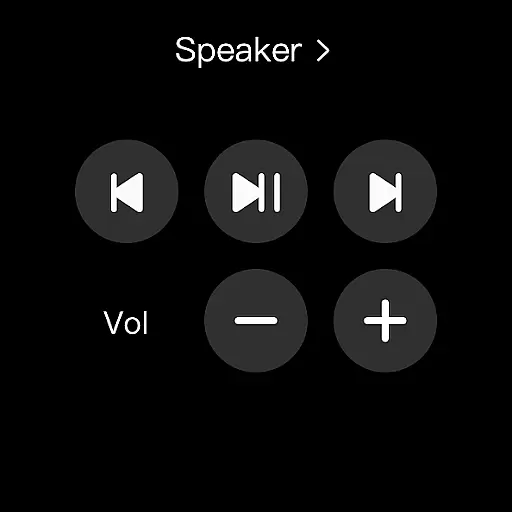
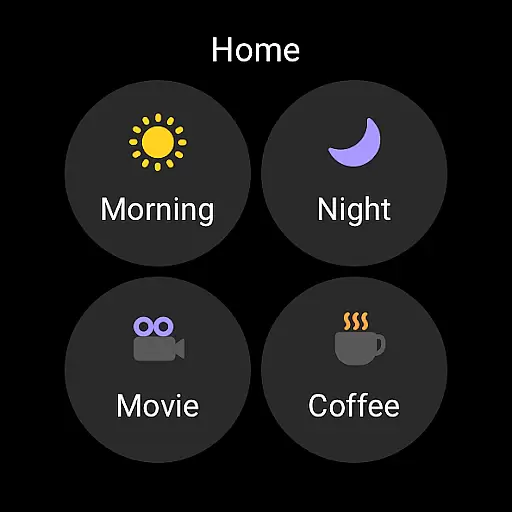
The app's compatibility extends beyond smartphones to Wear OS-based watches, offering quick access to routines and device controls directly from your wrist. This makes SmartThings a versatile solution for modern smart home ecosystems, providing both convenience and peace of mind.
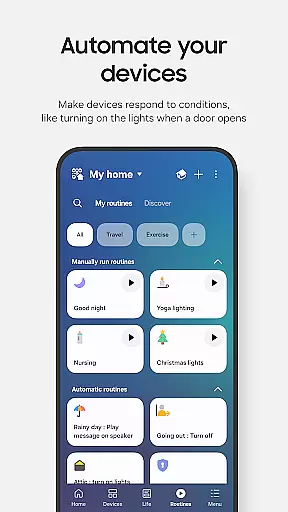
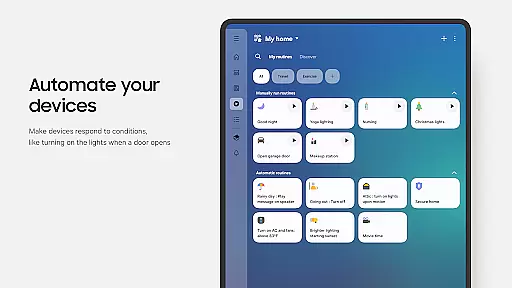
SmartThings offers an impressive array of features designed to simplify smart home management. One of its standout capabilities is the ability to create customized routines based on time, weather, and device status, allowing for seamless automation of daily tasks. These routines ensure that your home functions efficiently without requiring constant manual intervention.
The app also supports shared control, enabling you to grant access to family members or trusted individuals. This feature is particularly useful for managing security systems or granting temporary access. Additionally, SmartThings provides automated notifications about device statuses, keeping you informed about important events in your home.
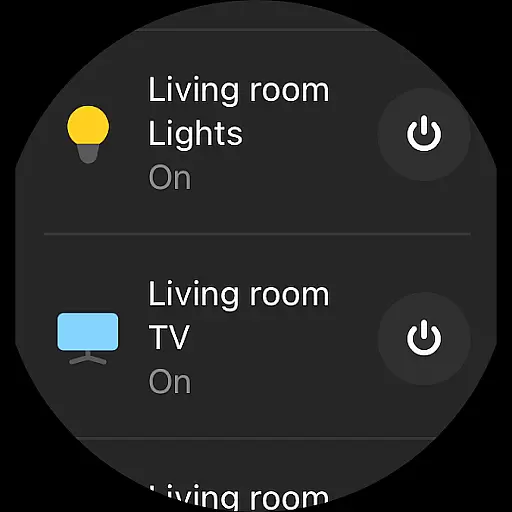
For wearable technology enthusiasts, SmartThings integrates with Wear OS, allowing users to control their smart home devices directly from their smartwatch. By adding SmartThings complications to your watch face, you can quickly access key functionalities, making it easier than ever to manage your smart home on the go.
SmartThings offers seamless companion app integration, allowing users to control and monitor their smart home devices from a single platform. This feature is crucial for maintaining a connected smart home ecosystem.
The app supports compatibility with hundreds of smart home brands, including Samsung Smart TVs and appliances. It enables centralized management through voice assistants like Alexa, Bixby, and Google Assistant, making it easy to manage multiple devices.
Users benefit from the ability to create routines based on time, weather, and device status, ensuring smooth operation of their smart home in the background. The app also allows shared control by granting access to other users, enhancing collaborative management.
This integration ensures that users can enjoy a unified smart home experience, regardless of the brand or type of devices they own, providing convenience and efficiency in daily operations.
SmartThings provides excellent compatibility with Wear OS-based watches, extending smart home control to wearable devices. This compatibility is essential for users who want quick access to their smart home features on the go.
When connected to a mobile phone, SmartThings for Wear OS allows users to run routines and control devices directly from their watch. By adding SmartThings tiles on the watch face, users can quickly enter the app's service without needing to open the phone app.
This feature benefits users by offering them the flexibility to manage their smart home even when they are away from their phones. It enhances accessibility and convenience, ensuring that important controls are always within reach.
Overall, the Wear OS compatibility of SmartThings significantly boosts user engagement by providing an additional touchpoint for smart home management, making it more accessible and user-friendly.
User-friendly interface
Wide device compatibility
Voice assistant integration
Automated routines
Wear OS support
Limited third-party phone support
Feature restrictions by region
Dependent on internet connection
Occasional connectivity issues
Advanced features require premium devices

Wear Os Watch Face - Animated Snow - Sesonal for Christmas & Winter
 4.3
4.3
Current temperature, weather hourly, weather radar by the weather forecast app
4.40
A full-featured Amazon Alexa voice assistant that can show you things.
3.70
A heartwarming Christmas scene featuring a cute image of Santa and Rudolf
4.4
Deck out your Wear OS Watch face with a beautifully decorated pine wreath!
4.50
3 Complications. All shadow on/off. 30 Themes color palette...
4.2
Stay in touch with your friends and family using LINE!
3.40
Professional weather radar and more
3.90
Hybrid Vibrant Health Watch Face for Wear OS
4.4
Christmas Theme Watch Face for Wear Os
5.00
Bold weather Digital watchface with forecast & optional animated background
4.40
A white realistic classic analog watch face with many customization options.
4.40
The #1 source of faces for your smartwatch!
4.00
Authentic military-tactical design with ZULU time! Realistic and functional!
3.80
A watch face that fuses motorsport precision with contemporary smartwatch design
4.5
Artistic Digital Watchface
4.4
Simple Analog-Digital Watchface For Wear OS 3.0 and Up Smartwatches
4.4
Sleek, highly customizable watch face inspired by Galaxy Watch Circle Dashboard.
4.5
Funny animated watch face for Thanksgiving
4.4


User Reviews