
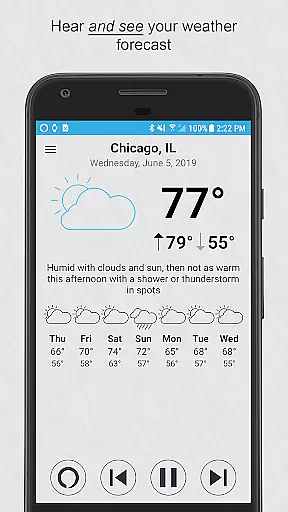
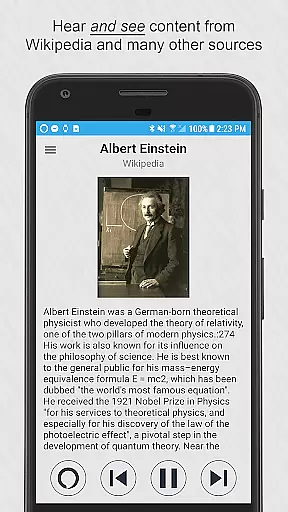
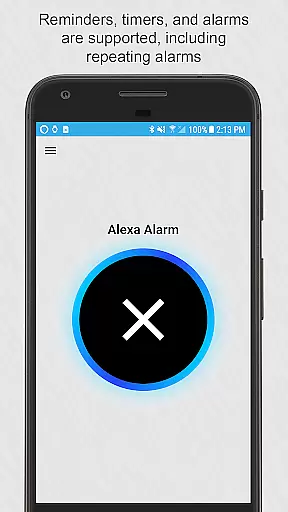
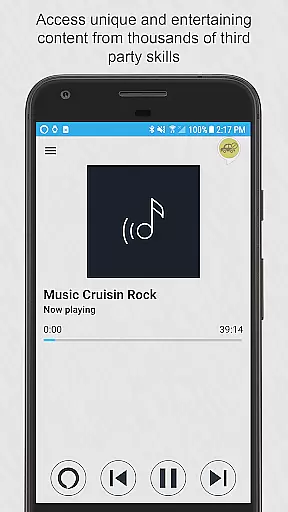

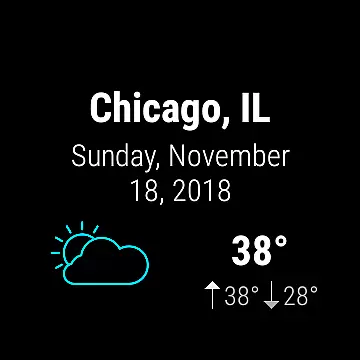


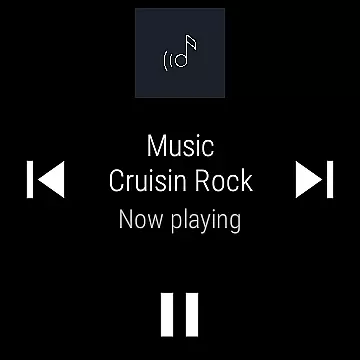
Ultimate Alexa Voice Assistant is a comprehensive voice assistant app that integrates Amazon Alexa's voice service, offering users both audio and visual interactions. It stands out as the first app on Google Play to support Alexa’s Display Card technology, similar to the Amazon Echo Show. This feature allows users to see weather forecasts, news headlines, to-do lists, and more while hearing the information.
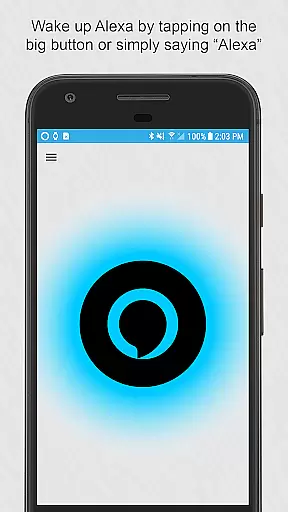
The app supports activation through multiple methods including saying the wake word 'Alexa', tapping a button, using the notification area, or even via Google Assistant with a specific command. For Wear OS watches, it provides seamless integration where users can tap and talk directly. The Pro version offers additional conveniences like shaking to activate or using a Samsung Bixby button.
This app is ideal for users who want hands-free control over their smart devices, need quick access to information, or want to manage their daily tasks efficiently. Its ability to integrate with various messaging apps, control smart home devices, and provide local information makes it a versatile tool for enhancing productivity and convenience in everyday life.
Ultimate Alexa Voice Assistant boasts an array of features designed to enhance user interaction and accessibility. One of its standout capabilities is the support for Alexa’s Display Card technology, which enriches the user experience by providing visual content alongside voice responses. This includes weather updates, news, and interactive lists that users can both hear and see.
The app offers flexible activation options catering to different user preferences and scenarios. Users can activate Alexa by voice commands, tapping a button, through the notification area, or even by integrating with Google Assistant. For those with Wear OS devices, the app provides a streamlined experience where a simple tap initiates voice commands. Additionally, the Pro version introduces innovative activation methods such as shaking the phone or utilizing the Bixby button on Samsung devices.
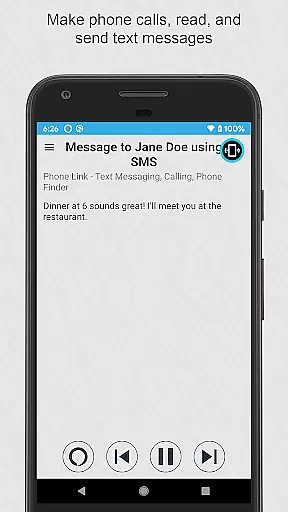
Another significant feature is the extensive compatibility with various services and apps. Ultimate Alexa supports making calls, sending texts via popular messaging apps, playing music stored locally, setting reminders, controlling smart home devices, and accessing third-party skills. These features collectively ensure that users have a wide range of functionalities at their fingertips, enhancing both convenience and efficiency in managing daily activities.
Companion app integration is crucial for wearable devices as it ensures seamless functionality between the smartphone and the wearable. Ultimate Alexa Voice Assistant excels in this area by offering comprehensive support for both Android phones and Wear OS watches.
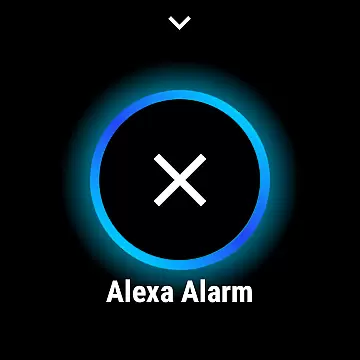
The app allows users to activate Alexa either by voice commands or through a dedicated button, ensuring ease of access. For Wear OS, users can simply tap and talk on their watch, with the connected phone's speaker utilized if the watch lacks one.
On smartphones, Alexa can be activated via multiple methods including saying the wake word, tapping a button, using a widget, or even through Google Assistant. This versatility enhances user convenience and accessibility.
By providing these integrated features, Ultimate Alexa ensures that users have a consistent and reliable experience across their devices, making daily tasks more efficient and manageable.
Device compatibility is essential for any app targeting wearable technology. Ultimate Alexa Voice Assistant offers extensive support for Wear OS devices, ensuring that users can enjoy the full range of Alexa's capabilities directly from their smartwatches.
The app is designed to work seamlessly with various Wear OS watches, allowing users to interact with Alexa by simply tapping and speaking. If the watch does not have a speaker, the paired phone's speaker is automatically used, maintaining uninterrupted communication.
Furthermore, the app includes a Wear OS tile for quick access and immediate voice command functionality, enhancing the overall user experience. This thoughtful design ensures that users can efficiently manage tasks without needing to reach for their phones.
With its robust compatibility and user-friendly interface, Ultimate Alexa stands out as a top choice for those seeking to leverage Alexa's powerful features on their Wear OS devices.
User-friendly interface
Versatile activation methods
Comprehensive feature set
Supports multiple devices
Enhanced accessibility options
Limited music streaming services
Pro version requires purchase
Calling limited to select countries
Dependent on Amazon Alexa service
Requires specific permissions

Embrace the holiday spirit with this magical animated watch face!
 4.40
4.40
Precision analog watch face with 7 complications and style options
4.0
Snowflake Rose Gold Watch Face - Digital, modern, & sleek with GYRO effect.
4.10
Watch face designed for Thanksgiving Day. 7 Background Styles included.
3.20
Digital, flexibly customizable watch face. For Wear OS 5.0, API 34+ and later.
5.00
Get helpful reminders, take progress photos and find answers to your questions.
3.90
A realistic hybrid watch face with many customization options.
4.60
Track your active life in one place and share the journey with friends.
4.40
Fitbit is dedicated to helping people lead healthier, more active lives.
4.10
Christmas Theme Watch Face for Wear Os
5.00
Premium hybrid watch face with many customizations for Wear OS devices.
4.40
Find EV charging stations
4.30
A customizable Christmas watch face for Wear OS with a countdown.
4.20
Animated Watch Face and Customizable with 24 Backgrounds. Perfect for Christmas!
3.90
Watch the sharpness of the sky on your wrist..
3.70
3 Complications. All shadow on/off. 30 Themes color palette...
4.3
Fitness interactive virtual pet super fighter boy watch face
4.4
Funny animated watch face for Thanksgiving
4.5
Hybrid Vibrant Health Watch Face for Wear OS
4.3


User Reviews