
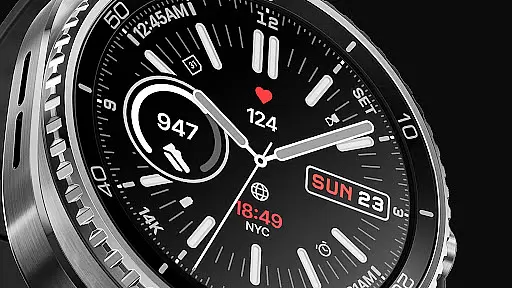
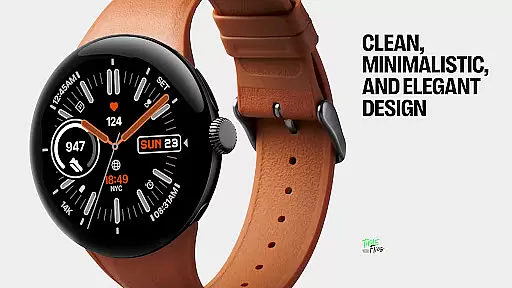
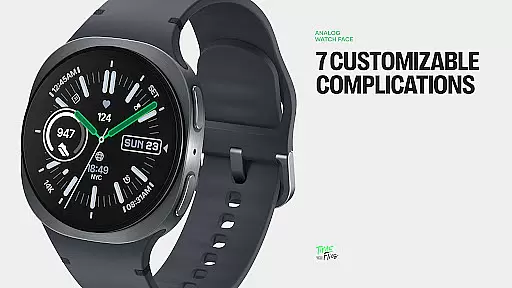
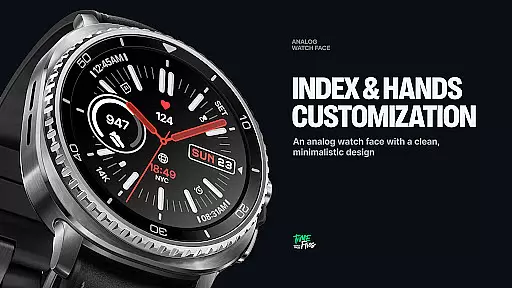
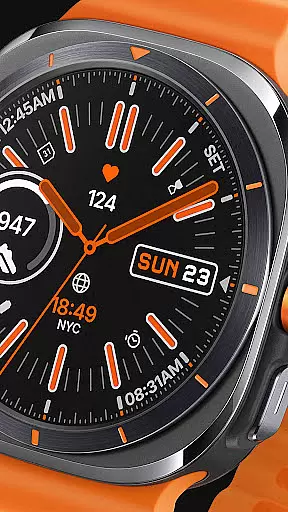
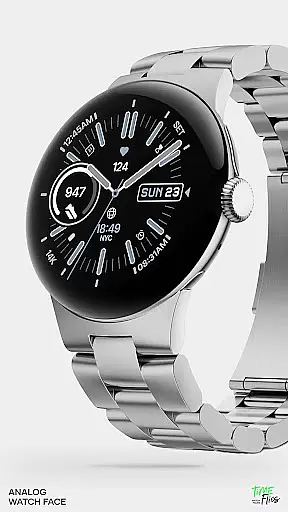
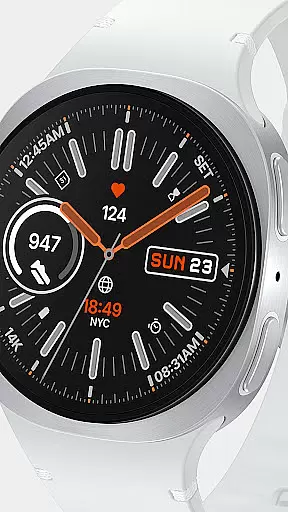
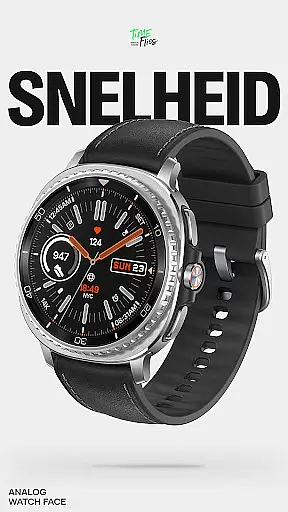
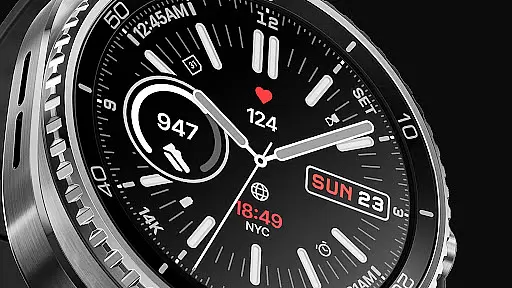
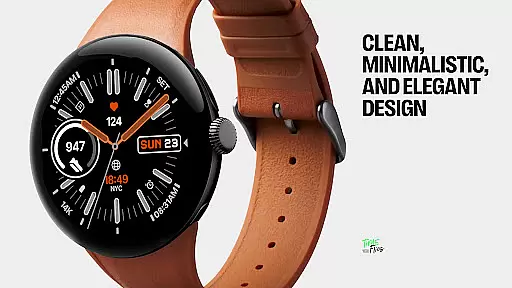
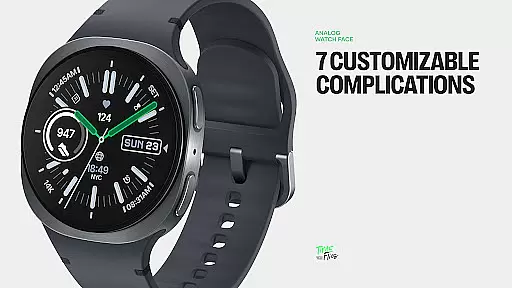
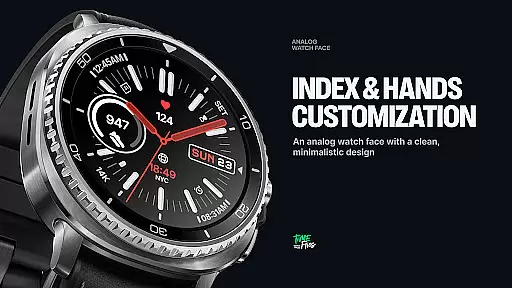
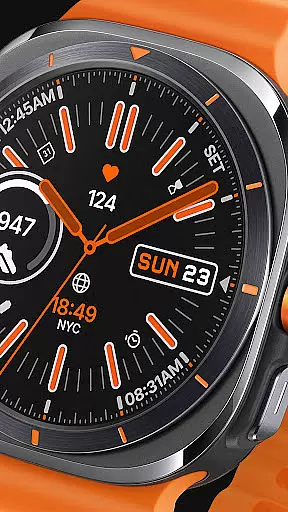
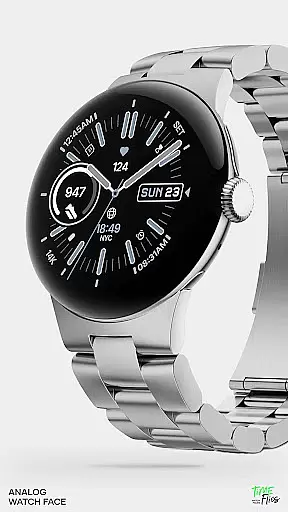
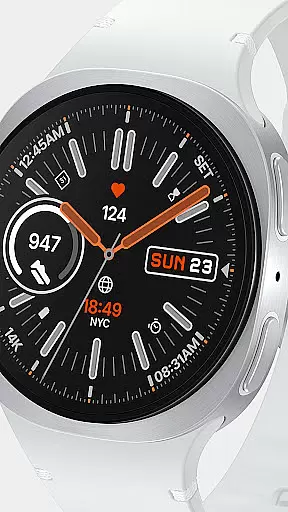
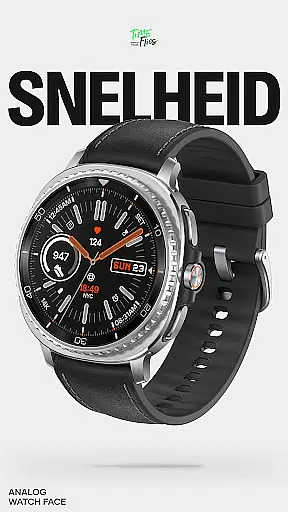
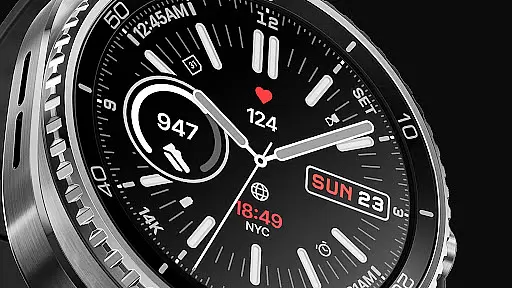
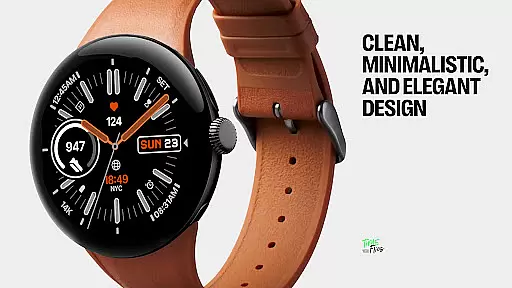
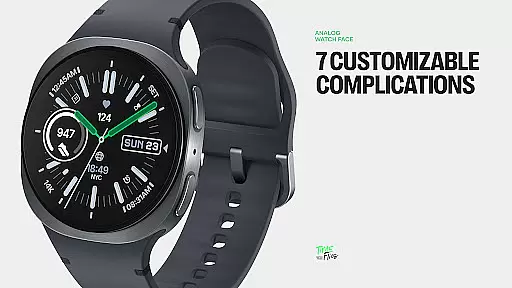
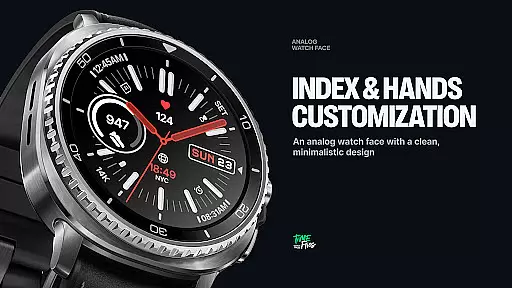
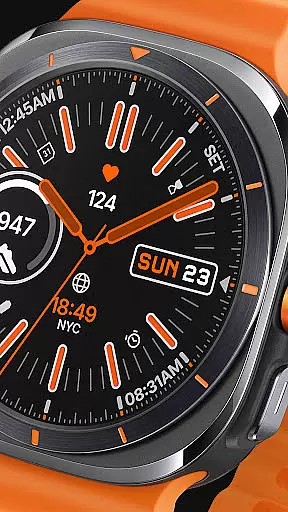
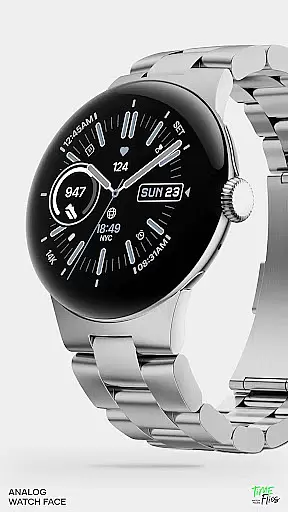
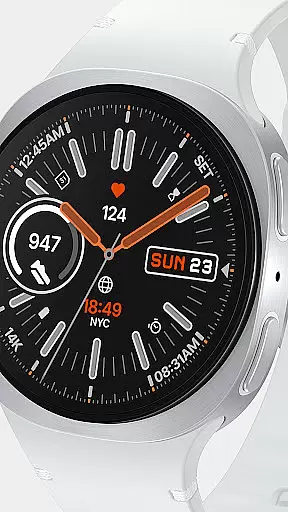
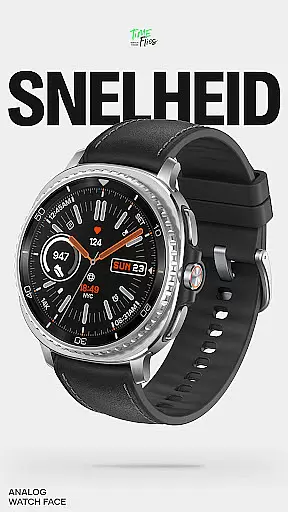
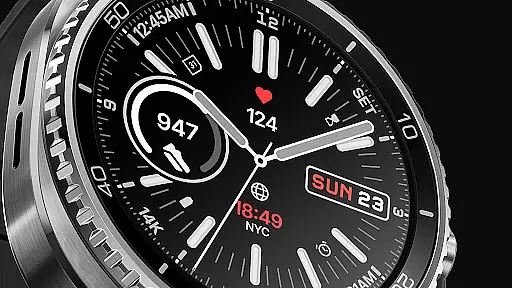
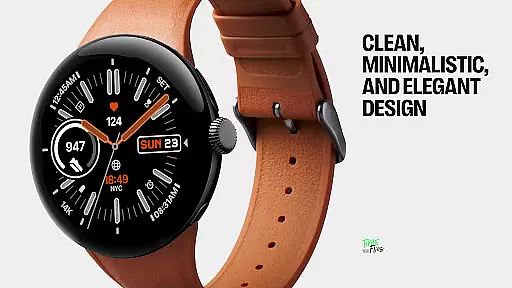
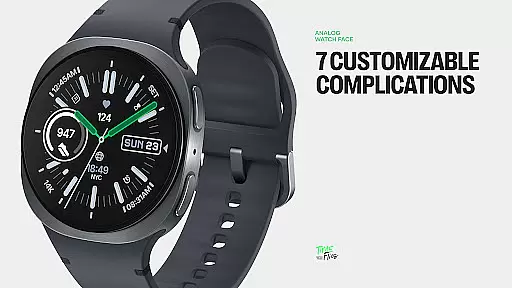
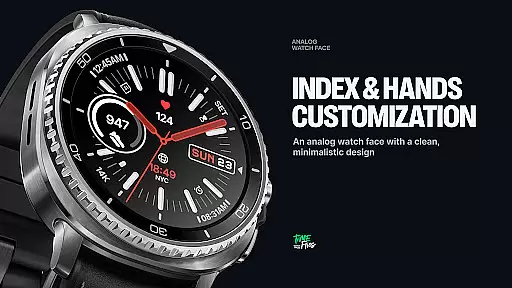
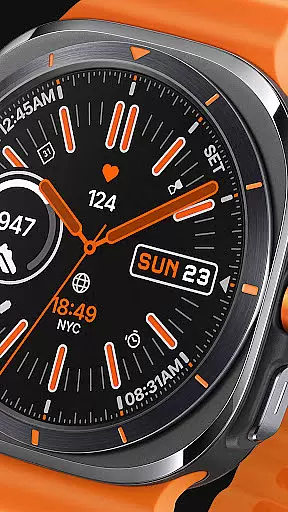
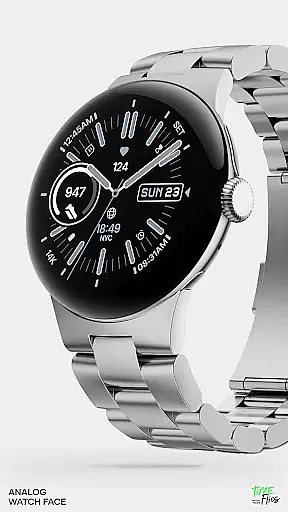
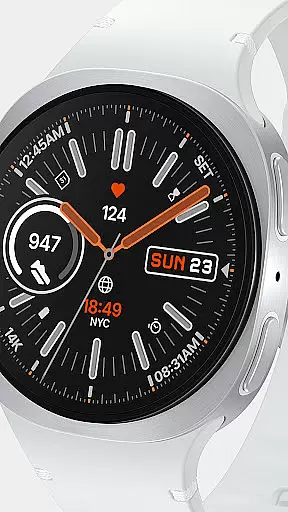
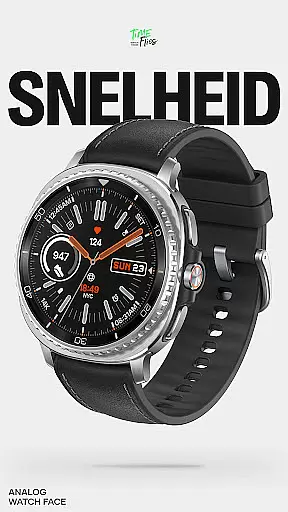
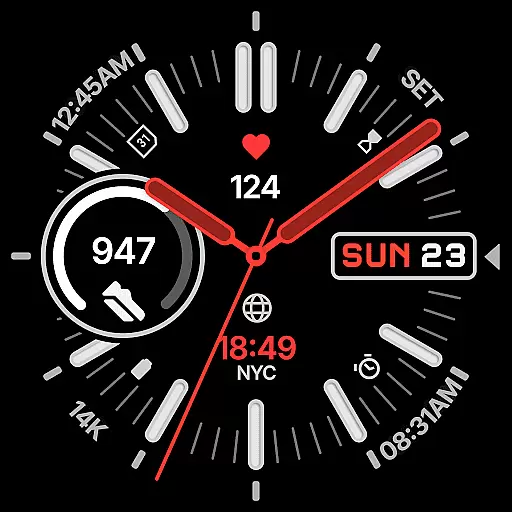
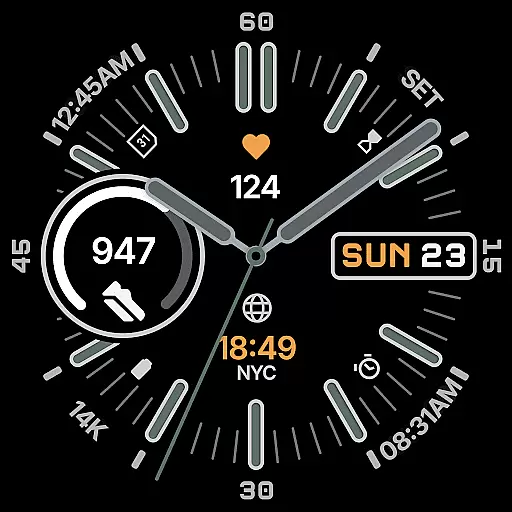
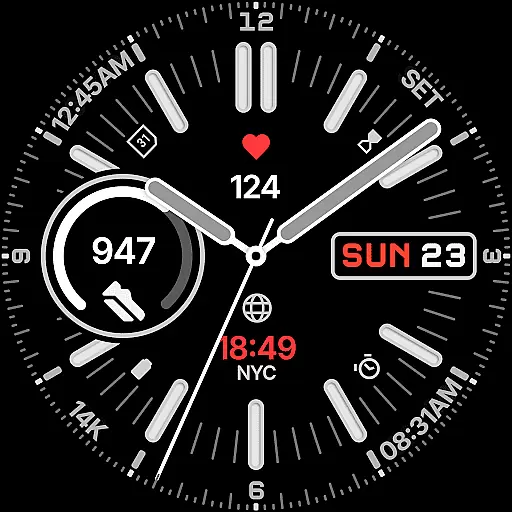
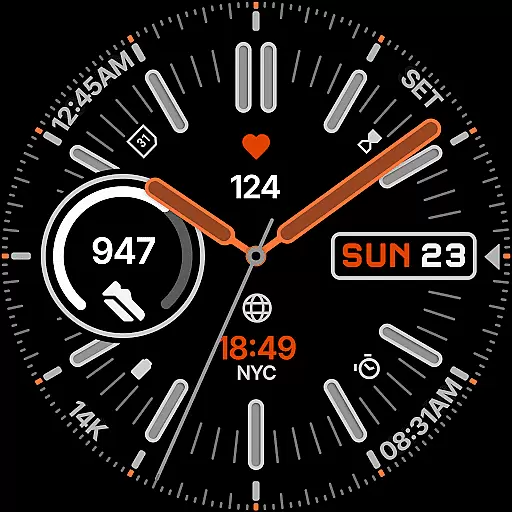
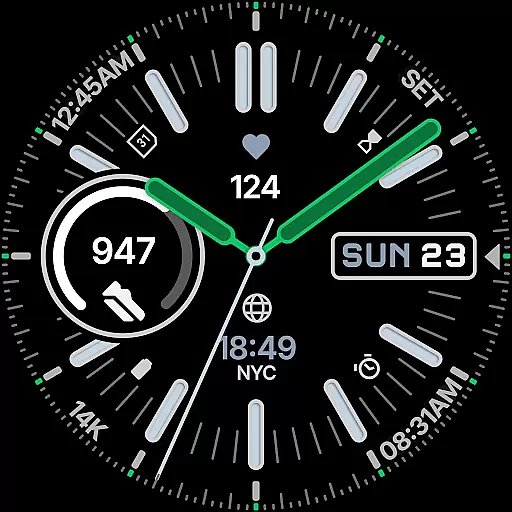
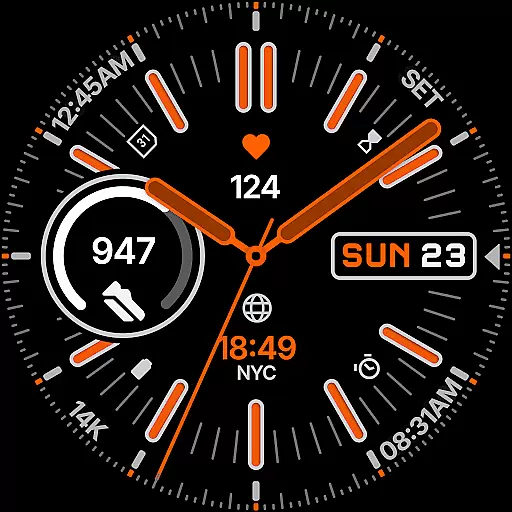
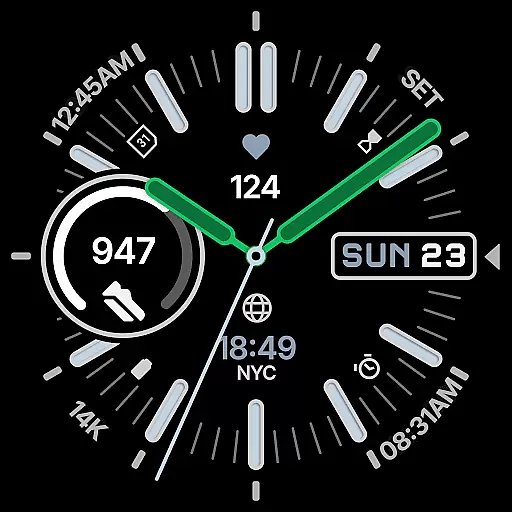
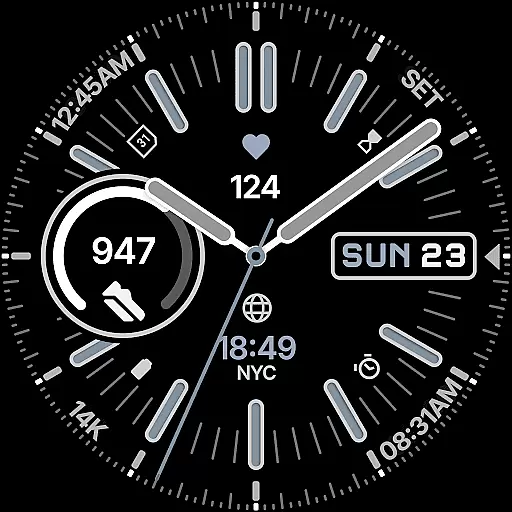
Snelheid Analog Watch Face is a Wear OS watch face that combines motorsport-inspired design with modern smartwatch functionality. Featuring bold indices, dashboard-style typography, and vibrant accents, it delivers both style and utility. The dynamic dial integrates analog timekeeping with digital features, offering seven customizable complications for quick access to essential data like health metrics, weather, and more.
With 30 curated color schemes, multiple index styles, and battery-efficient Always-on Display modes, Snelheid adapts to various preferences and uses. Whether for professional settings or outdoor activities, this watch face maintains its motorsport character while providing versatility and elegance.
Snelheid stands out with its fusion of analog aesthetics and digital intelligence. The watch face includes seven fully customizable complications, allowing users to display information such as activity stats, weather updates, or world time directly on the dial. Its design balances vibrant accents with functional clarity, ensuring readability at a glance.
Customization options are extensive, including 30 curated color schemes, multiple index styles, and various dial configurations. The Always-on Display mode enhances battery efficiency without sacrificing style. An optional Android companion app simplifies setup and personalization, making it easy to tailor the watch face to individual preferences.
Companion app integration is crucial for users who want seamless control over their smartwatch settings from their mobile device. Snelheid offers an optional Android companion app that simplifies the setup and customization process significantly.
The companion app allows users to adjust the watch face's numerous settings, including its 7 customizable complications and 30 curated color schemes, directly from their smartphone. This ensures a smooth and user-friendly experience, eliminating the need for tedious on-watch adjustments.
By using the companion app, users can easily switch between different configurations tailored for various occasions, such as professional settings or outdoor activities. This flexibility enhances the overall utility and personalization of the Snelheid watch face.
Ultimately, the integration of the companion app not only streamlines the customization process but also enriches the user experience by making it more accessible and efficient.
Ensuring broad compatibility with Wear OS and various devices is essential for any smartwatch application. Snelheid is designed to work seamlessly across a range of Wear OS devices, providing users with a consistent experience regardless of their specific model.
The watch face supports high-resolution displays and adapts to different screen shapes and sizes, ensuring clarity and functionality whether on a steel-bezel smartwatch or a minimalist curved display. This adaptability makes Snelheid versatile for any style preference or use case.
Snelheid's compatibility extends to its Always-on Display modes, which are optimized for battery efficiency without compromising on design or functionality. Users can enjoy vibrant accents and bold indices while maintaining optimal device performance.
By focusing on extensive device compatibility, Snelheid guarantees that users can fully leverage their smartwatchu2019s capabilities, enjoying both aesthetic appeal and practical utility in their daily lives.
Highly customizable
Vibrant and stylish design
Battery-efficient modes
Quick-access complications
Motorsport-inspired aesthetic
Companion app required for full setup
Limited to Wear OS devices
Some features may drain battery
Design might not appeal to all
Premium customization options

Current temperature, weather hourly, weather radar by the weather forecast app
 4.40
4.40
A modern premium sporty hybrid watch face for Wear OS by Ballozi
4.70
Digital, flexibly customizable watch face. For Wear OS 5.0, API 34+ and later.
5.00
Bold, Modern Hybrid Watch Face for Wear OS. 10 Colors, Rich Info Display.
4.30
Digital watch face. For Wear OS devices.
4.40
Stay in touch with your friends and family using LINE!
3.40
Funny animated watch face for Thanksgiving
4.5
Hyper-Realistic Airplane Dashboard Watch Face With 10 Skins and Custom AOD
4.00
Hybrid watch face for Wear OS with customizable complications by Matteo Dini MD
4.70
Real-time weather radar with temperatures, warnings, hurricanes, and widgets
4.80
Monitor health with the stress test and pulse checker in the heart rate app.
4.60
Gym & home workout plans with strength training, exercise tracking, HIIT & more.
4.60
Christmas watch face. For Wear OS devices.
4.30
Calming & relaxing sounds for sleeping and stress relief. Stay focused all day!
4.20
A customizable Christmas watch face for Wear OS with a countdown.
4.20
Connect, create, and collaborate with Gmail, part of Google Workspace.
4.10
The #1 source of faces for your smartwatch!
4.00
Viewer for Wyze/Yi/Eufy/Arlo/ONVIF/RTSP/P2P IP cams w/ adv. features & DIY DVR
4.00
Simple Analog-Digital Watchface For Wear OS 3.0 and Up Smartwatches
4.0


User Reviews