
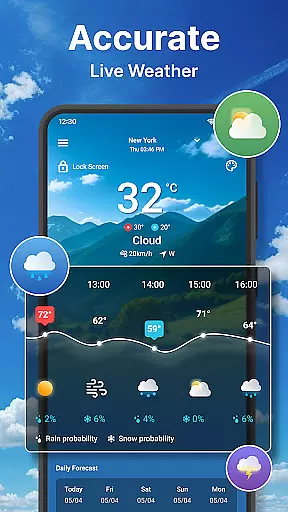
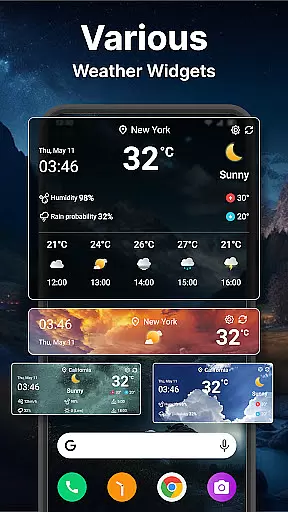
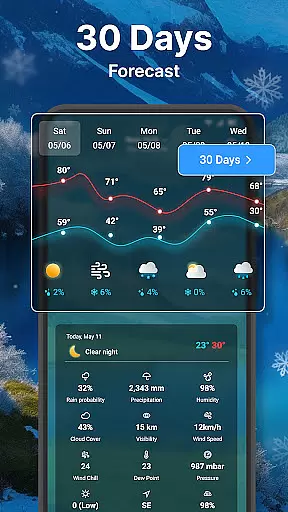
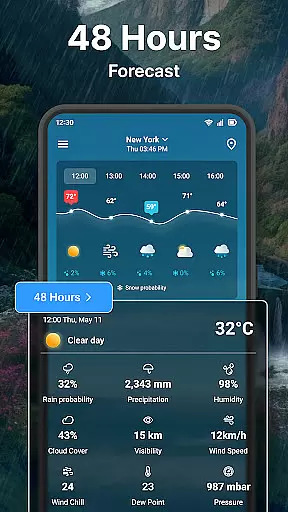
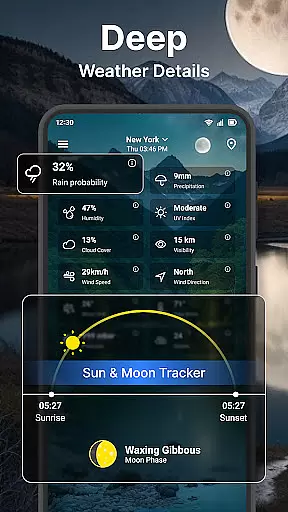
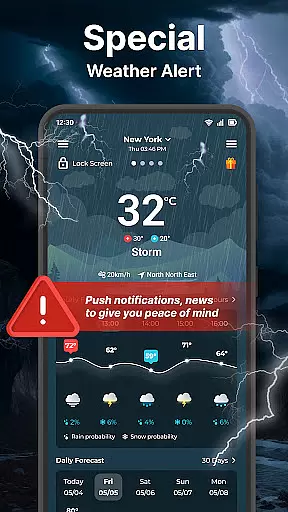
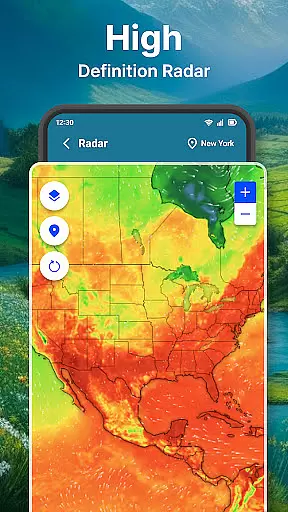
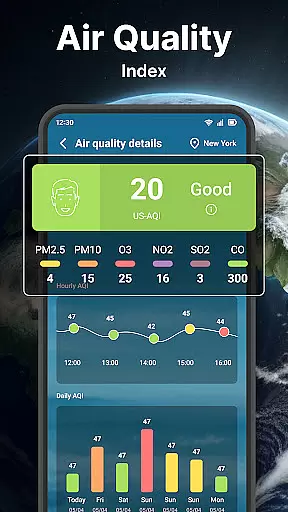
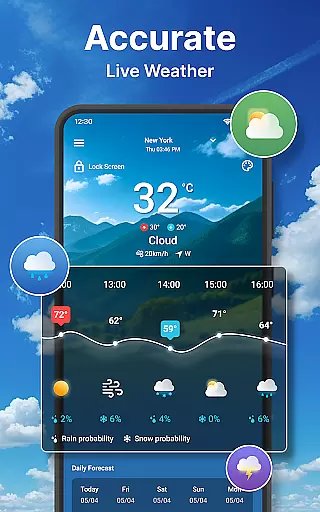
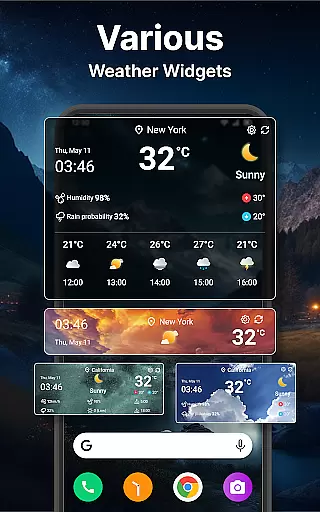
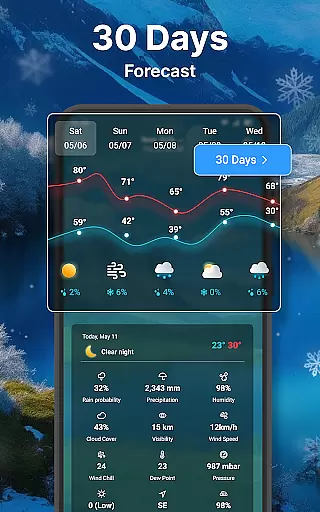
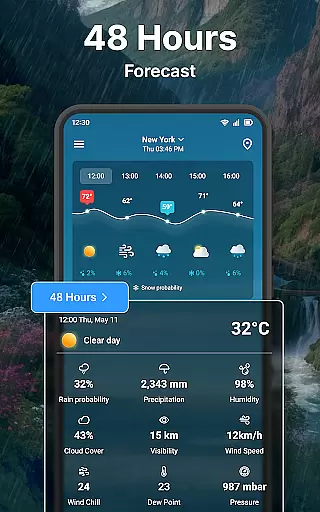
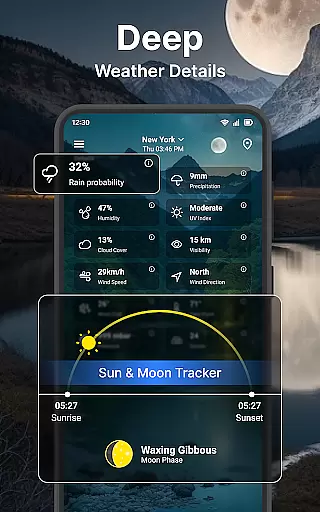
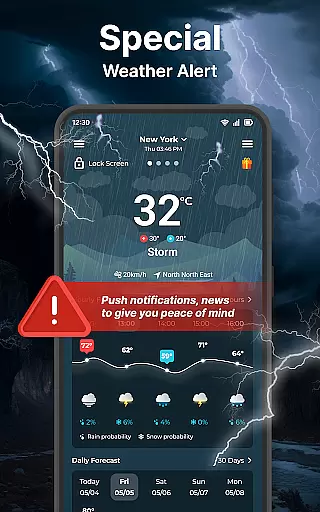
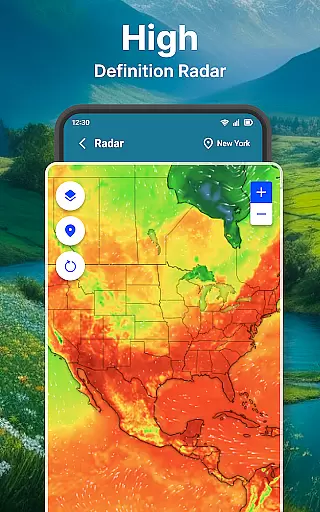
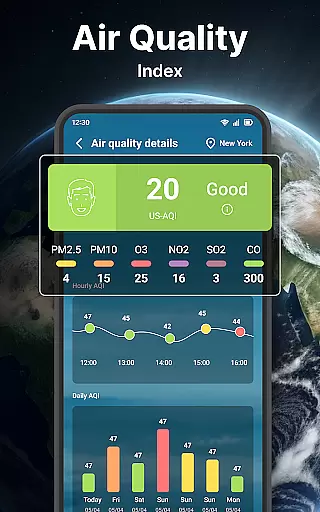
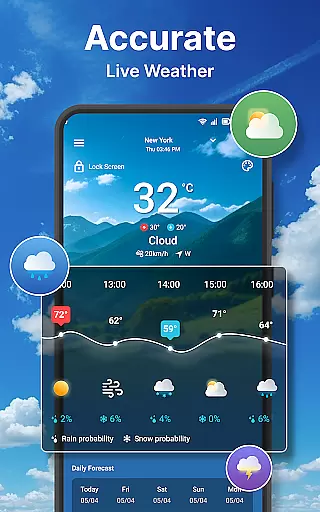
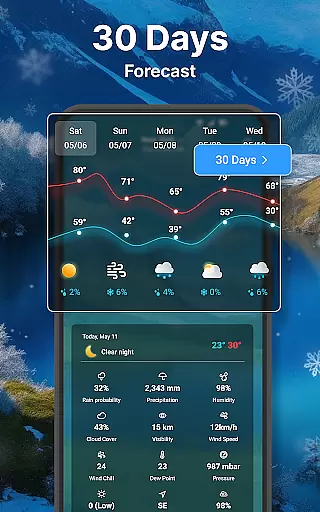
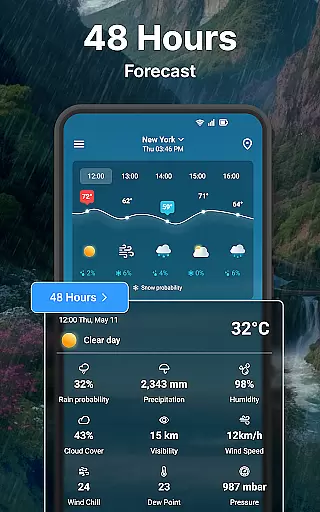
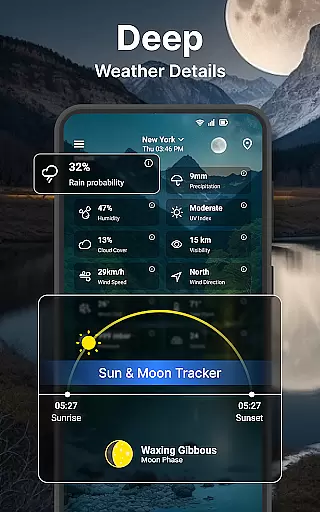
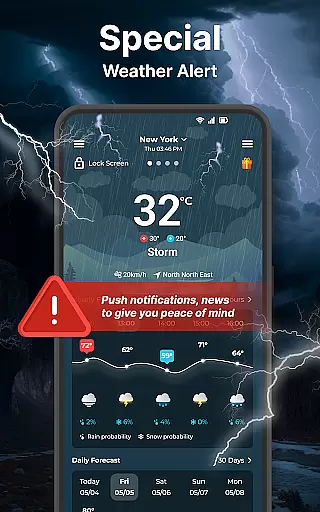
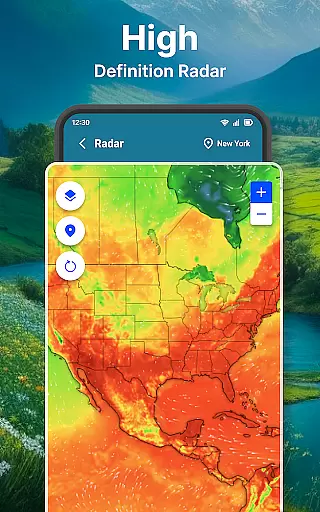
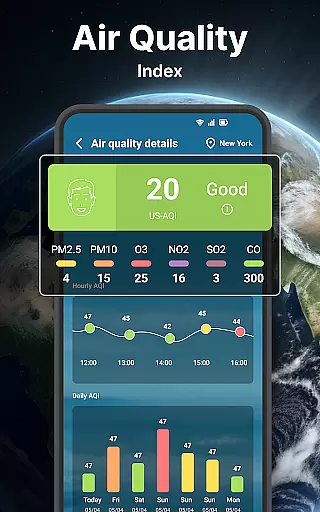
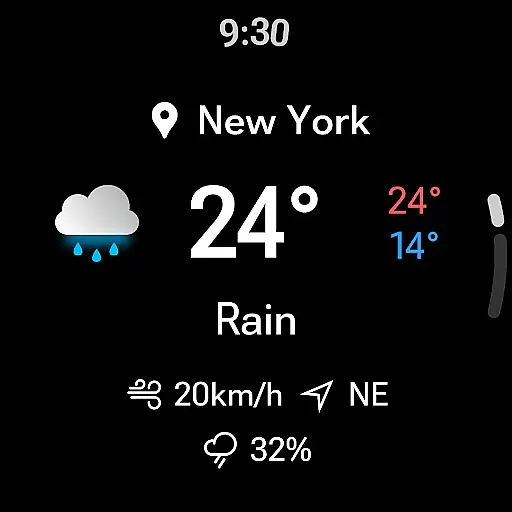
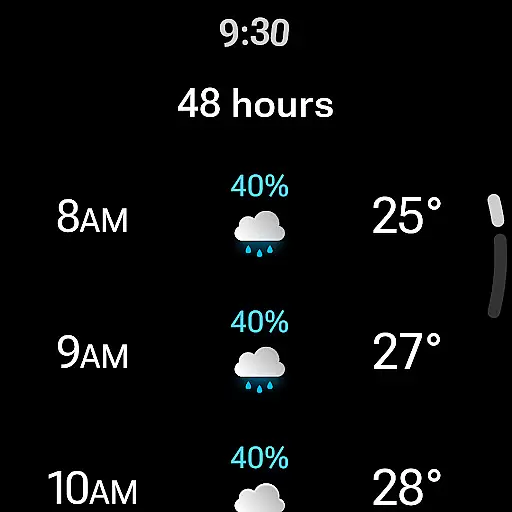
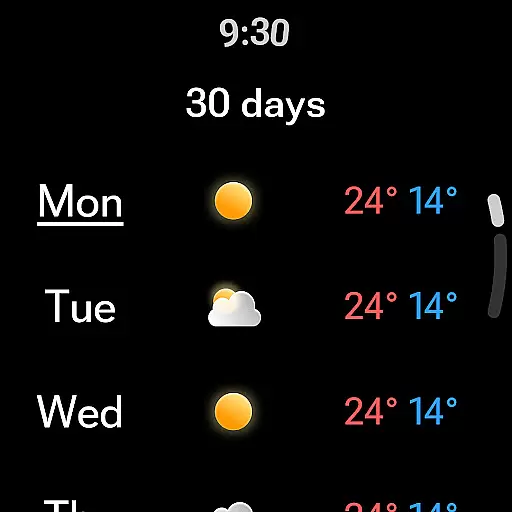
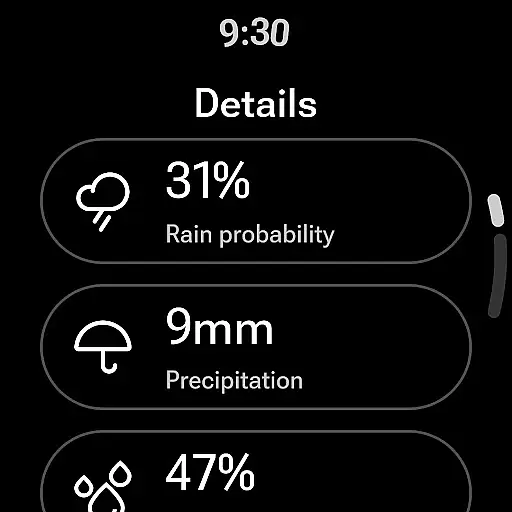
Weather forecast is a comprehensive weather application designed specifically for Android Wear users. The app provides real-time, hourly, and daily weather updates along with a 7-day forecast, ensuring you are always prepared for the weather ahead. With its intuitive weather radar feature, users can visualize temperature, wind, humidity, and rain/snow patterns, making it an essential tool for storm warnings and outdoor planning.
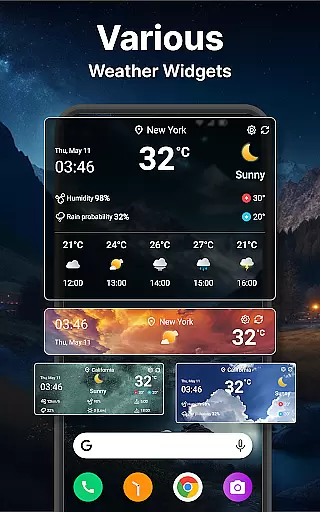
In addition to its robust forecasting capabilities, Weather forecast offers customizable widgets that display weather information directly on your home screen. Users can manage multiple locations, switch between various units of measurement, and personalize settings such as time format and background transparency. Whether you're at home or on the go, this app ensures you have instant access to critical weather data tailored to your preferences.
Weather forecast stands out with its diverse range of features crafted to enhance user experience. One of its key highlights is the detailed weather information available at a glance, including wind direction, temperature charts, and probability of precipitation. This allows users to plan their day effectively by understanding not just the current weather but also future conditions.
The app's weather radar is another standout feature, offering animated maps that display live updates on various weather aspects like temperature, wind, and cloud coverage. Users can zoom in and out for a closer look and even reset to their current location effortlessly. Additionally, the inclusion of Wear OS support means you can access crucial weather details right from your wrist, providing unparalleled convenience for smartwatch users.
Customization is at the heart of Weather forecast, with extensive unit settings and app configurations. Users can choose between Celsius and Fahrenheit, 12h or 24h time formats, and various date formats to suit their personal preferences. These options ensure that the app remains versatile and user-friendly across different regions and individual needs.
Companion app integration is essential for users who rely on wearable devices to access real-time information without needing their phones. The Weather forecast app excels in this area by offering seamless synchronization between smartphones and Wear OS devices.
This weather app ensures that all critical weather data, including real-time conditions, hourly forecasts, and detailed weather information, are accessible directly from your wrist. By maintaining consistent updates across devices, users can trust that the information on their Wear OS device is current and reliable.
The benefit of such integration is significant. Users can quickly check the weather while exercising, commuting, or anytime their phone isn't readily accessible. This convenience enhances the overall user experience, making daily activities more manageable and informed.
Ultimately, the strength of companion app integration lies in its ability to provide crucial data at a glance, ensuring users are always prepared for changing weather conditions without needing to reach for their phones.
For apps designed to work with wearable technology, Wear OS/device compatibility is paramount. The Weather forecast app supports a wide range of Wear OS devices, ensuring broad accessibility for users invested in wearable tech ecosystems.
This compatibility extends beyond mere functionality; it encompasses optimized performance tailored specifically for wearable interfaces. The app's design accommodates smaller screens with intuitive navigation and clear visuals, enhancing usability on smartwatches.
Users benefit from having comprehensive weather details available right on their wrists. Whether checking the forecast during outdoor activities or receiving alerts about sudden weather changes, the app's compatibility ensures these features are delivered smoothly and efficiently.
In summary, robust Wear OS/device compatibility not only expands the app's reach but also enriches the user experience by providing timely and accurate weather information through an easy-to-use interface on wearable devices.
User-friendly interface
Comprehensive weather data
Customizable widgets
Live radar updates
Wear OS compatibility
Limited free features
Occasional ads
Heavy battery usage
Complex settings
Notification overload

A customizable Christmas watch face for Wear OS with a countdown.
 4.20
4.20
Christmas watch face. For Wear OS devices.
4.30
Christmas Theme Watch Face for Wear Os
5.00
MyNISSAN® lets you remotely control your car from your phone.*
4.50
Stunning modern digital watch face with 7 complications and strong contrast
4.0
Be an elegant and classy secret agent, with this carefully detailed watch face
4.70
The #1 source of faces for your smartwatch!
4.00
Real-time results, stats, schedules and player profiles for all leagues
4.60
Download full tracks, listen to music offline, make unlimited playlists.
4.80
Digital, flexibly customizable watch face. For Wear OS 5.0, API 34+ and later.
5.00
Real-time weather radar with temperatures, warnings, hurricanes, and widgets
4.80
To-Do List: daily schedule planner, task organizer, to do reminder app, calendar
4.60
Fast and smart typing with Emojis, GIFs, and more
4.50
Locate your family members by GPS phone location tracker everywhere and anytime
4.30
Calming & relaxing sounds for sleeping and stress relief. Stay focused all day!
4.20
sleep, alarm, snoring, stress, healing, focus, sound therapy, circadian rhythm
4.10
Hyper-Realistic Airplane Dashboard Watch Face With 10 Skins and Custom AOD
4.00
Wear Os Watch Face - Animated Snow Effect & Christmas Lights
4.3
Fitness interactive virtual pet super fighter boy watch face
4.5


User Reviews