
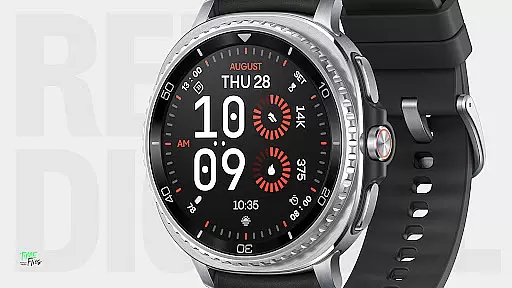
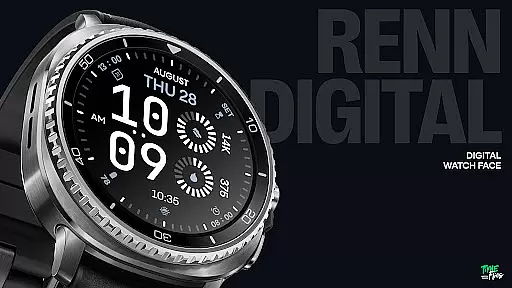
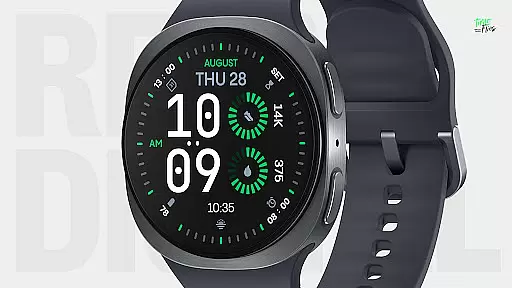
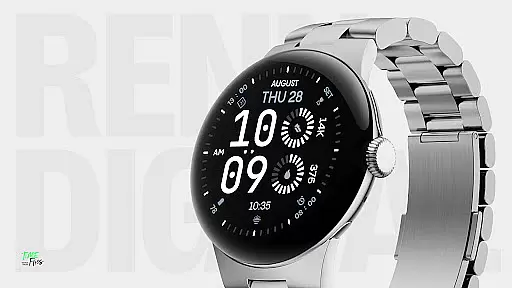
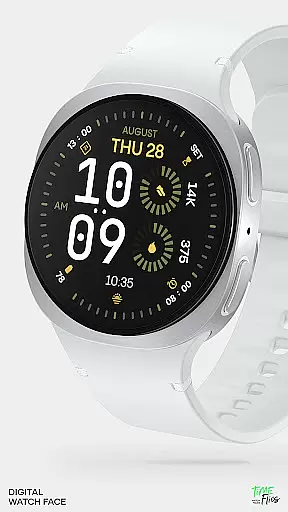
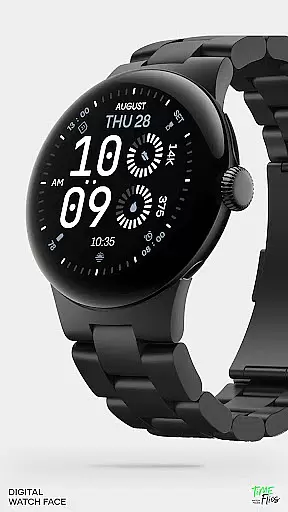
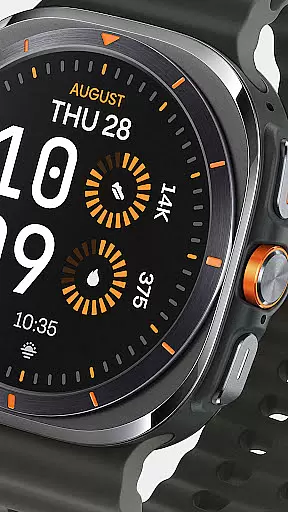
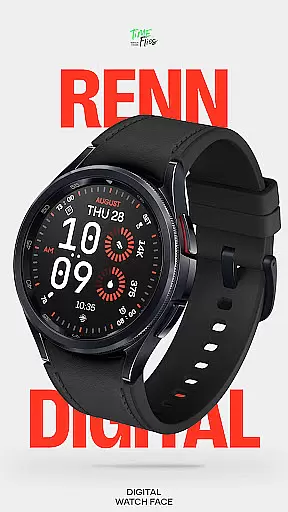
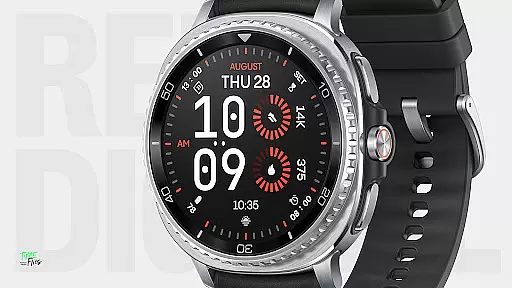
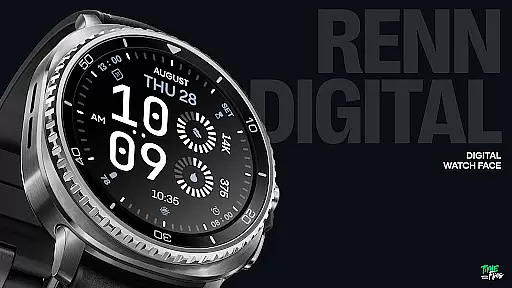
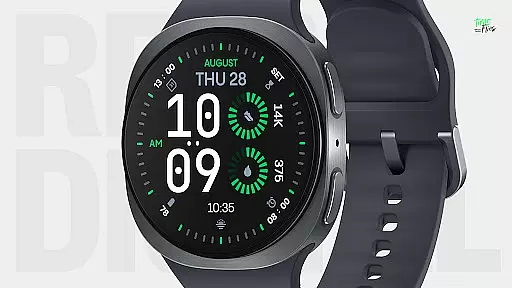
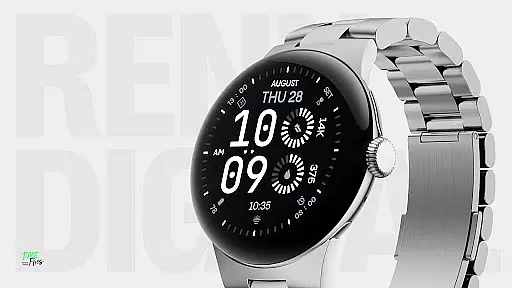
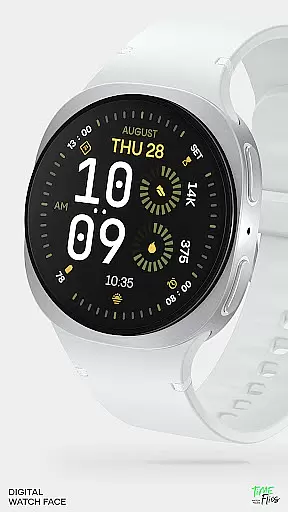
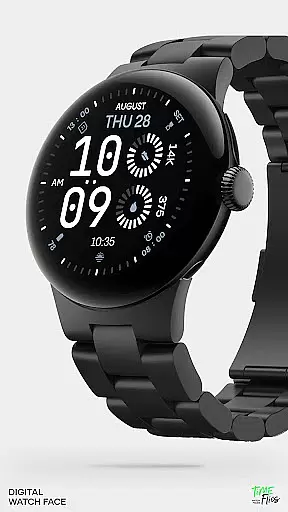
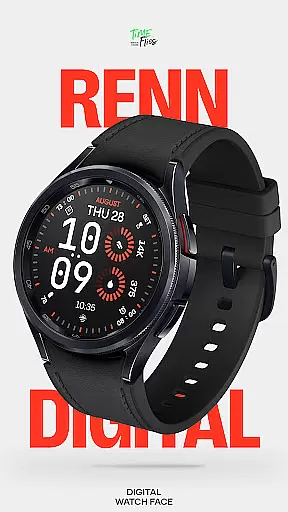
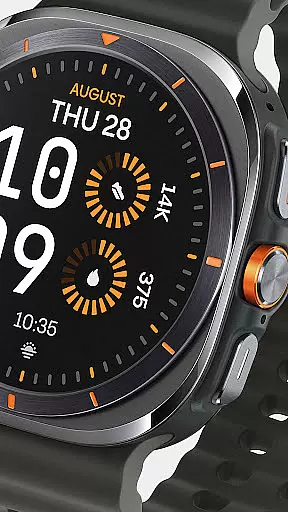
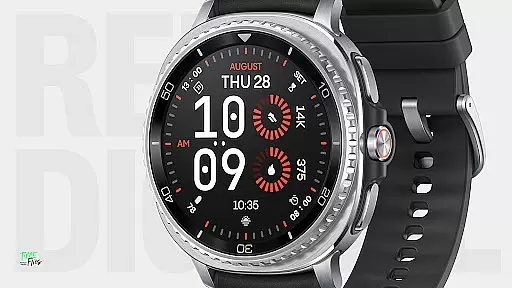
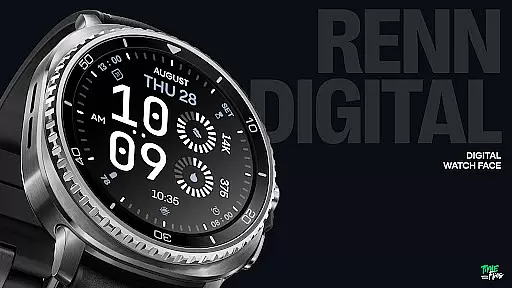
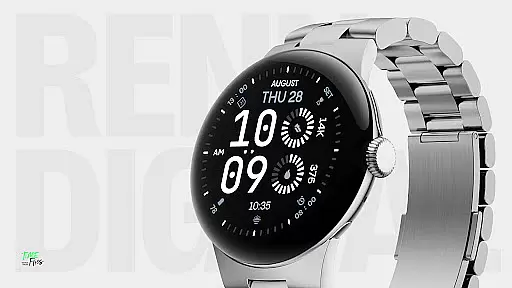
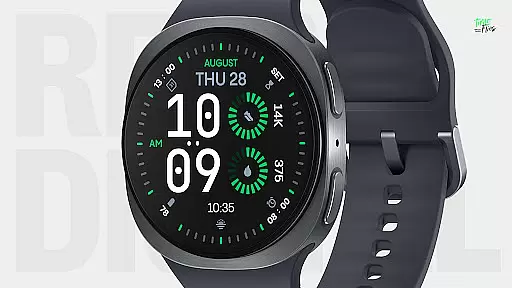
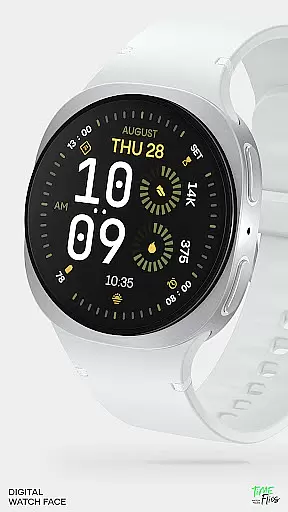
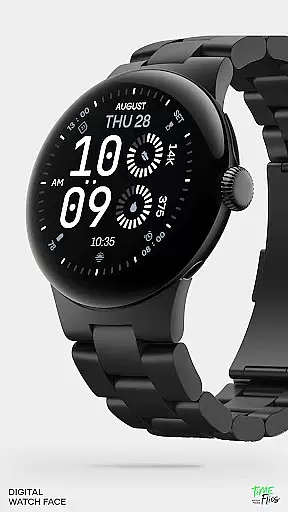
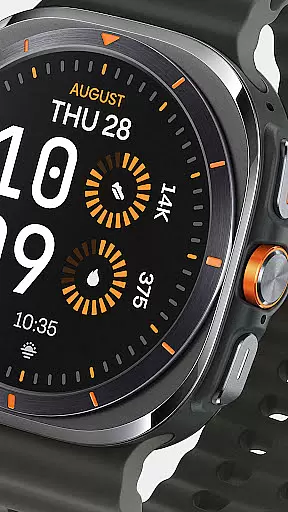
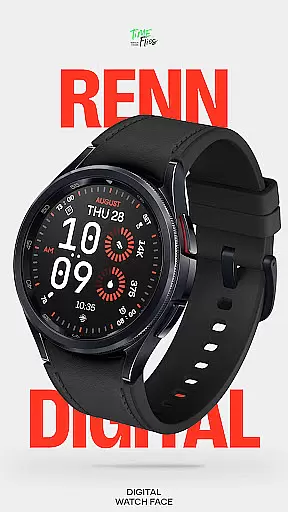
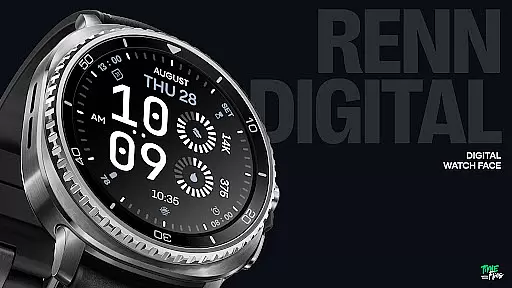
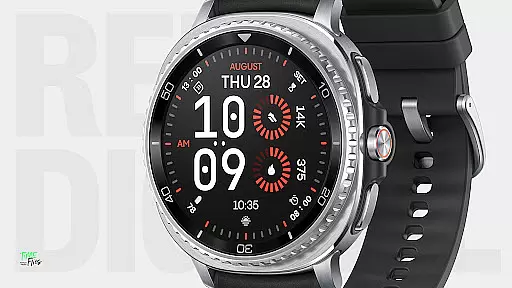
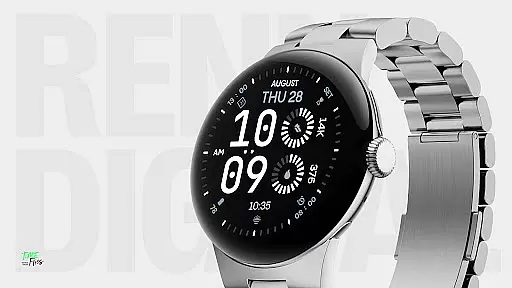
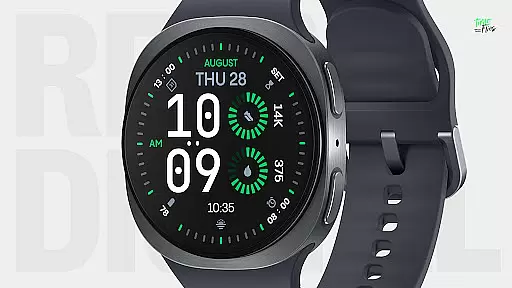
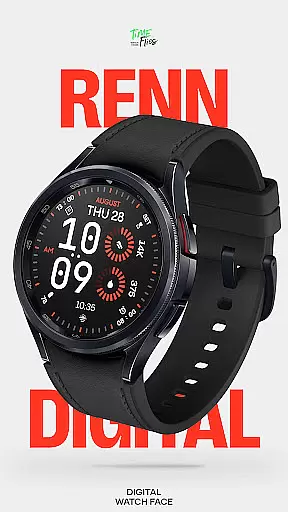
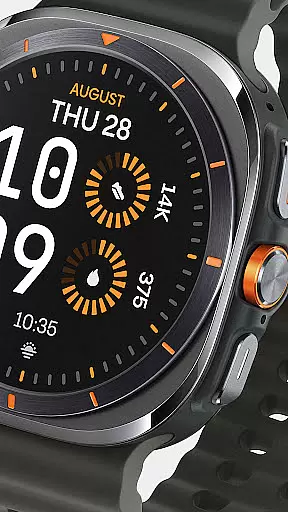
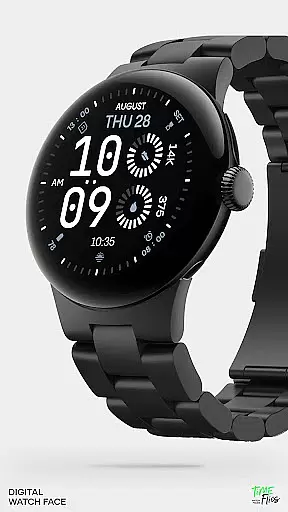
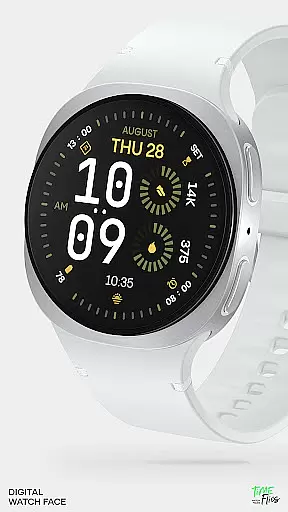
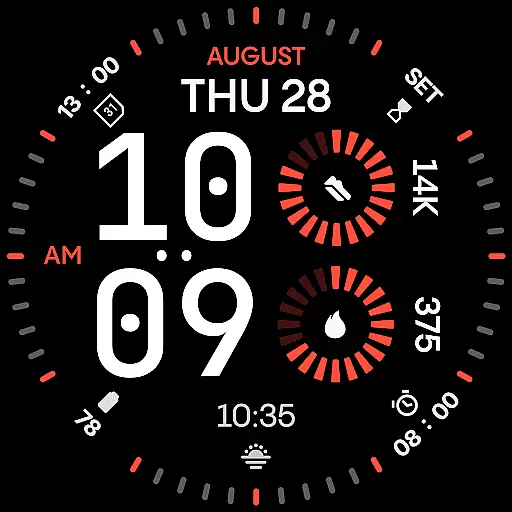
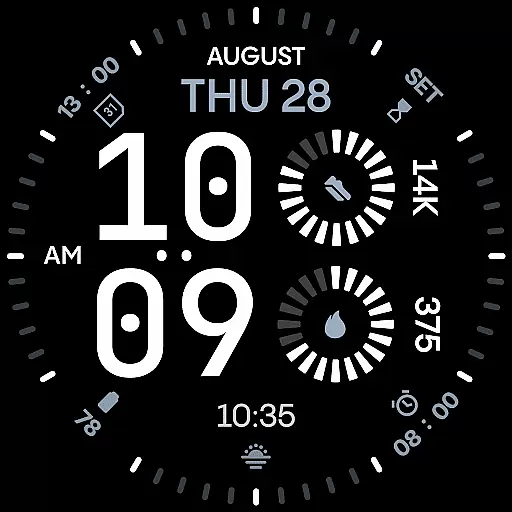
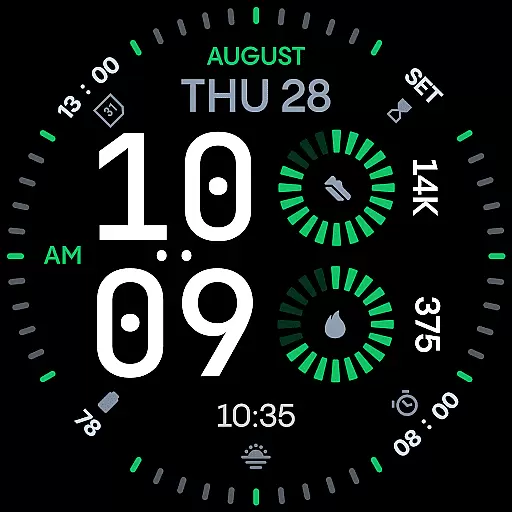
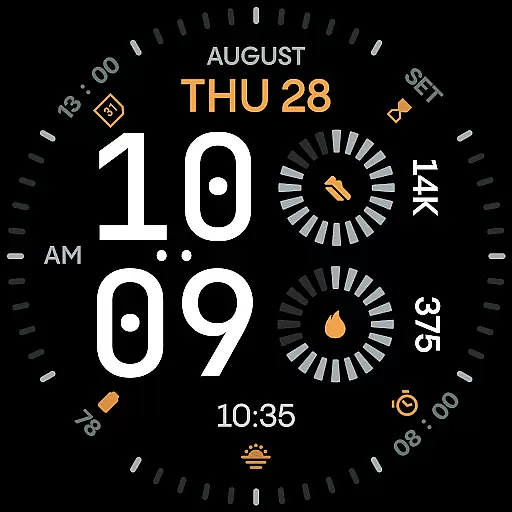
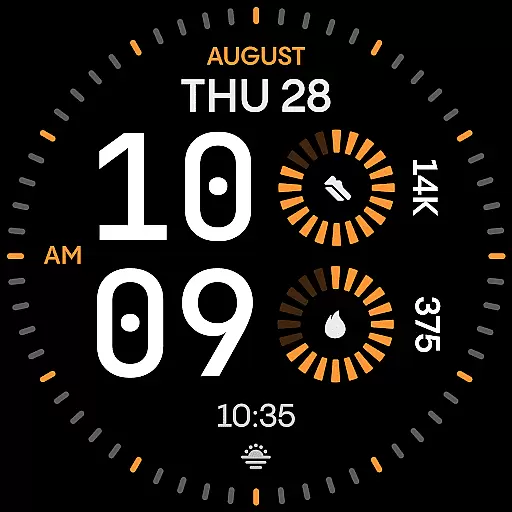
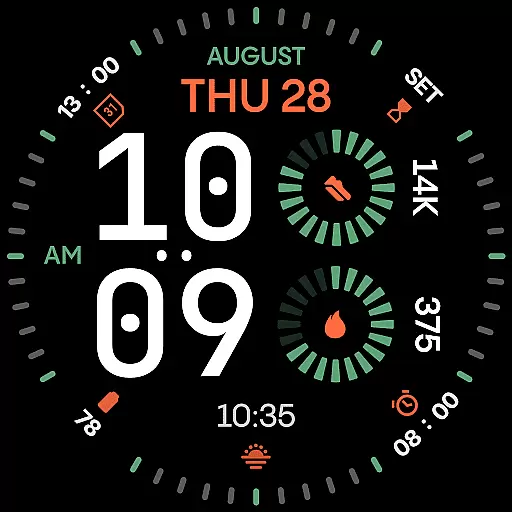
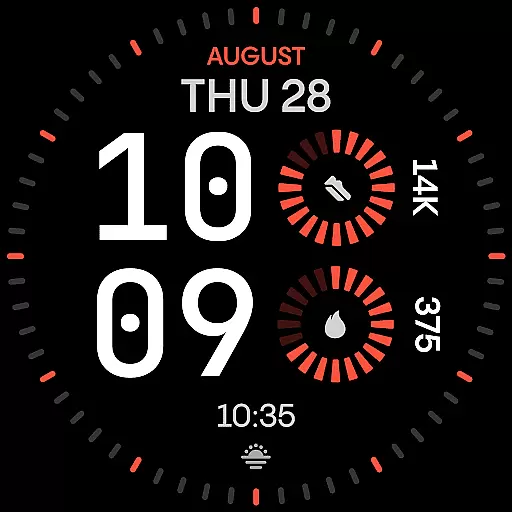
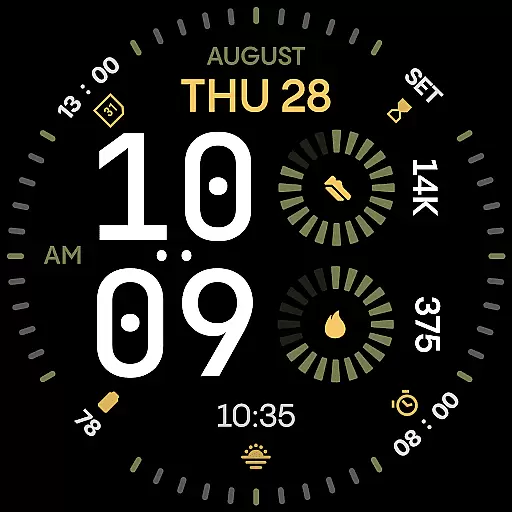
Renn Digital Watch Face is a striking digital-first design crafted for Wear OS smartwatches. It features bold, geometric typography and a precise outer dial that ensures optimal legibility at a glance. The watch face offers 7 customizable complications, allowing users to display key stats such as steps, heart rate, or weather information in a clear and visually appealing format.
With 30 high-contrast color themes and optional tic marks, users can personalize their experience while maintaining a sleek appearance. Its 5 Always-On Display modes balance visibility with battery efficiency, making it both stylish and practical. Designed specifically for digital displays, Renn Digital combines aesthetics with functionality, ensuring smooth performance and reduced power consumption.
This watch face is ideal for users seeking clarity and customization without compromising on style or performance. Whether you're at work, the gym, or outdoors, Renn Digital adapts seamlessly to your lifestyle, offering an expressive yet functional timepiece solution.
Renn Digital Watch Face stands out through its modern design language and advanced customization options. The oversized digital typography provides exceptional readability, while the AM/PM indicator and blinking colon toggle cater to user preferences for cleaner visuals. With support for 7 complications—including radial progress indicators and short text formats—users can access real-time data like step counts, heart rate, and weather updates effortlessly.
The inclusion of 30 bold color themes allows users to tailor the appearance of their watch face to match their personal style. Optional outer dial tic marks add further refinement, enabling minimalist designs when turned off. Additionally, the 5 Always-On Display modes ensure visibility even during idle states, with options ranging from detailed layouts to ultra-minimalist styles.
Built using the latest Watch Face File format, Renn Digital prioritizes energy efficiency without sacrificing visual appeal. Smooth interactions and smart refresh behaviors contribute to reduced battery drain, enhancing overall usability. For added convenience, the optional Time Flies companion app simplifies updates and installations, providing a seamless user experience.
Companion app integration plays a crucial role in enhancing the functionality of wearable devices like smartwatches. For Renn Digital Watch Face, this integration is achieved through the optional Time Flies companion app. This app serves as a bridge between your smartphone and Wear OS smartwatch, ensuring seamless communication and interaction.
The Time Flies companion app allows users to discover new watch faces, receive timely update notifications, and manage installations effortlessly. By providing a centralized platform for managing watch faces, it simplifies the process of customizing and updating your smartwatch's appearance. This ensures that users always have access to the latest features and improvements without needing to manually check for updates.
For users of Renn Digital Watch Face, the companion app enhances the overall experience by offering additional control and convenience. Whether you want to switch to a new color theme or adjust complication settings, the app streamlines these tasks. Ultimately, this integration empowers users to make the most of their smartwatch, combining style and functionality in a cohesive package.
Device compatibility is a fundamental aspect of any Wear OS application, ensuring that the software runs smoothly across various smartwatch models. Renn Digital Watch Face is designed specifically for Wear OS, guaranteeing broad compatibility with a wide range of devices. This means users can enjoy the bold, modern design and advanced features regardless of their specific smartwatch model.
Built using the latest Watch Face File format, Renn Digital is optimized for energy-efficient performance. This ensures that the watch face not only looks great but also minimizes power consumption. Smooth interaction and smart refresh behavior further enhance the user experience, making daily interactions with the smartwatch both visually appealing and battery-friendly.
Moreover, Renn Digital supports five Always-On Display (AoD) modes, allowing users to balance visibility and battery savings according to their preferences. Whether you need detailed information at a glance or prefer an ultra-minimal display, these options cater to diverse needs. Overall, the thoughtful design and optimization ensure that Renn Digital Watch Face delivers a superior experience on all compatible Wear OS devices.
Highly customizable
Excellent readability
Energy-efficient design
Modern aesthetic appeal
Versatile complication options
Limited analog appeal
Premium feature lock-in
Requires Wear OS
Companion app needed
Complex setup process

Embrace the holiday spirit with this magical animated watch face!
 4.40
4.40
Elegant animated Christmas tree with multiple customization options
4.20
Be an elegant and classy secret agent, with this carefully detailed watch face
4.70
Your second brain for organizing your life: to-do, calendar, reminder.
4.70
The Chevron App allows you to pay for fuel from the comfort of your car!
4.80
A modern hybrid informative watch face for Wear OS designed by BALLOZI
4.80
Premium hybrid watch face with many customizations for Wear OS devices.
4.40
Daily Weather forecast with 15 weather images for Day & Night plus Big Bold time
4.10
Control your Samsung Smart TVs, appliances, and SmartThings-compatible devices
4.60
Digital, flexibly customizable watch face. For Wear OS 5.0, API 34+ and later.
5.00
WTW M17 is a premium and luxurious hybrid watch face
4.70
Monitor health with the stress test and pulse checker in the heart rate app.
4.60
Stylish, Energizing and Modern Watch Face crafted by Dominus Mathias.
4.50
"PER27 Galaxy Digital" is a digital Wear OS watch face designed by PERSONA
4.10
Connect, create, and collaborate with Gmail, part of Google Workspace.
4.10
Viewer for Wyze/Yi/Eufy/Arlo/ONVIF/RTSP/P2P IP cams w/ adv. features & DIY DVR
4.00
Wear Os Watch Face - Animated Snow - Sesonal for Christmas & Winter
4.4
A heartwarming Christmas scene featuring a cute image of Santa and Rudolf
4.4
3 Complications. All shadow on/off. 30 Themes color palette...
4.5


User Reviews