
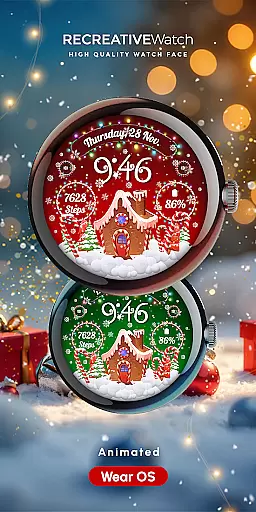
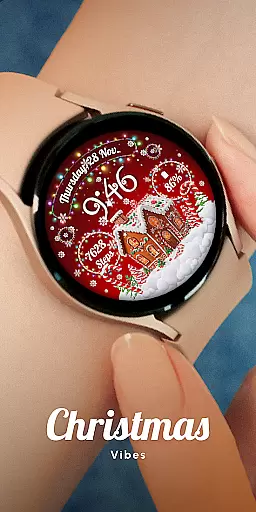
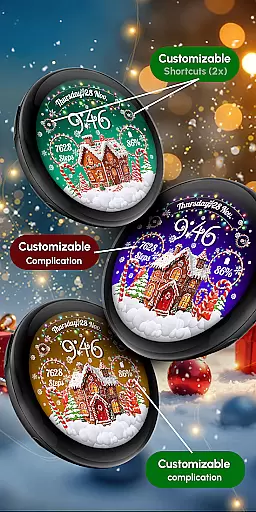
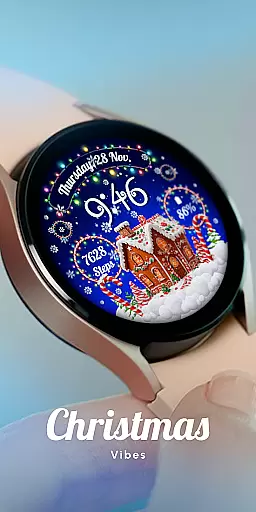
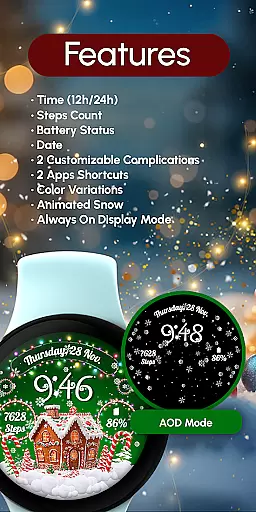
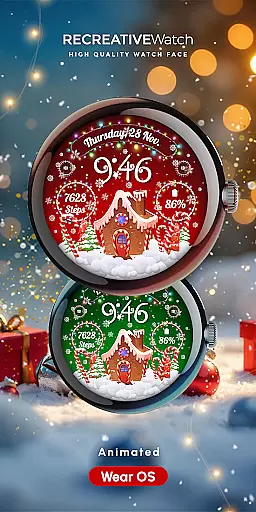
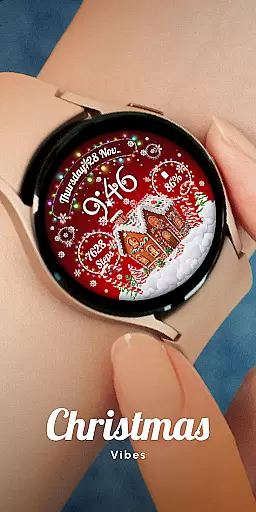
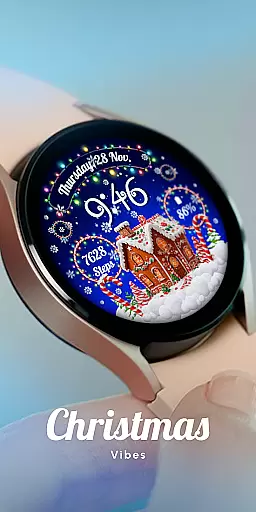
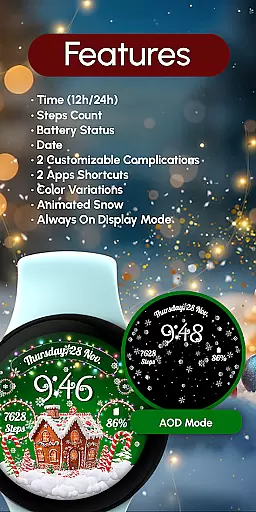
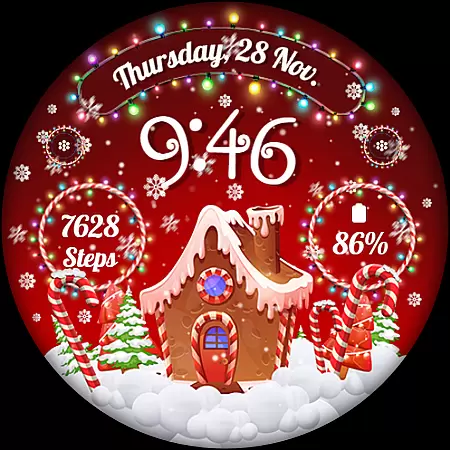
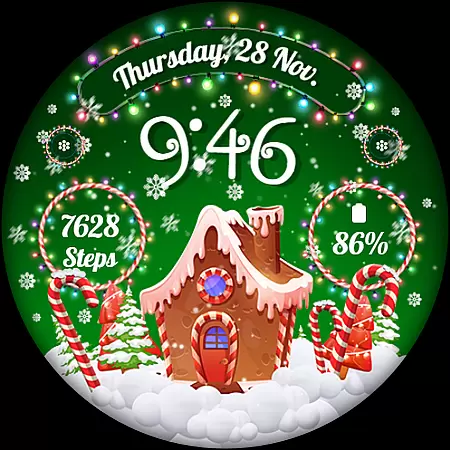
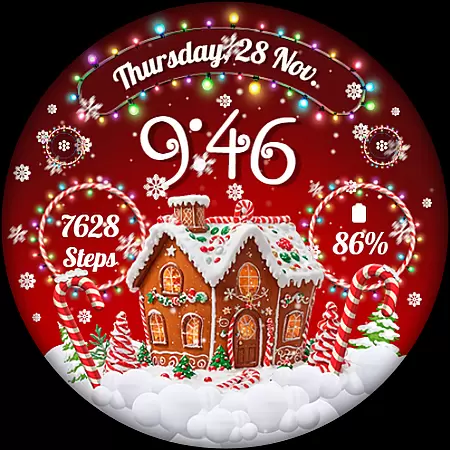
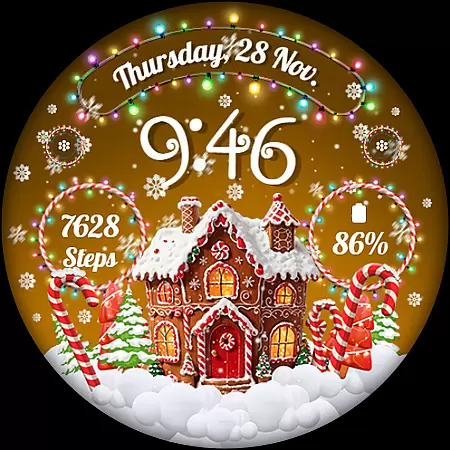
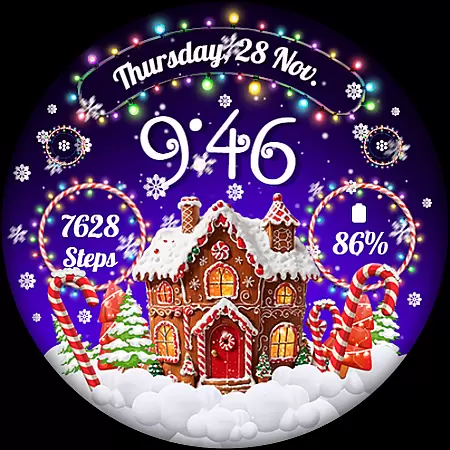
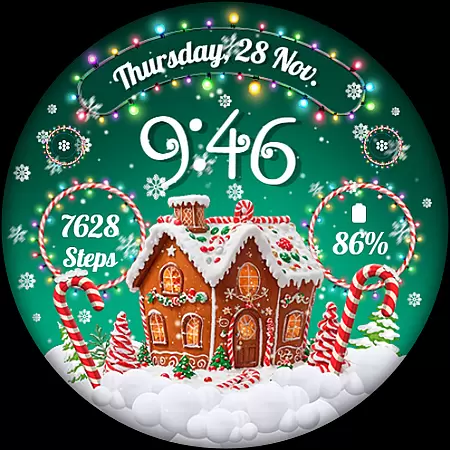
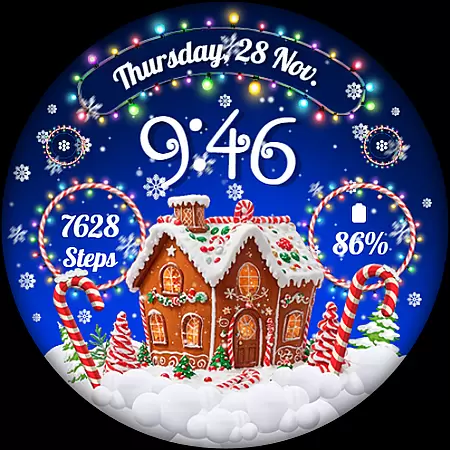
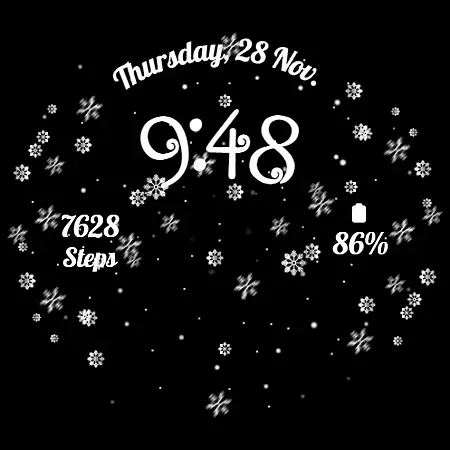
RW01 is a festive Wear OS watch face designed to bring holiday cheer to your wrist. Featuring animated snow and charming gingerbread houses, it offers a magical way to celebrate the season. The watch face provides essential functionalities including digital time display, date, battery status, and step count.
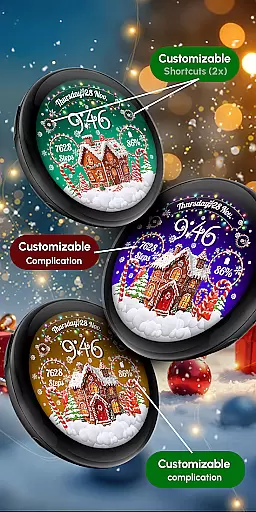
With customizable complications and shortcuts, users can personalize their experience. It supports multiple scenes, color variations, and an Always ON Display mode. Compatible with API level 33+ devices, this app ensures broad device support while delivering both aesthetic appeal and practical utility.
The RW01 watch face stands out with its unique holiday theme, complete with animated snow and festive graphics. It includes practical features such as 12/24hr digital time, date display, battery indicator, and step counter. Users can further enhance functionality through two customizable complications and shortcuts.
Customization options allow users to adjust the appearance by choosing from three different scenes and various color variations. For optimal battery performance, users can disable the Always ON Display feature. This combination of visual charm and customizable utility makes RW01 a versatile choice for Wear OS users during the holiday season.
Companion app integration is essential for a seamless wearable experience. The RW01 Wear OS Christmas Watch Face offers users the ability to customize their watch face directly from their smartphone, ensuring a smooth connection between devices.
This application allows users to adjust various settings such as complications and shortcuts through an intuitive interface on their mobile device. By touching and holding the display, users can access customization options that sync with their wearable, providing a hassle-free setup process.
The convenience of managing your watch face via a companion app enhances user engagement and satisfaction. With just a few taps, users can modify scenes, color variations, and enable features like animated snow, making their festive season more joyful and personalized.
Overall, this integrated approach not only simplifies the customization process but also enriches the user's interaction with their smartwatch, offering a cohesive and delightful experience during the holiday season.
Ensuring broad device compatibility is crucial for any Wear OS application. The RW01 Christmas Watch Face is designed to work seamlessly with API level 33+ devices, including popular models like Google Pixel, Galaxy Watch 4, 5, 6, 7, and other Wear OS models.
This wide compatibility range guarantees that most Wear OS users can enjoy the magical features of this watch face without worrying about technical limitations. Whether you own a newer or older model within the supported range, you can expect consistent performance and visual appeal.
For optimal battery performance, it's recommended to disable the 'Always ON Display' mode. This feature helps in conserving battery life while still enjoying the festive animations and detailed designs of the watch face.
By focusing on extensive device support and offering practical tips for better battery management, the RW01 ensures a reliable and enchanting experience for all compatible Wear OS devices, enhancing the joy of the holiday season right on your wrist.
User-friendly interface
Highly customizable
Festive design elements
Broad device compatibility
Practical features included
Limited to holiday theme
Battery drain on Always ON
Customization not intuitive
Requires newer devices
No advanced health metrics

Diet tracker for weight loss - track calories, food and macros. Simple and easy!
 4.70
4.70
Calming & relaxing sounds for sleeping and stress relief. Stay focused all day!
4.20
Highly customizable hybrid watch face for Wear OS, perfect for everyday use.
4.60
Christmas is near, let's count together the days left until Santa comes
4.3
MyNISSAN® lets you remotely control your car from your phone.*
4.50
Analog watch face with 8 complications and expedition styling
4.2
The most customizable minimal watch face. For Wear OS 5.0, API 34+ and later
4.70
Fast and smart typing with Emojis, GIFs, and more
4.50
Track your active life in one place and share the journey with friends.
4.40
Gym Log & Workout Tracker | Fitness Journal, Training & Weight Lifting Planner
4.90
Easy Voice Recorder is your everyday companion to record important moments.
4.70
Ideal for surviving in the wasteland left after nuclear fallout
4.50
Current temperature, weather hourly, weather radar by the weather forecast app
4.40
Bold, Modern Hybrid Watch Face for Wear OS. 10 Colors, Rich Info Display.
4.30
A customizable Christmas watch face for Wear OS with a countdown.
4.20
Snowflake Rose Gold Watch Face - Digital, modern, & sleek with GYRO effect.
4.10
A digital watch face that celebrates Christmas.
4.00
A watch face that fuses motorsport precision with contemporary smartwatch design
4.2
Simple Analog-Digital Watchface For Wear OS 3.0 and Up Smartwatches
4.5


User Reviews