
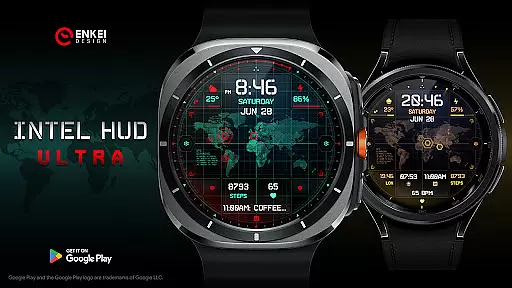
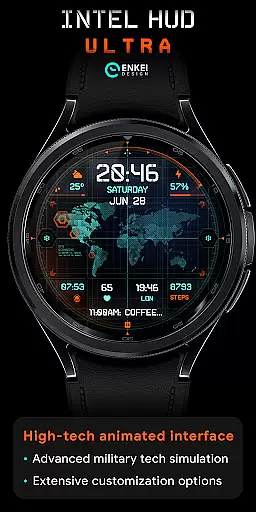
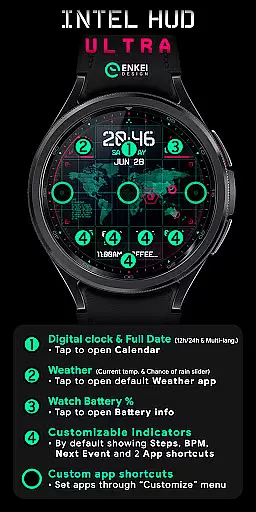
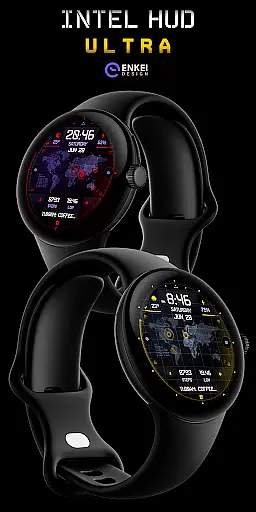
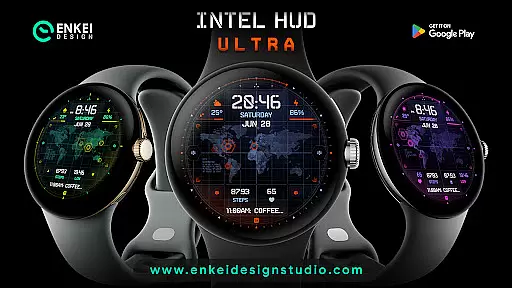
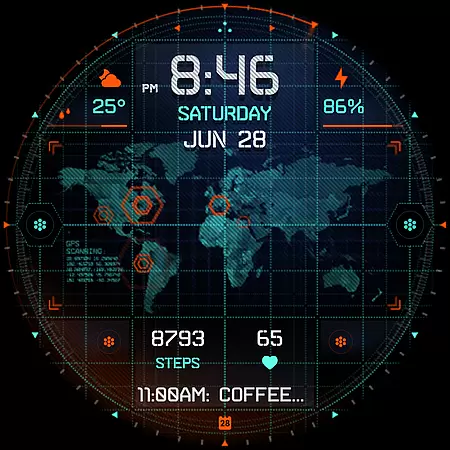
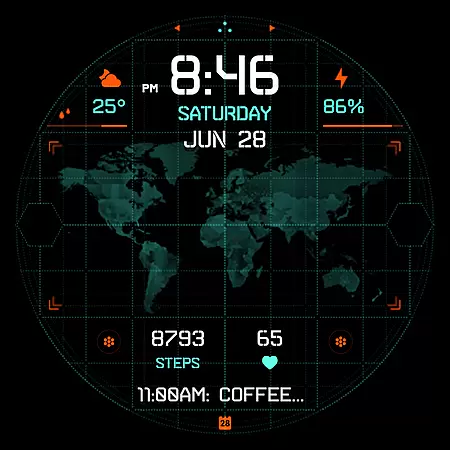
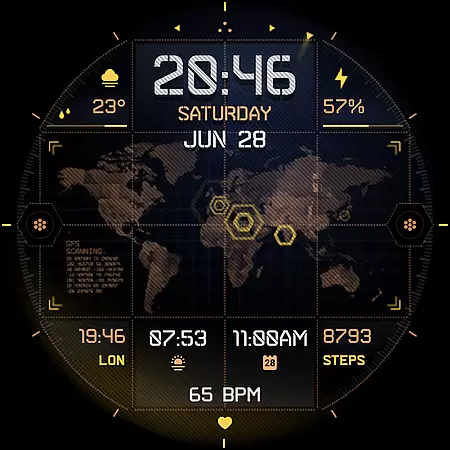
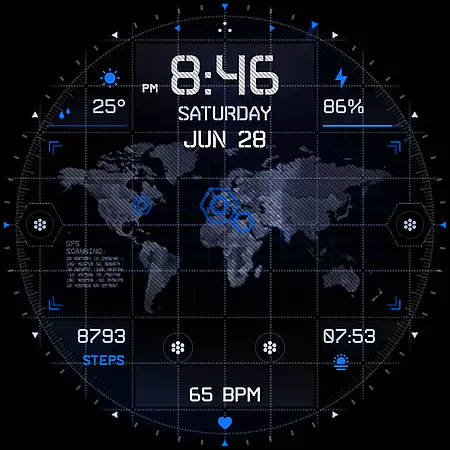
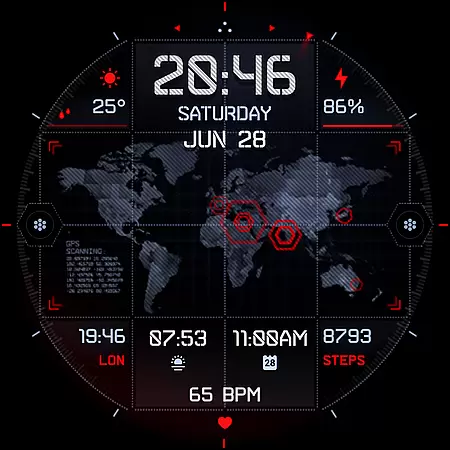
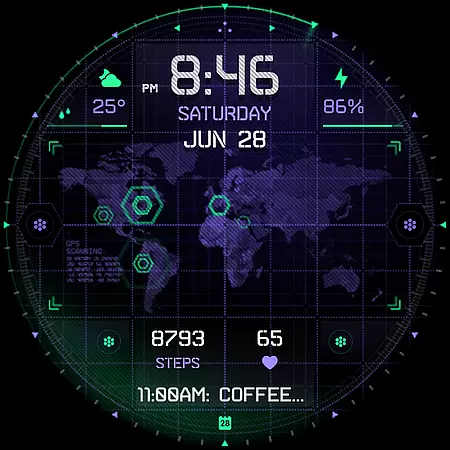
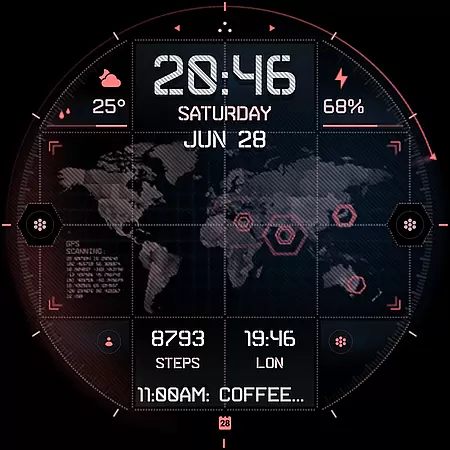
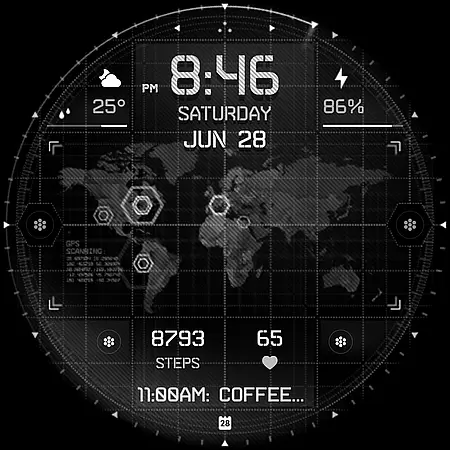
INTEL HUD Ultra is a high-tech digital watch face designed for smartwatches running Wear OS 5.0 and newer versions. This animated interface combines advanced military-inspired design with practical functionality, offering users an optimized experience that minimizes battery drain while maximizing performance.
The watch face features extensive customization options, allowing users to personalize their layout by adjusting indicators, colors, and other visual elements. With support for weather updates, app shortcuts, and health metrics like heart rate and step count, INTEL HUD Ultra provides both utility and style in one package.
INTEL HUD Ultra stands out with its feature-rich design tailored for tech-savvy users. The digital clock supports both 12h and 24h formats and includes tap-to-open functionalities for apps such as Calendar and Weather. Users can also access battery information or check the chance of rain at a glance.
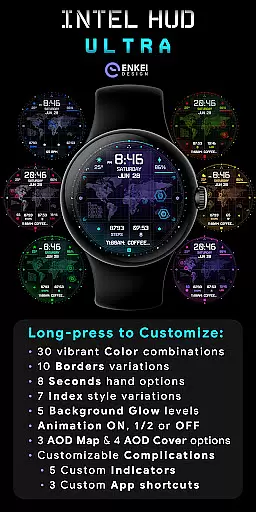
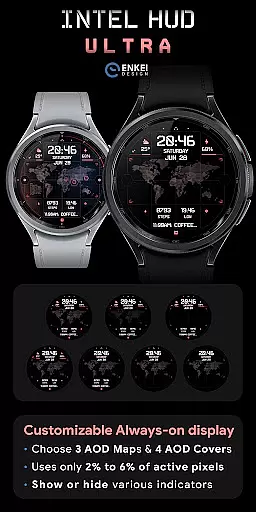
Customization is at the core of this watch face, with options ranging from color schemes and borders to seconds display and background glow levels. Additionally, it offers three customizable app shortcuts and five custom indicators, ensuring each user's layout is unique. Long-press actions provide quick access to these settings, making personalization seamless and intuitive.
Companion app integration is a crucial feature for Android Wear applications like INTEL HUD Ultra. This functionality ensures seamless synchronization between the watch face and its companion app on your phone.
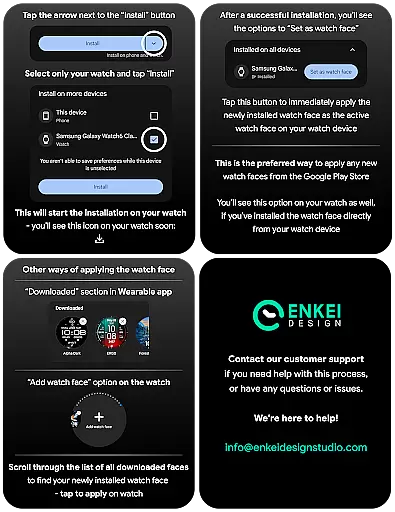
The companion app of INTEL HUD Ultra serves as a bridge to facilitate direct installation to your watch device. It simplifies the setup process by providing clear instructions and ensuring that all features are correctly transferred to the wearable. This guarantees that users can access the full range of customization options and high-tech features without hassle.
By using the companion app, users can easily manage their watch face settings from their phone. This includes adjusting the layout style, choosing color schemes, and configuring various visual elements. The ability to control these aspects from a more extensive interface enhances user convenience and satisfaction.
Overall, the companion app integration in INTEL HUD Ultra not only streamlines the installation process but also enriches the user experience by allowing comprehensive management of the watch face directly from the phone.
Ensuring compatibility with Wear OS and various devices is essential for any Android Wear application, including INTEL HUD Ultra. This compatibility allows the app to function optimally across different smartwatch models running Wear OS 5.0 and newer versions.
INTEL HUD Ultra is specifically optimized for devices operating on API 34 and above. This ensures that users benefit from the latest advancements in smartwatch technology, such as improved performance and expanded customization options powered by Watch Face Format. By targeting newer OS versions, the app delivers enhanced security and efficiency.
Device compatibility extends beyond just the operating system. INTEL HUD Ultra's design accommodates a wide array of smartwatch models, ensuring that animations and interactive elements perform consistently well. Users can enjoy a high-tech animated interface with minimal battery drain regardless of their specific device.
In summary, the robust Wear OS and device compatibility of INTEL HUD Ultra ensure that users receive a reliable, feature-rich experience tailored to the capabilities of their smartwatches.
Highly customizable
Battery efficient
Military-inspired design
Tap-to-open features
Vibrant color options
Wear OS 5.0 required
Complex setup process
Limited device compatibility
No iOS support
Premium pricing

MyNISSAN® lets you remotely control your car from your phone.*
 4.50
4.50
Elegant animated Christmas tree with multiple customization options
4.20
Sleek, highly customizable watch face inspired by Galaxy Watch Circle Dashboard.
4.5
Ideal for surviving in the wasteland left after nuclear fallout
4.50
Structured watch face with seven complications and modular UI elements
3.90
Find EV charging stations
4.30
Connect to your Bluelink equipped Hyundai vehicle from your smartphone.
4.50
The #1 source of faces for your smartwatch!
4.00
Period, ovulation & pregnancy tracker. Fertility insights & menstrual calendar.
4.90
Deck out your Wear OS Watch face with a beautifully decorated pine wreath!
4.50
Fast and smart typing with Emojis, GIFs, and more
4.50
Premium hybrid watch face with many customizations for Wear OS devices.
4.40
Locate your family members by GPS phone location tracker everywhere and anytime
4.30
A customizable Christmas watch face for Wear OS with a countdown.
4.20
Let's celebrate Thanksgiving - Wear Os watch face
4.20
"PER27 Galaxy Digital" is a digital Wear OS watch face designed by PERSONA
4.10
Get helpful reminders, take progress photos and find answers to your questions.
3.90
an Analog Watch Face for winter season with freeze winter background for Wear OS
4.4
Artistic Digital Watchface
4.0


User Reviews