
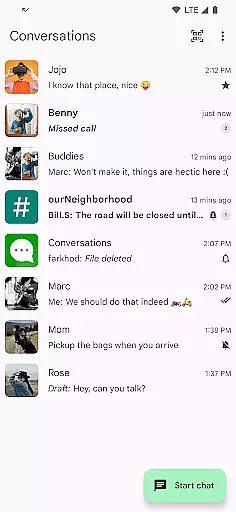
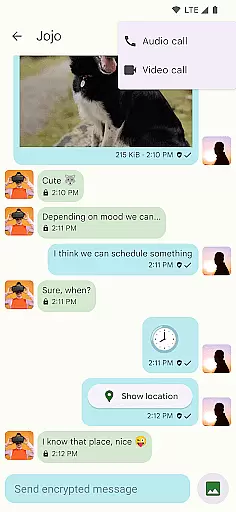
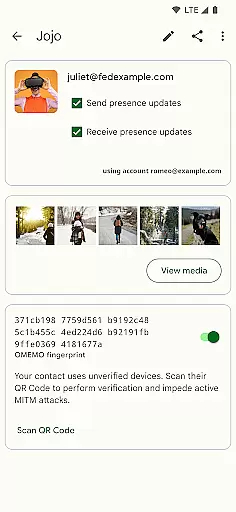
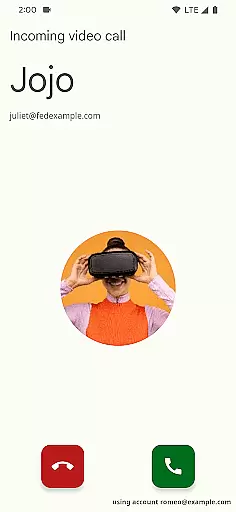
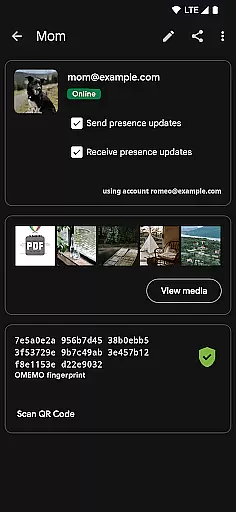
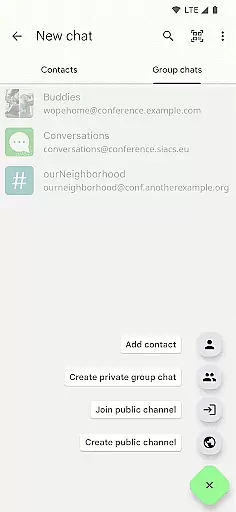
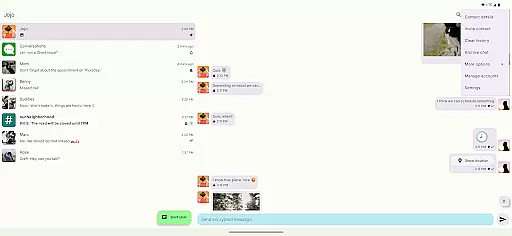
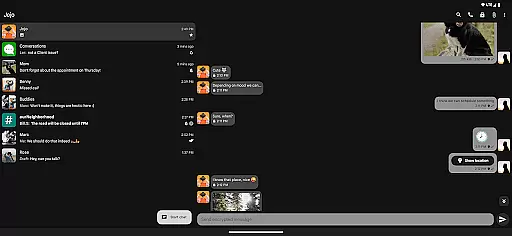
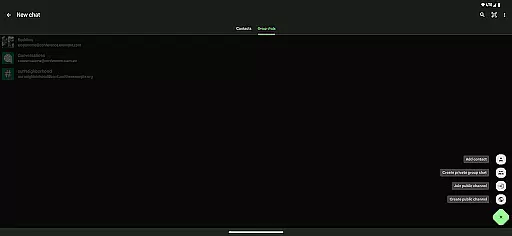
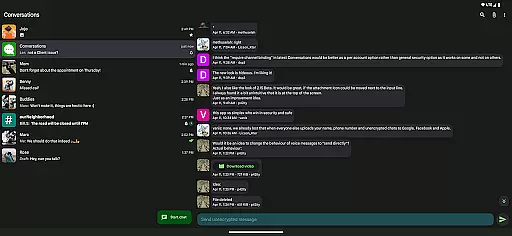
Conversations is a free and open-source Jabber/XMPP client for Android, designed to provide secure and reliable messaging. It offers end-to-end encryption by default, ensuring user privacy across all communications. The app supports modern features such as image sharing, group chats, and location sharing, making it versatile for both personal and professional use.
Built with user experience in mind, Conversations follows Material Design 3 guidelines, offering an intuitive interface with dynamic colors and high-resolution avatars. Its battery-friendly design ensures minimal impact on device performance while maintaining seamless synchronization with desktop clients like Gajim and Dino.
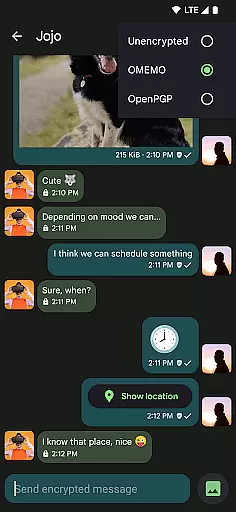
Conversations stands out with its robust feature set tailored for secure communication. It supports OMEMO and OpenPGP for end-to-end encryption, along with encrypted audio and video calls using DTLS-SRTP. Advanced security measures include machine-in-the-middle detection via channel binding, which users can opt into for enhanced protection.
The app integrates practical functionalities such as sending voice messages, reacting with emojis, and indicating message read status. Additionally, it allows address book integration, multiple account management through a unified inbox, and synchronization with popular desktop clients. These features collectively ensure a comprehensive yet user-friendly messaging experience.
Real-time messaging speed and reliability are crucial for any communication app, ensuring that messages are delivered instantly and consistently. Conversations (Jabber / XMPP) excels in this area by leveraging the robust Jabber/XMPP protocol, which is known for its efficient message delivery system.
This app supports end-to-end encryption with OMEMO or OpenPGP, guaranteeing that your communications remain private and secure while maintaining high-speed transmission. The advanced machine-in-the-middle detection via channel binding adds another layer of security, making sure that the messages are not only fast but also tamper-proof.
Users benefit from features like indication when contacts have read their messages and emoji reactions, which enhance interaction without compromising on speed. These functionalities ensure a seamless user experience, keeping you connected with your contacts effortlessly and reliably.
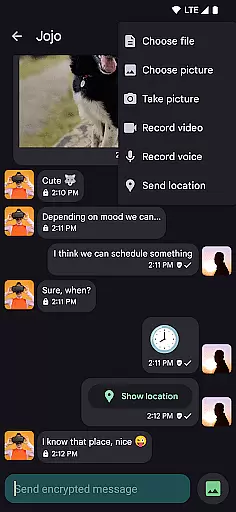
Media sharing support is an essential feature for modern messaging apps, allowing users to send and receive various types of files easily. Conversations (Jabber / XMPP) offers built-in support for images, making it convenient to share photos with friends and family directly through the app.
In addition to images, the app enables the sharing of other kinds of files, providing versatility for both personal and professional use. Whether you need to send documents, voice messages, or even your location, Conversations has got you covered, enhancing the way you communicate.
The app's media sharing capabilities are designed to be battery-friendly, ensuring that you can share media without worrying about excessive power consumption. This thoughtful design ensures that users enjoy a reliable and efficient media sharing experience, aligning with the appu2019s commitment to being easy to use and dependable.
User-friendly interface
End-to-end encryption
Battery-efficient design
Multi-account support
Desktop synchronization
Requires compatible servers
Limited server-side features
No built-in cloud backup
Advanced settings may overwhelm
Fewer visual customizations

We’re taking the yada yada out of wireless—now we’ve taken it out of your app.
 4.70
4.70
SMS Messenger ensures that communication become effortless and accessible.
3.80
This app enables the phone to receive and send FT8 traffic!
3.80
Welcome to the future of phone service.
4.60
Messenger, an MMS & SMS messages app with Blockers, Driving mode & Private box
4.60
Call Blocker app: Identify unknown callers, block spam calls, fraud & robocalls
4.30
An agentic AI browser for Android, built by Perplexity
4.50
Watchgram for Telegram: Experience seamless Telegram messaging on your watch
1.80
Share the moment!
4.10
Read OBD2 data and DTCs Create custom dashboards Enhanced diagnostics available
4.70
Messenger for SMS - texting message app, faster, simpler & safer, for you.
4.70
Adblock & VPN Browser: Blocks banners, pop-ups and video ads, fast downloader!
4.60
Stay in touch with the people who matter most.
4.60
Manage your mobile phone plan, check unlimited 5g data usage and track rewards
4.50
Our Black Friday sale is here. Unlock special discounts on Proton Mail now.
4.30
Chill zone on your phone: relax with fun reels & hype shorts!
4.20
Telegram is a messaging app with a focus on speed and security.
4.00
Auto Reply SMS, Text Messaging, Away SMS Response, Busy SMS messages, Block Text
3.10
Comprehensive and powerful scan tool app with enhanced functions
3.00


User Reviews