
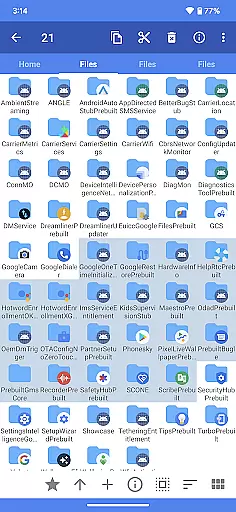
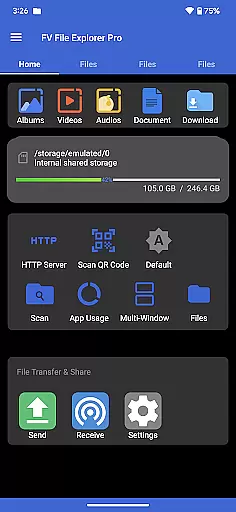
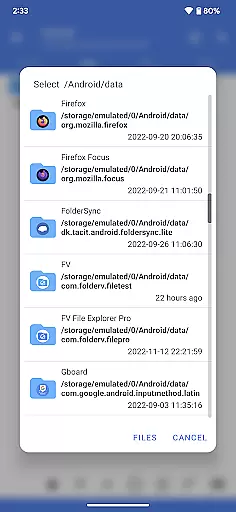
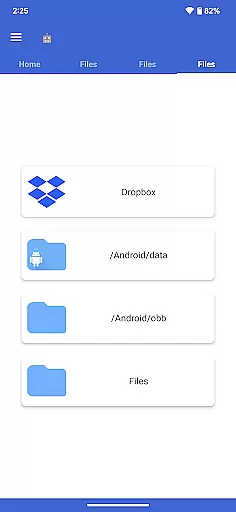
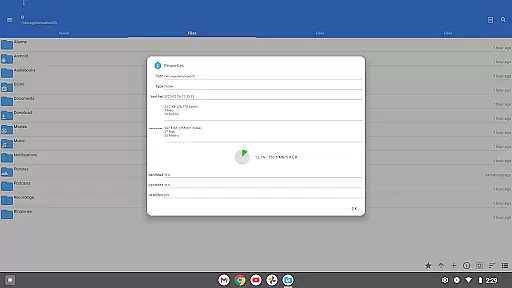
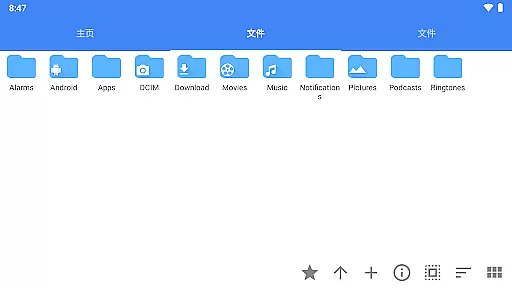
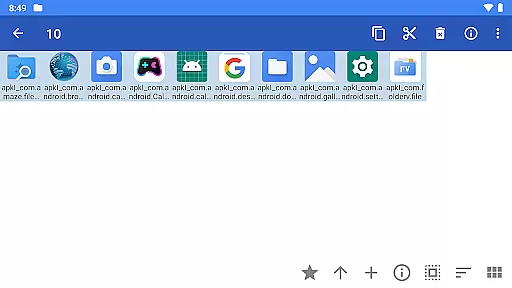
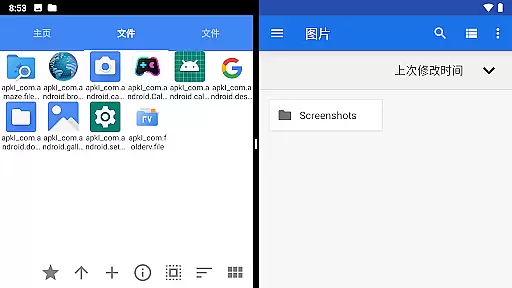
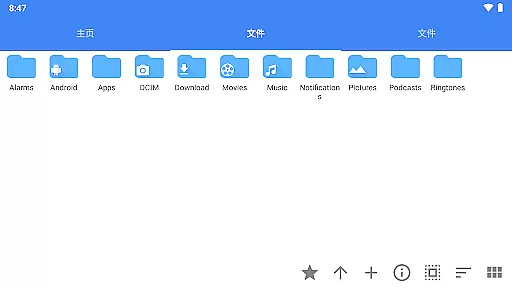
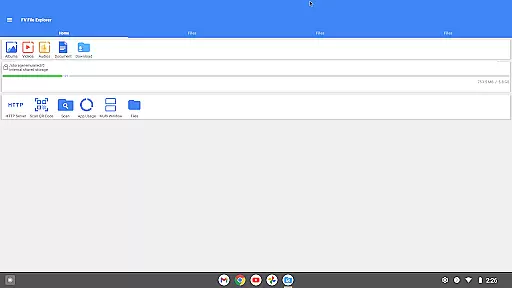
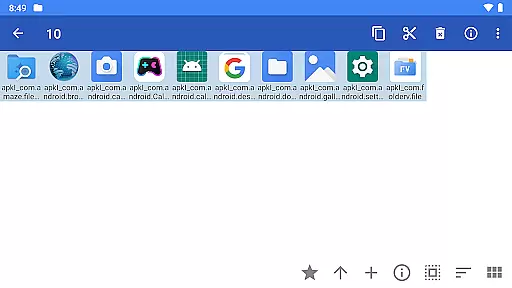
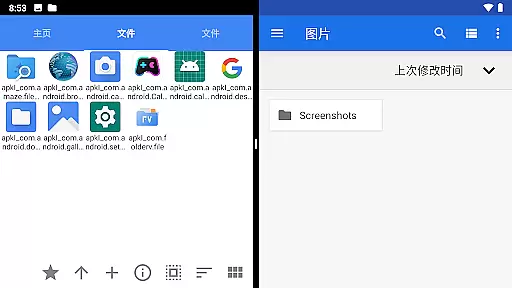
FV File Pro is a fast and powerful file manager for Android, designed to provide users with an efficient way to manage their files. It allows access to critical directories like /Android/data and /Android/obb on Android 13 without requiring root permissions. The app features a Material Design UI that ensures ease of use while supporting multiple image formats including JPG, PNG, BMP, TIFF, and more.
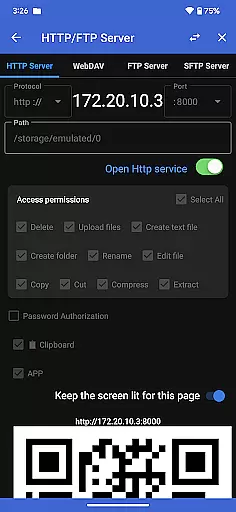
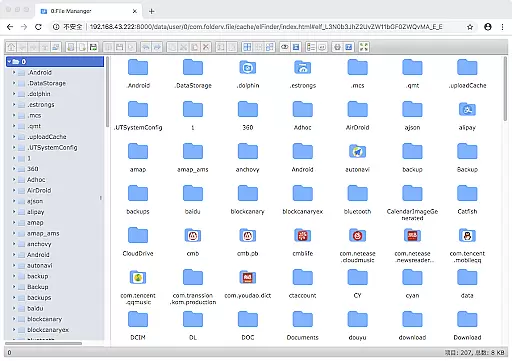
One of the standout capabilities of FV File Pro is its support for managing files over a wireless network via HTTP, FTP, or SFTP within the LAN, eliminating the need for data cables. Additionally, it offers WebDAV server functionality, Treemap visualizations for storage, and tools for scanning QR codes and barcodes. These features make it an indispensable tool for users who need robust file management on their Android devices.
FV File Pro stands out with its comprehensive feature set tailored for advanced file management. The app supports viewing multiple image formats such as JPG, PNG, BMP, and specialized formats like HEIF and AVIF. It also excels in handling compressed files, allowing users to extract ZIP, RAR, 7z, ISO, and DMG files effortlessly.
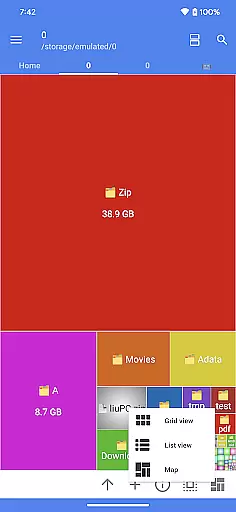
Another remarkable feature is the ability to manage files over a wireless network using protocols like HTTP, FTP, or SFTP, facilitating seamless file transfers between computers and mobile devices without using data cables. The integrated WebDAV server enables users to connect from their Mac's Finder directly. Furthermore, the Treemap visualization tool helps users understand their storage usage by representing files as colored rectangles, sized proportionally to their actual file sizes.
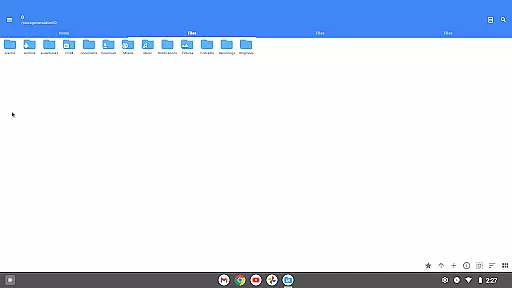
FV File Pro stands out as a robust file management tool designed for Android users who need efficient and reliable access to their device's storage. The app allows users to navigate through directories such as /Android/data and /Android/obb on Android 13 without requiring root permissions, ensuring that all files are accessible while maintaining system security.
One of the key features of FV File Pro is its support for multiple file formats. Whether it's image files like JPG, PNG, BMP, or compressed files such as ZIP, RAR, and 7z, the app provides seamless extraction and viewing capabilities. This versatility ensures that users can manage various types of content with ease, making it an indispensable tool for both casual and power users.
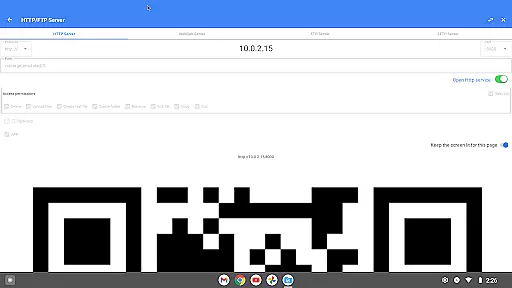
In addition to local file management, FV File Pro offers advanced networking options. Users can transfer files over a wireless network using protocols like HTTP, FTP, or SFTP within a local area network (LAN). This eliminates the need for data cables and allows convenient sharing between computers and mobile devices without consuming mobile data.
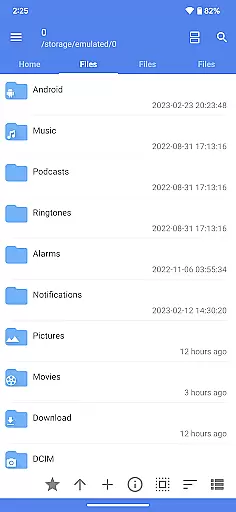
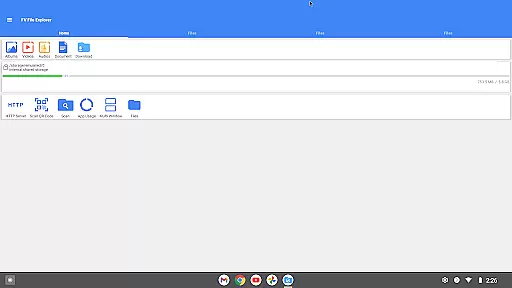
The user interface of FV File Pro follows Material Design principles, providing a clean and intuitive experience. Its visually appealing layout ensures that even those new to file management can quickly adapt to its functionalities. The design prioritizes ease of use, allowing users to perform complex tasks without feeling overwhelmed by unnecessary complexity.
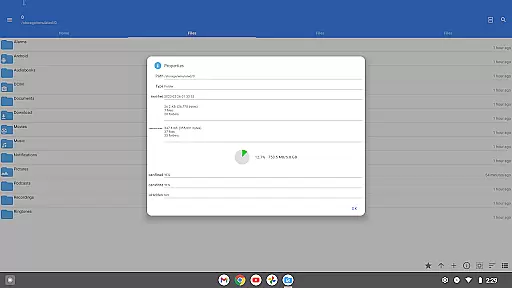
A standout feature is the treemap visualization for storage management. Each file is represented as a colored rectangle, with its size proportionate to the file's actual dimensions. Directories form larger rectangles containing all their files and subdirectories, offering a clear overview of storage usage. This innovative approach helps users identify large files and optimize their device's storage efficiently.
Moreover, FV File Pro includes additional tools that enhance productivity. For instance, it supports QR code and barcode scanning, markdown file previews, and HTTP file downloads. These features not only simplify everyday tasks but also contribute to a more streamlined and enjoyable user experience, reinforcing the app's reputation as a comprehensive and user-friendly file manager.
User-friendly interface
Wireless file management
Advanced image support
Compressed file extraction
Storage visualization tools
No cloud integration
Limited video support
Occasional bugs
Complex for beginners
Ads in free version

Unit and currency converter with easy and simple UI.
 4.80
4.80
Remote for Roku, Fire TV, Samsung TV, LG TV, Android TV, Chromecast and VIZIO TV
4.20
Use your phone as a webcam on your computer over WiFi or USB.
4.40
Save any video in HD - paste the link, download fast and watch offline.
4.1
card-reader app
2.20
Bedrock Together: Join any bedrock server on Xbox/PS
4.80
The ultimate tool for network analysis, wifi scanning and problem detection.
4.90
Creation, Learning, Entertainment & More — The All-in-One AI Search Engine
4.70
Protect your device with antivirus, storage cleanup, and system monitoring
4.70
Connect wirelessly to your computer to watch movies, browse the web, play games
5.00 4.50
4.50
With videos, electrical calculators, and built-in ebook, Ugly’s has your answer.
4.50
Mirror your screen to Fire TV - Super fast and simple
4.40
Complete kernel toolbox with features to manage and tweak your rooted device
4.30
Effortlessly run ADB commands directly on your device without a PC.
4.20
Signal Strength, Mobile, Wifi, Speed Test, Bad Signals, Cellular, 5G, LTE, 4G
4.20
Screen Mirroring with sound for Samsung TV, LG TV, Sony TV, Smart TV and Browser
4.20
Fun lie-detection pranks for friends and parties.
3.80
Download any file easily and quickly with Downloader
4.5


User Reviews