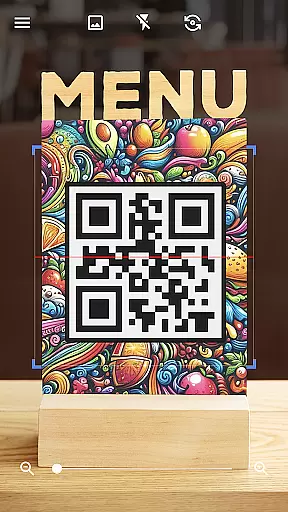
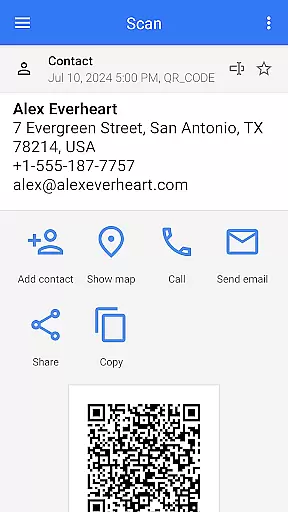
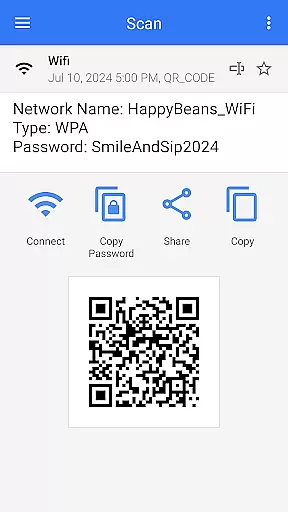
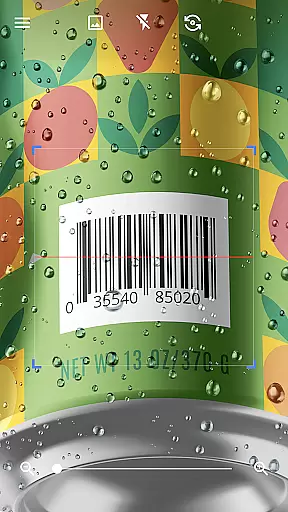
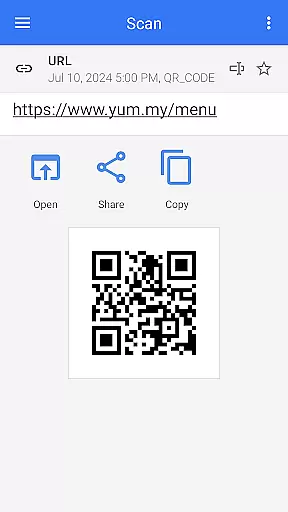
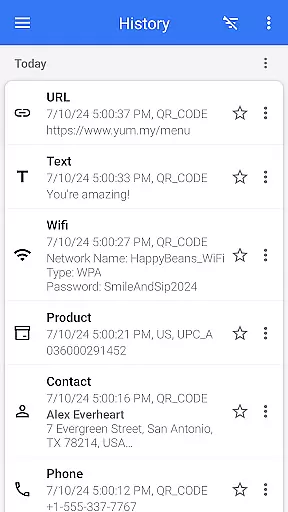
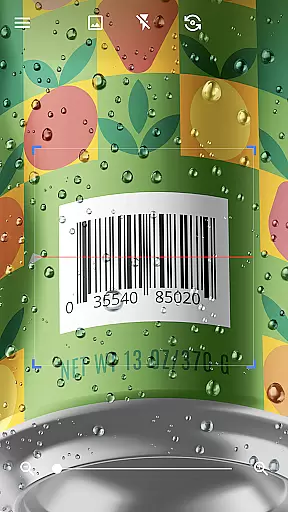
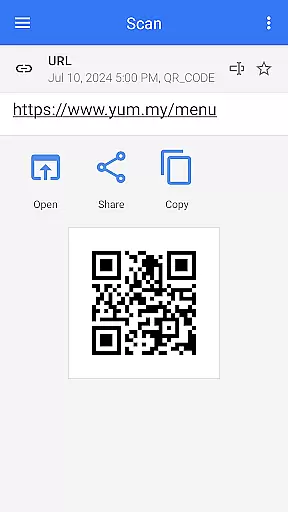
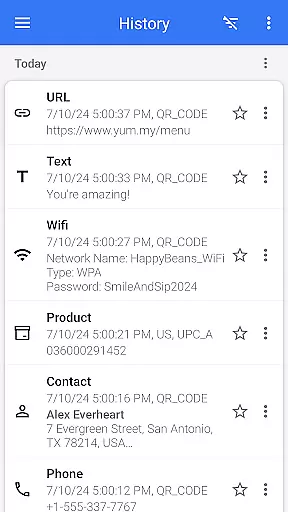
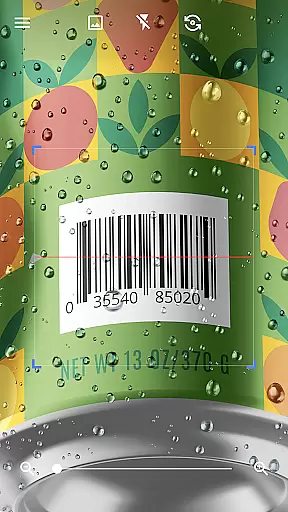
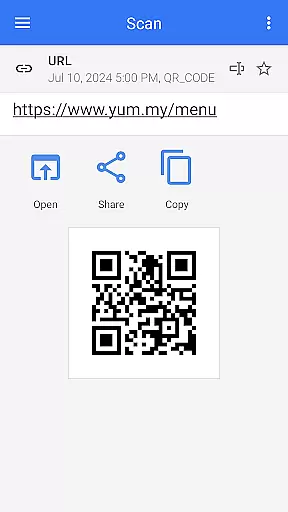
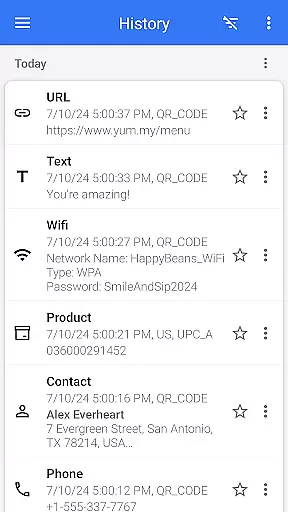

QR & Barcode Scanner is a versatile tool designed for Android users who need fast and reliable scanning capabilities. This app allows users to effortlessly scan various types of QR codes and barcodes, including text, URLs, ISBNs, product details, contacts, calendars, emails, locations, Wi-Fi information, and more. With its intuitive interface, the app automatically scans and decodes QR codes without requiring any additional actions from the user.
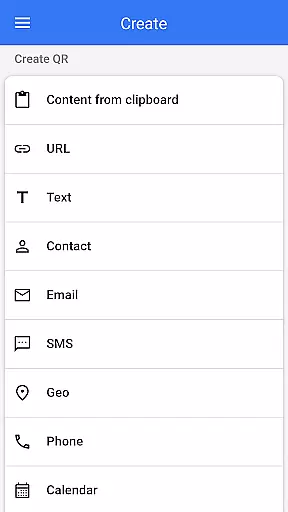
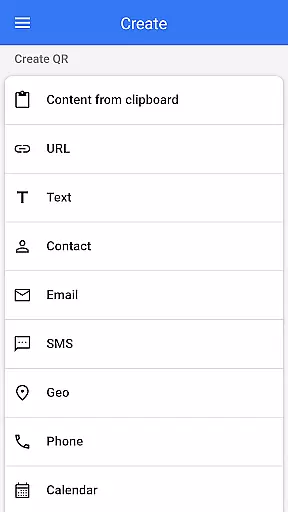
Beyond basic scanning, QR & Barcode Scanner also functions as a QR code generator, enabling users to create their own QR codes by simply entering desired data. The app supports advanced features such as flashlight activation for low-light conditions, pinch-to-zoom functionality for distant codes, batch scanning, and exporting scanned data in .csv or .txt formats. These features make it an indispensable tool for both personal convenience and professional efficiency.
Whether you're using it to compare prices while shopping, sharing contact information, or connecting to Wi-Fi networks, QR & Barcode Scanner provides a seamless experience that enhances productivity and simplifies daily tasks.
QR & Barcode Scanner stands out due to its comprehensive feature set tailored for diverse scanning needs. One of its key strengths is the ability to scan and decode multiple QR code and barcode formats instantly. Users can scan directly through the camera or import images from their gallery, ensuring flexibility in different scenarios. Additionally, the app's automatic scanning technology eliminates the need for manual inputs, making the process quick and hassle-free.
The app also includes a robust QR code generator, allowing users to create personalized QR codes with ease. Advanced functionalities like batch scanning enable processing multiple codes at once, while export options support saving data in structured formats like .csv and .txt. Furthermore, customization features such as dark mode, color themes, and favorites management enhance user experience by providing a tailored interface that suits individual preferences.
With practical applications ranging from price comparisons in retail environments to generating Wi-Fi QR codes for easy network access, QR & Barcode Scanner proves to be an innovative solution that combines utility with user-centric design.
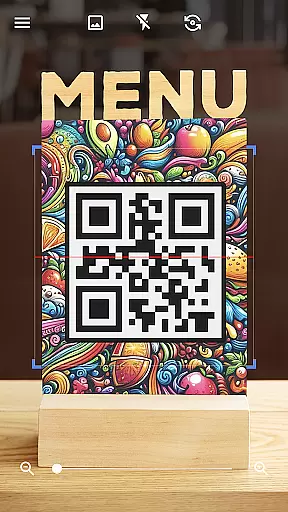
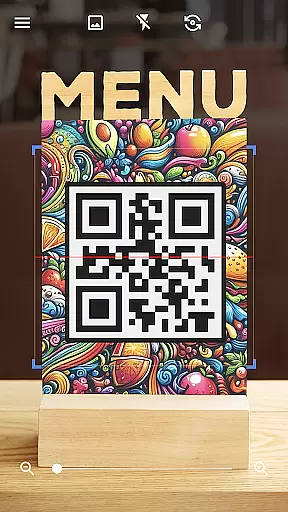
QR & Barcode Scanner is designed to provide exceptional accuracy and effectiveness in scanning QR codes and barcodes. The app utilizes advanced scanning technology that automatically detects and deciphers various code types without the need for user intervention. This ensures a seamless experience where users simply point their device's camera at the code, and the app swiftly processes it.
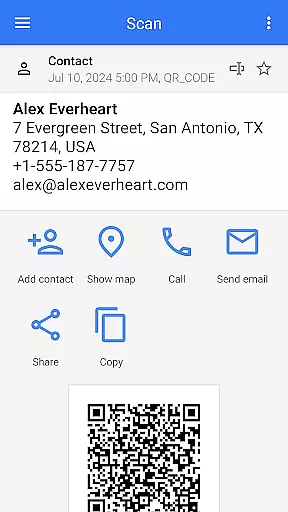
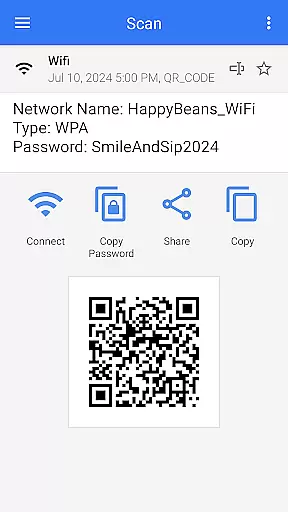
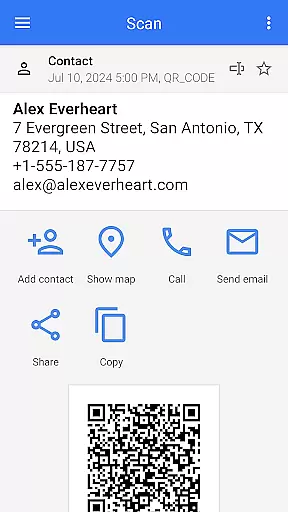
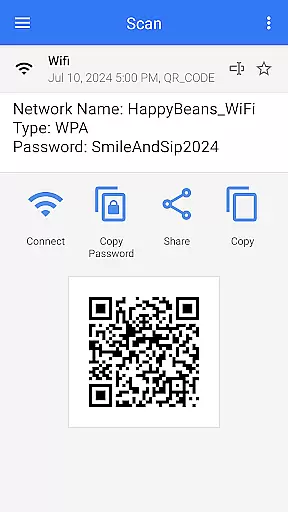
The effectiveness of this tool is evident in its ability to handle multiple formats including text, URLs, ISBNs, product details, contacts, calendars, emails, locations, Wi-Fi credentials, and more. After scanning, the app intelligently decodes the information and presents relevant options based on the type of QR or barcode scanned. This functionality allows users to take appropriate actions, such as visiting websites, saving contact details, adding events to calendars, or connecting to Wi-Fi networks effortlessly.
For businesses and individuals alike, the precision offered by QR & Barcode Scanner translates into significant time savings and enhanced productivity. Users can rely on the app to deliver consistent results whether they are managing inventory, processing payments, or accessing digital content. The app's robust performance ensures that users can focus on their tasks without worrying about scanning errors or delays.
The interface of QR & Barcode Scanner exemplifies simplicity and intuitiveness, making it accessible to users of all technical backgrounds. Upon launching the app, users are greeted with a clean and straightforward layout that emphasizes ease of use. There are no complicated menus or settings to navigate; instead, the app offers a single-minded focus on scanning QR codes and barcodes quickly and efficiently.
One of the standout features is the automatic scan functionality, which eliminates the need for manual inputs like pressing buttons or adjusting zoom levels. This intuitive design choice ensures that even first-time users can operate the app with minimal learning curve. Additionally, helpful features such as flashlight activation for low-light conditions and pinch-to-zoom for distant codes further enhance the user experience without cluttering the interface.
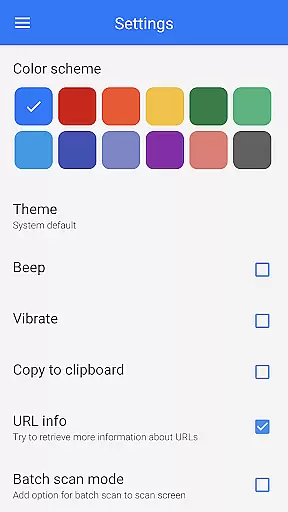
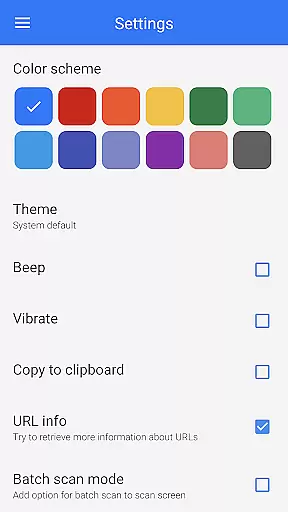
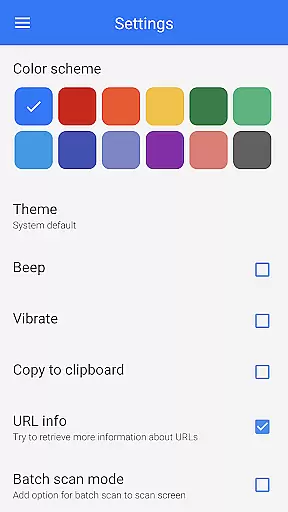
Moreover, QR & Barcode Scanner includes customization options that allow users to tailor the app to their preferences. Options like dark mode, color themes, and batch scan mode cater to individual needs while maintaining an uncluttered and easy-to-navigate interface. These thoughtful design elements ensure that users can enjoy a personalized yet intuitive interaction every time they use the app.
Fast scanning speed
User-friendly interface
Versatile QR code generation
Supports multiple formats
Free to use
Limited iOS compatibility
Occasional ads
Requires internet
No cloud sync
Basic UI design

Change your GPS location instantly. Simulate routes anywhere in the world.
 4.90
4.90
pdf merge, word to pdf, jpg to pdf, edit pdf, convert to pdf and much more!
4.20
HD Camera captures every special moment.
4.60
Complete kernel toolbox with features to manage and tweak your rooted device
4.30
FV File Manager Pro, Fast and powerful file manager for Android
4.60
Remote for Roku, Fire TV, Samsung TV, LG TV, Android TV, Chromecast and VIZIO TV
4.20
card-reader app
2.20
MS-DOS in your pocket. Play old DOS games anywhere you are ;)
4.10
Screen Mirroring for Roku Sticks, Roku TCL TV and Roku Hisense TV
4.50
Learn the vast amount of system information about device and monitor it's state
4.70
Mirror your screen to Chromecast and Android TV - Super fast and simple
4.60
Pro Emulator is an easy to use game console emulator for a range of consoles.
4.40
PC precision for mobile gaming: dominate with keyboard and mouse!
4.30
A convenient photo, video, and file recovery tool.
4.00
Detect hidden spy camera with advanced scanning {{ Premium version }}
4.00
1-Click close all background apps on Android TV
3.90
Safely recover deleted photos, videos, and files with a single easy tap.
3.70
Clean the junk files on your device
3.40
Transfer Files, APK from Phone to Watch & Install.
4.1


User Reviews