
PDF Editor & PDF Converter Pro is a comprehensive document management tool designed to enhance productivity and streamline workflows. This all-in-one solution allows users to convert, edit, merge, split, secure, and optimize PDF files with remarkable ease.
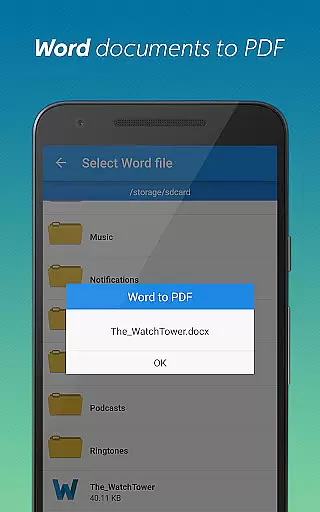
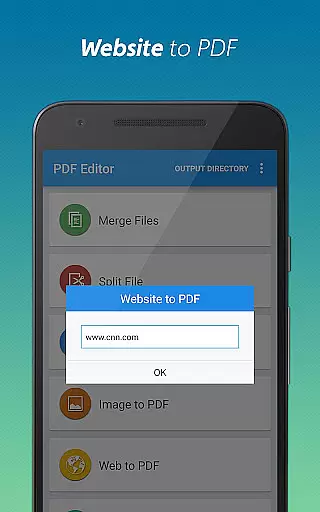
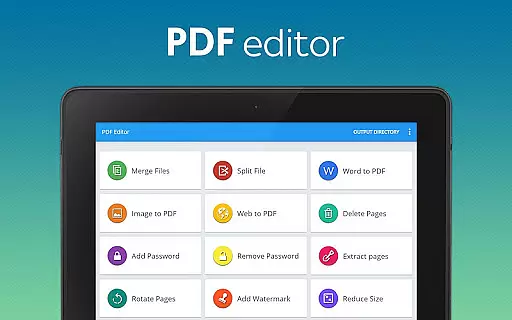
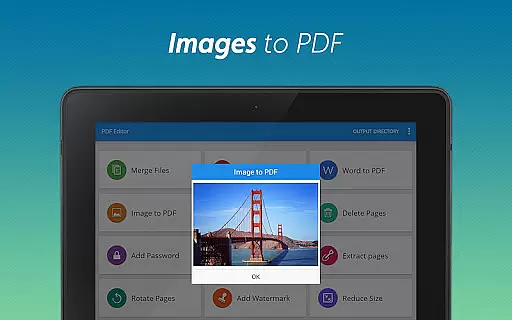
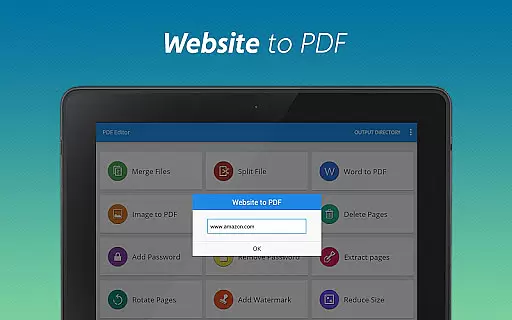
The app's standout features include seamless Word-to-PDF conversion, image-to-PDF transformation, and website archiving capabilities. Users can also add watermarks, rotate pages, compress files, and manage document security through password protection. These robust functionalities make it an essential tool for professionals, students, and anyone who regularly works with digital documents.
Ideal for business environments and academic settings, this application enables efficient document handling across multiple platforms. Its intuitive interface and powerful features help users save time while maintaining professional-grade document quality, making it an invaluable asset in today's digital workplace.
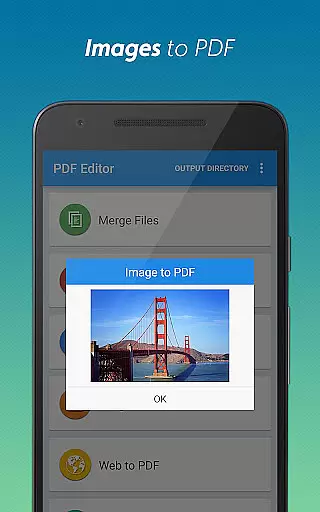
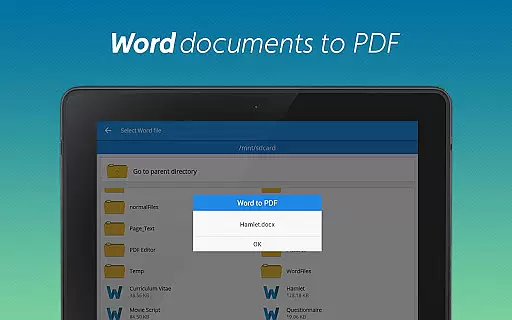
This versatile PDF tool distinguishes itself through its comprehensive feature set and user-friendly implementation. The conversion capabilities are particularly noteworthy, supporting multiple formats including Word-to-PDF, image-to-PDF, and webpage-to-PDF transformations.
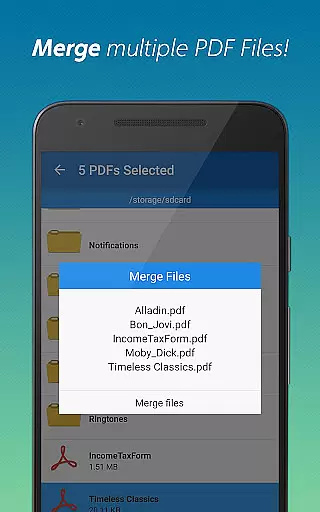
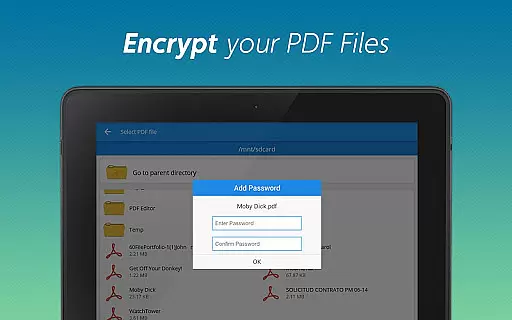
Advanced document manipulation features enable users to merge multiple PDFs, split large files, delete unnecessary pages, and extract specific sections with precision. The app also provides robust security options, allowing users to both add and remove password protection as needed. Additional professional-grade tools include page rotation, watermark addition, and file compression without quality loss.
Each feature is implemented with efficiency in mind, ensuring that even complex document operations can be completed quickly and accurately. The app's thoughtful design maintains high-quality output while offering extensive customization options, making professional document management accessible to users of all skill levels.
When it comes to document management tools, the precision and reliability of core functions are paramount. PDF Editor & PDF Converter Pro offers an extensive suite of features that ensure both accuracy and effectiveness in handling PDF files. The app allows users to convert various file formats into PDFs with impeccable precision, ensuring that the layout and content remain intact.
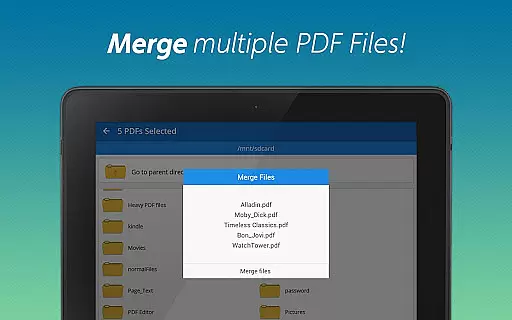
The effectiveness of this tool is evident in its ability to merge multiple PDF documents seamlessly. Users can combine several files into one cohesive document without any loss of quality or formatting issues. Additionally, the app provides options for splitting large PDFs into smaller sections, allowing for more manageable and organized file structures. This functionality proves invaluable when dealing with extensive reports or multi-chapter documents.
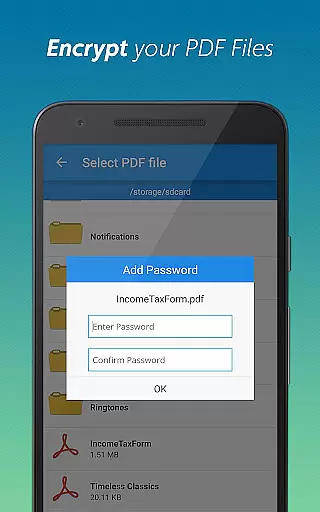
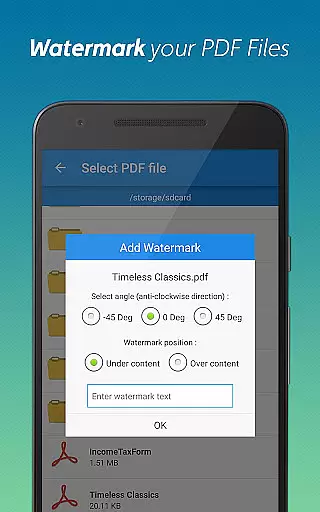
Another notable feature is the capability to add watermarks and password protection to PDFs. These security measures not only enhance document safety but also provide a layer of personalization. Users can encrypt their sensitive information while maintaining ease of access for authorized individuals. Furthermore, the app enables efficient page management through deletion, extraction, and rotation functions, which help streamline documents by removing unnecessary pages or reordering them as needed.
Overall, PDF Editor & PDF Converter Pro stands out due to its robust set of features designed to handle all aspects of PDF manipulation accurately and effectively. Whether you need to convert files, secure documents, or manage pages, this app delivers reliable performance that boosts productivity significantly.
A user-friendly interface is crucial for productivity tools, and PDF Editor & PDF Converter Pro excels in providing an intuitive experience. The app's design focuses on simplicity, ensuring that even first-time users can navigate its features effortlessly. With clearly labeled buttons and straightforward menus, performing complex tasks like converting Word documents to PDFs becomes a hassle-free process.
The intuitiveness of the app extends to its advanced functionalities such as adding watermarks, compressing files, and managing pages. Each feature is accessible within a few taps, streamlining workflows without overwhelming the user. For instance, converting images to PDFs involves selecting files from the gallery and tapping 'convert,' making it easy for anyone to create professional-looking documents quickly.
Moreover, the app includes helpful tooltips and guidance throughout the interface, enhancing the learning curve for new users. These aids ensure that individuals understand each function's purpose and application without needing extensive tutorials or external help. Such thoughtful design elements contribute significantly to a seamless user experience.
In summary, PDF Editor & PDF Converter Pro combines powerful capabilities with an intuitive interface, setting a high standard for document management apps. Its simplicity does not compromise functionality; instead, it enhances usability, allowing users to focus on their tasks rather than struggling with complicated software operations.
User-friendly interface
Comprehensive feature set
High-quality conversions
Robust security options
Efficient batch processing
Premium features locked
Occasional ads display
Limited free usage
Large file support issues
Subscription pricing

 4.50
4.50
This app unlocks the Pro features of the Central for DayZ app
3.60
Save any video in HD - paste the link, download fast and watch offline.
4.2
PC precision for mobile gaming: dominate with keyboard and mouse!
4.30
Bedrock Together: Join any bedrock server on Xbox/PS
4.80
Play your X-Box games remotely in 1080p with any controller and zero latency
4.60
Creation, Learning, Entertainment & More — The All-in-One AI Search Engine
4.70
Clean up your phone, find files, play media, and share files offline
4.50
The ideal app to be the digital eye of your family
3.40
Navigate with Ease and Style
4.90
Change your GPS location instantly. Simulate routes anywhere in the world.
4.90
The Ultimate Flex Drivers Utility App - Convenient Tapping & Block Filters
4.70
Canon PRINT is a companion app for your Canon printer.
4.60
Fluid navigation gestures for all of us!
4.30
Making emulation easy for everyone!
4.30
Quickly & easily calculate the spacing of handrail balusters
4.20
MS-DOS in your pocket. Play old DOS games anywhere you are ;)
4.10
Unleash gamepad precision for ultimate mobile gaming dominance.
3.90
Download any file easily and quickly with Downloader
4.1


User Reviews