
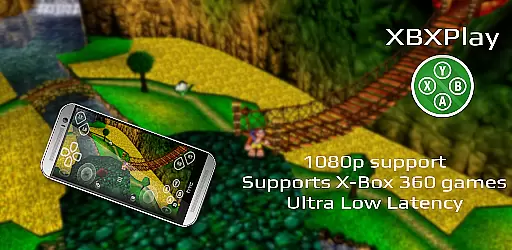
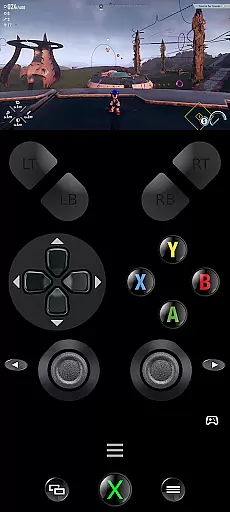
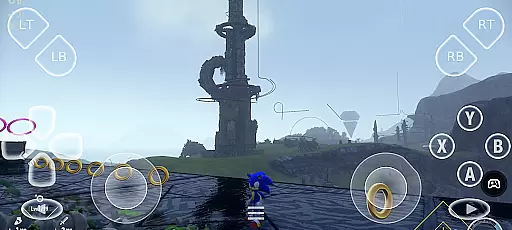
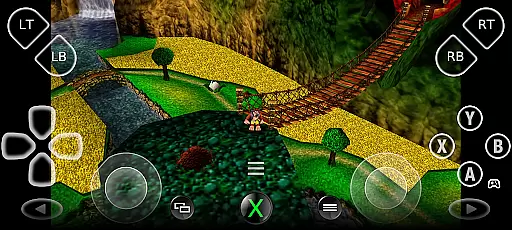
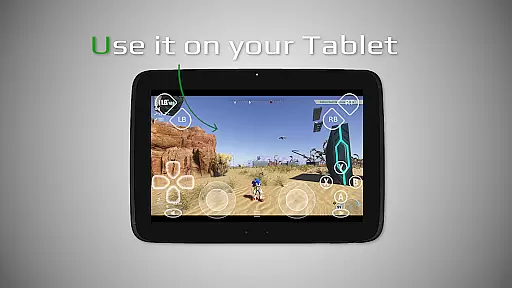
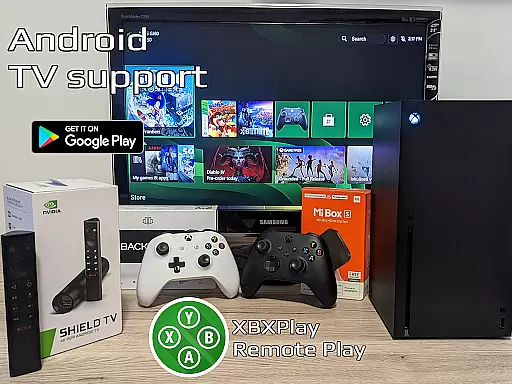
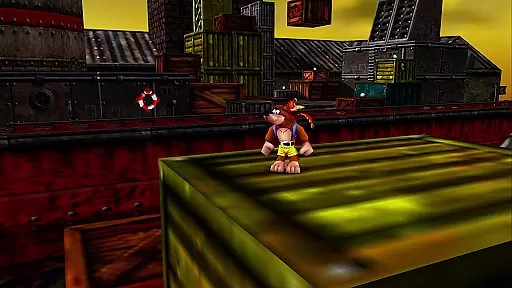
XBXPlay is a powerful remote control application designed for X-Box Series X/S, X-Box One (X/S), and even X-Box 360 consoles. It allows users to stream their favorite games in 1080p resolution while away from home, providing an optimized low-latency experience. The app supports third-party controllers, mobile data connections, and features customizable onscreen gamepad layouts, making it versatile for different gaming preferences.
One of the standout capabilities of XBXPlay is its ability to play X-Box 360 games remotely, which is not supported by the official X-Box Remote Play app. Additionally, it offers advanced functionalities such as manual bitrate adjustments, fullscreen support without black bars, and USB-OTG compatibility. These features make XBXPlay a comprehensive tool for gamers who want to enjoy their console experience on the go.
The app is particularly useful for those with stable high-speed internet connections and devices connected to 5GHz WiFi networks. By supporting both local network and internet-based streaming, XBXPlay ensures that users can access their games anytime, anywhere, provided they follow the necessary setup instructions. This flexibility makes it an essential tool for avid gamers who demand performance and convenience.
XBXPlay stands out with its rich set of features tailored for remote gaming enthusiasts. The app provides full 1080p streaming support, ensuring high-quality visuals during gameplay sessions. Unlike the official X-Box Remote Play app, XBXPlay also supports X-Box 360 games, expanding the range of playable titles for users. This backward compatibility feature significantly enhances the app's versatility.
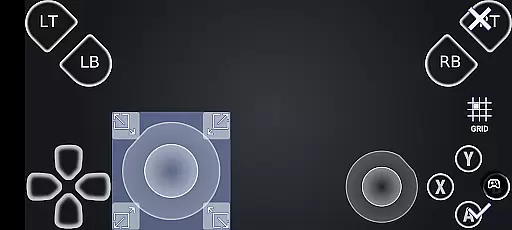
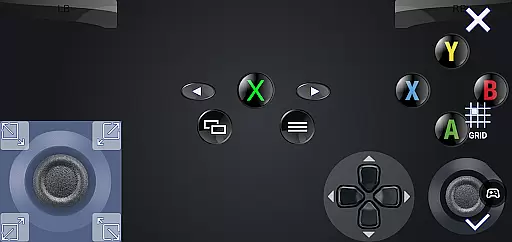
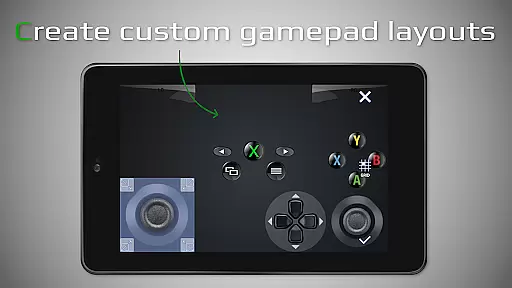
Another notable aspect of XBXPlay is its customizable onscreen gamepad layout. Users can create personalized control schemes that suit specific games, improving their overall gaming experience. The app also includes advanced options like manual bitrate adjustments, gamepad button mapping, and native USB-OTG support. These features cater to power users who require precise control over their streaming settings.
XBXPlay further enhances user convenience with Picture-In-Picture mode and Multi-Window support, available on compatible Android versions. These functionalities allow users to multitask effectively while gaming. Additionally, the app's optimization for low-latency streaming ensures minimal delay between input and response, crucial for competitive gaming scenarios. Overall, XBXPlay delivers a robust set of tools that elevate the remote gaming experience.
XBXPlay is designed to provide an exceptional remote gaming experience by ensuring core functions are both accurate and effective. The app supports 1080p streaming, which allows users to enjoy high-quality visuals without limitations. This feature is crucial for gamers who demand precision in every frame and motion, especially when playing fast-paced games.
The application's support for X-Box 360 games and manual bitrate adjustments ensures that users can tailor their streaming experience to match their network conditions and personal preferences. These capabilities enhance the overall effectiveness of the app by reducing latency and providing a smoother gameplay experience. Gamers can fine-tune settings to achieve optimal performance, even on less-than-ideal internet connections.
Another standout feature is the customizable onscreen gamepad layout, which offers flexibility and adaptability. Users can create personalized control schemes that suit specific games or play styles, enhancing both comfort and efficiency during gameplay sessions. This level of customization not only improves user satisfaction but also demonstrates XBXPlay's commitment to delivering precise and reliable functionality.
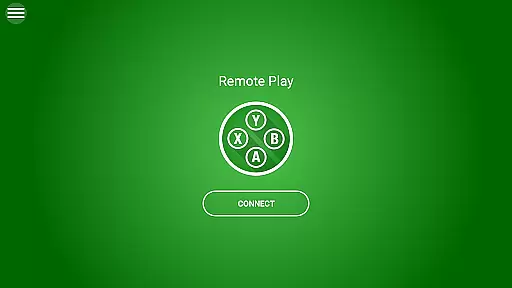
A simple and intuitive interface is essential for any tool-based application, and XBXPlay excels in this area. Upon launching the app, users are greeted with a clean layout that prioritizes ease of use without sacrificing advanced features. The design ensures that even newcomers to remote gaming can quickly understand how to navigate and utilize the app's capabilities effectively.
One notable aspect is the full-screen support, which eliminates unnecessary distractions such as black bars. This immersive experience helps players focus entirely on their games, making it easier to become engrossed in the action. Additionally, the inclusion of picture-in-picture mode (for devices running Android 8.0 or newer) and multi-window support (for Android 7.0 or newer) showcases XBXPlay's dedication to modern usability standards.
Furthermore, the app provides native USB-OTG support and gamepad button mapping, allowing seamless integration with various controllers. These intuitive features ensure that users can connect their preferred input devices effortlessly, enhancing the overall user experience. By combining straightforward navigation with powerful tools, XBXPlay delivers an interface that is both accessible and robust.
User-friendly interface
Low latency streaming
Customizable controls
Supports X-Box 360 games
Advanced streaming options
No microphone support
Requires stable internet
Limited to compatible devices
Dependent on console firmware
Premium features may cost extra

Transfer Files, APK from Phone to Watch & Install.
 4.5
4.5
FV File Manager Pro, Fast and powerful file manager for Android
4.60
Optimize your WiFi network, turn your phone into Wifi Analyzer
4.70
Small and simple app to Verify Root Access and BusyBox Install!
4.70
Mirror your screen to Chromecast and Android TV - Super fast and simple
4.60
Powerful collection of electronics tools and reference.A must for any enthusiast
4.90
A simple app to back up and restore SMS & MMS messages and call logs.
4.10
Mobile Security with Scam Protection | Malware & Virus Cleaner | Safe Browser
4.70
Fast VPN USA for any country. Super secure VPN for calls, streaming, games, TV.
4.40
Easily install aab(Android App Bundle) files on your Android device with our app
4.80
HD Camera captures every special moment.
4.60
Planner and Tracker for Stardew Valley
4.60
With videos, electrical calculators, and built-in ebook, Ugly’s has your answer.
4.50
Game Booster, GFX Tool is now compatible with newer game update
4.50
PC precision for mobile gaming: dominate with keyboard and mouse!
4.30
Making emulation easy for everyone!
4.30
App that Recover your pictures, videos or files after you delete them.
4.20
Create your own live wallpaper or check out thousands already made presets
3.90
card-reader app
2.20


User Reviews