
Stardew Valley Tracker is an essential companion tool for players of the popular farming simulation game Stardew Valley. This app provides a comprehensive tracking system that helps users manage their in-game activities and resources effectively.
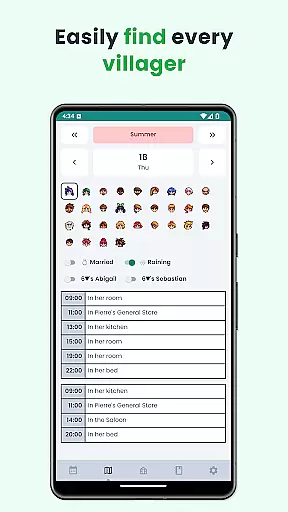
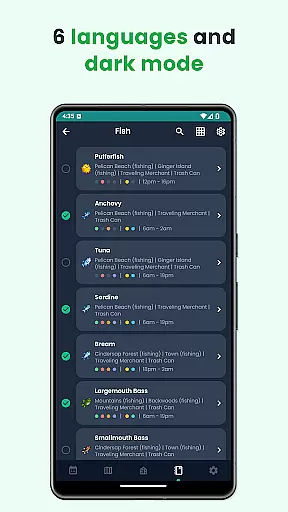
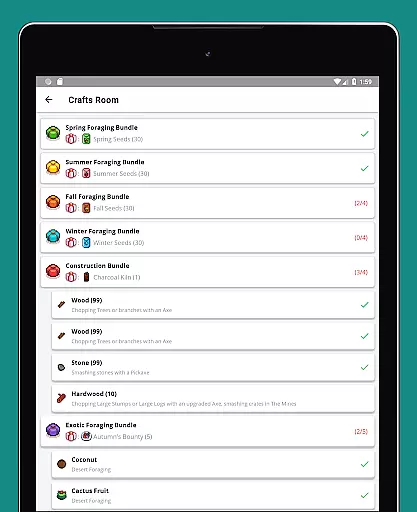
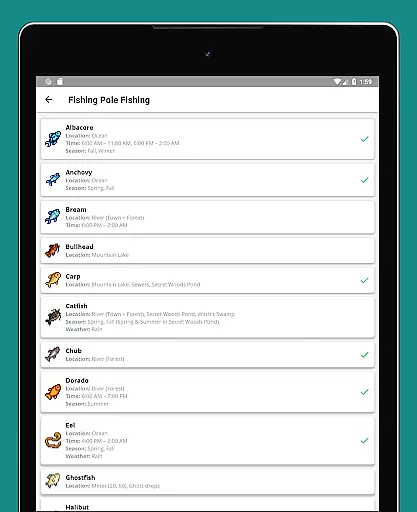
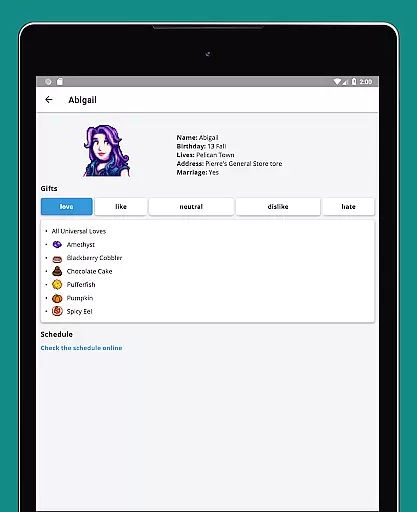
The tracker features an intuitive interface with specialized tools such as daily to-do lists for each season, villager schedules, a seasonal calendar, bundle checklists for the Community Center, fish tracking, museum item lists, and detailed villager gift preferences. Additionally, it supports six languages, offers a dark mode, and works offline, making it accessible and convenient for all players.
Whether you're a new player trying to keep organized or a veteran looking to optimize your gameplay, Stardew Valley Tracker ensures you have all the important information at your fingertips, enhancing your overall gaming experience.
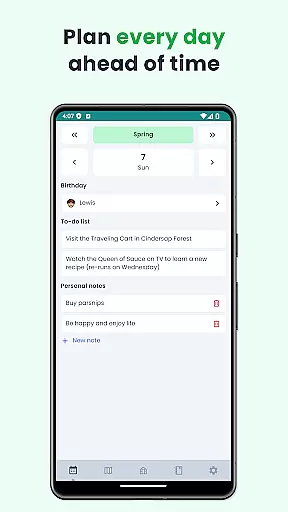
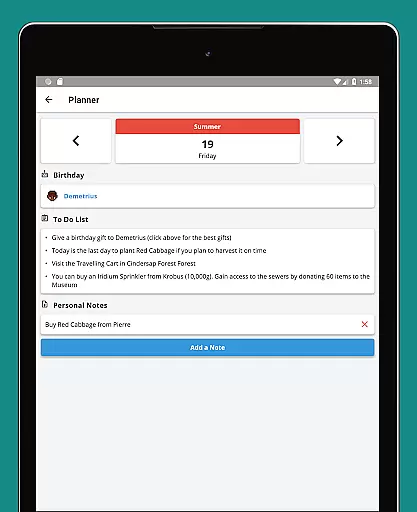
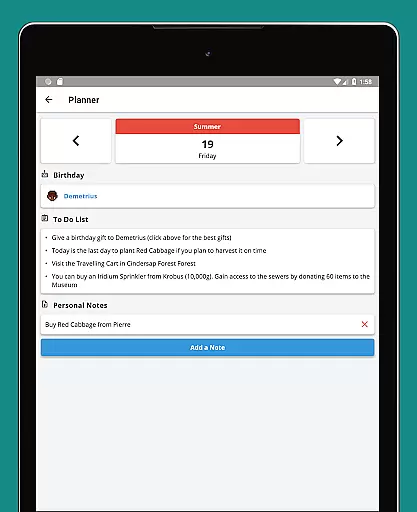
Stardew Valley Tracker stands out with its rich set of features tailored specifically for Stardew Valley enthusiasts. One of its key functionalities is the customizable to-do list for each day across all seasons, allowing players to plan their farming activities meticulously.
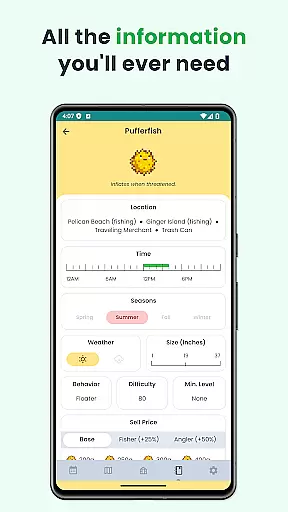
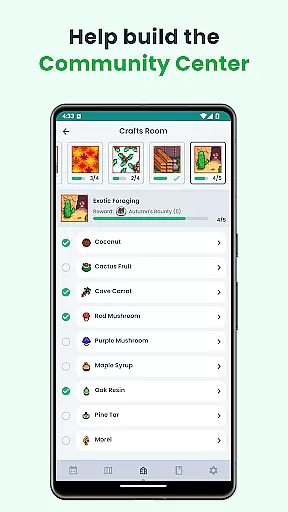
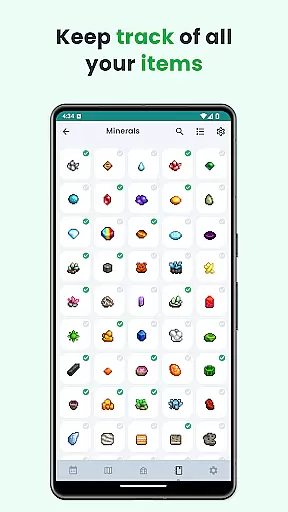
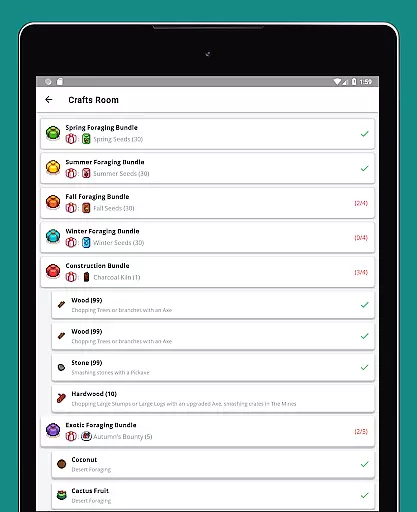
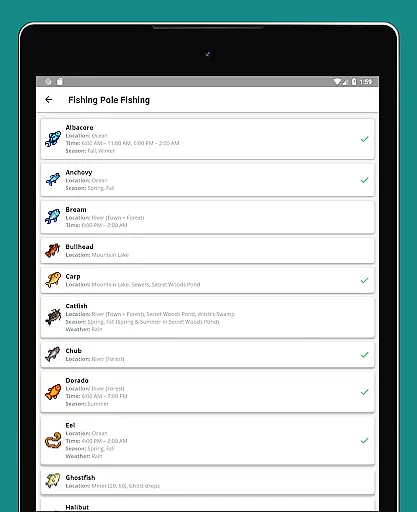
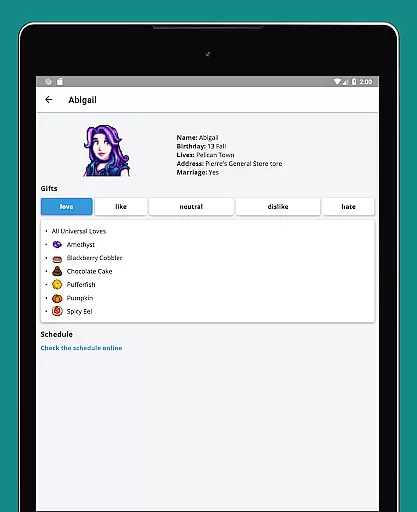
Beyond task management, the app includes detailed villagers' schedules, enabling players to locate NPCs easily for gifting or social interactions. The inclusion of a full seasonal calendar and checklist for Community Center bundles further aids in strategic planning. Fish and museum item trackers provide crucial information on missing collectibles, while the villager database offers insights into gift preferences, helping build stronger relationships within the game.
With support for six languages, a user-friendly dark mode, and reliable offline functionality, this app caters to a global audience and ensures accessibility regardless of internet connectivity.
Stardew Valley Tracker excels in providing accurate and effective tools for players to manage their virtual farming experience. The app offers a comprehensive to-do list for each day of every season, ensuring that users never miss important tasks.
With features like villager schedules, a complete calendar view, and bundle checklists for the Community Center, the app ensures all essential information is easily accessible. These tools are designed to enhance gameplay by keeping players organized and informed.
The app's effectiveness is further demonstrated through its detailed tracking systems. Users can monitor fish availability, museum items, and villager gift preferences with precision. This level of detail helps players make informed decisions and progress efficiently in the game.
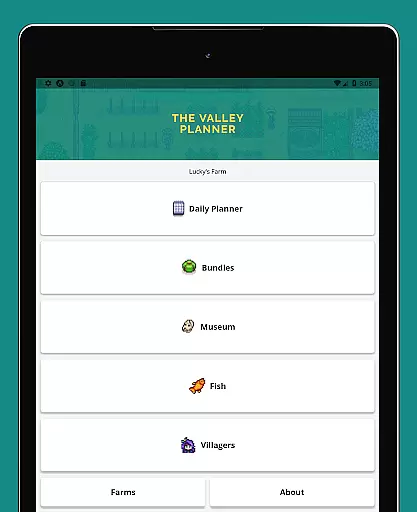
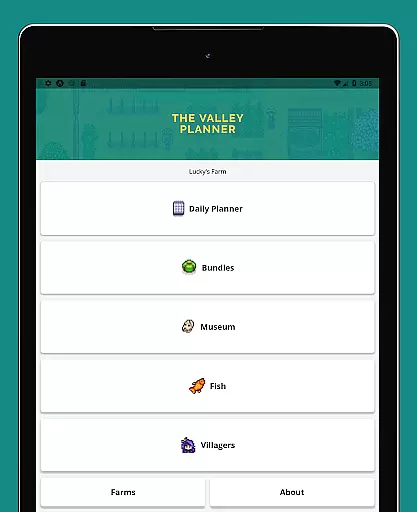
The interface of Stardew Valley Tracker is designed with simplicity and intuitiveness in mind. Its clean layout allows users to easily navigate through various features without any learning curve. The straightforward design ensures that even new players can use the app effectively.
All key functionalities, including the seasonal to-do lists, villager information, and checklists, are presented in an organized manner. This thoughtful arrangement of elements makes daily farming tasks more manageable and less overwhelming for users.
Additionally, the app supports dark mode and works offline, demonstrating its commitment to user-friendly features. These options provide flexibility and comfort, making the tracking experience as seamless and intuitive as possible for every player.
User-friendly design
Comprehensive tracking
Offline functionality
Multilingual support
Customizable notes
Limited to Stardew Valley
No real-time sync
Basic UI design
Occasional bugs
Ads in free version

 4.50
4.50
This app unlocks the Pro features of the Central for DayZ app
3.60
Use your phone as a webcam on your computer over WiFi or USB.
4.40
card-reader app
2.20
Smart and comfortable browsing experience.
3.80
PC precision for mobile gaming: dominate with keyboard and mouse!
4.30
Protect your device with antivirus, storage cleanup, and system monitoring
4.70
Mobile Security with Scam Protection | Malware & Virus Cleaner | Safe Browser
4.70
Screen recorder with audio to record high-quality videos and take screenshots.
4.40
Unit and currency converter with easy and simple UI.
4.80
The Ultimate Flex Drivers Utility App - Convenient Tapping & Block Filters
4.70
NFC Tools can read and write NFC tags.
4.70
Head tracking for PC sim games such as MSFS 2024 or Elite:Dangerous. No headset!
4.50
Screen Mirroring for Roku Sticks, Roku TCL TV and Roku Hisense TV
4.50
Mirror your screen to Fire TV - Super fast and simple
4.40
Carry a FTP server in your pocket and avoid USB cables for file transfer
4.20
An open-source APK explorer for Android!
4.10
Amateur Radio app for APRS: Track friends, exchange messages, get tactical info.
3.90
Create your own custom widget with endless possibilities
3.90


User Reviews