
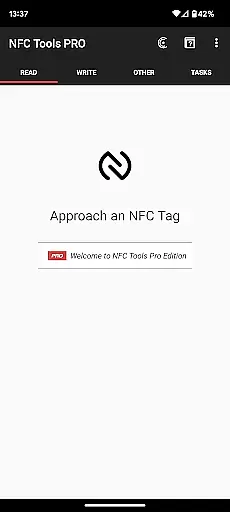
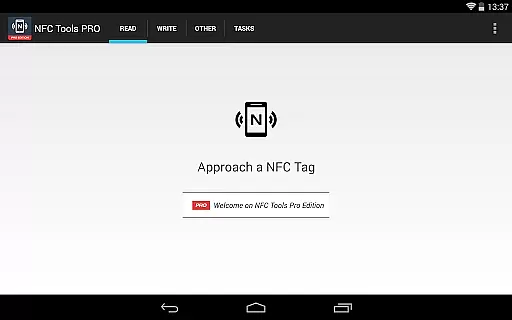
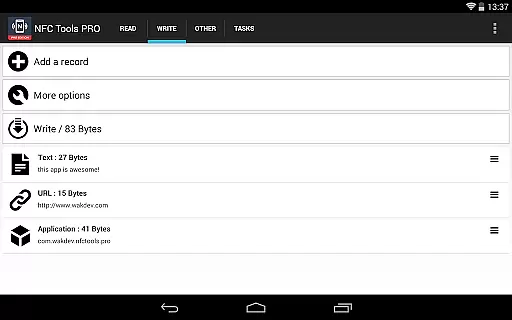
NFC Tools - Pro Edition is a powerful tool for users looking to maximize the potential of their NFC tags and compatible chips. This app offers an intuitive interface that allows you to read, write, and program tasks on NFC devices with ease.
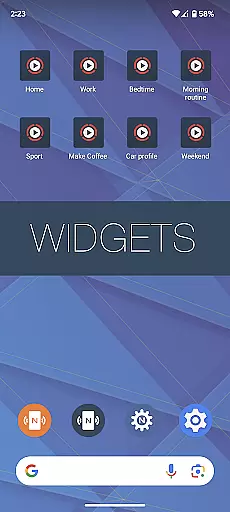
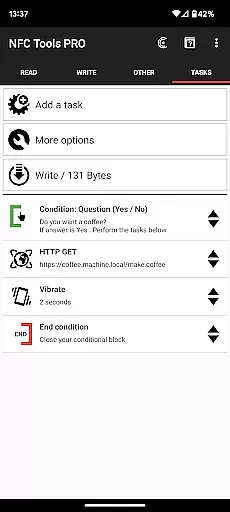
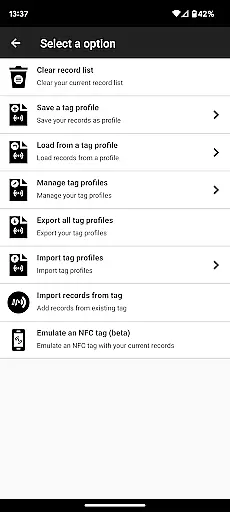
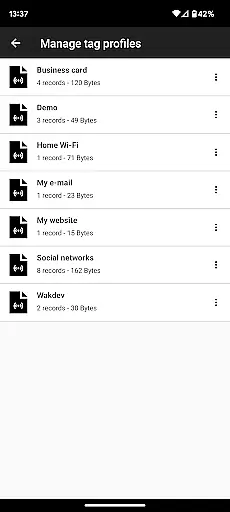
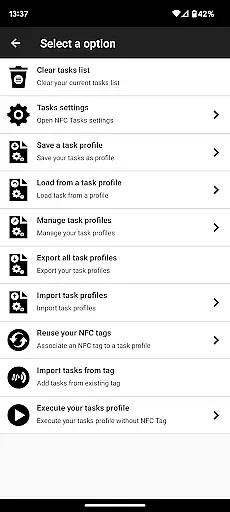
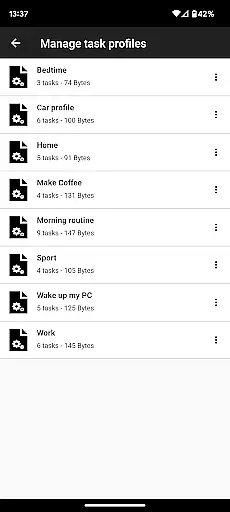
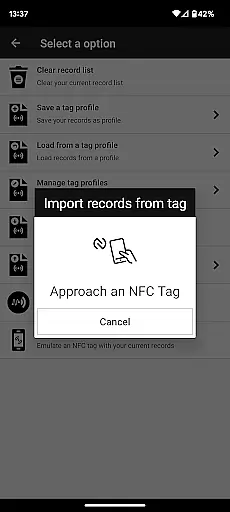
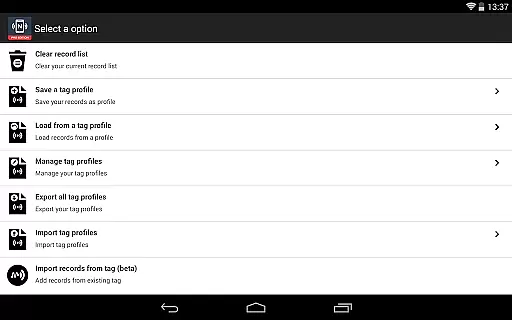
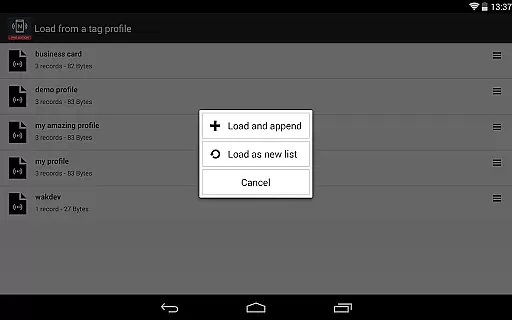
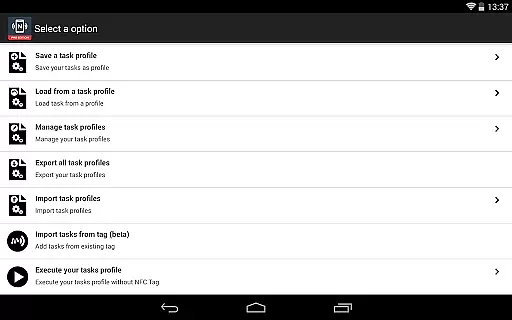
With the Pro Edition, unlock unlimited possibilities by accessing all available tasks without restrictions. Create imaginative routines for both fun and utility, while enjoying exclusive features such as profile management, importing from existing NFC tags, executing tasks via home screen shortcuts, emulating NFC tags, and using conditional blocks for complex actions.
Ideal for tech enthusiasts and professionals, this app turns your device into a versatile NFC solution hub, limited only by your creativity.
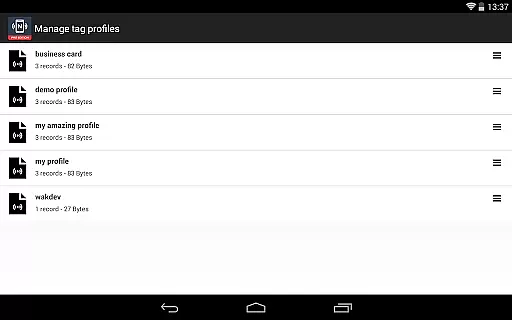
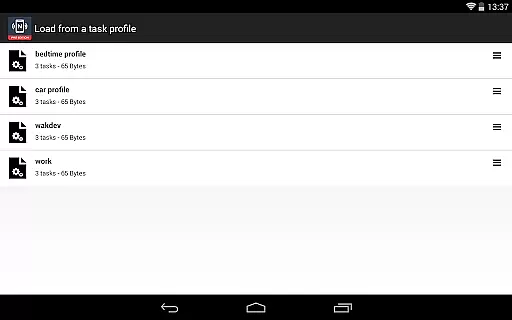
The NFC Tools - Pro Edition stands out with its comprehensive suite of features designed to enhance productivity and customization. It includes a profile management system for saving and reusing task profiles, allowing seamless workflow continuity.
Import capabilities enable swift editing of records or tasks from existing NFC tags, streamlining the modification process. Execute tasks without physical NFC tags by simply using home screen shortcuts, providing unmatched convenience.
Device-based NFC tag emulation and conditional blocks for crafting intricate actions make this app a leader in its category. With over 200 tasks at your disposal, the combinations are infinite, ensuring that every user can tailor the app to their specific needs.
NFC Tools - Pro Edition is designed to maximize the potential of NFC technology through accurate and effective functionality. The app allows users to read, write, and program tasks on NFC tags with precision, ensuring that each command is executed as intended. This reliability is crucial for both personal and professional applications where data integrity is non-negotiable.
The app offers over 200 tasks for users to explore, enabling infinite combinations that cater to a wide array of needs and creative projects. Whether automating daily routines or managing complex systems, the accuracy of task execution ensures that users can depend on NFC Tools - Pro Edition for consistent performance. This vast selection of tasks showcases the app's commitment to providing tools that work seamlessly and effectively.
Additionally, features such as conditional blocks and profile management enhance the app's core functionality by allowing more sophisticated operations and easy reuse of configurations. These elements not only improve efficiency but also empower users to push the boundaries of whatu2019s possible with NFC technology. With NFC Tools - Pro Edition, the assurance of reliable task execution opens up new avenues for innovation and practical application.
A simple and intuitive interface is at the heart of NFC Tools - Pro Edition, making advanced NFC functionalities accessible to users of all skill levels. The design prioritizes ease of use, ensuring that even those new to NFC technology can navigate the app effortlessly. By reducing the learning curve, NFC Tools - Pro Edition democratizes access to powerful NFC capabilities without compromising on sophistication.
The app provides a streamlined user experience with features like importing from existing NFC tags and executing tasks via home screen shortcuts. These functions are integrated in a way that feels natural and intuitive, enhancing productivity without overwhelming the user. Such thoughtful design choices reflect an understanding of user needs, focusing on delivering a seamless interaction with NFC technology.
Moreover, exclusive features such as emulating NFC tags and managing profiles further demonstrate the app's dedication to simplifying complex processes. Each feature is presented clearly, promoting an engaging yet straightforward user journey. NFC Tools - Pro Edition thus combines powerful NFC tools with an approachable interface, ensuring users can focus on creativity and efficiency rather than struggling with complicated controls.
Unlimited Task Access
User-friendly Interface
Exclusive Pro Features
Versatile Customization
Comprehensive Support
Premium Price Tag
Device Compatibility Required
Complex for Beginners
Dependent on External App
Limited Offline Functionality

Complete kernel toolbox with features to manage and tweak your rooted device
 4.30
4.30
ADB support Android 4.X-Android 13(Support wireless pair mode).No root required!
4.70
VESC Tool can monitor and configure VESC-compatible devices over BLE and Wifi
4.20
Signal Strength, Mobile, Wifi, Speed Test, Bad Signals, Cellular, 5G, LTE, 4G
4.20
PC precision for mobile gaming: dominate with keyboard and mouse!
4.30
Making emulation easy for everyone!
4.30
Fast Video Downloader, Movie Downloader, Torrent Downloader & Adblock Browser
4.70
Create your own custom widget with endless possibilities
3.90
A clean app.
4.50
Extremely fast, secure, and protects your privacy
4.80
Unit and currency converter with easy and simple UI.
4.80
Bedrock Together: Join any bedrock server on Xbox/PS
4.80
Remote Play with FSR upscaling, low latency & full controller support
4.80
Learn the vast amount of system information about device and monitor it's state
4.70
App to pay for FUTO Keyboard
4.60
Forza Tuning Calculator App for Forza Horizon 5, Motorsport and Earlier Titles
4.40
pdf merge, word to pdf, jpg to pdf, edit pdf, convert to pdf and much more!
4.20
1-Click close all background apps on Android TV
3.90
This app unlocks the Pro features of the Central for DayZ app
3.60


User Reviews