

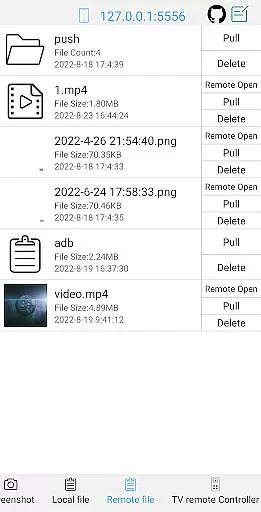
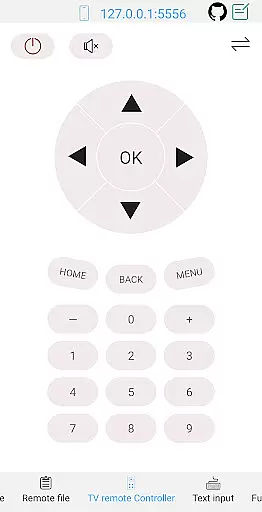
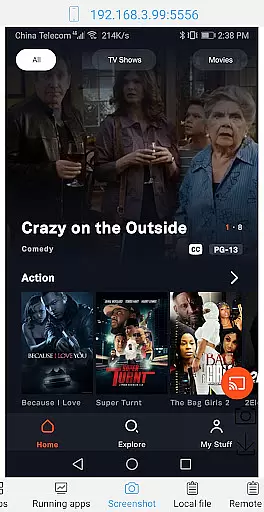
ADB Shell is a comprehensive and powerful toolbox application designed for Android device management. The app provides an extensive set of features that allow users to manage applications, view system information, take screenshots, transfer files, and even control a TV remotely. With support for Android versions 4.X through Android 13, it offers versatile functionalities such as wireless pairing, WiFi ADB, local shell ADB, and more.
The core strength of ADB Shell lies in its ability to perform advanced operations like force stopping applications, clearing app data, enabling or disabling apps, and monitoring system resources. It also includes a rich set of shell features with support for multi-window operations, color text display, background execution, and logcat functionality. These capabilities make it an essential tool for developers and power users who require deep control over their devices.
ADB Shell is particularly useful for Android developers, IT professionals, and advanced users who need to troubleshoot devices, test applications, or perform system-level tasks. Its comprehensive feature set and cross-version compatibility provide significant value by streamlining device management and debugging processes.
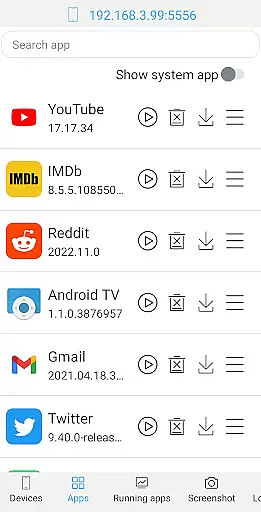
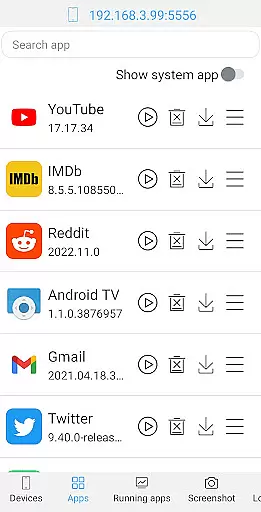
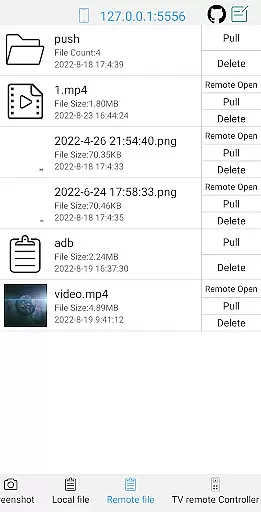
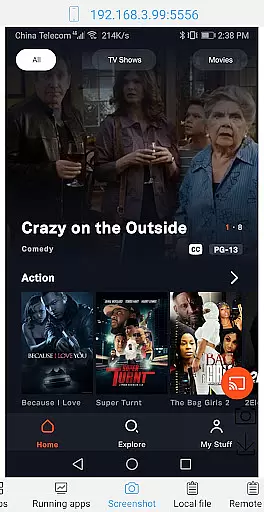
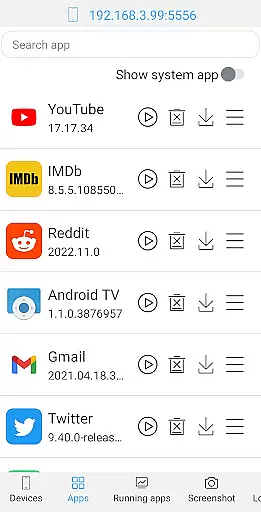
ADB Shell distinguishes itself through its comprehensive feature set that combines both toolbox and shell capabilities. The toolbox component offers practical utilities including application management features like launch, uninstall, download, and data clearing functions. It also provides system-level tools for viewing running applications, taking screenshots, transferring files, and monitoring system resources.
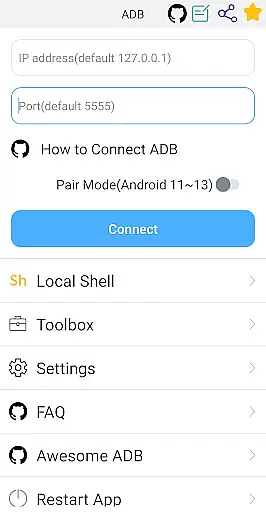
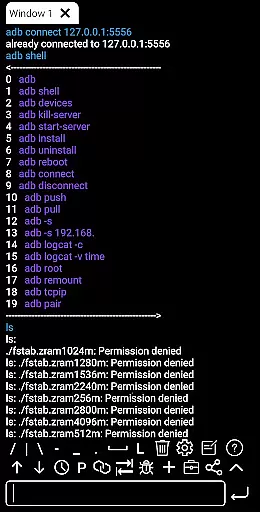
The shell features are equally impressive, supporting various Android versions from 4.X to 13. It includes modern connection options such as wireless pair mode and WiFi ADB, while maintaining support for traditional local shell ADB. The interface supports associative input, command history, fast copy commands, and prefab commands, making complex operations more efficient. Additional features like multi-window support, color-coded text, background execution, and output sharing enhance the user experience significantly.
These features collectively enable users to perform complex device management tasks more efficiently while providing developers with essential tools for application testing and debugging. The combination of toolbox utilities and advanced shell features makes ADB Shell a versatile solution for both basic and advanced Android device management needs.
ADB Shell is a comprehensive toolbox and shell application designed to provide users with precise control over their Android devices. The app's core functions are meticulously implemented to ensure maximum accuracy and effectiveness in every operation.
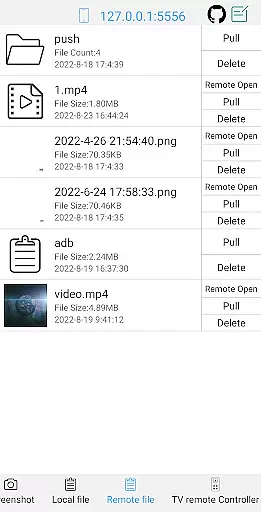
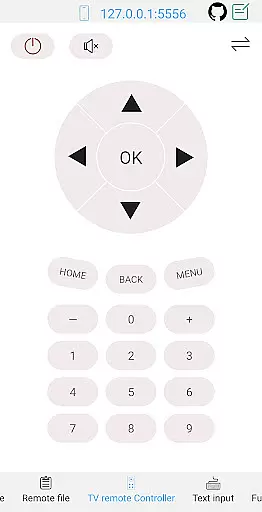
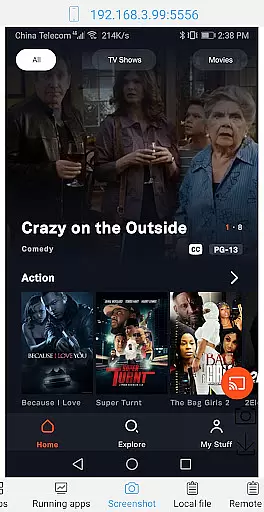
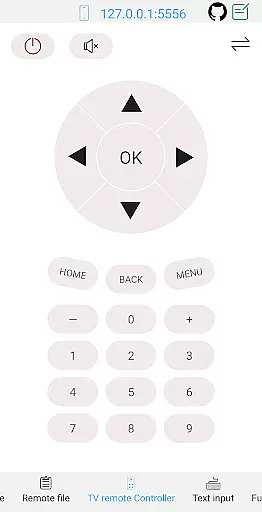
The toolbox features include essential device management capabilities such as launching, uninstalling, downloading, and managing applications. Users can also perform advanced tasks like taking screenshots, pushing and pulling files, installing APKs, and even controlling a TV remotely. Each tool is optimized for efficiency, allowing users to execute commands with minimal latency and maximum reliability.
On the shell side, ADB Shell supports a wide range of Android versions from 4.X to Android 13. It offers innovative features like wireless pair mode, WiFi wireless ADB, and local shell ADB. These functionalities are engineered to maintain high performance while providing flexibility in connectivity options. The inclusion of features such as associative input, autosave output, and command history enhances the overall user experience by streamlining complex workflows.
By combining these powerful tools and shell features, ADB Shell delivers an indispensable solution for developers and power users who require granular control over their devices. The app's commitment to accuracy ensures that every command produces predictable and reliable results, making it an essential utility for Android device management.
A well-designed interface is crucial for a technical tool like ADB Shell, where complexity could otherwise overwhelm users. This application excels in maintaining interface simplicity while ensuring intuitive navigation throughout its extensive feature set.
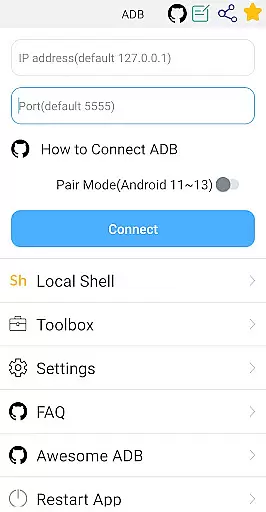
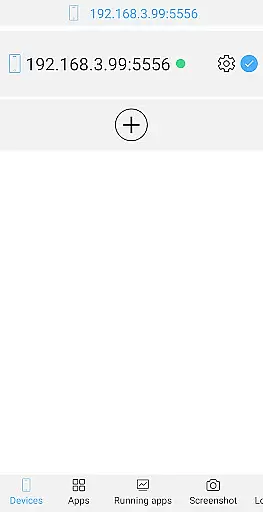
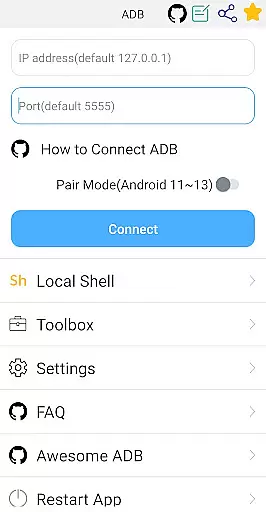
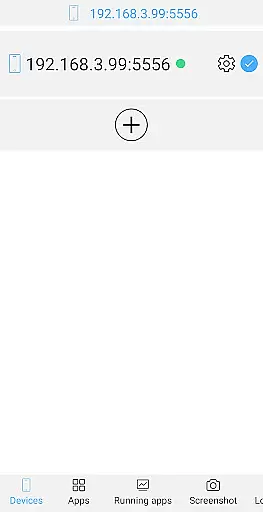
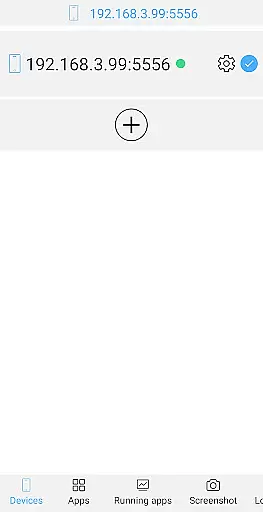
The main dashboard organizes the vast array of tools into clearly categorized sections. Essential functions such as application management, device monitoring, and file operations are readily accessible through a logical menu structure. This thoughtful arrangement allows both novice and experienced users to quickly locate and utilize the required features without unnecessary complexity.
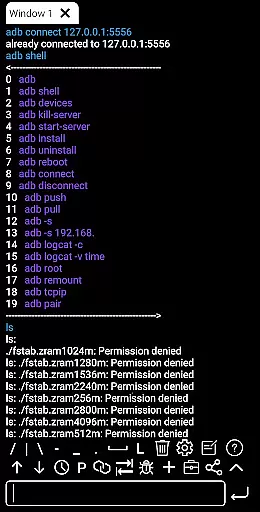
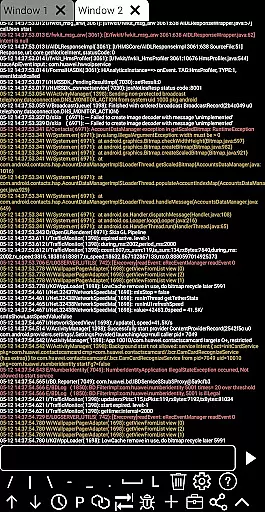
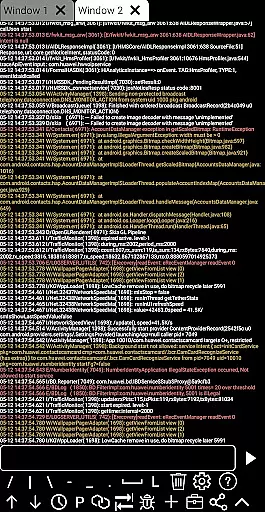
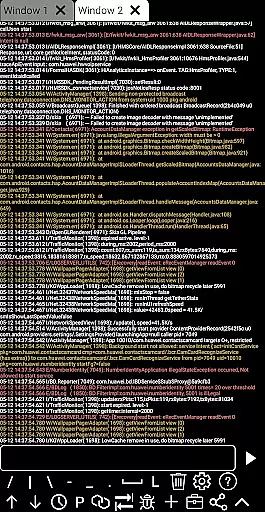
For the shell component, ADB Shell implements a clean and efficient terminal interface. The support for color text, multi-window operations, and background execution demonstrates a careful balance between advanced functionality and visual clarity. The inclusion of helpful features like command recommendations, prefab commands, and fast copy functionality significantly reduces the learning curve for new users.
The application's interface design philosophy centers around enhancing productivity without compromising usability. By maintaining a straightforward layout while incorporating powerful features, ADB Shell achieves an optimal balance between professional-grade functionality and user-friendly accessibility. This approach ensures that users can focus on their tasks rather than struggling with complicated navigation or overwhelming menus.
User-friendly interface
Comprehensive feature set
Cross-version compatibility
Efficient file management
Advanced shell capabilities
Complex for beginners
Requires technical knowledge
Limited visual appeal
No iOS support
Advanced features only

 4.50
4.50 4.50
4.50
Unit and currency converter with easy and simple UI.
4.80
Family Locator, Share location, StayConnect with your family in real time
3.90
App to pay for FUTO Keyboard
4.60
With videos, electrical calculators, and built-in ebook, Ugly’s has your answer.
4.50
Introducing Smart Printer, your ultimate destination for printing solutions!
4.00
Your personal health butler
3.60
Enhance your Beats
3.70
Connect instantly to a fast, encrypted VPN with one tap
4.60
FV File Manager Pro, Fast and powerful file manager for Android
4.60
App that Recover your pictures, videos or files after you delete them.
4.20
A simple app to back up and restore SMS & MMS messages and call logs.
4.10
Unleash gamepad precision for ultimate mobile gaming dominance.
3.90
Create your own custom widget with endless possibilities
3.90
This app unlocks the Pro features of the Central for DayZ app
3.60
Clean the junk files on your device
3.40
Undelete and recover your lost or deleted files with DiskDigger!
3.40
card-reader app
2.20


User Reviews