
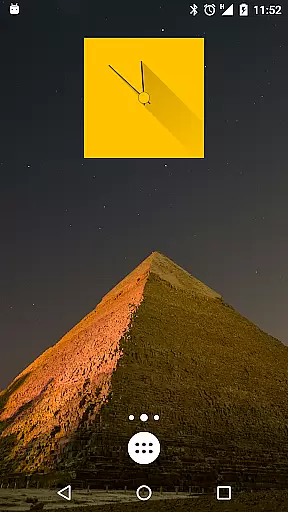
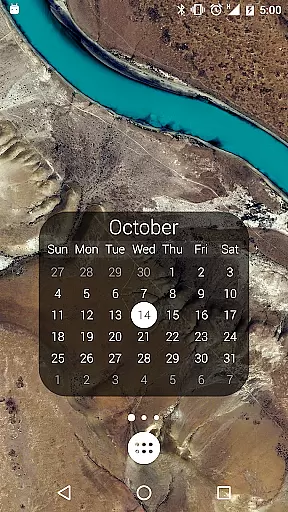
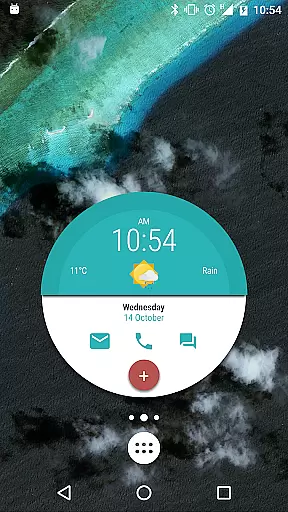
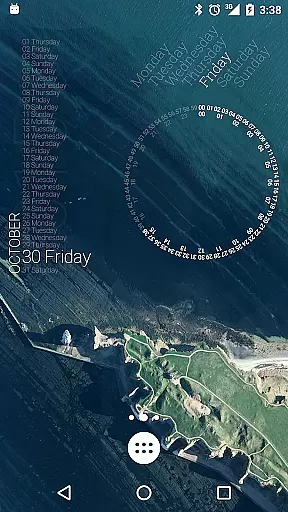
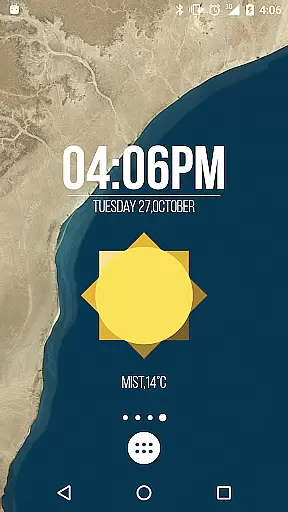
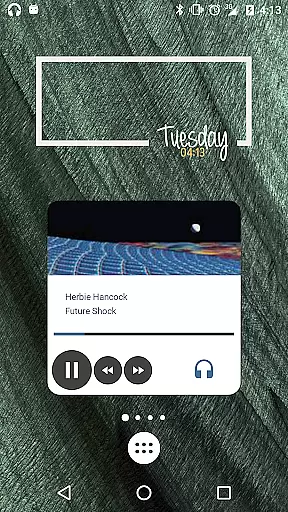
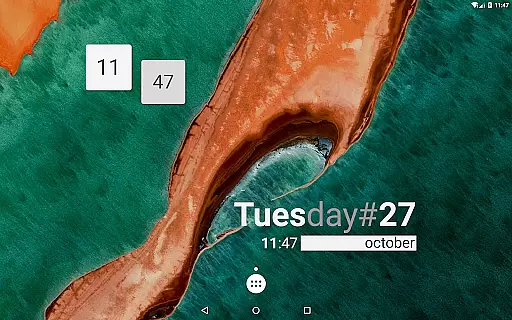
KWGT Kustom Widget Pro Key is a powerful tool designed to enhance the functionality of the Kustom Widget app, allowing users to create unique and customized widgets for their Android devices. This pro key unlocks advanced features such as ADS removal, import capabilities from SD cards, Buzz Launcher support, and more.
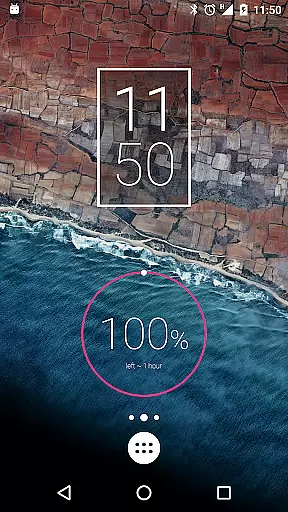
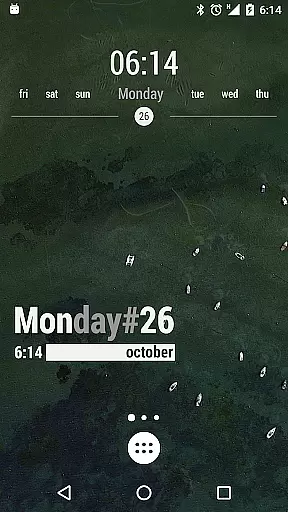
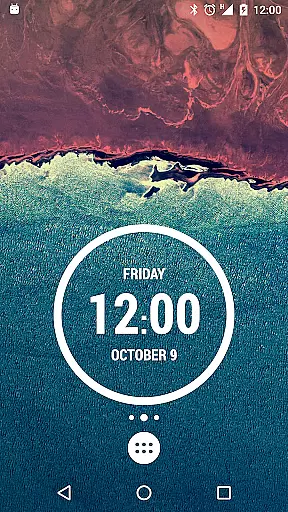
With this tool, users can design sophisticated digital and analog clocks, live map widgets, weather displays, battery meters, and even astronomy widgets. The customization options are nearly limitless, offering text effects, shapes, gradients, touch actions, and support for various image formats. KWGT also provides a complex programming language for conditional widget behavior based on time, location, or weather.
This application is ideal for tech-savvy users who want to personalize their device's interface with feature-rich widgets that display real-time data without compromising device performance.
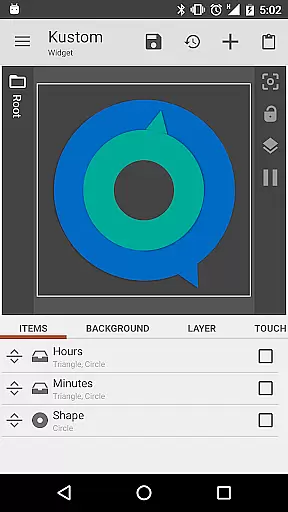
The KWGT Kustom Widget Pro Key offers an extensive range of features that make it stand out in the realm of widget creation tools. It includes WYSIWYG editing, enabling users to see their designs come to life as they build them. Users can create dynamic widgets displaying date, time, battery status, weather conditions, and even Google Fitness data.
Advanced functionalities include 3D transformations, curved text, gradient effects, Zooper-like progress bars, and layer overlay effects similar to professional photo editors. Additionally, KWGT supports touch actions, SVG graphics, HTTP content downloads, Tasker integration, and much more. These features ensure that users have complete control over both aesthetics and functionality.
By unlocking premium features like SD import and Buzz Launcher support, this pro key empowers users to maximize KWGT’s potential while supporting the developers behind this innovative tool.
KWGT Kustom Widget Pro Key is designed to enhance the functionality of the Kustom Widget app by unlocking advanced features that ensure precision and efficiency in widget creation. The tool provides users with a powerful WYSIWYG editor, enabling them to design unique widgets that display necessary data without compromising device performance.
With this pro key, users can import designs from SD cards and external sources seamlessly, ensuring that creative workflows are not interrupted. The ability to recover presets and support for Buzz Launcher imports further solidifies its role in maximizing productivity while maintaining the accuracy of user-created content.
The application supports complex functionalities such as 3D transformations, custom fonts, and sophisticated overlay effects akin to professional photo editing software. These capabilities allow users to create highly customized and visually appealing widgets, including dynamic live maps and astronomy tools, which respond accurately to various data inputs like time, weather, or touch interactions.
By removing ads and offering extensive customization options, KWGT ensures an uninterrupted and effective design process. Users benefit from enhanced features that cater to both aesthetic preferences and functional requirements, making it an indispensable tool for those looking to personalize their Android experience with precision.
The KWGT Kustom Widget Pro Key transforms the user interface of the Kustom Widget app into an intuitive and user-friendly design platform. By integrating seamlessly with the main application, it simplifies navigation through advanced features, allowing users to focus on unleashing their creativity without being hindered by complex menus or settings.
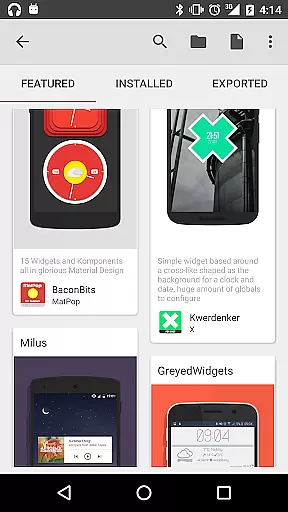
This tool introduces an impressive ease-of-use by providing pre-made skins and components that serve as starting points for new projects. With readily available templates, users can quickly modify existing designs rather than building from scratch, significantly reducing the learning curve associated with widget creation.
Moreover, KWGT's support for touch actions and hotspots on any created object demonstrates its commitment to simplifying interactivity within custom widgets. This intuitive approach empowers users to implement complex functionalities, such as changing backgrounds based on time or weather conditions, with straightforward gestures and interactions.
Overall, KWGT Kustom Widget Pro Key enhances the intuitiveness of the design process by streamlining access to powerful features while maintaining a clean and organized interface. This ensures that both novice and experienced designers can efficiently craft personalized widgets tailored to their specific needs without unnecessary complications.
Highly customizable
Versatile widget options
Advanced programming capabilities
Battery-efficient performance
Comprehensive data display
Requires separate app
Complex for beginners
Premium cost
Limited free resources
Steep learning curve

Connect instantly to a fast, encrypted VPN with one tap
 4.60
4.60
Unlock your Essential Key. Create custom shortcuts to your favorite apps!
4.3
VESC Tool can monitor and configure VESC-compatible devices over BLE and Wifi
4.20
Navigate with Ease and Style
4.90
Bedrock Together: Join any bedrock server on Xbox/PS
4.80
Screen Mirroring with sound for Samsung TV, LG TV, Sony TV, Smart TV and Browser
4.20
Clean up large files and similar photos, fast and easy to use
4.40
A clean app.
4.50
Screen recorder with audio to record high-quality videos and take screenshots.
4.40
Learn the vast amount of system information about device and monitor it's state
4.70
Protect your device with antivirus, storage cleanup, and system monitoring
4.70
HD Camera captures every special moment.
4.60 4.50
4.50
eXtended Permission Manager - a small app to manage permissions and AppOps
4.50
Game Booster, GFX Tool is now compatible with newer game update
4.50
Quickly check the frequency of the Earth
4.30
An open-source APK explorer for Android!
4.10
View detailed information about your Nissan Leaf the dealer never shows you.
4.10
1-Click close all background apps on Android TV
3.90


User Reviews