
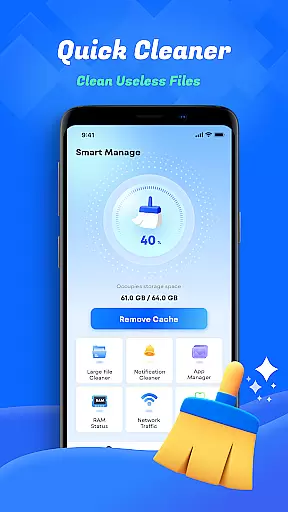
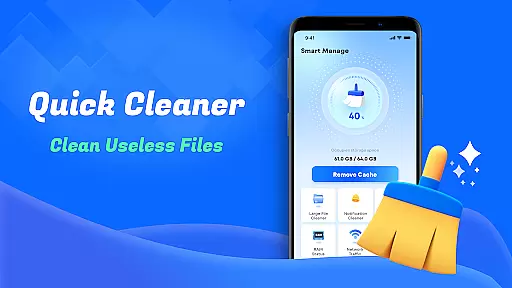
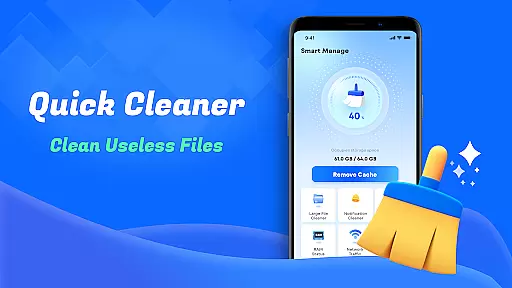
Smart Cleaner is a comprehensive phone cleaning tool designed to optimize device performance through efficient file management. The app specializes in removing unnecessary files, large files, and redundant screenshots while offering advanced features like similar photo detection and deletion.
In addition to its cleaning capabilities, Smart Cleaner provides detailed insights into device information and network usage. These features allow users to monitor their device's status, reclaim valuable storage space, and manage data consumption effectively. With its user-friendly interface, the app ensures that even non-technical users can easily maintain their devices.
Whether you're looking to free up storage or improve your device's speed, Smart Cleaner offers a one-click solution that simplifies the process. Its practical tools make it an essential utility for anyone seeking to enhance their smartphone's efficiency.
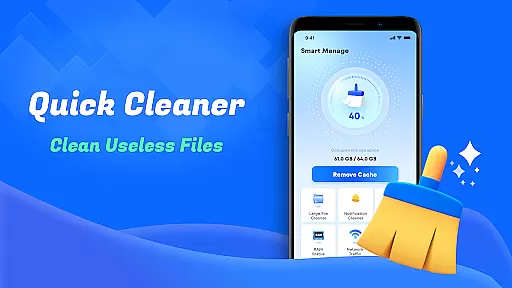
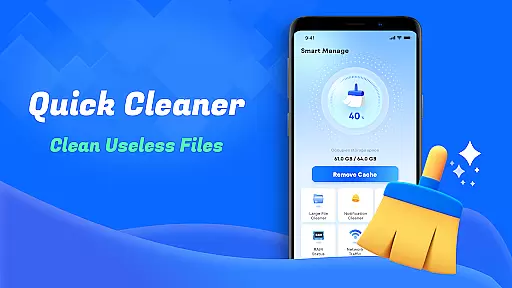
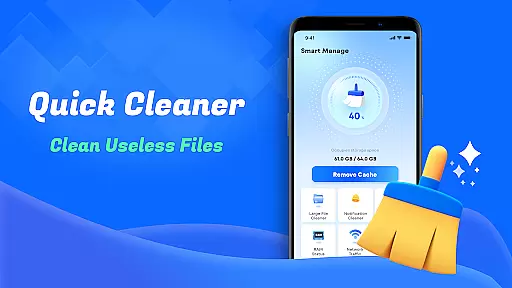
Smart Cleaner stands out with its diverse range of practical features tailored for device optimization. One of its core functionalities is the ability to clean unnecessary files with just one tap, ensuring your device remains clutter-free without requiring manual effort.
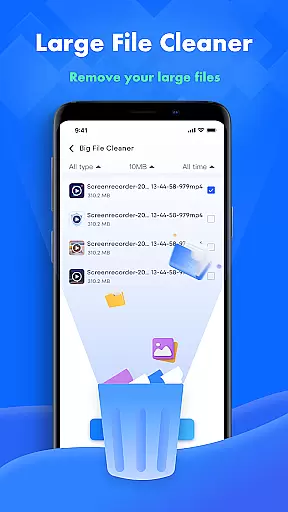
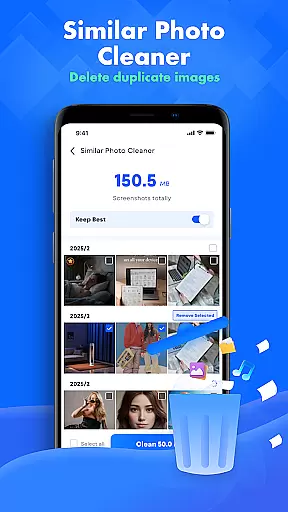
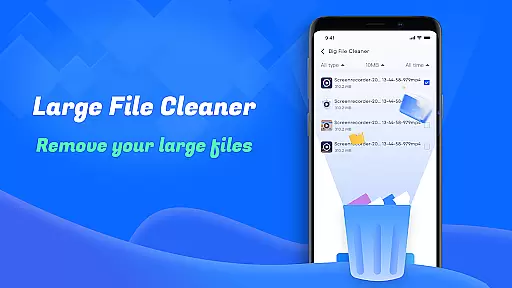
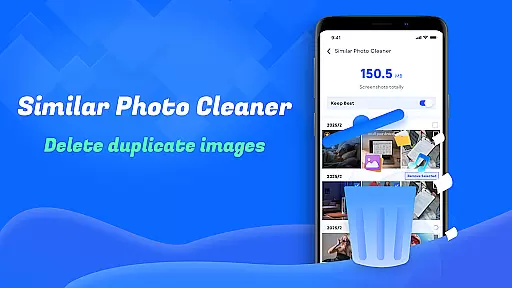
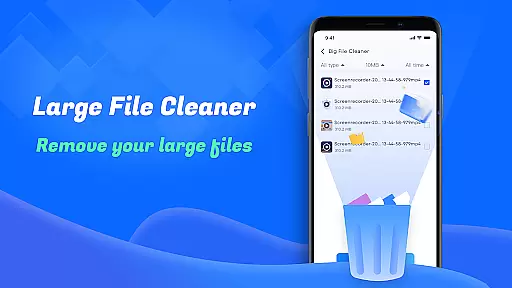
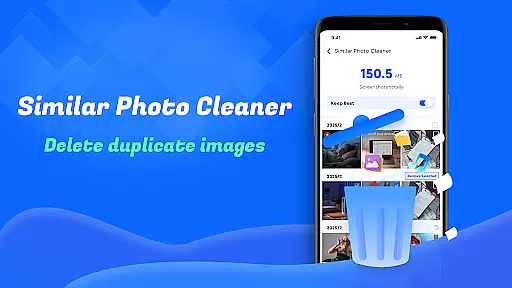
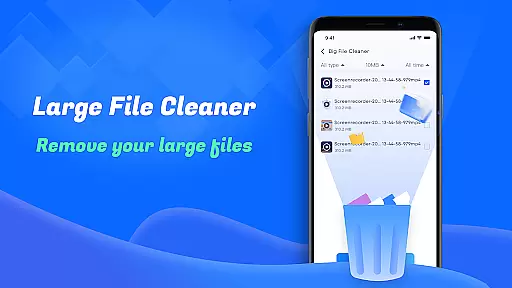
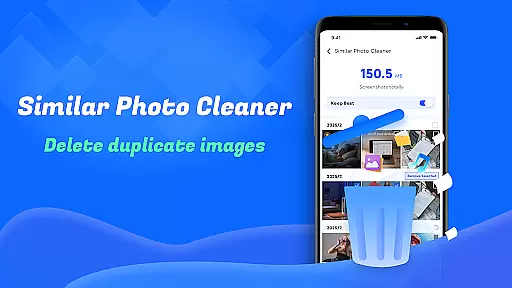
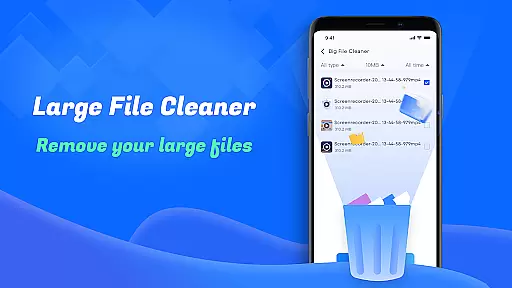
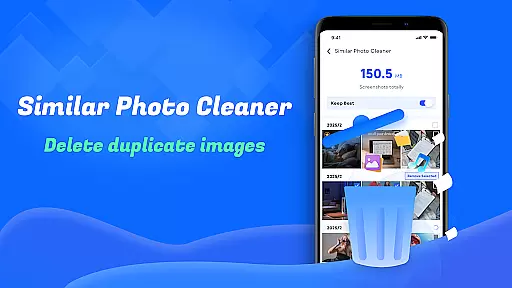
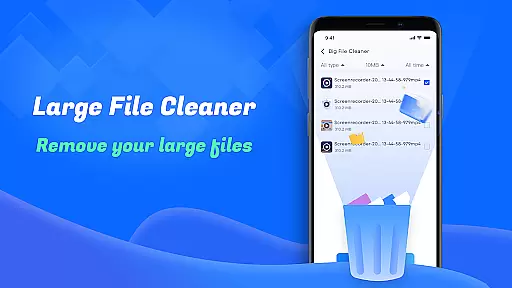
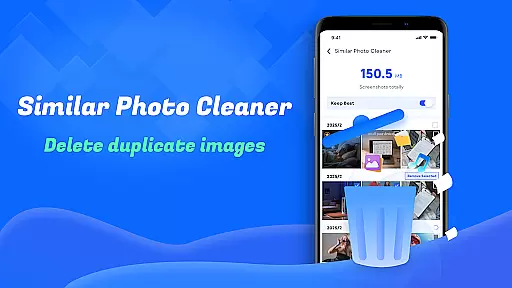
The app also includes specialized tools such as Large File Cleanup, which helps identify and remove bulky files taking up significant storage space. Another notable feature is Similar Photos, which detects duplicate or near-identical images, allowing users to keep only the best versions. Additionally, Screenshots Cleanup automatically finds and deletes redundant screenshots, further streamlining the cleaning process.
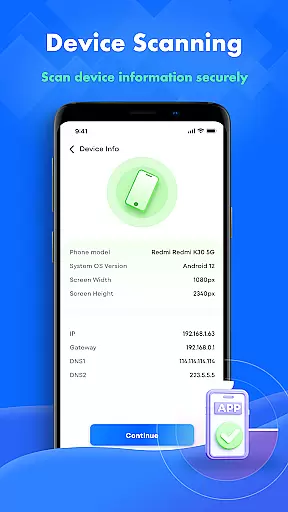
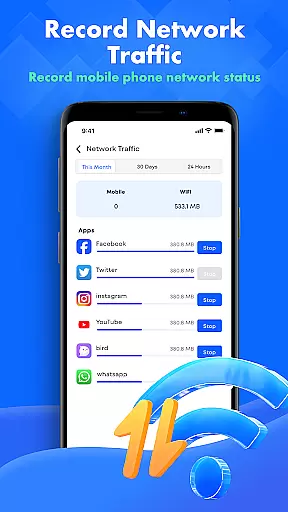
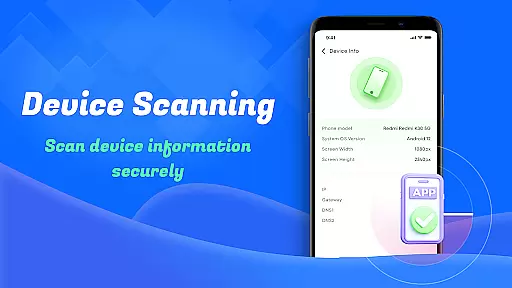
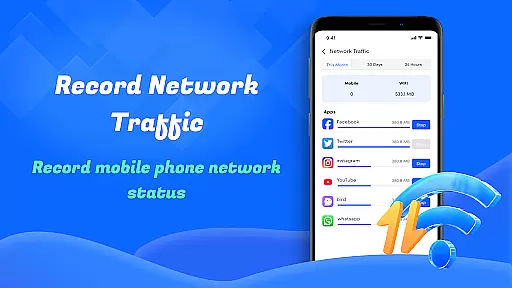
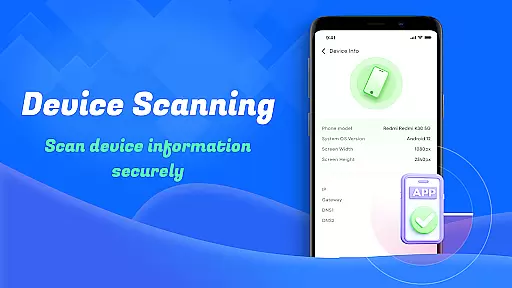
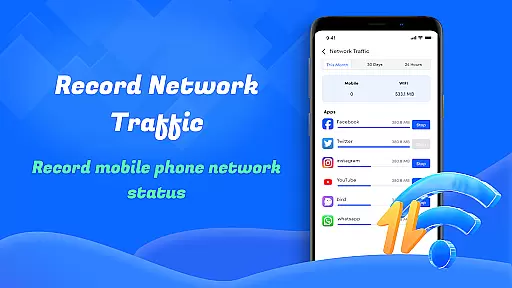
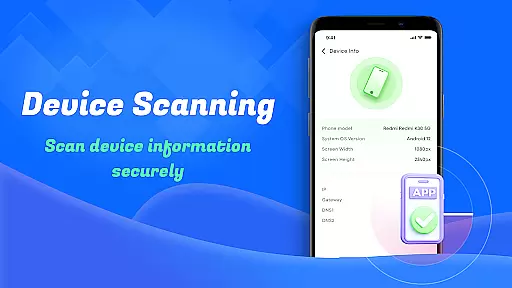
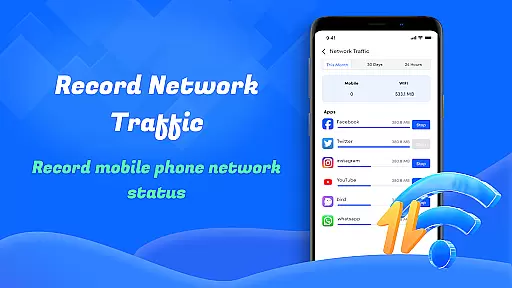
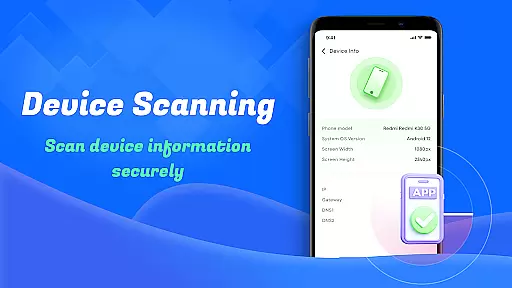
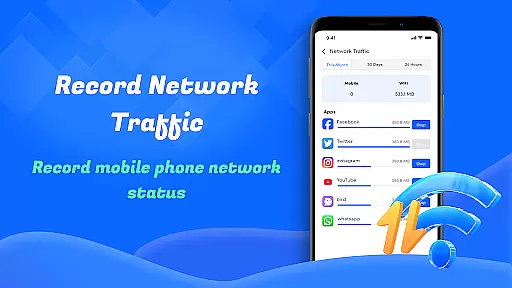
Beyond file management, Smart Cleaner offers Device Info Check and Network Usage Monitoring. These features provide users with critical insights into their device’s performance metrics and data consumption patterns, empowering them to make informed decisions about resource allocation and usage habits.
Smart Cleaner stands out for its precision in identifying and removing unnecessary files from your device. The app employs advanced algorithms to scan your storage thoroughly, ensuring that all redundant files are detected without affecting essential data.
The Large File Cleanup feature is particularly effective, allowing users to pinpoint sizable files that may be occupying valuable space. By presenting these files with clear details, the app empowers you to make informed decisions about which items to delete, thus optimizing your device's performance.
Additionally, the Similar Photos feature uses intelligent recognition technology to find duplicate images, enabling you to declutter your gallery efficiently. This functionality not only saves storage but also enhances your photo management experience by keeping your collection organized and streamlined.
One of the standout aspects of Smart Cleaner is its user-friendly interface, designed to make file management accessible even for those who aren't tech-savvy. The layout is clean and straightforward, with clearly labeled options that guide users through each cleaning task effortlessly.
Each feature, such as Unnecessary Files Cleanup and Screenshots Cleanup, is presented with simple instructions and intuitive controls. This ensures that users can execute cleanup operations with minimal effort, enhancing overall usability.
Moreover, the Device Info Check and Network Usage monitoring tools are integrated seamlessly into the interface, providing comprehensive insights without overwhelming the user. These elements combine to create an efficient and pleasant user experience, making device maintenance a hassle-free routine.
User-friendly interface
One-click cleaning functionality
Effective large file removal
Advanced similar photo detection
Detailed device performance reports
Limited customization options
No cloud backup integration
Occasional slow processing
Basic design aesthetics
Frequent permission requests

 4.50
4.50
Carry a FTP server in your pocket and avoid USB cables for file transfer
4.20
ADB support Android 4.X-Android 13(Support wireless pair mode).No root required!
4.70
Making emulation easy for everyone!
4.30
Undelete and recover your lost or deleted files with DiskDigger!
3.40
Screen Mirroring for Roku Sticks, Roku TCL TV and Roku Hisense TV
4.50
Introducing Smart Printer, your ultimate destination for printing solutions!
4.00
Your personal health butler
3.60
The ideal app to be the digital eye of your family
3.40
Best leveling tool for your Android device. Hang paintings like a pro.
4.90
Easily install aab(Android App Bundle) files on your Android device with our app
4.80
Small and simple app to Verify Root Access and BusyBox Install!
4.70
Play your X-Box games remotely in 1080p with any controller and zero latency
4.60
eXtended Permission Manager - a small app to manage permissions and AppOps
4.50
Use your phone as a webcam on your computer over WiFi or USB.
4.40
Quickly & easily calculate the spacing of handrail balusters
4.20
1-Click close all background apps on Android TV
3.90
Amateur Radio app for APRS: Track friends, exchange messages, get tactical info.
3.90
Unlock your Essential Key. Create custom shortcuts to your favorite apps!
4.5


User Reviews