
Game Booster 4x Faster Pro is a powerful tool designed to enhance your mobile gaming experience. This app offers a one-touch solution to optimize game performance, making it an essential utility for gamers. With advanced features like Auto Gaming Mode and AI-based optimization, it ensures smoother gameplay with rich graphics and minimal lag.
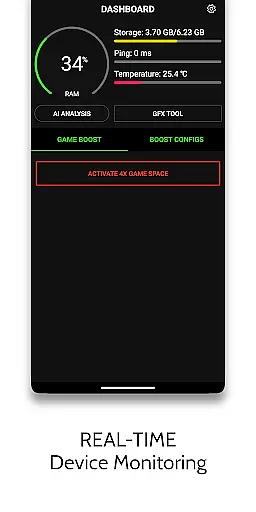
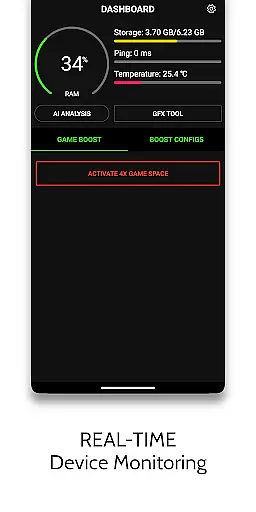
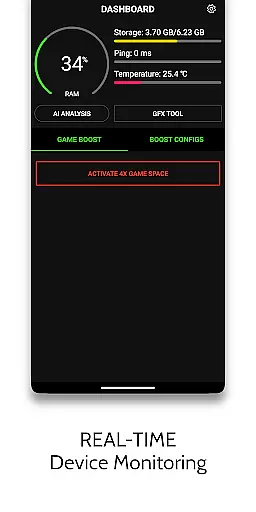
The application supports various customization options including resolution adjustment, HDR graphic enhancement, and FPS unlocking. It also provides real-time monitoring through its HUD Monitor feature, displaying critical information such as memory load, storage usage, device temperature, and network latency. These capabilities make it particularly useful for competitive gamers seeking peak performance on their devices.
By reducing CPU load and preventing device overheating, Game Booster 4x Faster Pro delivers a consistently fluid gaming experience. Its specialized functions cater to specific games, ensuring that users can enjoy optimized settings without compromising account safety or device stability.
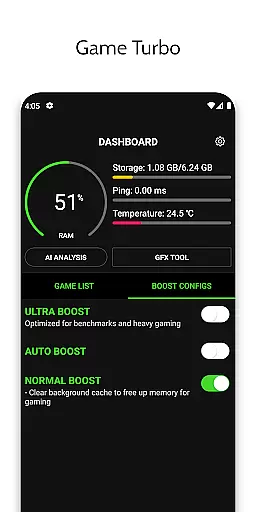
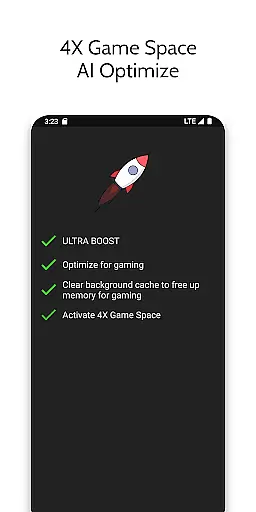
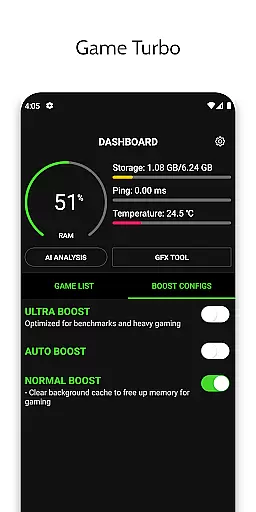
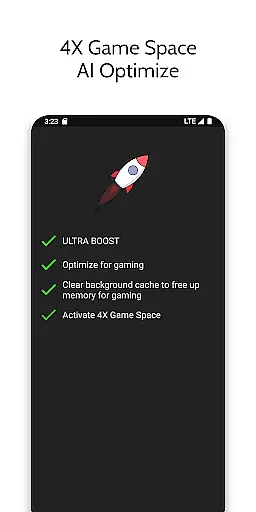
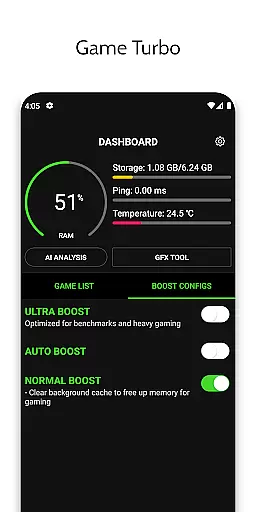
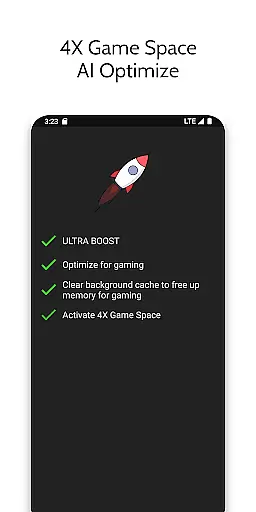
Game Booster 4x Faster Pro boasts an array of sophisticated features tailored to elevate gaming sessions. The app's Game Turbo function applies RAM-free tweaks and uses AI technology to fine-tune game settings automatically. This results in improved picture quality with HDR effects and ensures an overall smoother experience by optimizing system resources effectively.
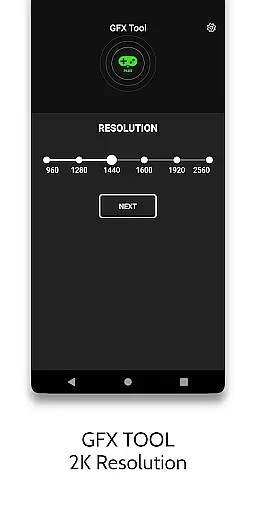
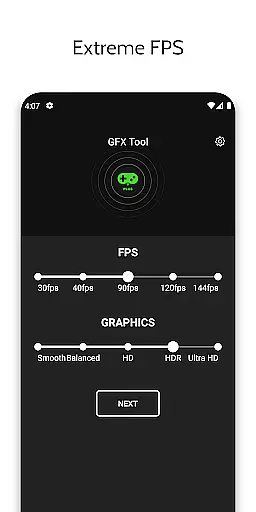
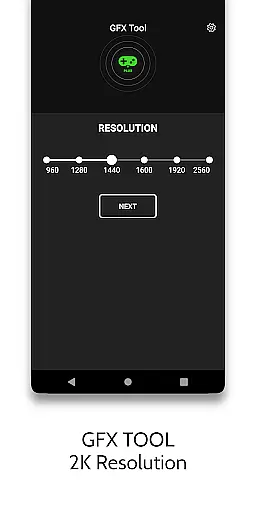
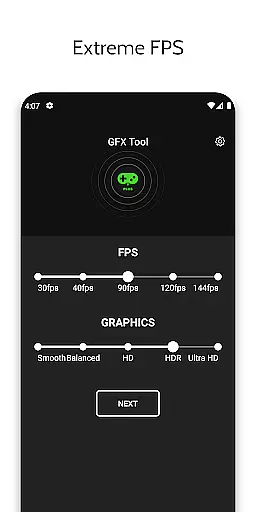
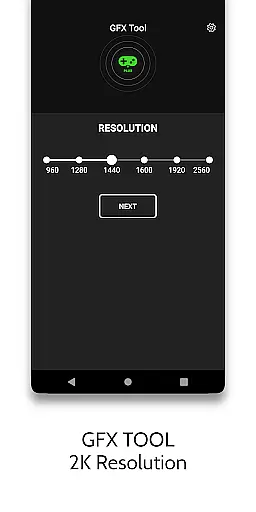
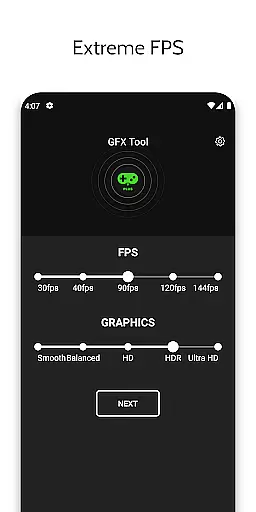
Included in its GFX Toolset are options to modify in-game resolutions up to 1080p, unlock HDR graphics even on lower-end devices, and push frame rates to extreme levels. Users can also adjust graphical styles according to personal preference. Additionally, the Zero Lag Mode refines game configurations for optimal performance while maintaining visual fidelity.
Beyond these enhancements, the app provides practical tools such as Quick Boost for instant optimization, Quick Launch for rapid game startup, and detailed gaming settings adjustments. With assurances of account safety and no risk of device damage, this comprehensive suite empowers players to customize their gaming environment confidently.
Game Booster 4x Faster Pro is designed to enhance gaming performance through its core functions, ensuring both accuracy and effectiveness. The app provides features like RAM-Free Tweak, AI optimization, and HDR picture quality, which collectively contribute to a smoother gaming experience. These functions are crucial for gamers who seek high performance without technical hitches.
The app's ability to unlock Extreme FPS levels and adjust game resolution makes it versatile for different devices, including low-end ones. By changing the graphics style settings and optimizing game configurations, users can enjoy an enriched visual experience that remains fluid and engaging. This level of customization ensures that each user can tailor their gaming environment to their preferences and device capabilities.
For users, this means experiencing reduced lag during gameplay, enjoying higher frame rates, and benefiting from enhanced graphics without worrying about device heating or CPU load. The app guarantees safety for user accounts, allowing gamers to use these advanced features freely without concern for negative repercussions. This assurance adds significant value, making it a reliable tool for competitive and casual gamers alike.
A simple and intuitive interface is vital for any tool aiming to improve user experience, and Game Booster 4x Faster Pro excels in this area. The app offers easy access to powerful features such as Auto Gaming Mode, Quick Boost, and Quick Launch, all designed to be operated with minimal effort. Users can activate these features with just one touch, streamlining the process of optimizing their gaming setup.
The HUD Monitor feature further exemplifies the app's focus on usability by providing real-time data on memory load, storage load, temperature, and network latency. This information is presented clearly, allowing users to monitor their device's performance effortlessly. Such transparency helps gamers make informed decisions about when to boost their games or manage resources effectively.
Overall, the straightforward design and logical layout ensure that even those new to gaming tools can navigate and utilize the app's features without a steep learning curve. By prioritizing ease of use alongside powerful functionality, Game Booster 4x Faster Pro delivers a seamless blend of simplicity and effectiveness, enhancing the overall gaming experience for users of all skill levels.
One-touch optimization
Advanced AI tuning
HDR graphic support
Extreme FPS unlocking
Real-time monitoring
Limited game compatibility
Premium version costly
Device heating possible
Internet permission required
Background app killing

 4.50
4.50
A powerful, easy-to-use flight computer on your phone or tablet!
3.80
FV File Manager Pro, Fast and powerful file manager for Android
4.60
Remote for Roku, Fire TV, Samsung TV, LG TV, Android TV, Chromecast and VIZIO TV
4.20
Clean the junk files on your device
3.40
Smart and comfortable browsing experience.
3.80
MS-DOS in your pocket. Play old DOS games anywhere you are ;)
4.10
Excellent scientific calculator with symbolic algebra, integrals, derivatives
4.80
Screen Mirroring with sound for Samsung TV, LG TV, Sony TV, Smart TV and Browser
4.20
Enjoy smooth gameplay with Game Booster
4.90
Optimize your WiFi network, turn your phone into Wifi Analyzer
4.70
NFC Tools can read and write NFC tags.
4.70
HD Video player and downloader for all formats, fast & smooth 4K video playback.
4.60
App to pay for FUTO Keyboard
4.60
Play your X-Box games remotely in 1080p with any controller and zero latency
4.60
Pro Emulator is an easy to use game console emulator for a range of consoles.
4.40
View detailed information about your Nissan Leaf the dealer never shows you.
4.10
Unleash gamepad precision for ultimate mobile gaming dominance.
3.90
card-reader app
2.20


User Reviews