
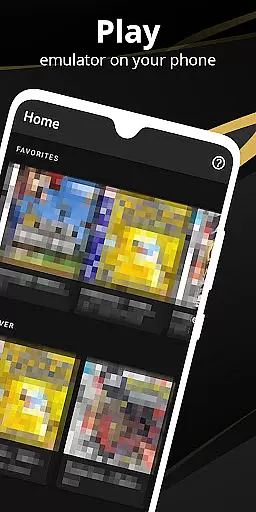

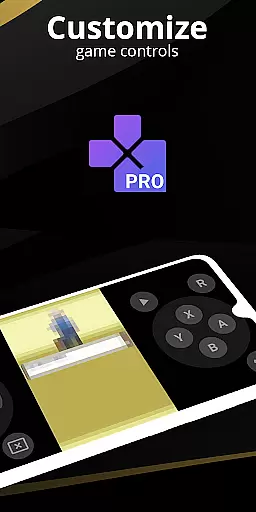
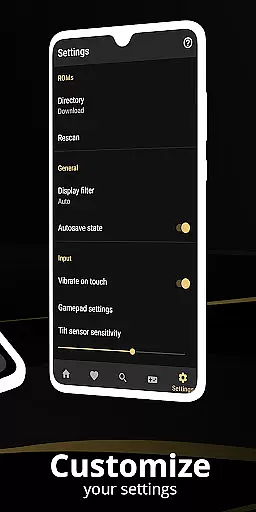
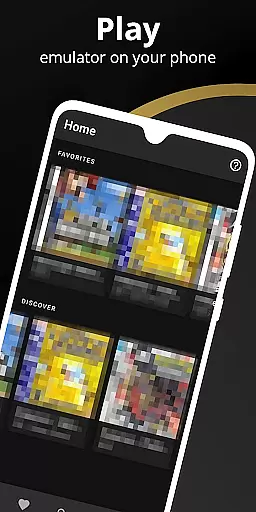
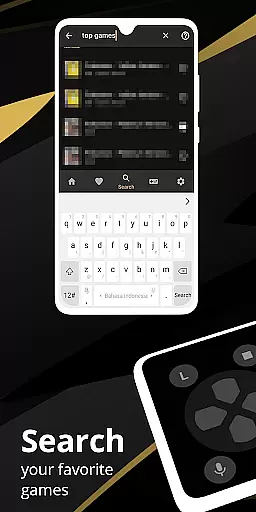
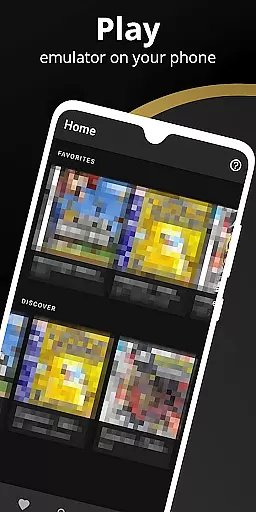
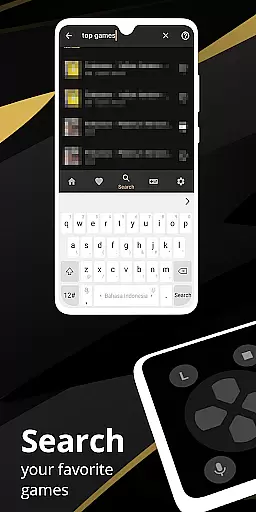
Pro Emulator for Game Consoles is a versatile emulator designed to bring classic gaming experiences to modern Android devices. This powerful tool supports emulation of various game consoles, ensuring high compatibility and seamless performance across multiple platforms, from smartphones to TVs.
The emulator offers advanced features such as automatic save states, quick load/save functionality, and optimized touch controls. It also includes support for external controllers, cloud save synchronization, and customizable on-screen key-mapping profiles. These capabilities ensure users can enjoy an authentic retro gaming experience with the convenience of contemporary technology.
Ideal for gaming enthusiasts who own physical or legally acquired digital copies of retro games, this emulator provides an impressive way to relive the nostalgia of classic titles while benefiting from enhancements like video filters and fast-forward options.
Pro Emulator for Game Consoles stands out with its comprehensive feature set tailored for an optimal user experience. One of its notable capabilities is the high-level BIOS emulation, which eliminates the need for BIOS files, thus simplifying setup and usage. The emulator also supports ROM patching and scanning, making it easy to manage extensive game libraries efficiently.
Performance optimization is another highlight, featuring OpenGL rendering and GLSL shaders that deliver enhanced graphics without compromising device battery life. Users can customize their experience further with a powerful screen layout editor, allowing precise positioning and sizing of on-screen controls. Additionally, innovative functionalities like tilt-to-stick support and gyroscope emulation provide immersive gameplay.
For multiplayer enthusiasts, the emulator facilitates local multiplayer sessions by connecting multiple gamepads to a single device. With seamless integration into Android ecosystems and support for both LCD/CRT display simulations, Pro Emulator ensures that gamers have access to a rich suite of tools that elevate their retro gaming sessions.
At the heart of any emulator lies its ability to accurately replicate the original console's performance. Pro Emulator for Game Consoles achieves this by offering very high game compatibility, ensuring nearly all games run without issues. The software meticulously emulates gyroscope, tilt, solar sensor, and even rumble features, providing an authentic experience that remains true to the original gameplay.
The emulator further enhances user experience with advanced functionalities such as lightning-fast emulation which not only provides seamless gameplay but also saves device battery. With support for IPS/UPS zipped ROM patching and a rendering backend optimized for both OpenGL and devices without a GPU, it caters to a wide range of hardware capabilities while maintaining exceptional speed and performance.
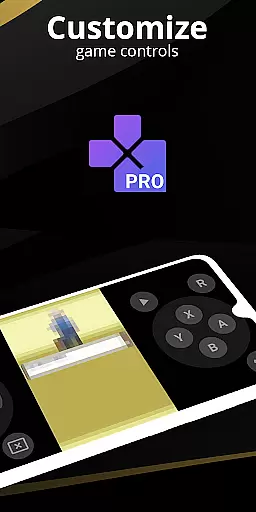
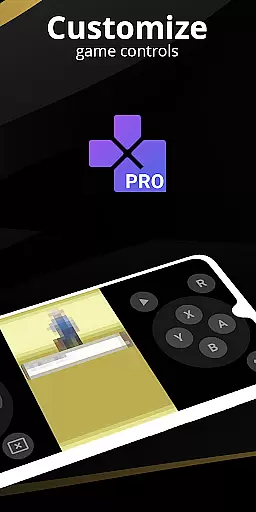
For users seeking customization, the emulator offers an extremely powerful screen layout editor. This feature allows gamers to define the position and size of on-screen controls as well as adjust video display settings. Such granular control ensures that each user can tailor their gaming setup to their personal preference, greatly enhancing comfort and playability.
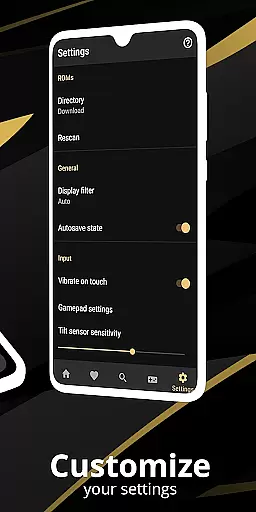
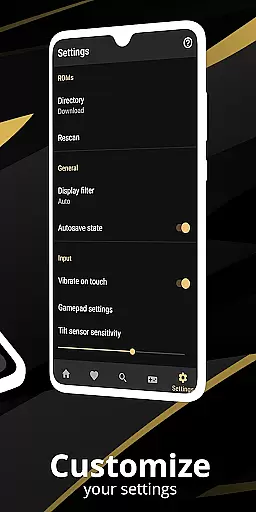
A successful tool is not only defined by what it does but also by how easily users can interact with it. Pro Emulator for Game Consoles boasts a clean and simple yet well-designed user interface that integrates seamlessly with the latest Android systems. Its intuitive design makes navigation effortless, allowing players to focus on their gaming experience without distraction from complex menus or options.
Touch control customization adds another layer of intuitiveness, letting users adjust the size and position of touch controls according to their preference. Whether using multi-touch capabilities or shortcut buttons like load/save, gamers will find these features enhance their interaction with the emulator significantly.
Moreover, external controller support including MOGA controllers and tilt-to-stick functionality cater to those who prefer traditional gaming peripherals over touchscreen interfaces. By combining straightforward access to advanced settings with versatile input methods, this emulator delivers an accessible yet comprehensive platform where both novice and experienced gamers feel at home.
High game compatibility
Optimized touch controls
Cloud save sync
External controller support
Customizable key-mapping
Powerful device required
No legal ROMs included
Complex setup process
Limited customer support
Battery consumption concerns

 4.50
4.50
HD Video player and downloader for all formats, fast & smooth 4K video playback.
4.60
Making emulation easy for everyone!
4.30
The one-and-only remote control for PC, Mac, and Linux
4.70
With videos, electrical calculators, and built-in ebook, Ugly’s has your answer.
4.50
Connect wirelessly to your computer to watch movies, browse the web, play games
5.00
Download any file easily and quickly with Downloader
4.5
Fast VPN USA for any country. Super secure VPN for calls, streaming, games, TV.
4.40
Your personal health butler
3.60
Powerful collection of electronics tools and reference.A must for any enthusiast
4.90
Remote Play with FSR upscaling, low latency & full controller support
4.80
Learn the vast amount of system information about device and monitor it's state
4.70
Protect your device with antivirus, storage cleanup, and system monitoring
4.70
The Ultimate Bluetooth Keyboard & Mouse. Securely control your PC, Mac, and more
4.50
Mirror your screen to Fire TV - Super fast and simple
4.40
Fluid navigation gestures for all of us!
4.30
Remote for Roku, Fire TV, Samsung TV, LG TV, Android TV, Chromecast and VIZIO TV
4.20
Create your own custom widget with endless possibilities
3.90
Undelete and recover your lost or deleted files with DiskDigger!
3.40


User Reviews