
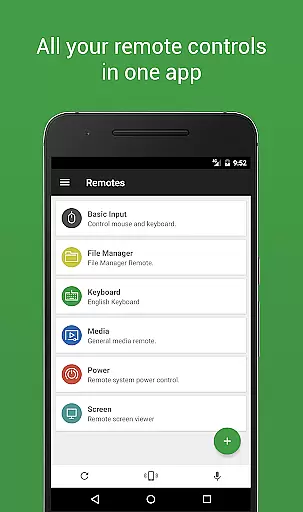
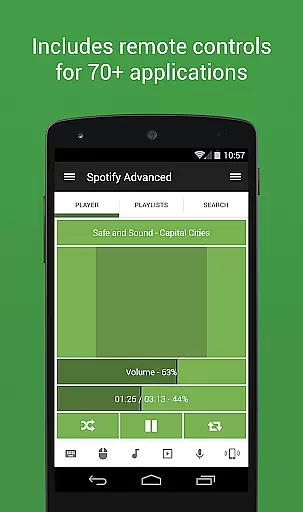

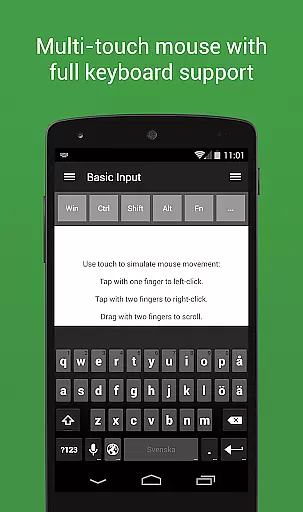
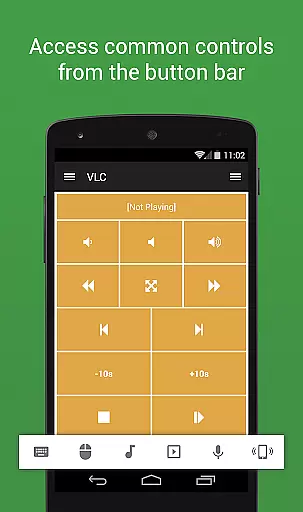
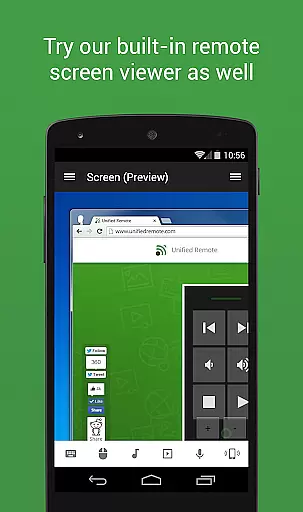
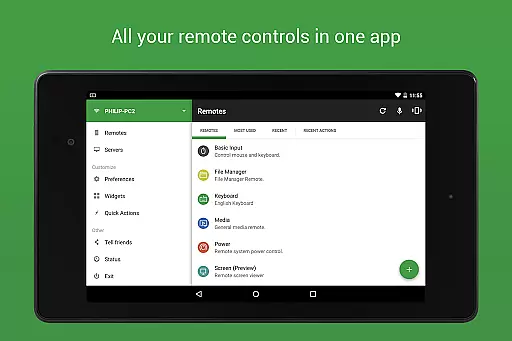
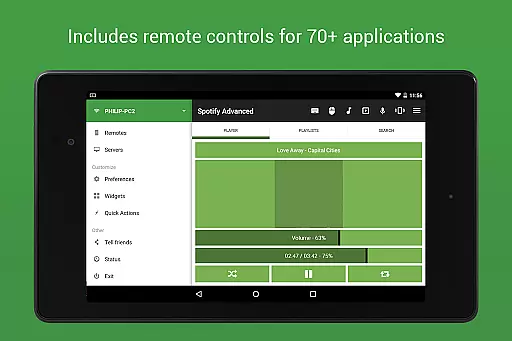
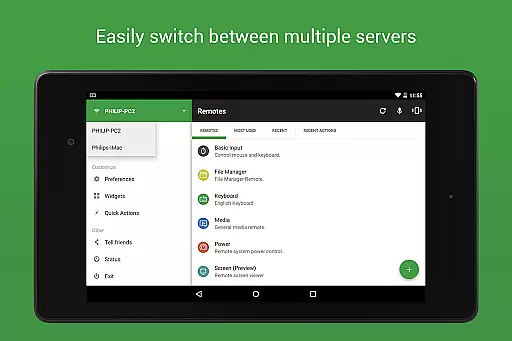
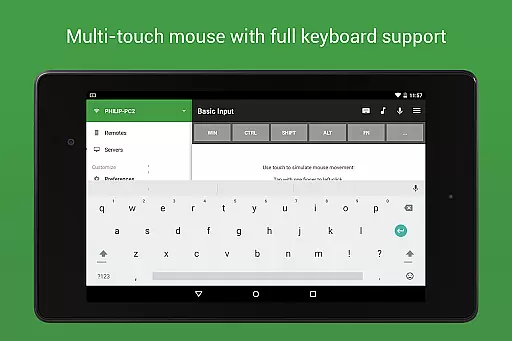
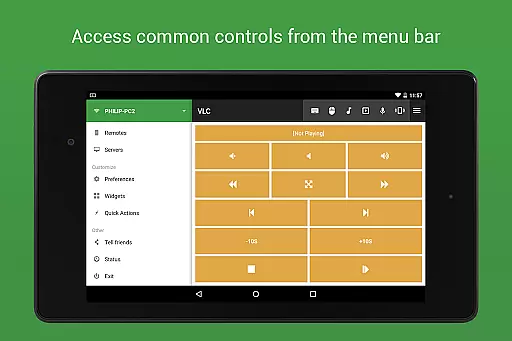
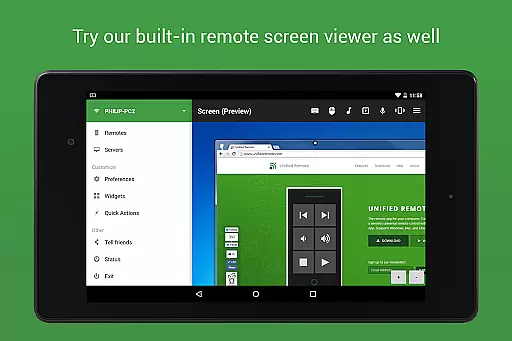
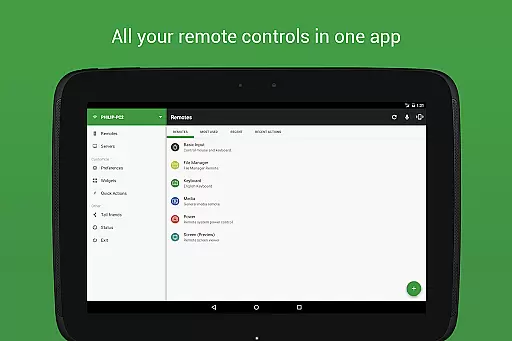
Unified Remote Full is the ultimate remote control solution for your computer, transforming your mobile device into a versatile WiFi or Bluetooth universal remote. Compatible with Windows PC, Mac, and Linux systems, this app offers an effortless way to control over 90 programs including mouse and keyboard functions, media players, presentations, screen mirroring, power controls, file managers, terminals, and more.
The app's standout feature is its comprehensive support for various devices and operating systems, making it an essential tool for users who want to streamline their digital experience. Whether you're looking to enhance your home entertainment system or improve productivity in your workspace, Unified Remote Full provides a seamless and secure connection through server password protection and encryption.
With additional support for Raspberry Pi and Arduino Yún, as well as advanced features like Wake On LAN, floating remotes, custom remotes, widgets, voice commands, and NFC actions, this app caters to both casual users and tech enthusiasts alike. Its intuitive interface and easy server setup ensure that even beginners can enjoy the benefits of remote control functionality.
Unified Remote Full boasts an impressive array of features designed to maximize convenience and efficiency. The app supports single and multi-touch mouse control, includes light and dark color themes, and allows users to wake their server using Wake On LAN technology. With automatic server detection, finding servers on your network has never been easier.
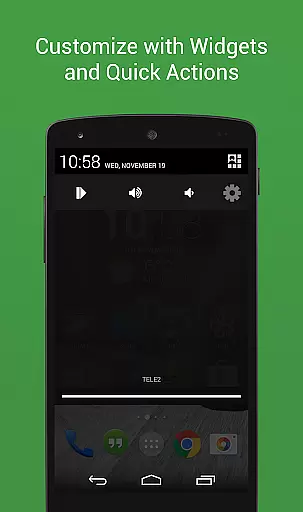
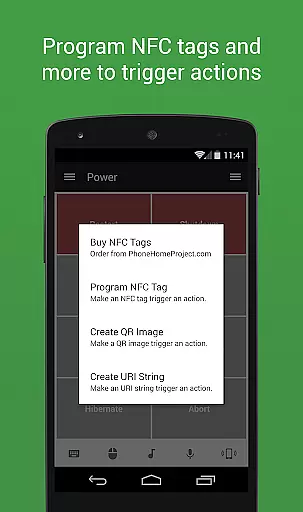
For those seeking enhanced customization, the app offers floating remotes that work over other apps, custom remotes, widgets, quick actions, and voice commands. Advanced functionalities such as IR actions, NFC actions, and Android Wear compatibility provide further flexibility, allowing users to tailor their remote control experience to their specific needs.
From controlling media players like Spotify and VLC to managing presentations in PowerPoint and Keynote, Unified Remote Full covers a wide range of use cases. It also supports browsers, media centers, streaming services, and even system-level controls like power management and file navigation. This versatility ensures that no matter what task you need to accomplish, Unified Remote Full has a solution ready for you.
Unified Remote Full excels in delivering precise and effective core functionalities that transform your device into a universal remote control for Windows, Mac, and Linux systems. The app supports over 90 programs, ensuring comprehensive coverage for various use cases.
The application provides seamless server and app setup with automatic server detection, making it easy to find servers on your network. This feature significantly enhances the user experience by reducing configuration hassles and ensuring quick deployment.
Security is a top priority, and Unified Remote Full incorporates server password protection and encryption. These measures ensure that your interactions with the controlled devices remain secure, providing peace of mind while using the app's powerful capabilities.
With support for both single and multi-touch mouse control, Wake On LAN, and custom remotes, users can enjoy an intuitive and flexible control experience. These features collectively enhance productivity and convenience, allowing users to manage their systems effortlessly.
The interface design of Unified Remote Full emphasizes simplicity and intuitiveness, ensuring that users can easily navigate through its extensive features without feeling overwhelmed. The app includes light and dark color themes, catering to user preferences and environmental conditions.
Unified Remote Full offers floating remotes, which allow users to control other apps directly without minimizing or switching contexts. This innovative feature streamlines multitasking and enhances the overall user experience by maintaining focus on the primary task.
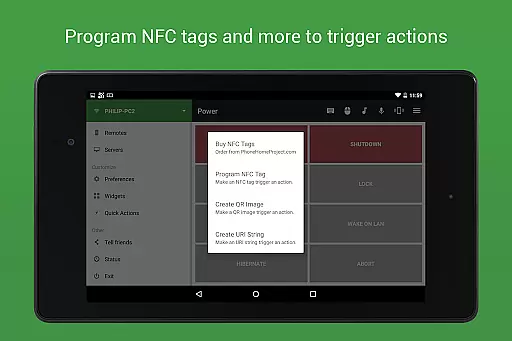
Voice commands and NFC actions further simplify interactions, enabling users to execute complex tasks effortlessly. These hands-free options make the app accessible and convenient, particularly in scenarios where manual input is impractical or inconvenient.
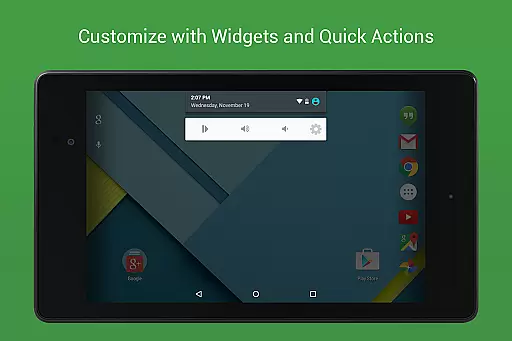
Additionally, the app supports widgets and quick actions, providing instant access to frequently used functions. This thoughtful design minimizes the steps required to perform essential tasks, thereby improving efficiency and user satisfaction.
User-friendly interface
Wide device compatibility
Comprehensive feature set
Secure connection options
Customizable remote controls
Premium version required
Complex setup for beginners
Limited free remotes
Occasional connectivity issues
Advanced features may overwhelm casual users

pdf merge, word to pdf, jpg to pdf, edit pdf, convert to pdf and much more!
 4.20
4.20
Just swipe the edge to do something!
4.40
Save any video in HD - paste the link, download fast and watch offline.
4.5
Safely recover deleted photos, videos, and files with a single easy tap.
3.70
A non-root local ADB shell client. READ BELOW!
3.40
Planner and Tracker for Stardew Valley
4.60
Screen Mirroring for Roku Sticks, Roku TCL TV and Roku Hisense TV
4.50
Screen Mirroring with sound for Samsung TV, LG TV, Sony TV, Smart TV and Browser
4.20
Introducing Smart Printer, your ultimate destination for printing solutions!
4.00
Bedrock Together: Join any bedrock server on Xbox/PS
4.80
HD Video player and downloader for all formats, fast & smooth 4K video playback.
4.60
Play your X-Box games remotely in 1080p with any controller and zero latency
4.60 4.50
4.50
Use your phone as a webcam on your computer over WiFi or USB.
4.40
Mirror your screen to Fire TV - Super fast and simple
4.40
Quickly check the frequency of the Earth
4.30
1-Click close all background apps on Android TV
3.90
card-reader app
2.20
Transfer Files, APK from Phone to Watch & Install.
4.1


User Reviews