
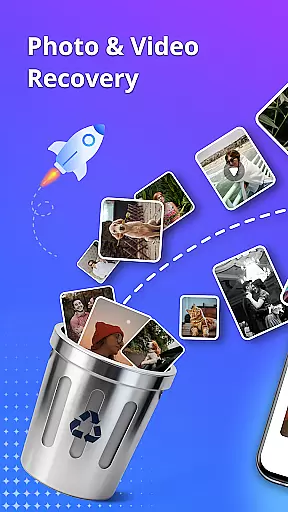



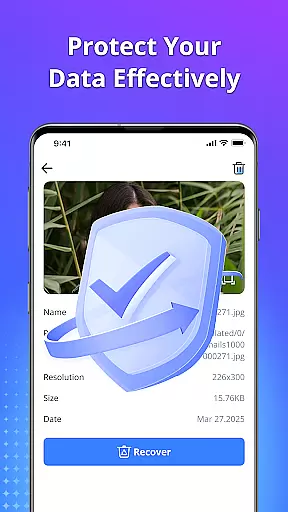
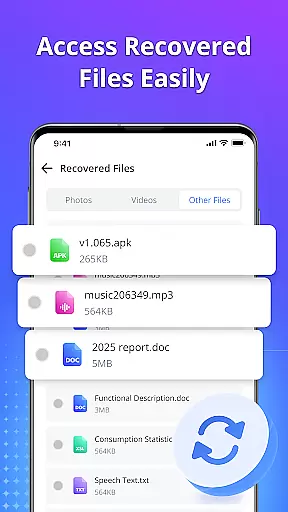
Restore Photo - Video Recover is a comprehensive data recovery tool designed to help users retrieve lost or deleted files from their devices. This application specializes in recovering photos, videos, audio files, and documents with minimal effort. Utilizing advanced deep scan technology, the app ensures that even hidden or temporarily deleted files can be located and restored quickly. The intuitive interface allows users to preview files before recovery, ensuring only desired content is retrieved. Available for use without requiring root access, this tool provides a secure and reliable solution for data recovery needs.
The app supports multiple file formats and offers HD-quality recovery, making it ideal for users who need to restore files with clarity and detail. Whether it's precious family photos, important work documents, or cherished video memories, Restore Photo - Video Recover helps bring lost digital content back to life. Additionally, the app includes a feature for securely deleting unwanted files, giving users control over their privacy and storage space.
Restore Photo - Video Recover stands out due to its robust set of features tailored for efficient data recovery. One of the key highlights is its deep scan technology, which thoroughly searches the device's storage to find lost or deleted files. This feature is complemented by an easy-to-use preview function that lets users view files before initiating the recovery process, ensuring precision and relevance in restoration.
Another notable feature is the app's ability to recover various types of files, including photos, videos, audio recordings, and documents. It supports multiple file formats and delivers recovered content in HD quality, preserving the original clarity and detail. The app also functions without needing root access, enhancing its accessibility and ease of use. Furthermore, users can organize recovered files into custom folders, providing a systematic approach to data management and retrieval.
Restore Photo - Video Recover is designed to provide users with a reliable solution for retrieving lost data. The app's core functionality lies in its ability to recover deleted photos, videos, audio files, and documents efficiently. With advanced deep scan technology, it ensures that even hidden or temporarily deleted files are found quickly and accurately.
The effectiveness of this tool is evident through its comprehensive features. Users can preview files before recovery, ensuring they restore only what is needed. This saves time and storage space while providing peace of mind. Additionally, the app supports multiple file formats, making it versatile for various user needs. Whether you're recovering images, videos, or important documents, Restore Photo delivers high-quality results every time.
One of the standout aspects of Restore Photo is its commitment to quality. It offers HD-quality recovery, which means your restored files retain their original clarity and detail. This feature is particularly beneficial for photographers and content creators who rely on high-resolution media. By using Restore Photo, users can trust that their recovered files will meet professional standards.
A user-friendly interface is crucial for any application, and Restore Photo excels in this area. The design focuses on simplicity and ease of use, allowing users to navigate the app effortlessly. Upon opening Restore Photo, users are greeted with clear instructions and intuitive controls that guide them through the recovery process step-by-step.
The app eliminates unnecessary complexity by offering straightforward options for scanning and recovering files. Users can initiate a scan with just one tap, and the results are displayed in an organized manner. This streamlined approach reduces the learning curve, making it accessible even for those who may not be tech-savvy. Furthermore, the ability to preview files before recovery adds another layer of convenience.
Overall, Restore Photo combines powerful functionality with an intuitive interface. Its simple yet effective design ensures that users can focus on what matters mostu2014recovering their valuable data without frustration. By prioritizing user experience, Restore Photo sets itself apart as a top choice in the Tools category.
User-friendly interface
Fast and reliable recovery
Supports multiple file formats
HD-quality restoration
No root access required
Limited advanced options for pro users
Occasional compatibility issues
In-app purchases necessary for full functionality
Basic user support
Interface may feel outdated

FV File Manager Pro, Fast and powerful file manager for Android
 4.60
4.60
Learn the vast amount of system information about device and monitor it's state
4.70
Quickly & easily calculate the spacing of handrail balusters
4.20
Small and simple app to Verify Root Access and BusyBox Install!
4.70
Create your own live wallpaper or check out thousands already made presets
3.90
A non-root local ADB shell client. READ BELOW!
3.40
With videos, electrical calculators, and built-in ebook, Ugly’s has your answer.
4.50
Quickly check the frequency of the Earth
4.30
Screen Mirroring with sound for Samsung TV, LG TV, Sony TV, Smart TV and Browser
4.20
Support Fossify apps with a warm thank you!
5.00
Bedrock Together: Join any bedrock server on Xbox/PS
4.80
The one-and-only remote control for PC, Mac, and Linux
4.70
Creation, Learning, Entertainment & More — The All-in-One AI Search Engine
4.70
Connect instantly to a fast, encrypted VPN with one tap
4.60
Keep track of your Palia friendships, tasks, and inventory with Palia Notebook
4.60
Mirror your screen to Fire TV - Super fast and simple
4.40
Clean up large files and similar photos, fast and easy to use
4.40
Amateur Radio app for APRS: Track friends, exchange messages, get tactical info.
3.90
Fun lie-detection pranks for friends and parties.
3.80


User Reviews